
Introduction
Welcome and thank you for choosing the TFA 30.1035 Vision Solar Digital Window Thermometer. This manual provides essential information for the proper setup, operation, and maintenance of your device. Please read these instructions carefully before use to ensure optimal performance and longevity of your thermometer.
Product Features
- Digital display for current, minimum, and maximum temperatures.
- Solar-powered light for automatic night illumination.
- Easy adhesive pad attachment for secure window mounting.
- Durable design suitable for outdoor use.
Package Contents
Verify that all items are present in your package:
- TFA 30.1035 Vision Solar Digital Window Thermometer
- 1 AAA Battery (included)
- Mounting materials (adhesive pad)
- User Manual (this document)
Setup and Installation
Battery Installation
The thermometer requires one AAA battery, which is included.
- Locate the battery compartment on the back of the thermometer.
- Open the battery compartment cover.
- Insert the AAA battery, ensuring correct polarity (+ and -).
- Close the battery compartment cover securely.
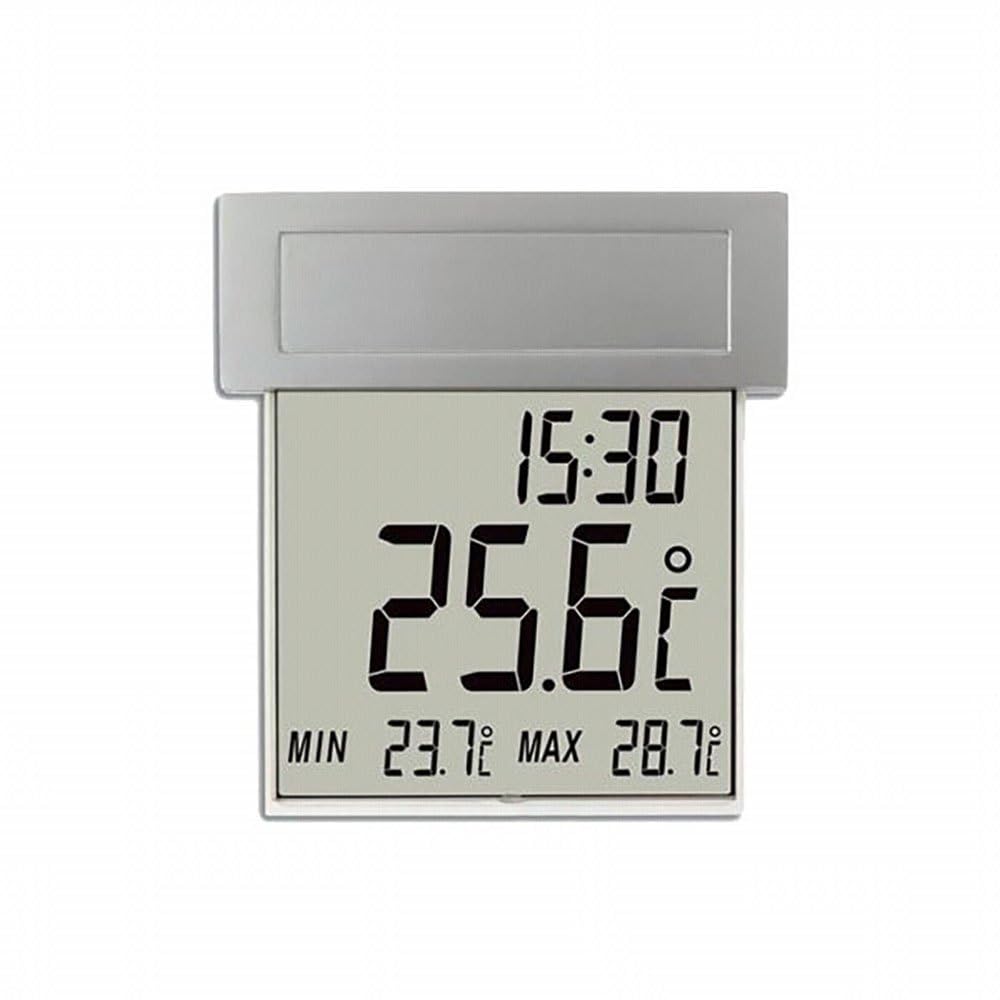
Image: Rear view of the TFA 30.1035 thermometer, indicating the battery compartment.
Mounting Instructions
The thermometer is designed for easy attachment to a window using the provided adhesive pad.
- Choose a clean, dry window surface, preferably on the outside, where the thermometer will receive adequate sunlight for the solar panel.
- Clean the chosen area on the window thoroughly to ensure optimal adhesion.
- Remove the protective film from the adhesive pad on the back of the thermometer.
- Press the thermometer firmly onto the window surface for at least 30 seconds.
- Allow the adhesive to set for a few hours before exposing it to extreme weather conditions.
Image: Front view of the TFA 30.1035 thermometer, showing it mounted on a window.
Operating Instructions
Display Information
The LCD display shows the current temperature, along with the daily minimum and maximum temperatures. The solar panel charges during the day, powering the automatic backlight for night visibility.
Resetting Minimum/Maximum Temperatures
The minimum and maximum temperatures are automatically reset daily. Refer to the device's display for specific reset times or any manual reset options if available.
Maintenance
- Cleaning: Wipe the thermometer and solar panel with a soft, damp cloth. Do not use abrasive cleaners or solvents, as these can damage the display or casing.
- Battery Replacement: Replace the AAA battery when the display becomes dim or stops functioning. Ensure correct polarity during replacement.
- Solar Panel: Keep the solar panel clean and free from obstructions (e.g., dirt, snow, leaves) to ensure efficient charging and proper backlight operation.
Troubleshooting
| Problem | Possible Cause | Solution |
|---|---|---|
| Display is blank or dim | Low battery or insufficient solar charge | Replace AAA battery. Ensure solar panel is clean and exposed to adequate sunlight. |
| Incorrect temperature readings | Thermometer exposed to direct sunlight or heat source; sensor obstruction | Relocate thermometer to a shaded area or away from direct heat sources. Ensure the temperature sensor is clear. |
| Backlight not working at night | Insufficient solar charge during the day | Ensure the solar panel receives adequate direct sunlight throughout the day. Clean the solar panel regularly. |
| Thermometer falls off window | Improper surface preparation; adhesive failure | Clean the window surface thoroughly before re-attaching. If necessary, use a new adhesive pad. |
Specifications
- Model: TFA 30.1035 Vision Solar
- Dimensions: 12.2 x 2.8 x 13.1 cm (Length x Width x Height)
- Weight: 244 g
- Power Source: Solar, 1 x AAA battery (included)
- Display Type: LCD
- Material: Plastic
- Special Features: Insulated, Solar Powered Light
- Manufacturer: TFA Dostmann GmbH & Co.KG
- Country of Origin: Germany
Warranty and Support
This product comes with a full 12-month warranty from the date of purchase. For warranty claims or technical support, please contact your retailer or the manufacturer directly.
Manufacturer: TFA Dostmann GmbH & Co.KG
For further assistance, please refer to the official TFA website or contact their customer service department.


