
Mount Plus DV202
Mount Plus DV202 Wall Mount Shelf Instruction Manual
Model: DV202 | Brand: Mount Plus
1. Introduction
Thank you for choosing the Mount Plus DV202 Single Strengthened Tempered Shelf Wall Mount. This manual provides essential information for the safe and correct installation and use of your new wall mount shelf. This shelf is designed to securely hold compact DVD players, Blu-ray players, cable boxes, game consoles, and other TV accessories, supporting up to 15 lbs.
Please read these instructions thoroughly before installation and retain them for future reference.
2. Package Contents
Verify that all components are present before beginning installation:
- Tempered Glass Shelf
- Metal Wall Plate/Bracket
- Complete Hardware Kit (screws, anchors, washers)
If any parts are missing or damaged, please contact customer support.
3. Safety Information
- Read all instructions: Ensure you understand all instructions before installation. If you have any doubts, consult a qualified professional.
- Weight Capacity: Do not exceed the maximum weight capacity of 15 lbs (6.8 kg). Overloading can result in serious injury or product damage.
- Wall Structure: Ensure the mounting surface can safely support the combined weight of the shelf and the equipment placed on it.
- Tools: Use appropriate tools for installation. Wear safety glasses and other protective gear as needed.
- Children: Keep children away from the installation area. Small parts may be a choking hazard.
- Placement: Do not install the shelf in areas prone to excessive vibration, direct sunlight, or high humidity.
4. Setup and Installation
Tools Required (not included): Pencil, Level, Drill, Screwdriver.
4.1. Choose Mounting Location
Select a suitable location on your wall, ensuring it is free from electrical wires, water pipes, or other obstructions. Consider the height relative to your TV and the length of your device cables.
4.2. Mark Drill Holes
- Hold the metal wall plate against the wall at your desired mounting height.
- Use a level to ensure the plate is perfectly horizontal.
- Mark the positions of the drill holes through the plate onto the wall with a pencil.
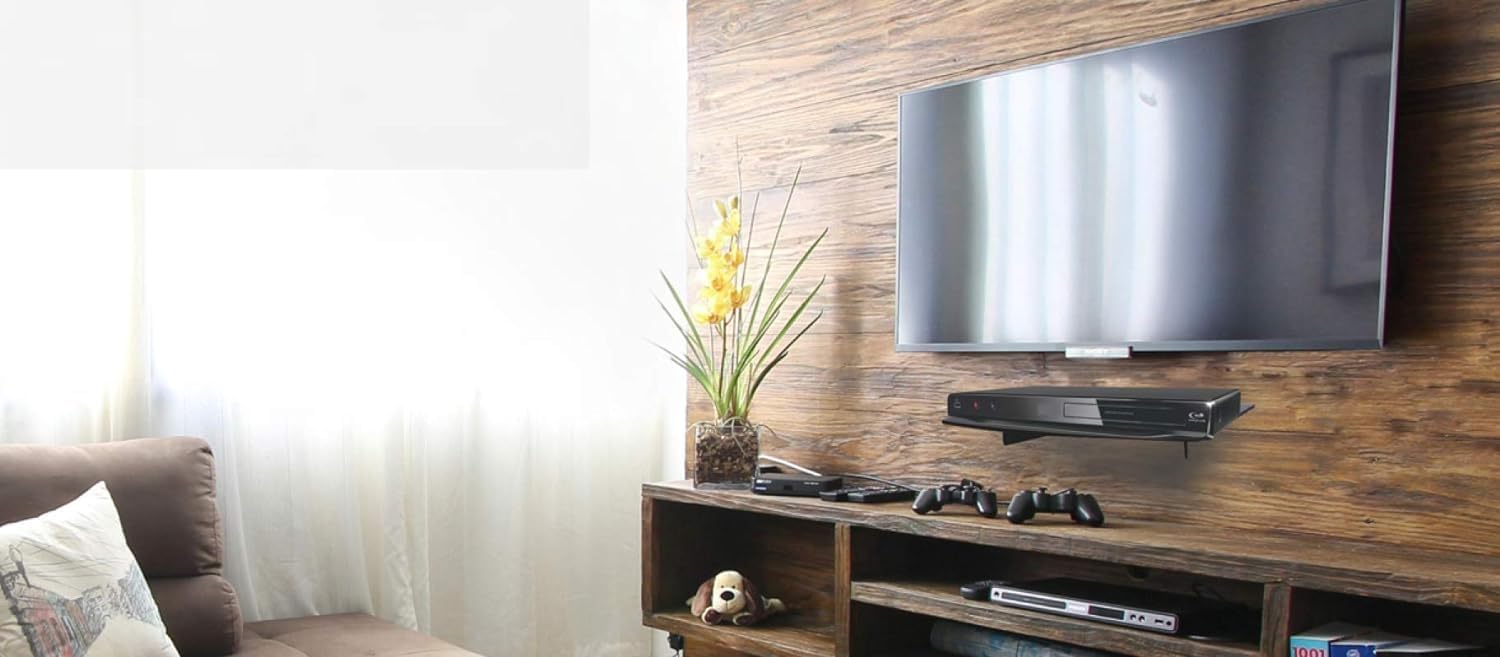
Image: The Mount Plus DV202 shelf installed below a wall-mounted television, showcasing its placement and use with a DVD player.
4.3. Drill Holes and Install Anchors
- For Wood Stud Installation: Drill pilot holes (recommended size will be in hardware kit instructions) directly into the center of the wood studs at the marked locations. No anchors are typically needed for wood studs.
- For Drywall/Concrete Installation: Drill holes at the marked locations. Insert the appropriate wall anchors (provided in the hardware kit) into the drilled holes. Tap gently with a hammer until flush with the wall surface.
4.4. Attach Wall Plate
- Align the wall plate with the drilled holes/anchors.
- Insert the mounting screws through the plate and into the wall/anchors.
- Tighten the screws securely until the wall plate is firmly attached to the wall. Do not overtighten.

Image: An underside view of the Mount Plus DV202 shelf, highlighting the metal bracket and the points where it attaches to the tempered glass.
4.5. Attach Glass Shelf
The tempered glass shelf attaches to the metal bracket. Ensure it is seated correctly and securely. Some models may use double-sided tape or screws to secure the glass to the bracket. Refer to the specific hardware instructions for your model.
4.6. Installation Video Guide
For a visual guide on the installation process, please watch the official product video below:
Video: An official installation guide for the Mount Plus DVD Wall Shelf, demonstrating the steps from marking the wall to securing the shelf.
5. Operating Instructions
Once the Mount Plus DV202 shelf is securely installed, you can place your desired electronic devices on it.
- Device Placement: Carefully place your compact DVD player, Blu-ray player, cable box, game console, or other TV accessories onto the tempered glass shelf.
- Weight Limit: Ensure the total weight of the devices placed on the shelf does not exceed 15 lbs (6.8 kg).
- Cable Management: The design allows for cables to be routed behind the shelf. Organize cables neatly to prevent strain and maintain a clean appearance.
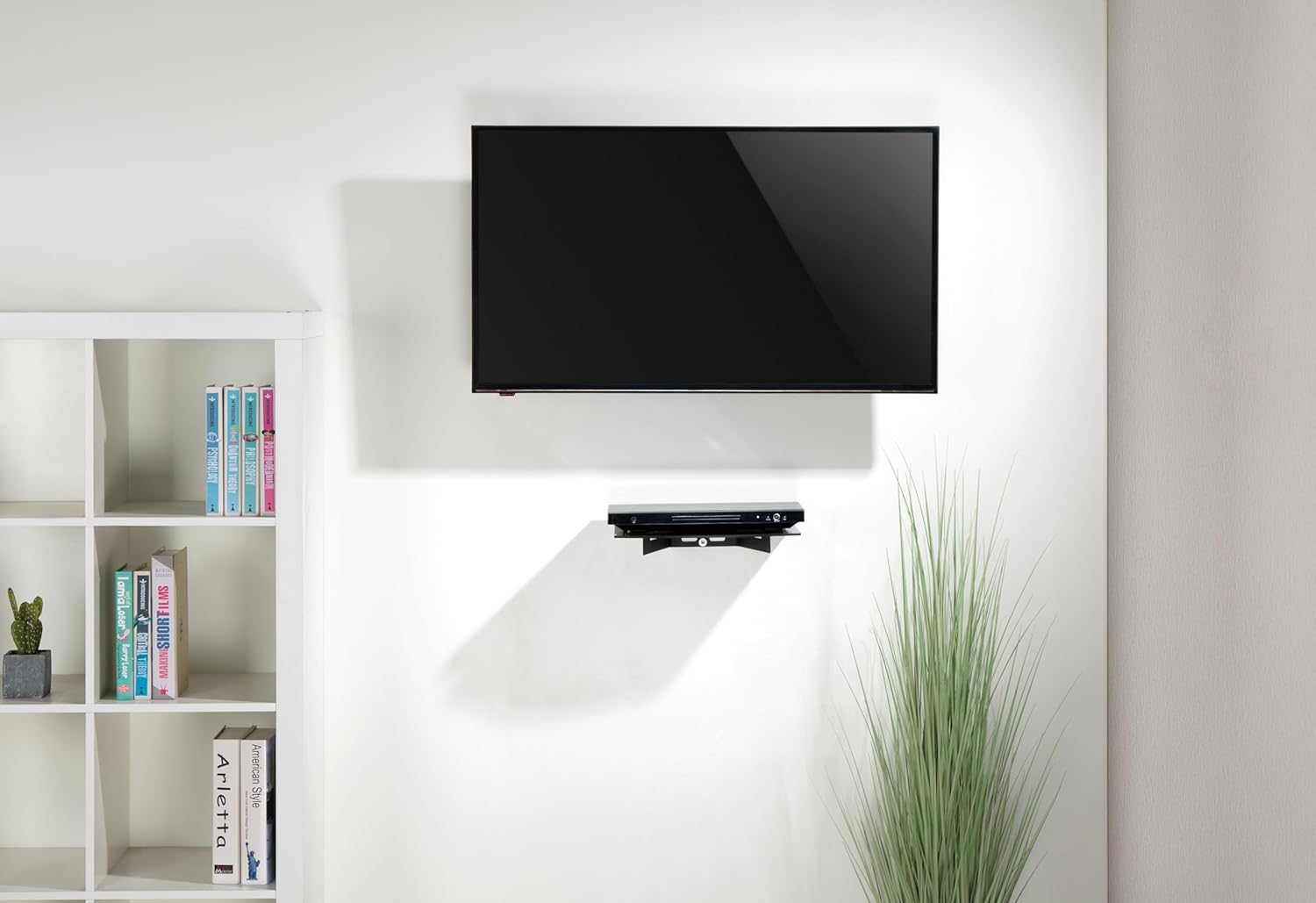
Image: The Mount Plus DV202 shelf in a living room setting, holding a DVD player beneath a wall-mounted television.
6. Maintenance
Regular maintenance will help preserve the appearance and functionality of your wall mount shelf.
- Cleaning the Glass: Use a soft, lint-free cloth and a glass cleaner to wipe the tempered glass surface. Avoid abrasive cleaners or harsh chemicals that could scratch or damage the glass.
- Cleaning the Metal Parts: Wipe the metal bracket with a soft, damp cloth. For stubborn marks, a mild soap solution can be used, followed by drying thoroughly.
- Periodic Checks: Periodically check all screws and connections to ensure they remain tight and secure. Retighten if necessary.
7. Troubleshooting
If you encounter issues with your Mount Plus DV202 shelf, refer to the following common problems and solutions:
- Shelf is not level:
- Ensure the wall plate was installed using a level.
- Check if the mounting screws are tightened evenly.
- Verify that the wall surface is flat and even.
- Shelf feels unstable or wobbly:
- Confirm all mounting screws are securely tightened.
- Ensure the correct wall anchors were used for your wall type (drywall, concrete, or wood stud).
- Verify that the weight on the shelf does not exceed the 15 lbs capacity.
- Difficulty routing cables:
- The shelf is designed with a gap between the wall and the back edge of the glass for cable pass-through. Ensure cables are not excessively thick or numerous, which could cause the glass to lift or become unstable.
- Consider using cable ties or sleeves for better organization.
8. Specifications
| Model | DV202 |
| Brand | Mount Plus |
| Mounting Type | Wall Mount |
| Movement Type | Fixed |
| Material | Metal, Tempered Glass |
| Color | Black |
| Compatible Devices | Compact DVD Player, Blu-ray, Cable Boxes, Game Consoles, TV Accessories |
| Weight Capacity | Up to 15 lbs (6.8 kg) |
| Dimensions (W x H x D) | 14.17 x 9.84 x 1 inches (36 x 25 x 2.5 cm) |
| Item Weight | 4 Pounds (1.8 kg) |
| UPC | 797734392487 |

Image: A diagram illustrating the key dimensions of the Mount Plus DV202 shelf, including its width, depth, and height, along with an icon indicating its weight capacity.
9. Warranty and Support
For warranty information, technical support, or assistance with missing/damaged parts, please contact the seller, EVG World, or the manufacturer, Mount Plus, directly through their official channels. Keep your purchase receipt as proof of purchase.
Related documentsDV202


Ask a question about this manual
Ask about setup, troubleshooting, compatibility, parts, safety, or missing instructions. Manuals+ will review the question and use this page’s manual context to help answer it.