
1. Introduction
This manual provides instructions for the safe and effective use of your HMF 10017-02 Cash Box. Please read this manual thoroughly before operating the cash box and retain it for future reference. This cash box is designed for organizing and securing cash and small valuables using a combination lock.
2. Safety Instructions
- Keep the cash box away from extreme temperatures and direct sunlight.
- Do not attempt to force the lock if it is not opening. Refer to the troubleshooting section.
- Keep the combination confidential and store it in a secure location separate from the cash box.
- This cash box is intended for general security and organization; it is not fireproof or waterproof.
3. Package Contents
Verify that all items are present in the package:
- HMF 10017-02 Cash Box
- Removable Coin Insert (with compartments for coins and banknotes)

Image 3.1: The HMF Cash Box with its lid open, revealing the empty interior and the combination lock on the front.
4. Setup
4.1 Initial Inspection
Upon unpacking, inspect the cash box for any signs of damage. If damage is found, do not use the product and contact customer support.
4.2 Setting Your Personal Combination
The cash box is equipped with a 3-digit combination lock. The factory default combination is typically 0-0-0. To set your personal combination:
- Open the cash box using the current combination (factory default 0-0-0).
- Locate the reset lever or button on the inside edge of the lock mechanism. This is usually a small lever that needs to be moved from position A to B (or a button that needs to be pressed and held).
- While the lever is in the reset position (or button pressed), set your desired 3-digit combination by rotating the number wheels. Choose a memorable but secure combination.
- Return the reset lever to its original position (or release the button). Your new combination is now set.
- Important: Test the new combination with the box open first to ensure it works correctly before closing and locking the box.

Image 4.1: A detailed view of the 3-digit combination lock on the HMF Cash Box, showing the number wheels and the release button.
4.3 Inserting the Coin Tray
The removable plastic coin insert can be placed directly into the main compartment of the cash box. It features multiple compartments for coins and banknotes, allowing for organized storage.
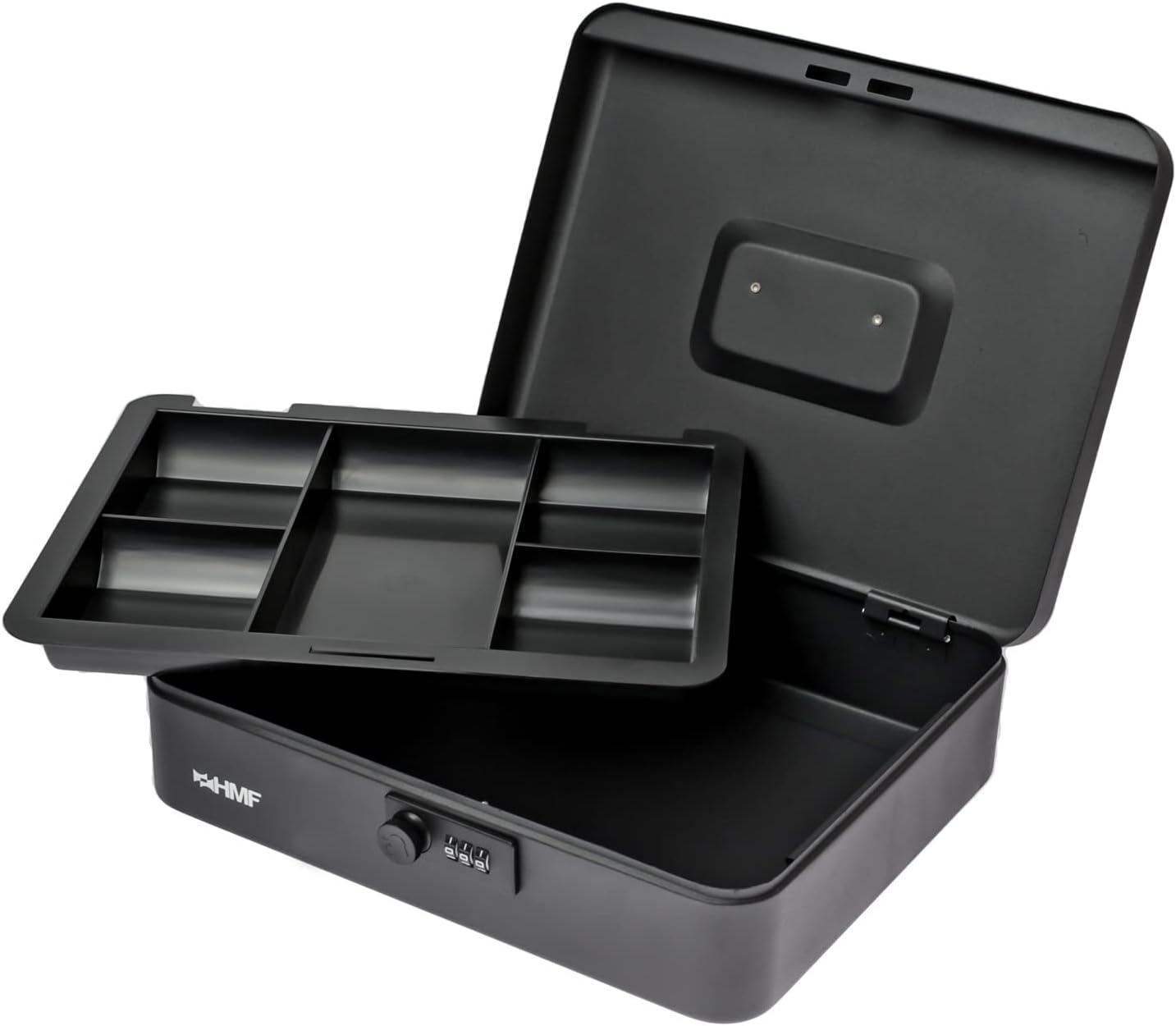
Image 4.2: The HMF Cash Box with its lid open and the removable coin insert lifted, showing the space beneath it.
5. Operating the Cash Box
5.1 Opening the Cash Box
- Align the number wheels to your set 3-digit combination.
- Press the release button or slide the lever next to the number wheels. The lid will spring open slightly.
- Lift the lid to fully open the cash box.

Image 5.1: The HMF Cash Box open, demonstrating the coin insert filled with various denominations of coins and banknotes.
5.2 Closing and Locking the Cash Box
- Close the lid firmly until it clicks shut.
- Scramble the number wheels to a random combination. This secures the lock.

Image 5.2: The HMF Cash Box in its closed position, showing the top surface and integrated handle.
5.3 Using the Coin Insert and Storage Space
The removable coin insert provides organized storage for various coin denominations and banknotes. Beneath the coin insert, there is additional space for larger banknotes, receipts, or other small items.
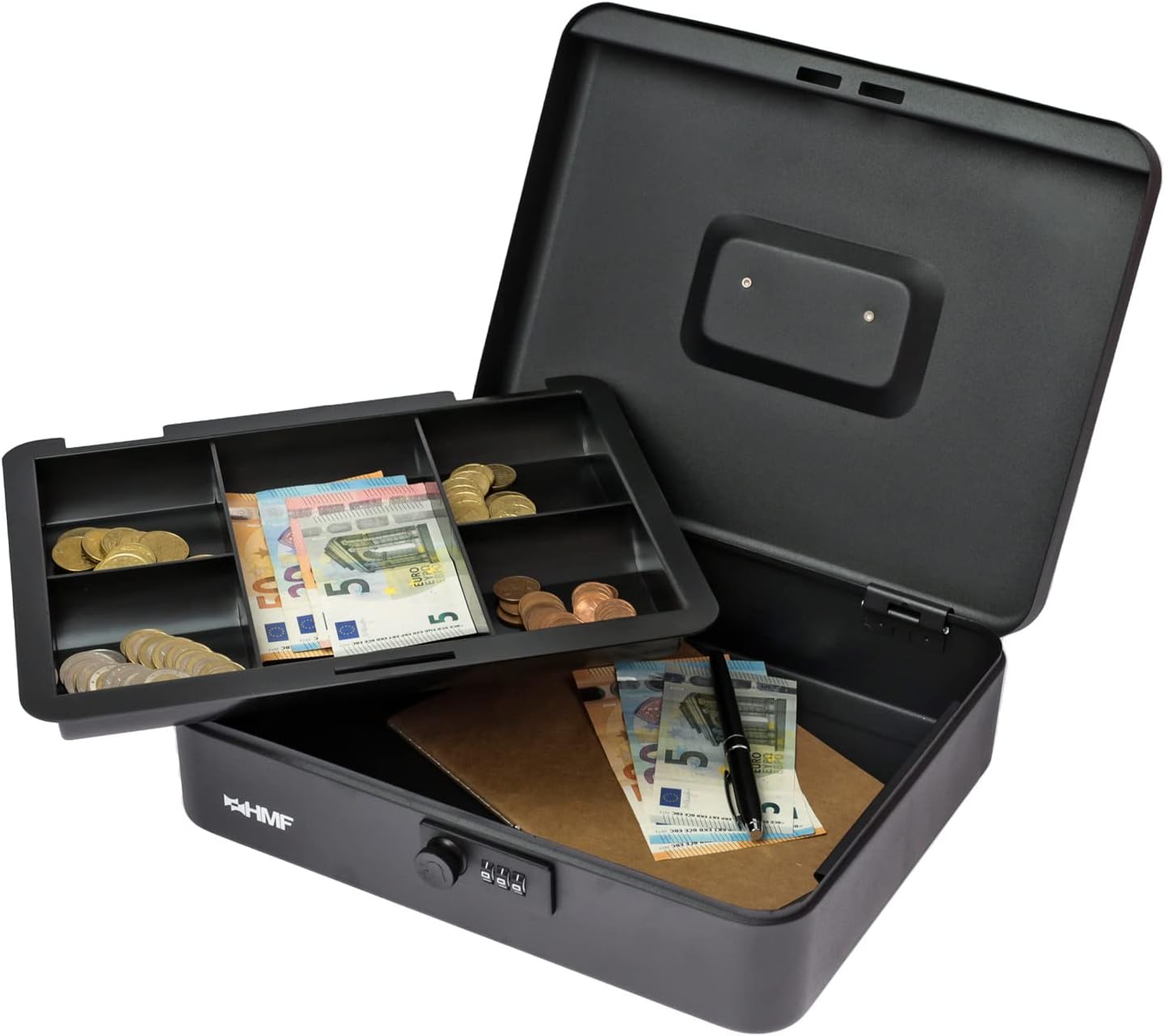
Image 5.3: The HMF Cash Box with the coin insert lifted, revealing banknotes and a notepad stored in the compartment below.
6. Maintenance
6.1 Cleaning
Wipe the exterior of the cash box with a soft, damp cloth. Avoid using abrasive cleaners or solvents, as these can damage the powder coating. Ensure the cash box is dry before closing.
6.2 Storage
Store the cash box in a dry environment to prevent rust or damage to the contents. When not in use for extended periods, ensure the lock mechanism is clean and free of debris.
7. Troubleshooting
7.1 Lock Not Opening
- Incorrect Combination: Double-check that you are entering the correct 3-digit combination. Ensure each number wheel is precisely aligned with the indicator mark.
- Lock Mechanism Jammed: Ensure no foreign objects are obstructing the lock mechanism. Gently jiggle the lid while entering the combination and pressing the release button.
- Forgotten Combination: If you have forgotten your combination, there is no master key or override for this type of lock. You may need to attempt common combinations or contact customer support for advice, though recovery of a forgotten combination is generally not possible.
7.2 Lid Not Closing Properly
- Obstruction: Ensure no items inside the cash box are preventing the lid from closing completely.
- Alignment: Check that the lid and base are properly aligned.
8. Specifications
| Model Number | 10017-02 / ZK00179 |
| Brand | HMF |
| Dimensions (W x D x H) | 30 x 24 x 9 cm (11.8 x 9.4 x 3.5 inches) |
| Weight | 1.5 kg (3.3 lbs) |
| Material | Alloy Steel |
| Color | Black |
| Lock Type | Combination Lock |
| Special Features | Portable, Removable Coin Insert |

Image 8.1: The HMF Cash Box with its dimensions (width 30cm, depth 24cm, height 9cm) clearly indicated.
9. Warranty Information
HMF products are manufactured to high-quality standards. For specific warranty details, please refer to the warranty information provided at the point of purchase or contact your retailer. Keep your proof of purchase for any warranty claims.
10. Customer Support
If you have any questions, require assistance, or encounter issues not covered in this manual, please contact the retailer where you purchased the HMF Cash Box. For general inquiries, you may also visit the official HMF website for further support information.

