
Introduction
The Blue Ox TT2302 TigerTrak is an essential component designed to improve the handling and stability of Workhorse chassis, specifically W20, W21, W22, and W24 models. This rear axle bar effectively eliminates the side shift of the axle in relation to the chassis frame. This lateral movement often causes a sensation of instability, prompting the driver to overcorrect with steering input. By minimizing this shift, the TigerTrak provides a more stable and predictable driving experience, reducing driver fatigue and enhancing overall safety.
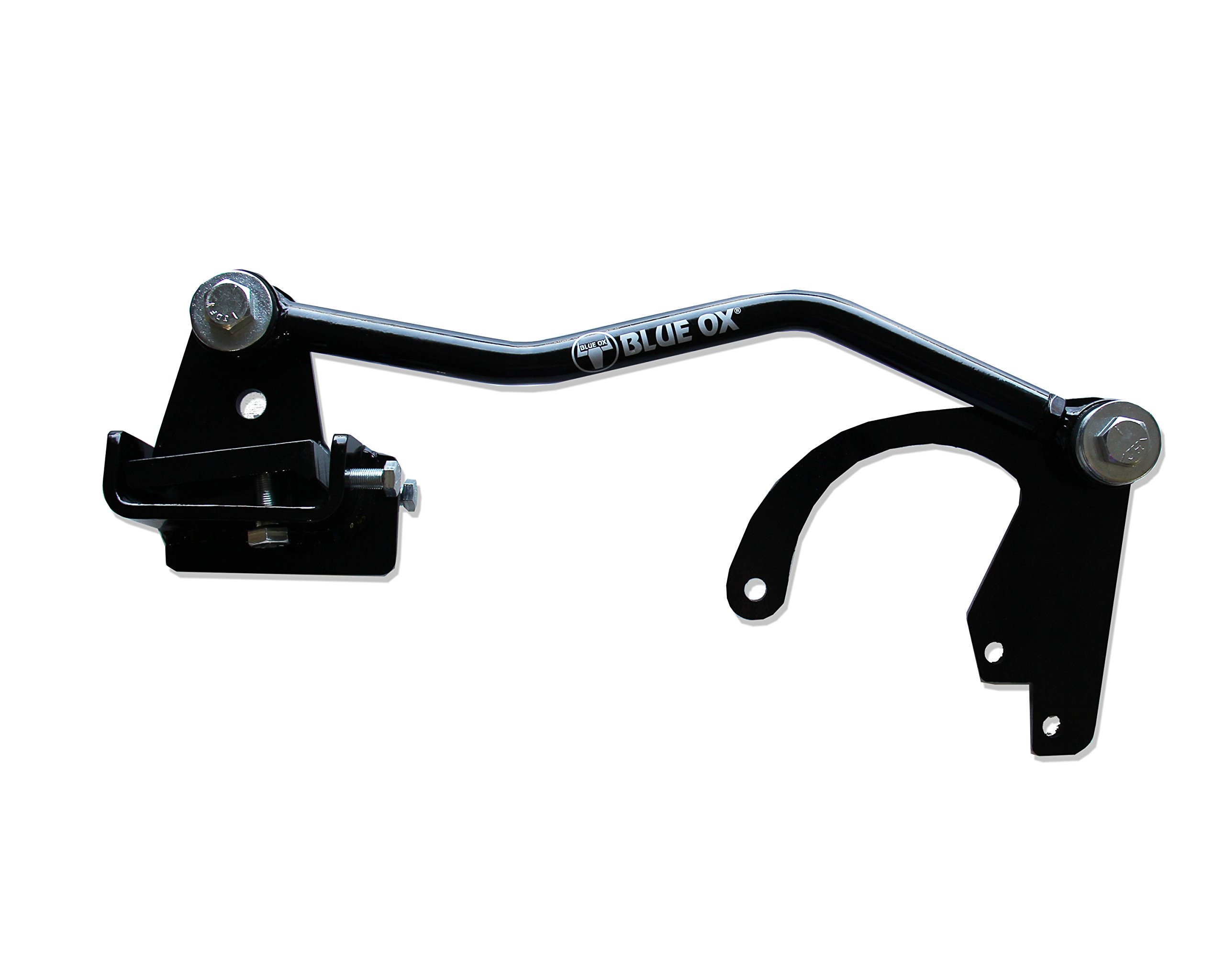
Product Specifications
| Specification | Detail |
|---|---|
| Manufacturer | Blue Ox |
| Brand | Blue Ox |
| Model Number | TT2302 |
| Product Dimensions | 16.51 x 22.86 x 97.79 cm |
| Item Weight | 11.8 kg (26.0 lb) |
| Country of Origin | United States |
| Compatible Chassis | Workhorse W20, W21, W22, W24 MHC Axle |
Setup and Installation
Installation of the Blue Ox TT2302 TigerTrak requires mechanical aptitude and appropriate tools. It is recommended to consult the detailed installation instructions provided by Blue Ox with the product packaging for specific steps and safety precautions. Professional installation is advised if you are not comfortable performing the procedure yourself.
General Installation Considerations:
- Ensure the vehicle is safely supported on a level surface before beginning installation.
- Identify the correct mounting points on the chassis frame and the rear axle.
- Carefully align all components before tightening fasteners.
- Pay close attention to the frame clamp installation, ensuring it is securely and correctly positioned as per manufacturer guidelines.
- Torque all bolts to the specifications provided in the official installation guide.
- After installation, perform a visual inspection to confirm all parts are correctly installed and secured.
Operation
The Blue Ox TT2302 TigerTrak is a passive mechanical device that operates continuously once installed. Its function is to maintain the lateral alignment between the rear axle and the chassis frame. There are no user-adjustable settings or operational controls required after installation. The benefits of reduced side shift and improved handling will be immediately noticeable during vehicle operation, particularly when encountering crosswinds, uneven road surfaces, or passing large vehicles.
Maintenance
The TigerTrak is designed for durability and requires minimal maintenance. Regular inspection is recommended to ensure optimal performance and safety.
- Visual Inspection: Periodically inspect all mounting bolts, brackets, and the bar itself for any signs of wear, damage, corrosion, or loosening.
- Fastener Check: Ensure all bolts remain properly torqued. Re-torque if necessary according to manufacturer specifications.
- Cleaning: Keep the unit free from excessive dirt, mud, and road salt, which can contribute to corrosion. Clean with mild soap and water if needed.
- Lubrication: Check the manufacturer's instructions for any specific lubrication requirements for pivot points, though typically these units are maintenance-free in terms of lubrication.
Address any issues promptly to prevent further damage or compromise to vehicle handling.
Troubleshooting
If you experience continued or new handling issues after installing the TigerTrak, consider the following:
- Persistent Side Shift:
- Verify that all installation steps were followed correctly.
- Check if all bolts are tightened to the specified torque.
- Inspect the TigerTrak components for any signs of bending, cracking, or damage.
- Ensure the correct model (TT2302) is installed for your specific Workhorse chassis (W20, W21, W22, W24).
- Unusual Noises:
- Check for loose fasteners or components making contact with other parts of the chassis.
- Inspect for any foreign objects lodged near the bar or its mounting points.
If troubleshooting steps do not resolve the issue, contact Blue Ox customer support or a qualified service technician.
Warranty and Support
For specific warranty information regarding the Blue Ox TT2302 TigerTrak, please refer to the warranty documentation included with your product or visit the official Blue Ox website. Blue Ox provides customer support for product inquiries, technical assistance, and warranty claims. Contact information can typically be found on their official website or in the product packaging.
Official Blue Ox Website: www.blueox.com

