
1. Introduction
Thank you for choosing the LogiLink ID-0027 Mouse Pad with Soft-Gel Wrist Support. This mouse pad is designed to provide comfort and precision for extended computer use, reducing wrist fatigue. Its ergonomic design and non-slip base ensure stable and comfortable operation for various mouse types.
2. Safety Information
- Keep the mouse pad away from direct sunlight and extreme temperatures.
- Avoid contact with sharp objects to prevent damage to the surface or gel support.
- Do not immerse the mouse pad in water. Refer to the maintenance section for cleaning instructions.
- Keep out of reach of small children and pets.
3. Package Contents
Please check the package for the following item:
- 1 x LogiLink ID-0027 Mouse Pad, Black

Image: The LogiLink ID-0027 Mouse Pad shown alongside its retail packaging.
4. Setup
Setting up your LogiLink ID-0027 Mouse Pad is simple:
- Unpack the mouse pad from its packaging.
- Place the mouse pad on a clean, flat, and stable surface where you typically use your computer mouse.
- Ensure the non-slip base is in full contact with the desk surface to prevent movement during use.

Image: A top-down view of the black LogiLink mouse pad, highlighting the integrated gel wrist rest.
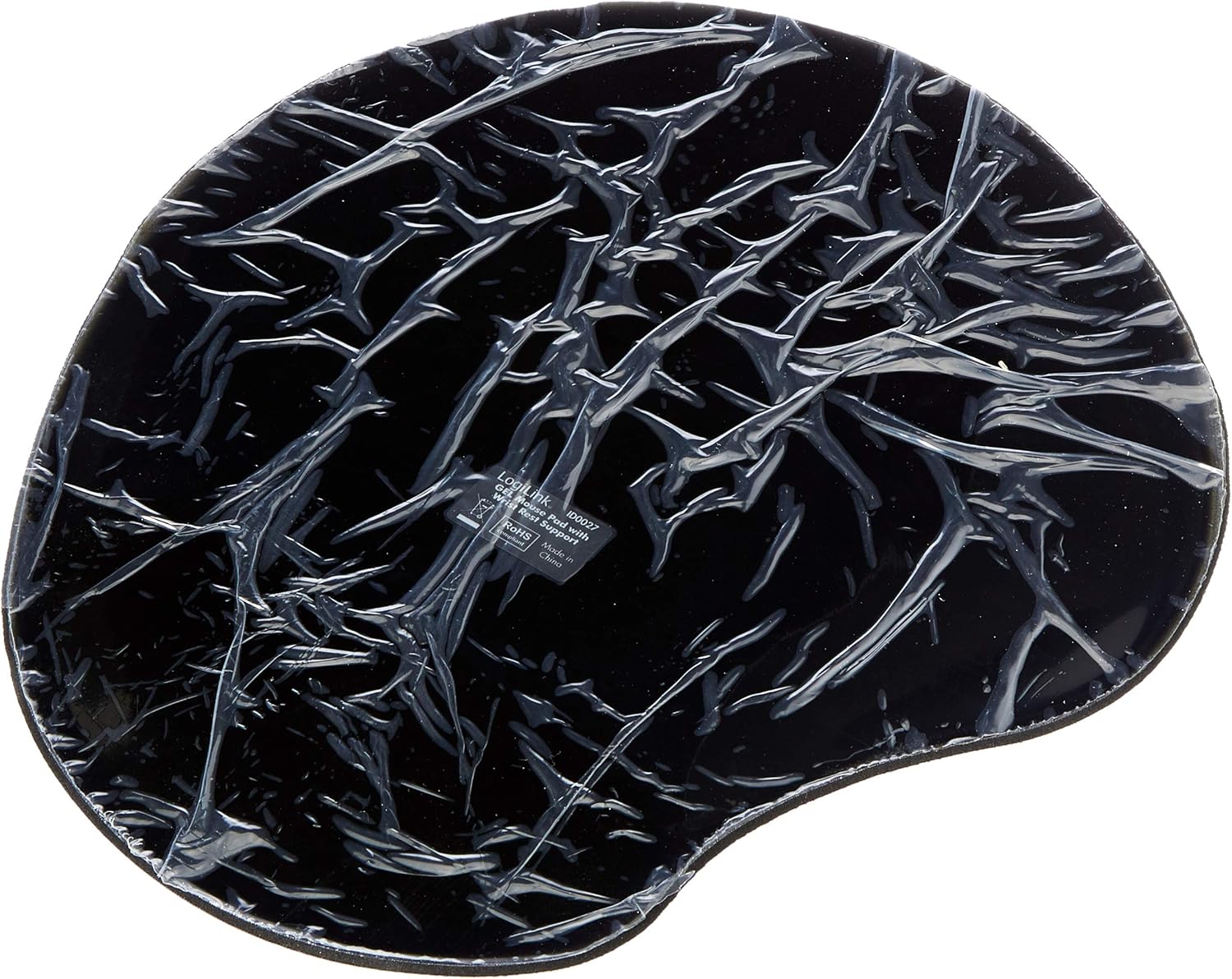
Image: The underside of the mouse pad, revealing its non-slip textured surface designed to keep it securely in place on a desk.
5. Operating Instructions
The LogiLink ID-0027 Mouse Pad is designed for intuitive use:
- Place your computer mouse on the surface of the mouse pad.
- Rest your wrist comfortably on the soft-gel support. This helps maintain a neutral wrist position, reducing strain during prolonged use.
- Move your mouse as usual. The smooth surface ensures precise tracking for all mouse types (ball, optical, and laser).
Video: This video demonstrates the ergonomic benefits and non-slip features of a similar mouse pad, showing how it reduces wrist strain and provides stable mouse control during computer use.

Image: A close-up view of the LogiLink logo on the smooth, black surface of the mouse pad.
6. Maintenance
To ensure the longevity and performance of your mouse pad:
- Cleaning the Surface: Gently wipe the surface with a soft, damp cloth. For stubborn dirt, a mild soap solution can be used, followed by wiping with a clean, damp cloth. Allow to air dry completely before reuse.
- Cleaning the Gel Support: The gel wrist support can be cleaned in the same manner as the surface.
- Avoid Harsh Chemicals: Do not use abrasive cleaners, alcohol, or harsh chemicals, as these can damage the material.
- Storage: When not in use, store the mouse pad flat to prevent creasing or deformation of the gel support.
7. Troubleshooting
If you encounter any issues with your mouse pad, please refer to the following common solutions:
| Problem | Possible Cause | Solution |
|---|---|---|
| Mouse tracking is inconsistent or jumpy. | Dust or debris on the mouse sensor or pad surface. | Clean the mouse sensor and the mouse pad surface as described in the Maintenance section. |
| Mouse pad slides on the desk. | Desk surface is not clean or the non-slip base is dirty. | Ensure the desk surface is clean and dry. Wipe the non-slip base with a damp cloth to restore its grip. |
| Wrist rest feels uncomfortable or deformed. | Improper positioning or prolonged pressure in one spot. | Adjust your wrist position. The gel is designed to conform but may temporarily deform under constant pressure. It should return to its original shape. |
8. Specifications
| Feature | Detail |
|---|---|
| Brand | LogiLink |
| Model | ID-0027 |
| Color | Black |
| Material | Gel (wrist support) |
| Special Feature | Ergonomic, Non-slip base |
| Recommended Use | Input (for computer mice) |
| Product Dimensions | Approx. 23L x 20.4W cm (Note: Some sources indicate 30 x 22 x 3 cm; 68.04 g, but the packaging image shows 23 x 20.4 cm. Please refer to product packaging for exact dimensions.) |
| Item Thickness | 20 Millimeters |

Image: A display of three LogiLink mouse pads in different colors (black, pink, blue), illustrating the available variations of the product line.
9. Warranty & Support
LogiLink products are manufactured with quality and reliability in mind. For specific warranty information, please refer to the warranty card included with your product or visit the official LogiLink website. If you experience any issues or require technical assistance, please contact LogiLink customer support through their official channels.
For further information and support, please visit: www.logilink.eu