
Introduction
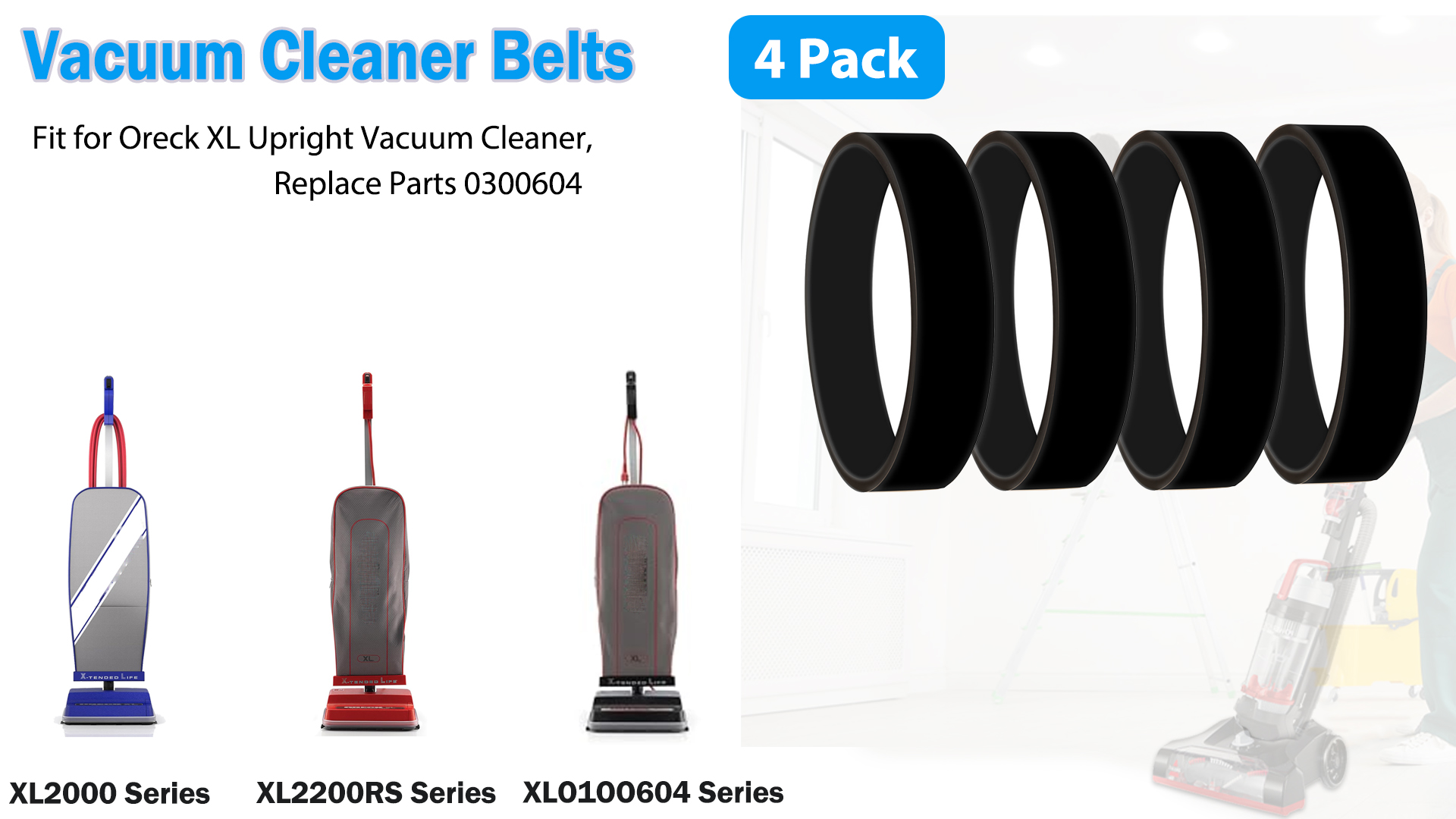
This instruction manual provides essential information for the installation and maintenance of your Oreck XL Upright Vacuum Cleaner Replacement Belts. These belts are designed to fit all Oreck upright vacuum cleaner models, with the exception of XL2175, XL4000, and XL4300 series. They are compatible with model series such as XL21, XL4000, XL3000, XL2300, XL2100, XL Hotel Vacuum lines, and more. The replacement belts are equivalent to OEM Part Numbers XL030-0604, XL010-0604, 030-0604, 0300604, 010-0604, 100604, and 75024-01.
Each package contains 3 replacement belts, ensuring you have spares on hand for continuous vacuum performance. Regular replacement of the drive belt is crucial for maintaining the effectiveness of your vacuum's brush roll and overall cleaning power.
Setup and Installation
Replacing the drive belt on your Oreck XL upright vacuum cleaner is a straightforward process. Always ensure the vacuum cleaner is unplugged from the power outlet before attempting any maintenance or installation.
- Prepare the Vacuum: Lay the vacuum cleaner flat on its front side, exposing the brush roll and belt area.
- Access the Belt: Locate the cover plate over the brush roll. Depending on your specific Oreck XL model, you may need to remove screws or release latches to access the brush roll and the old belt.
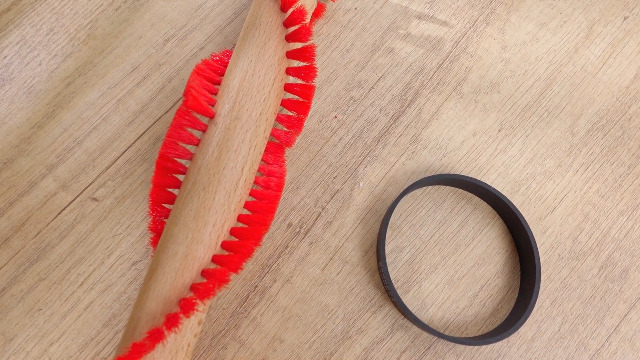
- Remove Old Belt: Carefully remove the worn or broken belt from around the brush roll and the motor shaft. Inspect the area for any debris, hair, or obstructions that might have contributed to the belt's wear.
- Install New Belt: Place the new replacement belt around the motor shaft first. Then, stretch the belt around the brush roll. Ensure the belt is seated correctly and evenly on both the motor shaft and the brush roll.
- Reassemble: Reattach the cover plate and secure it with screws or latches. Ensure all parts are firmly in place before proceeding.
- Test: Plug in the vacuum cleaner and turn it on briefly to ensure the brush roll spins freely and the new belt is functioning correctly.

Operating Your Vacuum After Belt Replacement
After successfully replacing the drive belt, your Oreck XL vacuum cleaner should operate with renewed efficiency. The brush roll will spin effectively, agitating carpet fibers to lift dirt and debris. If you notice any unusual noises, reduced suction, or the brush roll not spinning, immediately turn off and unplug the vacuum and re-check the belt installation.
Maintenance
To ensure optimal performance and longevity of your Oreck XL vacuum cleaner, it is recommended to replace the drive belt every 3 to 6 months, or sooner if signs of wear or breakage are observed. Regular inspection of the belt for cracks, stretching, or fraying can prevent sudden loss of cleaning power. Keeping spare belts on hand, such as this 3-pack, is a practical approach for uninterrupted cleaning.
Troubleshooting
- Brush Roll Not Spinning: If the brush roll does not spin after belt replacement, ensure the belt is properly seated on both the motor shaft and the brush roll. Check for any obstructions preventing the brush roll from turning freely.
- Burning Smell: A burning smell often indicates a slipping or broken belt. Immediately turn off and unplug the vacuum. Replace the belt if it is damaged. Also, check the brush roll for any tangled hair or debris that might be causing excessive friction.
- Reduced Suction: While primarily related to the motor and filter, a worn or improperly installed belt can indirectly affect cleaning performance by not allowing the brush roll to agitate effectively. Ensure the belt is taut and correctly installed.
Specifications
| Feature | Detail |
|---|---|
| Product Dimensions | 9 x 6 x 2 inches |
| Item Weight | 1.13 ounces |
| Manufacturer | Generic |
| Item Model Number | XL010-0604 |
| Brand | Oreck |
| Material | Platinum |
| Belt Style | Flat Belt |
| Compatible Devices | Vacuum Cleaner |
| Color | Black |
Product Videos
Replacement Belt for Oreck XL Upright Vacuum Cleaner 0300604
Video: This video demonstrates the replacement process for the Oreck XL Upright Vacuum Cleaner belt, model 0300604.
2 Pc Vacuum Roller Brush, 6 Pc Vacuum Belt
Video: A short video showcasing a 2-piece vacuum roller brush and a 6-piece vacuum belt set, including installation visuals.
0300604 Vacuum Belts Compatible with Oreck Vacuum Cleaner
Video: This video highlights the compatibility and features of the 0300604 vacuum belts for Oreck vacuum cleaners.
Replacement Belts for Oreck XL Upright Vacuum Models 0300604 (Pack of 4)
Video: A visual guide to the replacement belts for Oreck XL Upright Vacuum Models 0300604, shown in a pack of four.