
Introduction
This manual provides instructions for the proper setup, operation, and maintenance of your Diplomat Double Metallic Watch Winder. This device is designed to keep two automatic watches wound and ready for use, preventing them from stopping and requiring time adjustments. Please read this manual thoroughly before operating the watch winder.
Safety Information
- Ensure the watch winder is placed on a stable, flat surface.
- Use only the provided 110V AC adapter. Using an incorrect power adapter may damage the unit and void the warranty.
- Do not expose the unit to water or excessive humidity.
- Keep out of reach of children.
- Do not attempt to disassemble or repair the unit yourself. Contact qualified service personnel for assistance.
- Unplug the unit from the power outlet when not in use for extended periods or during cleaning.
Package Contents
Verify that all items are present in the package:
- Diplomat Double Metallic Watch Winder Unit
- 110V AC Power Adapter
- Two Adjustable Watch Holders
Product Overview
The Diplomat Double Metallic Watch Winder features a vertical design with two individual winding modules, each equipped with an adjustable watch holder. The unit includes a built-in IC timer for precise rotation control.
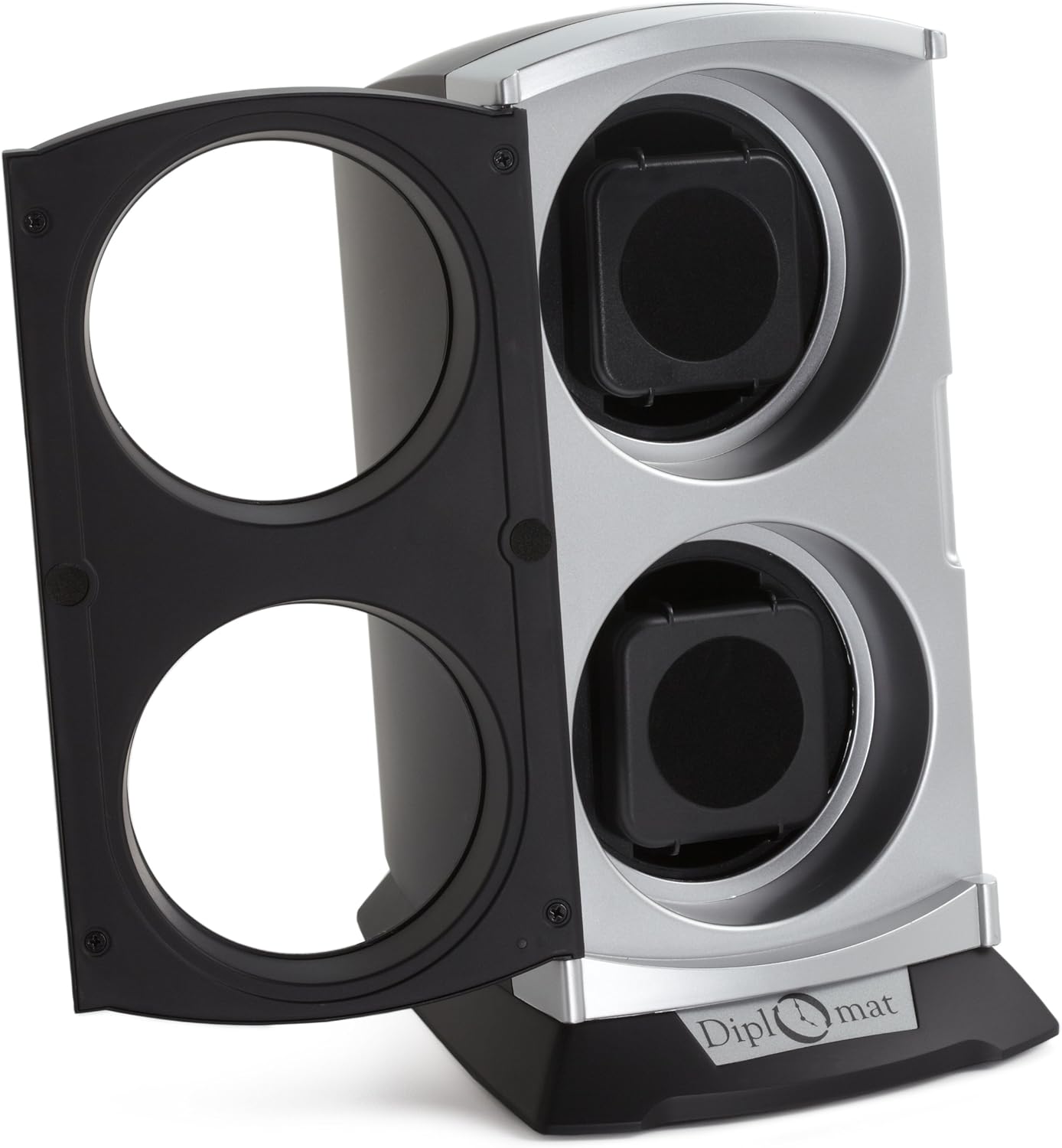
Figure 1: Front view of the watch winder with the door open.

Figure 2: Rear view displaying the control switches and AC adapter port.
Setup
1. Installing Watches
Each winding module is equipped with an adjustable watch holder. To install a watch:
- Gently compress the sides of the watch holder to fit your watch band securely around it.
- Place the watch, with its band secured around the holder, into one of the winding slots. Ensure it sits firmly within the slot.
- For larger watches, the watch holder may have removable heads to accommodate different sizes.
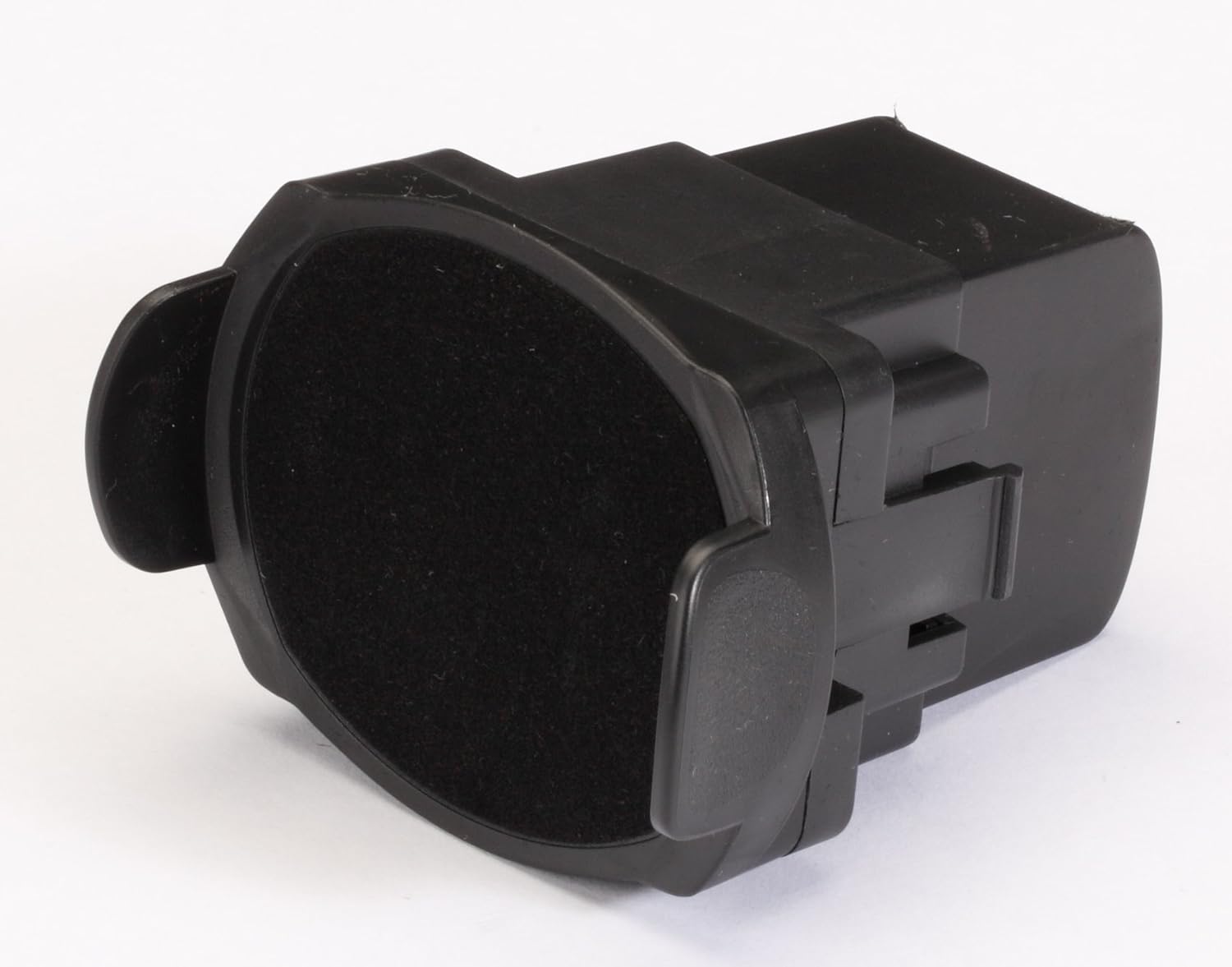
Figure 3: Watch holder with watch band.
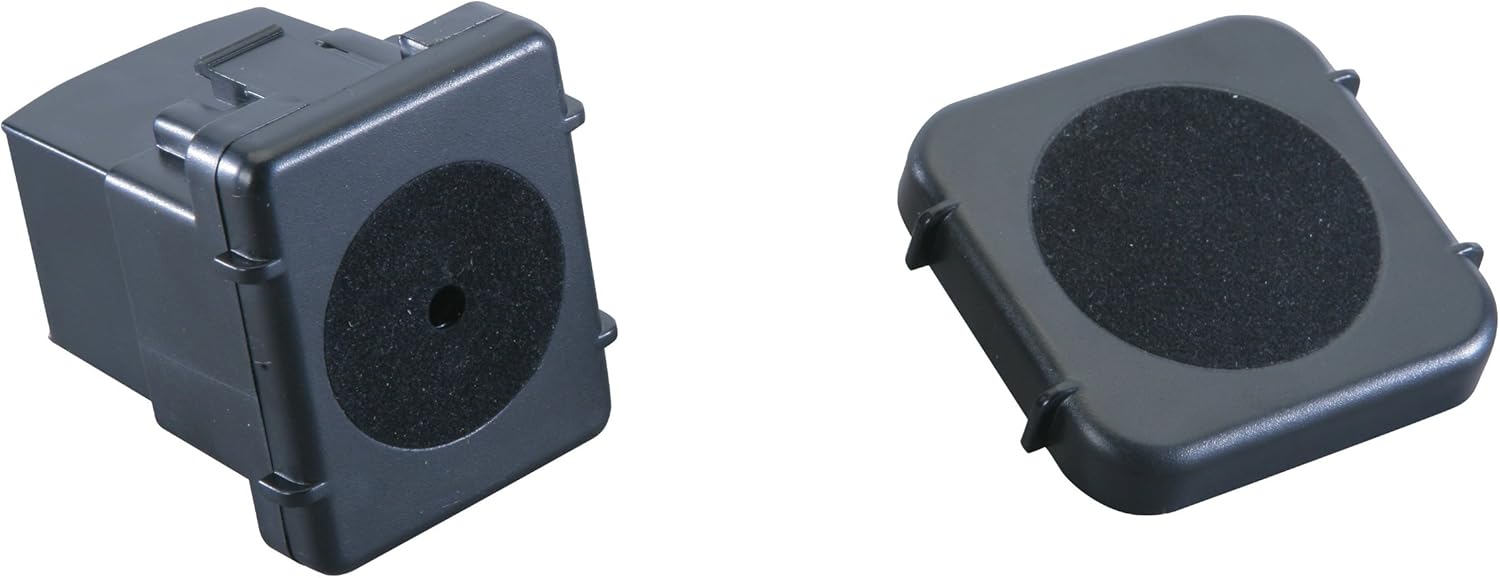
Figure 4: Watch holder components.
2. Connecting Power
Connect the provided 110V AC adapter to the power input port located on the back of the watch winder. Plug the adapter into a standard wall outlet.
Operating Instructions
The watch winder features control switches on the back for power and rotation settings.
Power Switch
- ON/OFF: Use this switch to turn the watch winder unit on or off.
Rotation Settings (IC Timer Functions)
The watch winder offers multiple rotation modes to accommodate various automatic watch movements. Select the desired mode using the rotation switch:
- Setting A: Rotates for 33 seconds, then rests for 12 minutes.
- Setting B: Rotates for 10 minutes, then rests for 90 minutes.
- Setting C: Rotates for 30 minutes, then rests for 3 hours.
- Setting D: Rotates for 1 hour, then rests for 3 hours.
Additionally, you can select the rotation direction:
- Clockwise: Rotates only in a clockwise direction.
- Counter-clockwise: Rotates only in a counter-clockwise direction.
- Alternate: Rotates in both clockwise and counter-clockwise directions.
Consult your watch manufacturer's recommendations for the optimal Turns Per Day (TPD) and rotation direction for your specific automatic watch model.
Maintenance
Cleaning
To clean the watch winder, unplug it from the power outlet. Use a soft, dry cloth to wipe the exterior surfaces. Do not use abrasive cleaners, solvents, or spray directly onto the unit.
Watch Holder Care
Ensure the watch holders are free from dust and debris. If a watch feels loose, consider placing a small piece of soft cloth between the holder and the watch to ensure a snug fit and prevent movement during rotation.
Troubleshooting
| Problem | Possible Cause | Solution |
|---|---|---|
| Clicking noise during rotation | Watch is loose on the holder. | Ensure the watch is securely fitted on the holder. If necessary, place a small piece of cloth between the watch and the holder to reduce empty space and prevent sliding. |
| Unit remains in rest mode after changing settings | The built-in timer needs to complete its current cycle. | To reset the timer immediately, unplug the unit from the power outlet, wait a few seconds, and then plug it back in. |
| Watch does not appear to be keeping time | Incorrect rotation setting for the specific watch movement. | Not all watches work on all settings. Start with Setting A and systematically try other settings (B, C, D) until you find one that keeps your watch wound. The general recommendation is to use the lowest effective setting. |
Specifications
- Model: 31-401
- Dimensions (L x W x H): 6.5 inches x 6 inches x 11.5 inches
- Weight: 2 lbs
- Power Input: 110V AC Adapter (Included)
- Material: Plastic
- Watch Capacity: 2 Automatic Watches
- Rotation Modes: 4 pre-programmed settings (33s/12min rest, 10min/90min rest, 30min/3hr rest, 1hr/3hr rest)
- Rotation Directions: Clockwise, Counter-clockwise, Alternate
- Display: Clear Windows
Note: This winder is not compatible with Seiko Kinetic Watches.
Warranty Information
This product is covered by a manufacturer's warranty. For specific details regarding warranty coverage, duration, and claims procedures, please refer to the documentation included with your purchase or contact Diplomat customer support directly. Keep your proof of purchase for warranty purposes.
Support
If you encounter any issues not covered in this manual or require further assistance, please contact Diplomat customer support. Provide your product model number (31-401) and a detailed description of the issue when seeking support.
