
Introduction

Figure 1: The Vista Pro MT300T Multi Transformer, showcasing its durable stainless steel enclosure.
This manual provides detailed instructions for the installation, operation, and maintenance of your Vista Pro 300 Watt Multi Transformer with Mechanical Timer, Model MT300T. This transformer is designed for low voltage lighting applications, offering reliable power distribution and convenient timing control. Please read these instructions thoroughly before installation and use to ensure safe and optimal performance.
Safety Information
- Always disconnect power before installing or servicing the transformer.
- Installation should be performed by a qualified electrician or in accordance with local electrical codes.
- Do not immerse the transformer in water.
- Ensure all connections are secure and properly insulated.
- This transformer is designed for outdoor use and features a weathertight casing.
Package Contents
- Vista Pro 300 Watt Multi Transformer (MT300T)
- Instruction Manual
- Mounting hardware (if included)
Setup and Installation
1. Mounting the Transformer
The MT300T transformer is designed for wall mounting. Select a suitable location that is easily accessible, protected from direct impact, and allows for proper ventilation. Ensure the mounting surface is capable of supporting the transformer's weight (approximately 20.8 pounds).
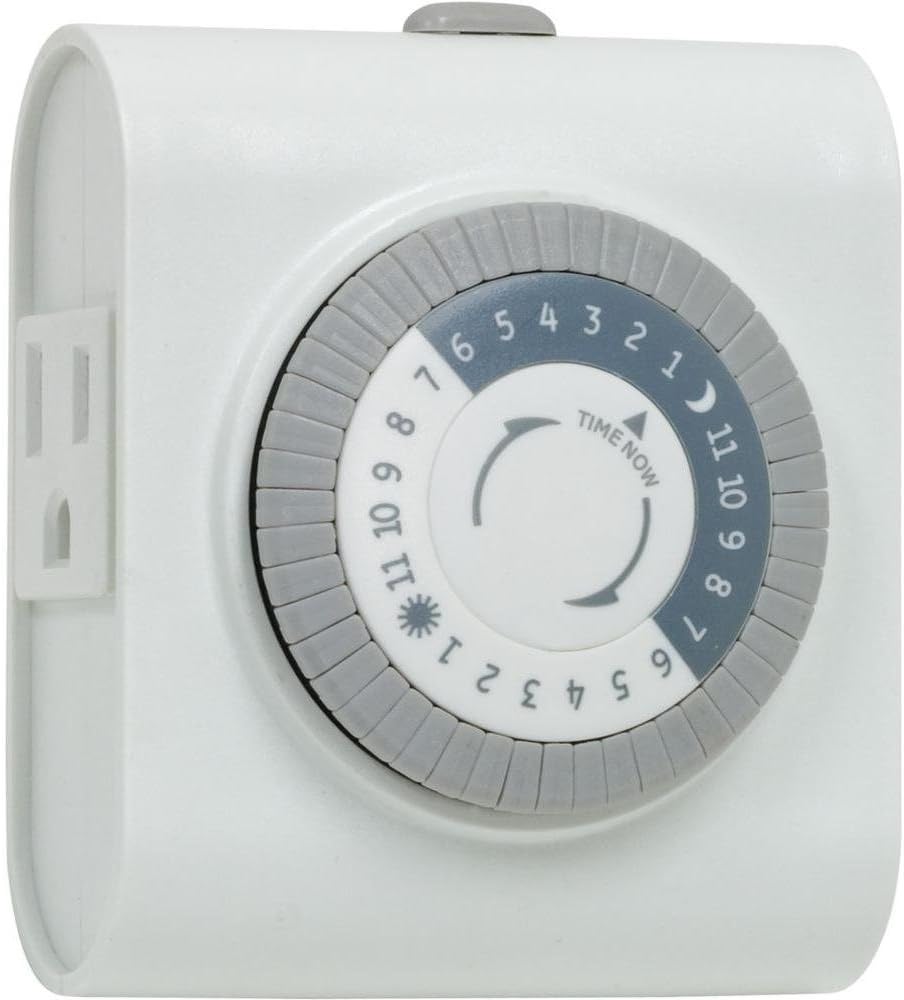
Figure 2: Dimensional drawing of the MT300T transformer, illustrating its physical dimensions and the placement of mounting points on the back panel. The unit measures approximately 17 inches high, 9 inches wide, and 5.5 inches deep.
- Using the dimensional drawing (Figure 2) as a guide, mark the locations for the mounting screws on the wall.
- Install appropriate mounting hardware (screws, anchors) into the marked locations, leaving a small gap for the transformer to hang.
- Carefully lift the transformer and align the keyhole slots on the back with the installed screws.
- Lower the transformer onto the screws and tighten them to secure the unit firmly to the wall.
2. Wiring the Transformer
The transformer features an extra-large terminal strip for low voltage cable connections and a 120 Volt terminal strip for easy hardwiring. The unit comes with a 6-foot, heavy-gauge, grounded, water-resistant power cord with an integrally molded plug for standard outlet connection.

Figure 3: The transformer's interior, showing the mechanical timer on the right, and the low voltage terminal block below it. The 120V input terminal strip is visible on the left side of the main compartment.

Figure 4: A detailed view of the wiring connections inside the transformer, highlighting the robust terminal blocks for secure electrical connections.
- Input Power (120V AC):
- If using the pre-installed power cord, simply plug it into a grounded 120V AC outdoor-rated receptacle.
- For hardwiring, ensure power is disconnected at the circuit breaker. Connect the 120V AC input wires to the designated terminal strip inside the transformer. Follow local electrical codes for proper grounding and wire gauge.
- Low Voltage Output:
- Connect your low voltage landscape lighting cables to the multi-tap terminal strip. The transformer provides multiple voltage taps (e.g., 11V, 12V, 13V, 14V, 15V) to compensate for voltage drop over long cable runs.
- Determine the appropriate voltage tap based on the total wattage of your lights and the length of your cable runs. Generally, use higher voltage taps for longer runs or higher wattage loads to ensure adequate brightness at the fixtures.
- Ensure all connections are tight and secure.
Operating Instructions
Mechanical Timer Operation
The MT300T transformer includes a built-in mechanical timer to automate your lighting system. The timer allows you to set specific ON/OFF times for your low voltage lights. Refer to Figure 3 for the location of the mechanical timer within the transformer's interior.
- Set Current Time: Locate the mechanical timer dial (visible in Figure 3). Rotate the outer dial clockwise until the "TIME NOW" arrow (or similar indicator) points to the current time of day. The dial is typically marked in 24-hour format (e.g., 1-12 for AM, 13-24 for PM).
- Set ON/OFF Times: The timer dial has small pins or segments around its circumference.
- Push down the pins corresponding to the hours you want the lights to be ON.
- Leave the pins up for the hours you want the lights to be OFF.
- Manual Override: Most mechanical timers have a manual override switch (often labeled ON/AUTO/OFF or similar). Set it to "AUTO" for timer operation. Use "ON" to keep lights on continuously or "OFF" to keep them off, overriding the timer settings.
The timer will cycle daily according to your set schedule. Ensure the transformer is powered for the timer to function correctly.
Maintenance
The Vista Pro MT300T transformer is designed for durability and requires minimal maintenance.
- Regular Inspection: Periodically inspect the transformer casing for any signs of damage, corrosion, or debris accumulation.
- Cleaning: Clean the exterior of the transformer with a soft, damp cloth. Do not use abrasive cleaners or solvents. Ensure the unit is unplugged before cleaning.
- Ventilation: Ensure that the ventilation openings on the transformer are not obstructed to prevent overheating.
- Wiring Check: Annually, or if issues arise, check all low voltage and 120V connections for tightness and integrity. Disconnect power before performing this check.
Troubleshooting
| Problem | Possible Cause | Solution |
|---|---|---|
| Lights not turning ON |
|
|
| Lights are dim |
|
|
| Timer not working |
|
|
Specifications
| Model Number | MT300T |
| Wattage | 300 watts |
| Input Voltage | 120V AC |
| Output Voltage | Multi-tap (11V-15V) |
| Power Source | Corded Electric |
| Material | Steel (Stainless Steel casing) |
| Color | Stainless Steel |
| Finish | Clear |
| Dimensions (H x W x D) | 13" x 9" x 5.5" (approximate, based on package dimensions and item size) |
| Item Weight | 20.8 pounds |
| Mounting Type | Wall Mount |
| Plug Format | B - US style with ground plug |
| Certification | UL |
| Manufacturer | Vista |
Warranty Information
The Vista Pro 300 Watt Multi Transformer (MT300T) comes with a Lifetime Warranty. This warranty covers defects in materials and workmanship under normal use and service. For specific terms and conditions, or to make a warranty claim, please refer to the official Vista Pro website or contact their customer support.
Customer Support
For further assistance, technical support, or inquiries regarding your Vista Pro transformer, please visit the official Vista Pro website or contact their customer service department. Contact information can typically be found on the manufacturer's website or product packaging.


