1. Product Overview
The WeatherTech Custom Fit FloorLiners are advanced floor protection systems designed to precisely fit the contours of your vehicle's floor. Engineered with a patented High-Density Tri-Extruded (HDTE) material, these FloorLiners offer superior strength, surface friction, and a tactile feel. Their advanced surfacing channels fluids and debris to a lower reservoir, minimizing movement while driving and ensuring your vehicle's carpet remains clean and dry.

Image: Complete set of WeatherTech Custom Fit FloorLiners for front and rear rows.

Image: Detailed diagram illustrating key features such as comprehensive interior protection, high-density material for durability and grip, advanced surface design for fluid channeling, a lower reservoir to collect debris, and specially designed retention systems for secure fitment.
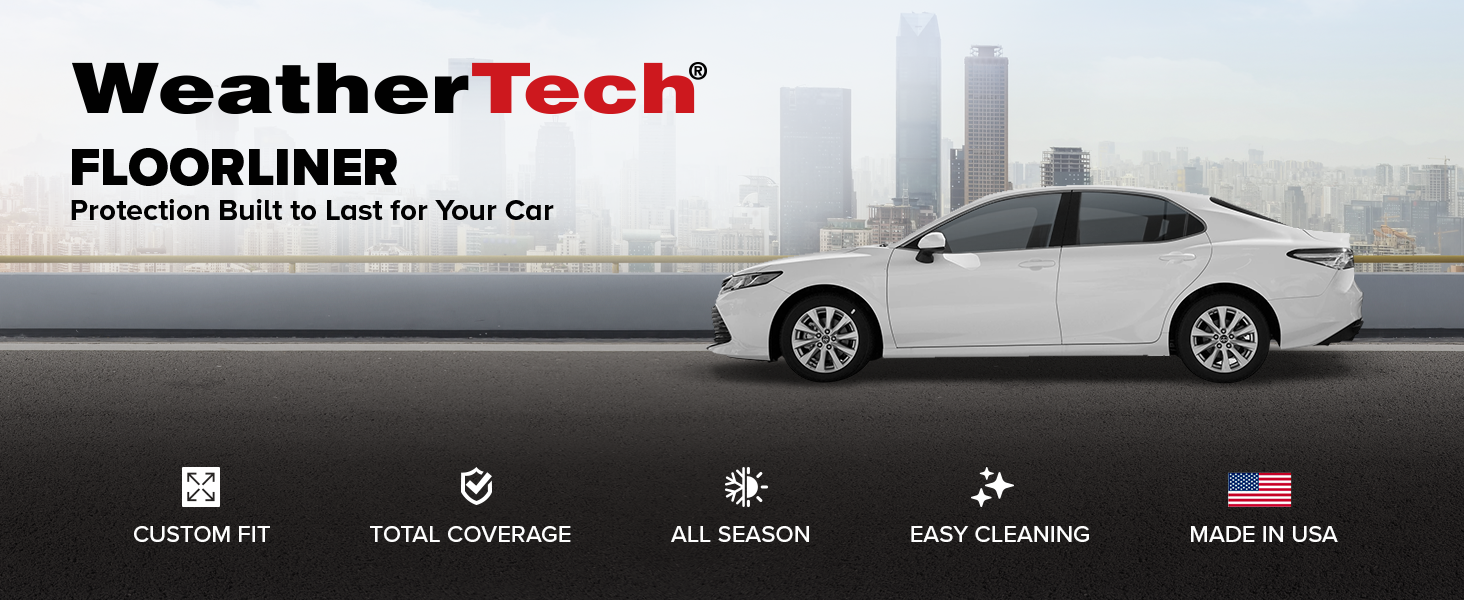
Image: Overview of WeatherTech FloorLiner benefits, highlighting custom fit, total coverage, all-season protection, ease of cleaning, and manufacturing in the USA.

Image: Close-up view of the FloorLiner's textured surface, demonstrating its ability to contain liquids.
2. Compatibility
Vehicle Fitment
These WeatherTech Custom Fit FloorLiners (Model 44106-1-2) are designed for specific BMW models. Please confirm fitment to your vehicle prior to purchase.
- 2000-2000 BMW 328Ci
- 2001-2006 BMW 330Ci
- 2001-2006 BMW 325Ci
- 2000-2000 BMW 323Ci
- 2001-2006 BMW M3 Models
This set provides coverage for the 1st and 2nd rows (2-piece rear liner) in black color.
3. Safety Information
Your safety is paramount. Adhere to the following guidelines to ensure proper and safe use of your WeatherTech FloorLiners.

Image: Official WeatherTech safety information label, detailing critical steps for installation and safe operation.
Important Safety Guidelines:
- Remove all previously installed floor mats before installing your WeatherTech product.
- Clean any debris from the vehicle floor.
- Use great care to install your WeatherTech product in the correct location per the enclosed instructions or video.
- Always use any existing or provided retention system so the WeatherTech product is properly secured.
- Inspect vehicle control pedals for full freedom of movement after installation and before each use.
- DO NOT OPERATE VEHICLE IF ANY INTERFERENCE EXISTS AT ANY TIME.
- Check the fit of the WeatherTech product frequently and especially after the vehicle is washed, serviced, or the product is reinstalled.
- Retain this warning/instruction label in the vehicle so all drivers have access to this information.
- Ensure that you have the proper part (SKU) for your vehicle.
For detailed instructional videos, please visit WeatherTech.com/Install.
4. Installation
Step-by-Step Installation
Follow these steps for a secure and proper installation of your WeatherTech FloorLiners:
- Prepare the Vehicle Floor: Remove all existing floor mats from your vehicle. Ensure the vehicle's carpeted floor is clean and free of any debris, dirt, or moisture.
- Position the FloorLiner: Carefully place the WeatherTech FloorLiner into the designated footwell. Ensure it aligns perfectly with the contours of the floor.
- Secure with Retention System: If your vehicle is equipped with factory floor mat retention hooks or posts, or if your FloorLiner came with a retention system, secure the FloorLiner using these points. This ensures the mat remains firmly in place and does not shift during driving.
- Check Pedal Clearance: After installation, always verify that the FloorLiner does not interfere with the operation of the accelerator, brake, or clutch pedals. There should be full, unobstructed movement of all pedals.
- Repeat for All Mats: Install all remaining FloorLiners (passenger side, rear row) following the same procedure.

Image: Demonstrates the process of installing a WeatherTech FloorLiner into the vehicle's footwell.
5. Maintenance and Cleaning
Cleaning Instructions
WeatherTech FloorLiners are designed for easy cleaning, ensuring your vehicle's interior remains pristine.
- Remove from Vehicle: For best results, remove the FloorLiners from your vehicle before cleaning.
- Shake Off Debris: Shake off any loose dirt, dust, or debris.
- Rinse: Use a hose to rinse the FloorLiners with water. For stubborn dirt, a mild soap and brush can be used.
- Dry: Allow the FloorLiners to air dry completely before reinstalling them in your vehicle.
Image: A WeatherTech FloorLiner being cleaned with a hose, demonstrating the ease of maintenance.

Image: Illustrates the removal of a dirty FloorLiner, showcasing its ability to contain messes.

Image: Another view of a FloorLiner being hosed down for cleaning.
6. Troubleshooting
Common Issues
- Mat Interference with Pedals: If you notice any interference with the accelerator, brake, or clutch pedals after installation, immediately remove the FloorLiner. Re-check the installation steps, ensuring the mat is correctly positioned and secured. Do not operate the vehicle if any interference exists.
- Mat Shifting: If the FloorLiner shifts during use, ensure that all retention systems (factory hooks or provided clips) are properly engaged. Clean the underside of the mat and the vehicle's carpet to ensure good surface friction.
- Debris Overflow: While designed to contain fluids and debris, extreme amounts may exceed the reservoir capacity. Regular cleaning is recommended to prevent overflow.
7. Specifications
Product Details
| Brand | WeatherTech |
| Model Number | 44106-1-2 |
| Color | Black |
| Coverage Area | 1st & 2nd Row (2-pc. Rear Liner) |
| Material | High-Density Tri-Extruded (HDTE) |
| Item Weight | 2.2 pounds |
| Product Dimensions | 19.29 x 3.54 x 42.91 inches |
| UPC | 787765201049 |
| Manufacturer | Weathertech |
8. Warranty and Support
Warranty Information
WeatherTech products are known for their quality and durability. For specific warranty details regarding your FloorLiners, please refer to the official WeatherTech website or contact their customer service directly.
Customer Support
Should you have any questions, require assistance with installation, or need to address any concerns, please contact WeatherTech customer support. You can find contact information and additional resources on their official website:


