Introduction
This manual provides essential instructions for the proper installation, operation, and maintenance of your OKI 43487734 Magenta Toner Cartridge. Designed for specific OKI printer models, this cartridge delivers vibrant magenta prints with a high page yield of approximately 6000 pages. For optimal performance and print quality, please follow these guidelines carefully.
The OKI 43487734 toner cartridge is engineered to produce fine lines, crisp edges, and sharp borders, ensuring professional-quality documents and images. Each cartridge undergoes rigorous testing to meet OKI's high standards for reliability and print consistency.
Safety Information
- Keep toner cartridges out of reach of children.
- Do not attempt to open or dismantle the toner cartridge. Toner powder can be harmful if inhaled or ingested.
- Avoid direct contact with toner powder. If contact occurs, wash thoroughly with soap and water.
- Store cartridges in a cool, dry place, away from direct sunlight and extreme temperatures.
- Dispose of used toner cartridges according to local regulations. Do not incinerate.
Setup and Installation
- Unpack the New Cartridge: Carefully remove the new OKI 43487734 Magenta Toner Cartridge from its packaging. Avoid touching the drum surface or electrical contacts.
- Prepare the Printer: Ensure your printer is powered off before beginning the installation process. Open the printer's front cover or access panel to expose the toner cartridge compartment. Refer to your printer's specific manual for exact instructions on accessing the toner area.
- Remove the Old Cartridge (if applicable): If replacing an existing cartridge, gently pull it straight out of the printer. Place the used cartridge in the protective bag from the new toner for proper disposal.
- Install the New Cartridge: Hold the new toner cartridge by its handle and align it with the corresponding slot in the printer. Slide the cartridge firmly into place until it clicks securely. Do not force the cartridge.
- Close Printer and Power On: Close the printer's front cover or access panel. Power on the printer. The printer will typically perform a self-test and calibrate the new toner cartridge.
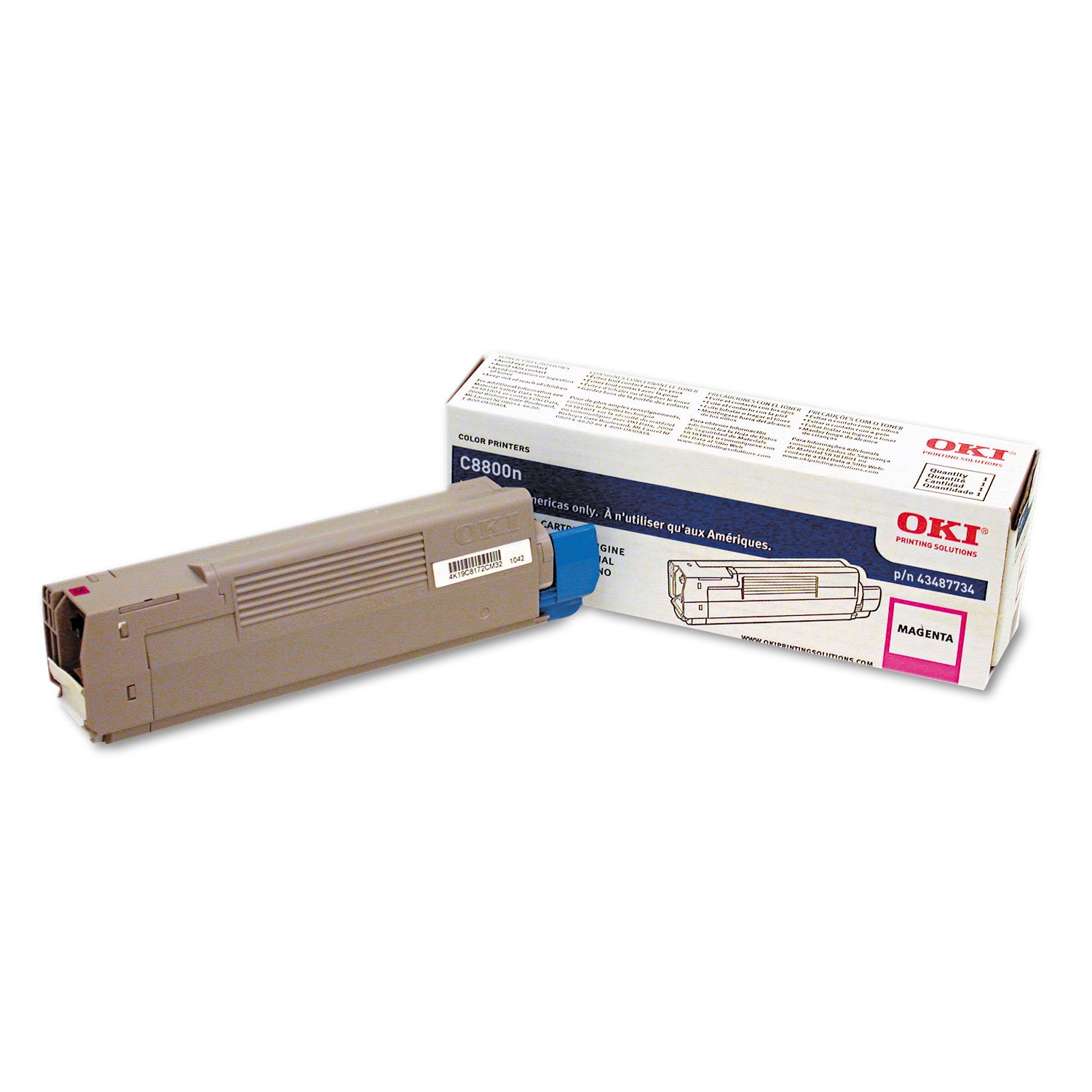
Image showing the OKI 43487734 Magenta Toner Cartridge in its packaging, ready for installation.
Operating Instructions
Once the OKI 43487734 Magenta Toner Cartridge is correctly installed, your printer is ready for operation. For detailed instructions on printing documents, adjusting print settings, or managing print jobs, please refer to your specific OKI printer's user manual.
The cartridge is designed for consistent performance throughout its lifespan. You can expect high-quality magenta output for approximately 6000 pages, depending on print coverage and printer settings.
Maintenance
- Storage: Store spare toner cartridges in their original sealed packaging in a cool, dry place, away from direct sunlight. This helps maintain toner quality and extends shelf life.
- Disposal: When a toner cartridge is empty, remove it from the printer and place it in the protective bag or box from the new cartridge. Recycle used toner cartridges through an authorized recycling program or return them to OKI where available. Do not dispose of toner cartridges in general waste or incinerate them.
Troubleshooting
- Poor Print Quality (Faded or Streaky Prints):
- Ensure the toner cartridge is correctly seated in the printer. Remove and reinsert it firmly.
- The cartridge may be nearing the end of its life. Gently shake the cartridge horizontally a few times to redistribute any remaining toner. If print quality does not improve, replace the cartridge.
- Check printer settings to ensure they are appropriate for your print job and paper type.
- "Toner Low" or "Replace Toner" Message:
- This message indicates that the toner level is low and the cartridge will soon need replacement. Have a new OKI 43487734 cartridge ready.
- If the message appears immediately after installing a new cartridge, ensure it is an authentic OKI cartridge and that it is installed correctly.
- Cartridge Not Recognized:
- Remove the cartridge and check for any protective seals or tapes that may not have been removed during installation.
- Ensure the cartridge is fully seated and clicks into place.
- Clean the electrical contacts on both the cartridge and inside the printer with a dry, lint-free cloth.
If issues persist, consult your printer's specific user manual or contact OKI customer support.
Specifications
| Feature | Detail |
|---|---|
| Model Number | 43487734 |
| Brand | OKI |
| Color | Magenta |
| Page Yield | 6000 pages |
| Item Weight | 2.54 pounds |
| Product Dimensions | 16 x 2.6 x 4.5 inches |
| UPC | 807027528599 |
| Manufacturer | Okidata |
Warranty and Support
OKI toner cartridges are manufactured to high-quality standards and typically come with a manufacturer's warranty against defects. For specific warranty terms and conditions, please refer to the documentation included with your printer or visit the official OKI website.
For technical assistance, product inquiries, or warranty claims, please contact OKI customer support. Contact information can usually be found on the OKI official website or in your printer's user manual.


