
1. Introduction and Overview
This manual provides essential information for the safe and efficient operation, maintenance, and care of your Dahle R000534 A3 Lever Paper Cutter. Please read these instructions carefully before initial use and keep them for future reference.
Key Features:
- A3 cutting capacity
- Cutting thickness up to 15 sheets (standard 70 gsm paper)
- Pre-printed metal base with various guides
- Cutting length of 460 mm
- Constructed from durable steel material
- Manual blade locking mechanism for safety
- Work surface dimensions: 585x285 mm

Figure 1: Dahle R000534 A3 Lever Paper Cutter with key features highlighted.
2. Safety Instructions
Always prioritize safety when operating the paper cutter. Failure to follow these instructions may result in injury.
- Keep hands clear of the blade area: The blade is extremely sharp. Never place fingers or any body part near the cutting edge.
- Use the protective guard: Always ensure the protective guard is in place and properly positioned during operation.
- Engage blade lock when not in use: Utilize the manual blade locking mechanism to secure the blade when the cutter is unattended or stored.
- Stable surface: Place the paper cutter on a stable, flat, and level surface to prevent tipping.
- Adult supervision: This product is not a toy. Keep out of reach of children. Adult supervision is required if used by minors.
- Cut appropriate materials: Only cut paper or cardstock within the specified thickness. Do not attempt to cut metal, plastic, fabric, or other hard materials.
- Inspect before use: Before each use, check the blade and other components for any damage. Do not use if damaged.
3. Setup
Follow these steps to set up your Dahle R000534 A3 Lever Paper Cutter:
- Unpack: Carefully remove the paper cutter from its packaging. Retain packaging for storage or transport.
- Placement: Position the cutter on a sturdy, flat, and level work surface. Ensure there is enough space around the cutter for safe operation and to accommodate the paper being cut.
- Familiarize: Identify the main components: the cutting lever, the metal base with measurement guides, the paper clamp, and the manual blade lock.

Figure 2: The Dahle R000534 A3 Lever Paper Cutter ready for setup.
4. Operating Instructions
4.1. Preparing for Cutting
- Unlock the blade: If the blade is locked, disengage the manual blade locking mechanism (often a red button or lever) to allow the cutting arm to move freely.
- Lift the cutting arm: Carefully lift the cutting arm to its open position.
- Position paper: Place the paper or cardstock onto the metal base. Align the edge of the paper with the desired measurement line on the pre-printed grid.
- Use the paper clamp/guide: Gently slide the paper clamp or adjustable guide to hold the paper firmly in place, ensuring it does not shift during the cut.
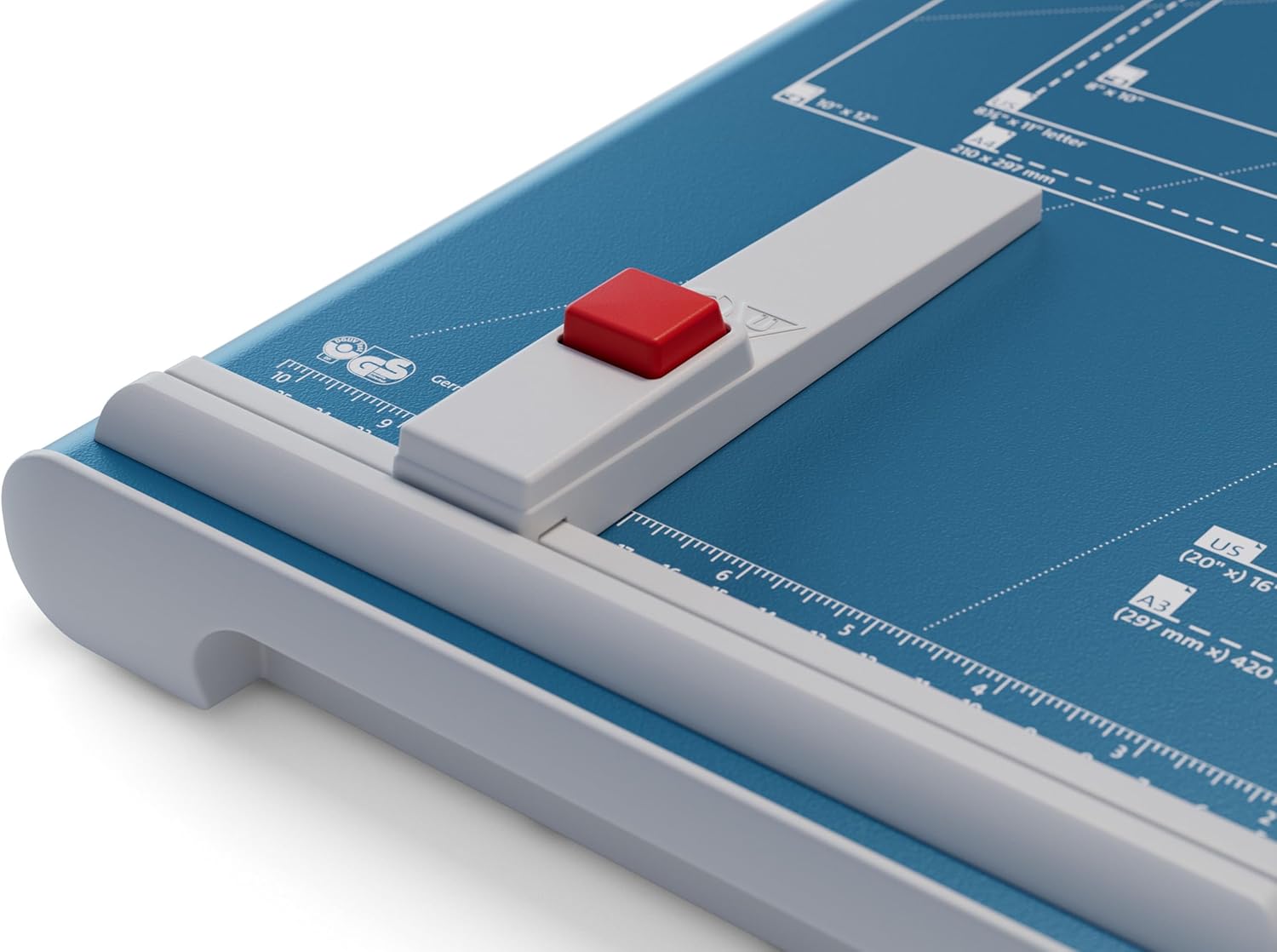
Figure 3: Proper positioning of paper using the clamp and guides.
4.2. Performing a Cut
- Ensure clear path: Double-check that your fingers and any obstructions are completely clear of the blade's path.
- Lower the cutting arm: With one hand holding the paper firmly (if not using a clamp), use the other hand to firmly and smoothly pull down the cutting arm. Apply even pressure throughout the cut.
- Complete the cut: Continue lowering the arm until the cut is complete.
- Retrieve paper: Carefully lift the cutting arm and remove the cut paper.
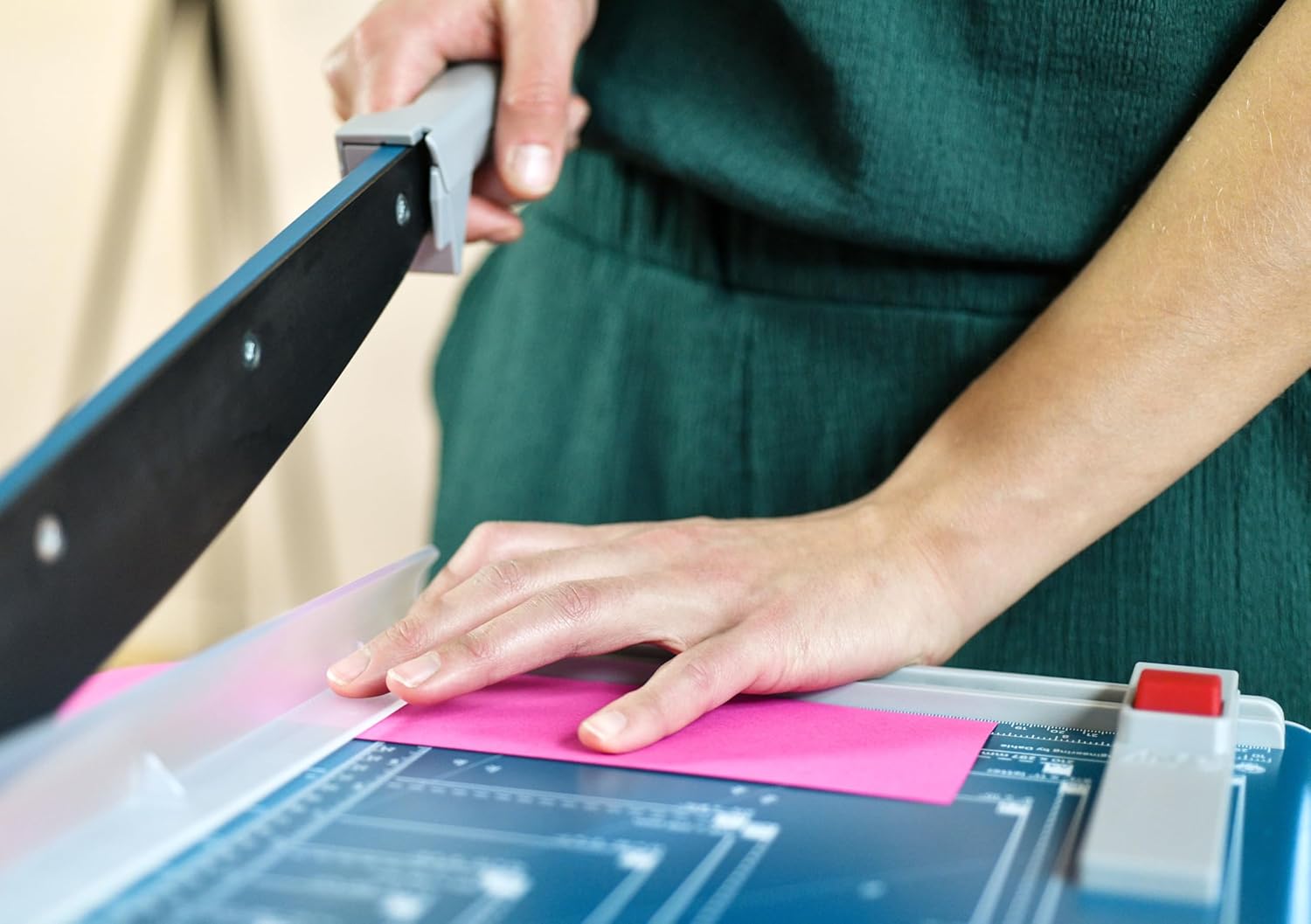
Figure 4: Demonstrating the cutting action with the lever arm.
4.3. Engaging the Manual Blade Lock
To prevent accidental operation, always engage the manual blade lock when the cutter is not in use.
- Lower the cutting arm: Ensure the cutting arm is fully lowered.
- Engage the lock: Locate the manual blade locking mechanism (e.g., a red button or lever) and activate it to secure the blade in the closed position.

Figure 5: Engaging the manual blade lock for safety.
5. Maintenance
Regular maintenance ensures the longevity and optimal performance of your paper cutter.
5.1. Cleaning
- Dust and debris: Regularly wipe down the metal base and cutting area with a dry, soft cloth to remove paper dust and debris.
- Avoid liquids: Do not use abrasive cleaners or excessive liquids, as this can damage the surface or internal mechanisms.
5.2. Blade Care
- Self-sharpening blade: The Dahle R000534 features a self-sharpening blade, which helps maintain a sharp edge with regular use.
- Inspection: Periodically inspect the blade for any signs of damage or excessive wear. If the blade becomes dull or damaged, contact Dahle customer support for assistance.
- Lubrication: No special lubrication is typically required for the blade mechanism.
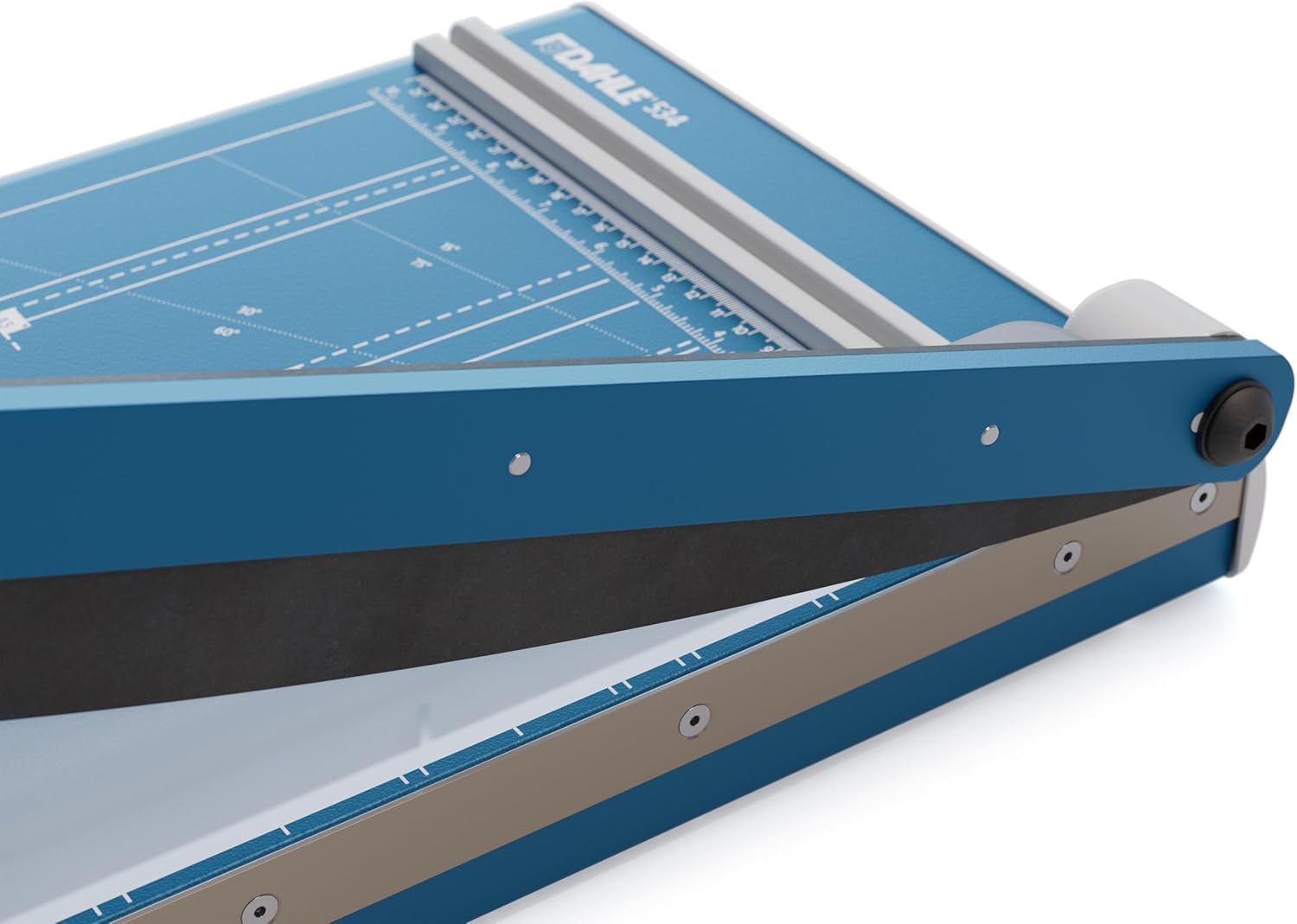
Figure 6: Inspecting the blade and cutting mechanism.
6. Troubleshooting
If you encounter issues with your paper cutter, refer to the following table for common problems and solutions.
| Problem | Possible Cause | Solution |
|---|---|---|
| Uneven or jagged cuts | Paper not aligned correctly; too many sheets being cut; dull blade. | Ensure paper is perfectly aligned with guides. Reduce the number of sheets. Inspect blade for damage or excessive wear. |
| Blade does not move freely | Blade lock engaged; debris obstructing movement; mechanism stiff. | Disengage blade lock. Clear any debris from the cutting path. Apply a small amount of silicone spray to moving parts if stiff (avoiding the blade edge). |
| Paper slips during cutting | Paper clamp not used or not tight enough; worn paper clamp surface. | Ensure the paper clamp is firmly holding the paper. Replace the paper clamp if it shows significant wear. |
7. Specifications
Detailed technical specifications for the Dahle R000534 A3 Lever Paper Cutter:
| Specification | Value |
|---|---|
| Manufacturer | Dahle |
| Brand | Dahle |
| Model Number | 00.16.00534 |
| Color | Blue |
| Number of Items | 1 |
| Dimensions (Sheet Size) | A3 |
| Paper Weight Capacity | 70 gsm (standard) |
| Cutting Length | 460 mm |
| Material | Steel |
| Blade Locking Mechanism | Manual |
| Work Surface Dimensions | 585x285 mm |
| First Available | November 5, 2010 |
8. Warranty and Support
Dahle products are manufactured to high-quality standards. For warranty information, product support, or to inquire about replacement parts, please refer to the documentation included with your purchase or visit the official Dahle website. Keep your proof of purchase for warranty claims.
