
Product Overview
The Taylor Battery-Free Analog Scales provide a simple and reliable method for measuring body weight. Designed for ease of use and durability, this scale features a large, easy-to-read dial and a textured mat platform for stability.
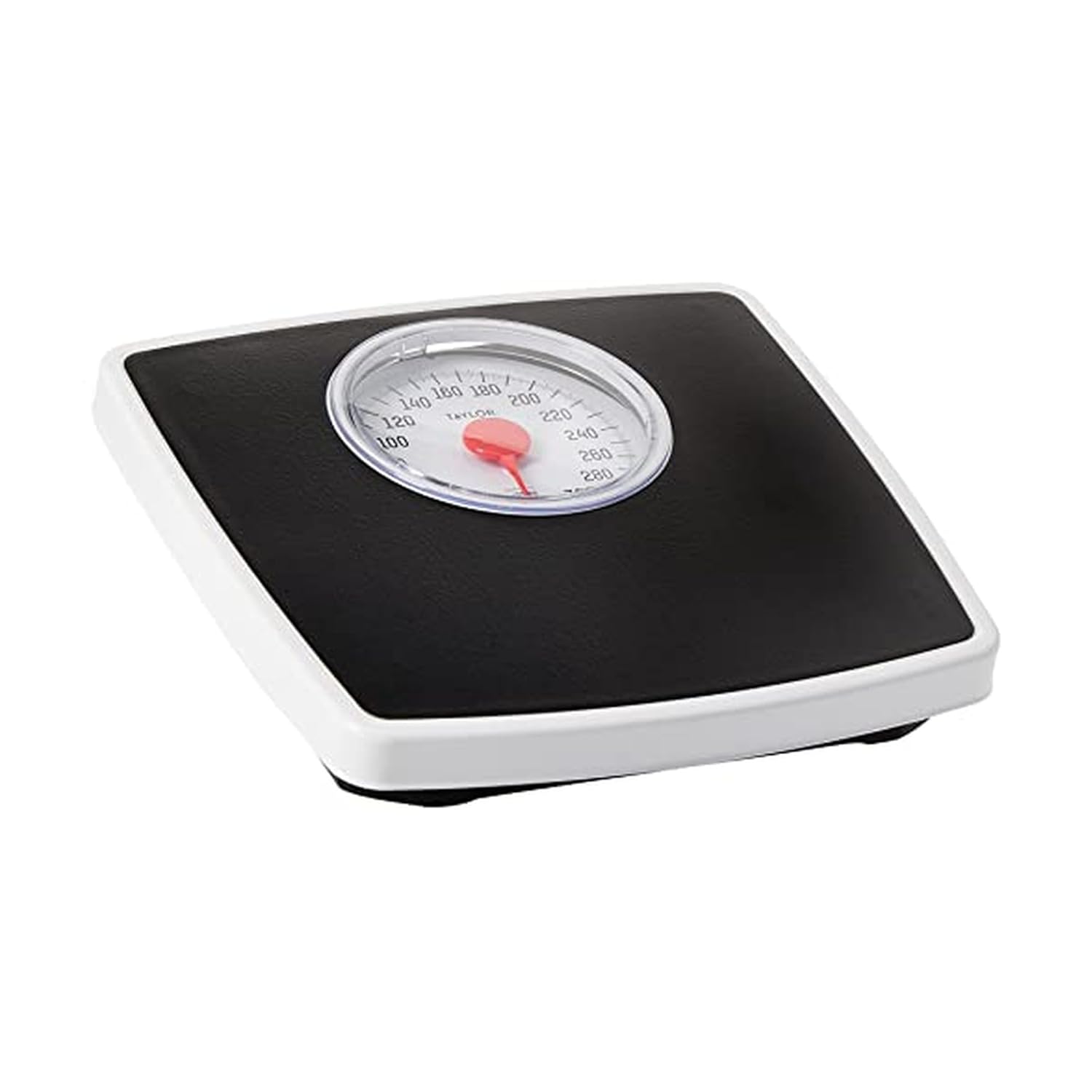
Image: Top-down view of the Taylor Battery-Free Analog Scale, showing the large dial and black textured platform.
Package Contents
- 1 x Taylor Battery-Free Analog Scale
Setup
1. Placement
For accurate readings, place the scale on a hard, flat surface. Avoid carpets or uneven flooring, as this can affect measurement accuracy.
2. Initial Calibration
Before first use, or if the scale has been moved, it is important to calibrate it to zero. This ensures accurate weight measurement.
- Place the scale on a hard, flat surface.
- Gently press down on the scale platform with your foot to "bounce the needle" and release. This helps to settle the internal mechanisms.
- Locate the small calibration knob on the bottom of the scale, typically near the front edge.
- Rotate this knob until the dial's pointer aligns precisely with the "0" mark.
- Repeat steps 2-4 two or three times to ensure the calibration "sticks" and the pointer consistently returns to zero.
Video: Demonstrates how to calibrate the Taylor Analog Scale by adjusting the knob on the bottom to set the dial to zero.
Operating Instructions
Measuring Your Weight
- Ensure the scale is placed on a hard, flat surface and is calibrated to "0".
- Step onto the scale platform with both feet, distributing your weight evenly. Stand still.
- Read your weight from the large dial. The red pointer indicates your current weight in pounds.
- Step off the scale. The pointer should return to "0". If it does not, re-calibrate the scale.

Image: A person standing on the Taylor Analog Scale in a bathroom, demonstrating typical use.
Maintenance
Cleaning
To clean your scale, wipe the surface with a damp cloth and mild soap. Do not immerse the scale in water or use abrasive cleaners, as this may damage the mechanism.
Storage
Store the scale in a dry, flat location. Avoid storing it on its side or in areas with extreme temperature fluctuations, which could affect its accuracy.
Troubleshooting
- Inaccurate Readings: Ensure the scale is on a hard, flat surface. Carpets or uneven floors can cause discrepancies. Re-calibrate the scale to zero as described in the "Setup" section.
- Needle Not Returning to Zero: This is common for analog scales. Perform the calibration procedure by gently pressing on the platform and adjusting the knob until the pointer rests at "0".
- Fluctuating Readings: Ensure you are standing still and your weight is evenly distributed on the platform. Repeatedly stepping on and off the scale without proper calibration can lead to inconsistent results.
Specifications
- Brand: Taylor
- Model Number: 483250732
- Capacity: 330 LB
- Display Type: Analog, 4.25-inch dial
- Platform Material: Vinyl Mat
- Platform Dimensions: 10.3 x 10.6 inches
- Product Dimensions: 10.3 x 10.6 x 1.75 inches
- Power Source: Battery-Free (Mechanical)
- Color: Black
Warranty and Support
Specific warranty information and detailed support contacts are not provided within this manual. Please refer to the product packaging or the manufacturer's official website for the most current warranty details and customer support options.

