
1. Product Overview
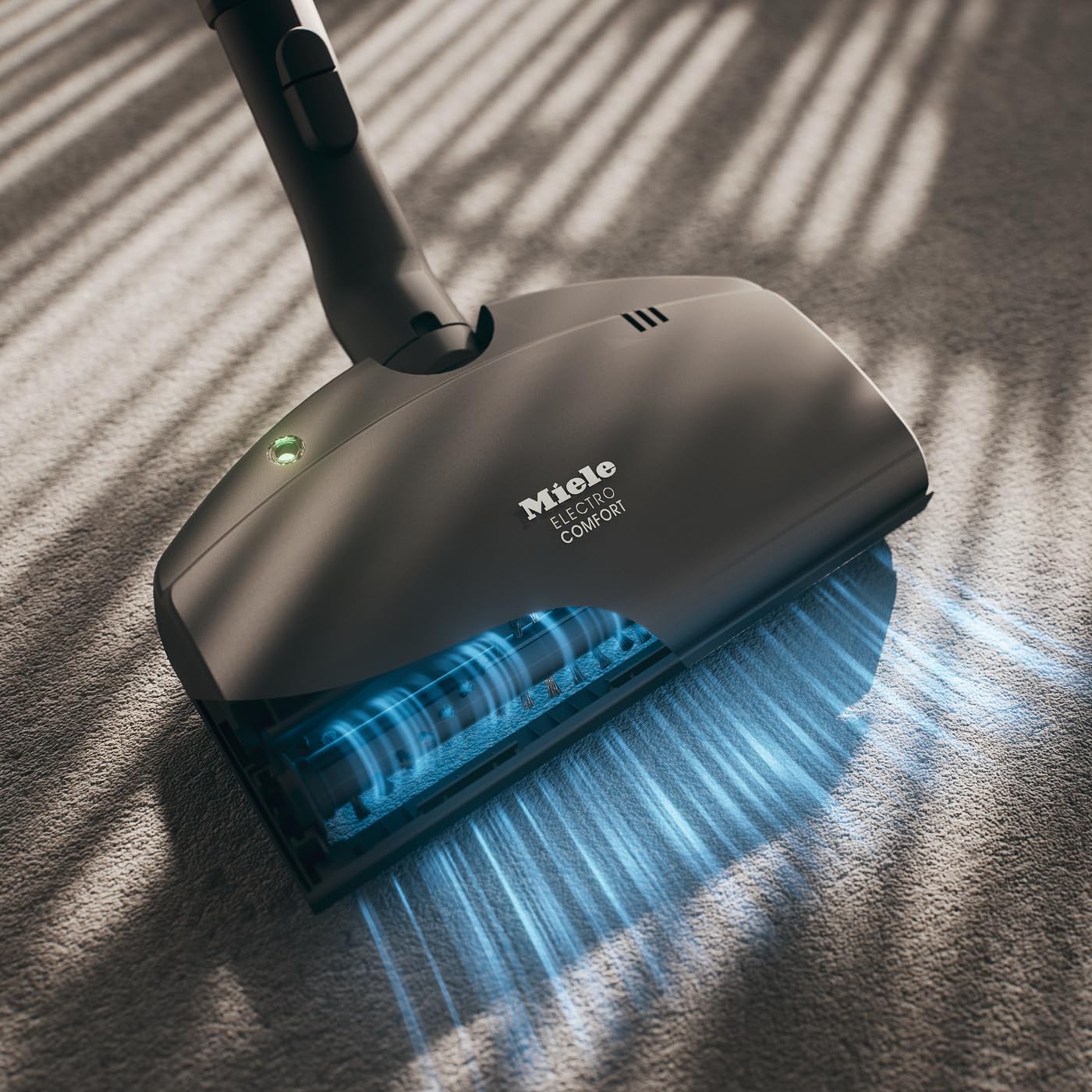
The Miele SEB 217-3 Electro Floorbrush is a genuine Miele vacuum cleaner attachment designed for enhanced cleaning performance on carpets. It features an electrically-powered roller brush that effectively removes embedded dirt, debris, and pet hair from various carpet pile depths.
This attachment is engineered to deliver reliable, high-quality results and help maintain the optimal performance of your Miele vacuum cleaner. It is specifically compatible with Miele vacuum cleaners equipped with Direct Electro Connect.
Key Features:
- Enhanced Cleaning: Electrically-powered roller brush penetrates deep into carpet fibers.
- Powerful Performance: Motor-driven beater bar boosts dirt extraction.
- Full Compatibility: Designed for Miele vacuum cleaners with Direct Electro Connect.
- Miele Quality: Genuine accessory for durability and optimal performance.
2. Setup and Installation
To ensure proper function and safety, follow these steps to attach the SEB 217-3 Electro Floorbrush to your Miele vacuum cleaner:
- Ensure your Miele vacuum cleaner is unplugged from the power outlet.
- Locate the Direct Electro Connect port on your vacuum's wand or hose.
- Align the electrical contacts on the floorbrush with the port on the wand/hose.
- Push the floorbrush firmly onto the wand/hose until it clicks securely into place. Ensure a tight connection for optimal electrical contact and suction.
- Verify that the attachment is stable and does not wobble.
The SEB 217-3 is designed for easy attachment and detachment, allowing for quick transitions between different cleaning tasks.
3. Operating Instructions
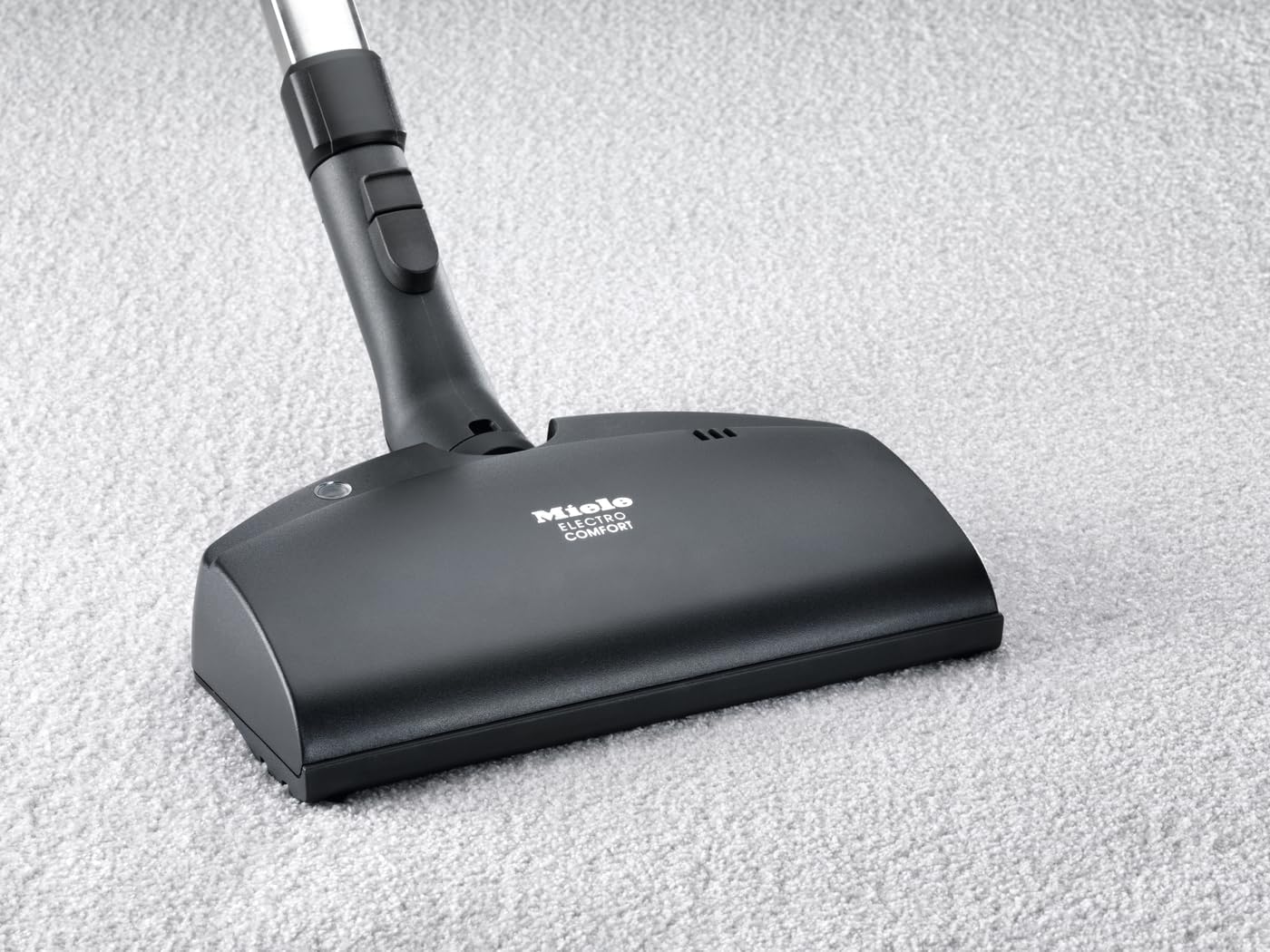
The Miele SEB 217-3 Electro Floorbrush is optimized for cleaning carpets and area rugs. Its motor-driven beater bar is designed to agitate carpet fibers, lifting embedded dirt and pet hair for effective removal.
Usage Guidelines:
- Carpet Cleaning: Use the floorbrush on all carpet pile depths. The rotating brush will effectively dislodge dirt.
- Area Rugs: Suitable for area rugs. For delicate rugs, consider adjusting your vacuum's suction power to a lower setting if available, to prevent damage.
- Movement: Move the floorbrush slowly and steadily across the surface to allow the beater bar sufficient time to agitate and collect debris.
- Maneuverability: The flexible joint allows for easy maneuvering around furniture and into tight spaces.
4. Maintenance
Regular maintenance of your Miele SEB 217-3 Electro Floorbrush ensures its longevity and continued effective performance. The primary maintenance task involves cleaning the roller brush.
Cleaning the Roller Brush:
- Disconnect Power: Always unplug your vacuum cleaner from the power outlet before performing any maintenance.
- Remove Attachment: Detach the Electro Floorbrush from the vacuum wand.
- Inspect Brush: Turn the floorbrush over and inspect the roller brush for tangled hair, threads, or debris.
- Remove Debris: Use scissors or a seam ripper to carefully cut and remove any tangled hair or threads from the roller brush. Be careful not to cut the bristles themselves.
- Clean Air Inlet: Check the air inlet and any visible channels for blockages and clear them if necessary.
- Reassemble: Once clean, reattach the floorbrush to the vacuum wand.
5. Troubleshooting
If you encounter issues with your Miele SEB 217-3 Electro Floorbrush, consider the following common troubleshooting steps:
- Reduced Suction: Check for blockages in the hose, wand, or the floorbrush itself. Ensure the dustbag is not full and the filters are clean.
- Roller Brush Not Spinning: Ensure the floorbrush is correctly attached and the electrical connection is secure. Check the roller brush for excessive hair or debris entanglement (refer to Maintenance section).
- Unusual Noises: Disconnect the power and inspect the roller brush and internal components for any foreign objects that might be causing obstruction.
- Difficulty Pushing: If the brush is hard to push on carpet, ensure the vacuum's suction setting is appropriate for the carpet type. Excessive suction can sometimes make movement difficult.
If problems persist after performing these checks, contact Miele customer support or an authorized service center.
6. Specifications
| Attribute | Detail |
|---|---|
| Brand | Miele |
| Model Name | SEB 217-3 |
| Item Model Number | SEB 217-3 |
| Color | Black |
| Style | Wand Attachment |
| Product Dimensions | 13 x 12 x 4 inches |
| Item Weight | 3.14 pounds |
| Included Components | Floor head brush |
| Assembly Required | No |
| Batteries Required | No |
| Care Instructions | Refer to Manual |
7. Warranty and Support
The Miele SEB 217-3 Electro Floorbrush is designed for durability and performance. Please note that this product is sold with No warranty as per the provided product information.
For optimal performance, safety, and compatibility, it is recommended to use only genuine Miele accessories with your Miele vacuum cleaner.
For further assistance, technical support, or inquiries regarding genuine Miele parts, please visit the official Miele website or contact Miele customer service directly.


