
1. Introduction
Thank you for purchasing the Sony BC-CS2A AA/AAA NI-MH Battery Charger. This manual provides essential information for the safe and efficient operation of your charger. Please read it thoroughly before use and retain it for future reference.
This charger is designed to recharge Sony Ni-MH (Nickel-Metal Hydride) AA and AAA batteries. It offers a reliable solution for powering your compatible electronic devices.
2. Safety Information
To prevent fire, electric shock, or product damage, please observe the following safety precautions:
- Use only with specified Ni-MH rechargeable batteries. Do not attempt to charge alkaline, carbon-zinc, or other battery types, as this may cause leakage, rupture, or explosion.
- Do not disassemble, modify, or attempt to repair the charger. Refer all servicing to qualified service personnel.
- Do not expose the charger to rain, moisture, or extreme temperatures.
- Ensure the charger is connected to a power outlet with the correct voltage (240 Volts as per specifications).
- Keep out of reach of children.
- Unplug the charger from the power outlet when not in use or before cleaning.
- Do not operate the charger if it has been damaged in any way.
3. Package Contents
Verify that all items are present in your package:
- 1 x Sony BC-CS2A Battery Charger
4. Setup
- Unpack the Charger: Carefully remove the Sony BC-CS2A charger from its packaging.
- Connect to Power: Plug the charger's power cord into a standard electrical outlet (Type A - 2 pin, North American). Ensure the outlet voltage matches the charger's specifications (240 Volts).
- Prepare Batteries: Ensure the batteries you intend to charge are Ni-MH type and are free from damage or corrosion.
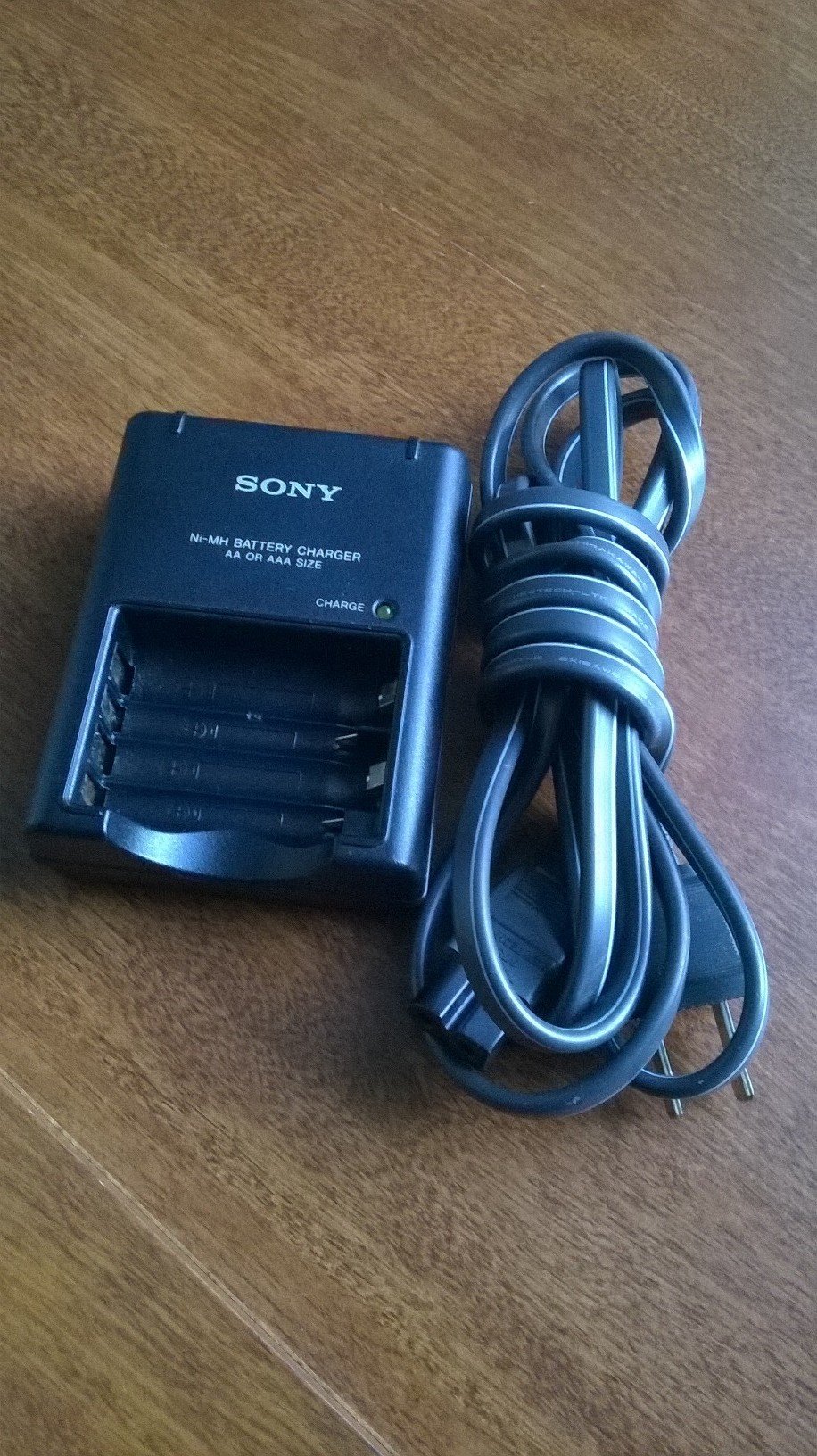
Image showing the Sony BC-CS2A AA/AAA NI-MH Battery Charger, designed for charging two AA or AAA Ni-MH batteries simultaneously.
5. Operating Instructions
5.1 Charging Batteries
- Insert Batteries: Carefully insert one or two AA or AAA Ni-MH batteries into the charging slots, ensuring correct polarity (+ and - ends match the markings on the charger). The charger is designed to charge two batteries at a time.
- Charging Indicator: Once batteries are correctly inserted and the charger is plugged in, the charging indicator light(s) will illuminate. The color or state of the light indicates the charging status. Typically, a steady light indicates charging in progress.
- Completion: The charging time will vary depending on the battery capacity and discharge level. The indicator light may change or turn off when charging is complete. Refer to the specifications for approximate charging times.
- Remove Batteries: Once charging is complete, unplug the charger from the power outlet and carefully remove the charged batteries.
5.2 Important Notes
- The charger is designed for slow, thorough charging, which can help extend battery life.
- It is normal for batteries to become warm during charging.
- Do not leave batteries in the charger for extended periods after charging is complete.
6. Maintenance
- Cleaning: Disconnect the charger from the power source before cleaning. Use a soft, dry cloth to wipe the exterior of the charger. Do not use liquid cleaners or solvents.
- Storage: Store the charger in a cool, dry place away from direct sunlight and extreme temperatures when not in use.
- Battery Care: For optimal battery life, avoid fully discharging Ni-MH batteries before recharging.
7. Troubleshooting
| Problem | Possible Cause | Solution |
|---|---|---|
| Charger indicator light does not illuminate. |
|
|
| Batteries do not charge fully or hold a charge. |
|
|
8. Specifications
| Model Number | BC-CS2A |
| Brand | Sony |
| Compatible Battery Types | AA/AAA Ni-MH |
| Input Voltage | 240 Volts |
| Wattage | 2.5 watts |
| Power Plug Type | Type A - 2 pin (North American) |
| Included Components | 1 charger |
| Portable | Yes |
9. Warranty and Support
For warranty information or technical support, please refer to the documentation provided at the time of purchase or visit the official Sony support website. Keep your proof of purchase for warranty claims.

