
Introduction
The LEDVANCE SYLVANIA LED Dot It Linear Swivel Light is a versatile, portable lighting solution designed for various indoor applications. This battery-powered LED light features a 180-degree swivel head, allowing for adjustable illumination. Its self-adhesive backing provides flexible mounting options, making it suitable for use in cabinets, closets, or as a general utility light.
Key features include:
- Portable design for use anywhere.
- Light swivels 180 degrees for directional lighting.
- Operates on 3 AAA batteries (included).
- Simple touch control for on/off functionality.
Package Contents
- 1 x SYLVANIA LED Dot It Linear Swivel Light
- 3 x AAA Batteries
Setup and Installation
- Battery Installation:
Locate the battery compartment on the back of the light. Open the compartment and insert the three AAA batteries, ensuring correct polarity (+/-). Close the compartment securely.
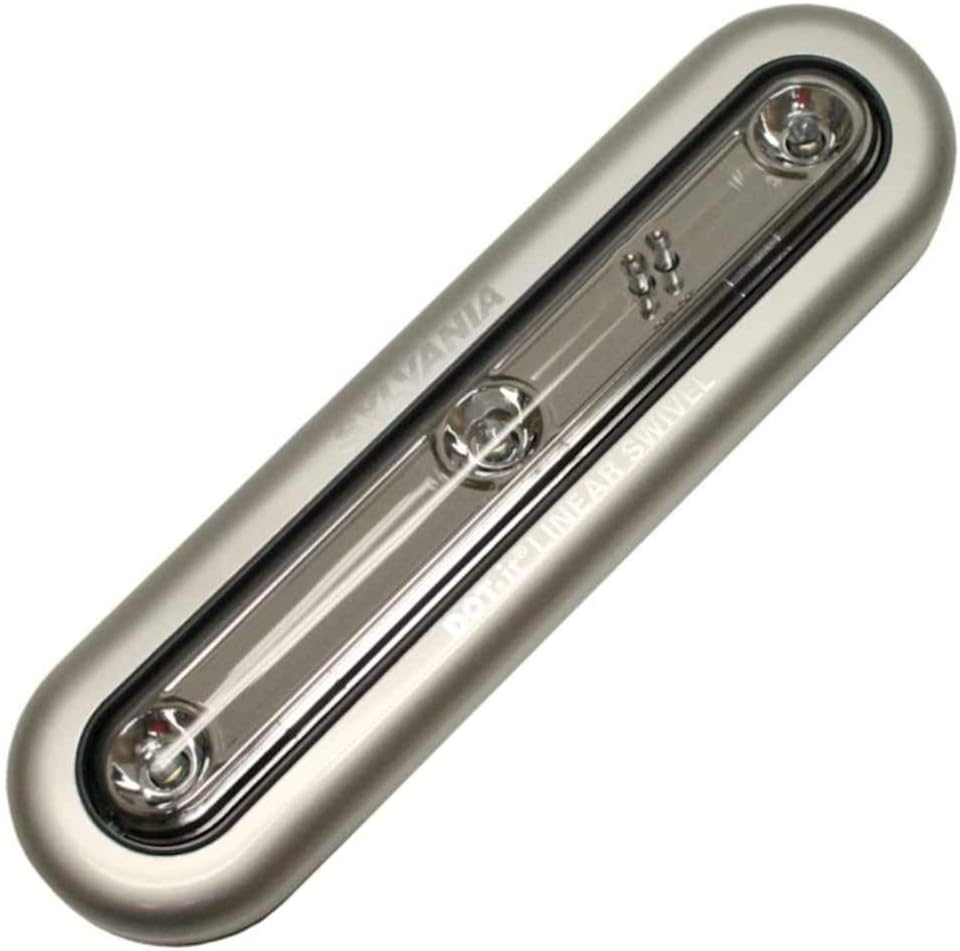
Image: The SYLVANIA LED Dot It Linear Swivel Light, showing its overall design and indicating where the battery compartment is typically located on the reverse side.
- Mounting Options:
The light offers two primary mounting methods:
- Adhesive Mounting: Peel off the protective backing from the self-adhesive pad on the light. Press the light firmly onto a clean, dry, and smooth surface where illumination is desired. The adhesive allows for repositioning.
- Magnetic Mounting: For metallic surfaces, the light can be attached directly using its integrated magnetic base (if applicable to your model).
Ensure the chosen location provides adequate space for the light to swivel if directional lighting is needed.
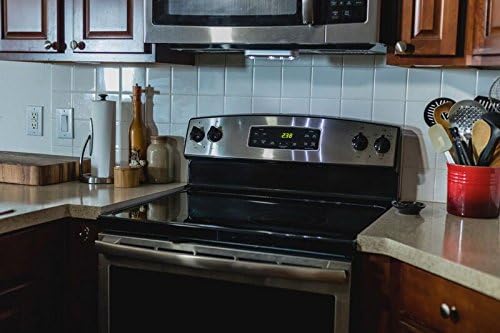
Image: The SYLVANIA LED Dot It Linear Swivel Light installed discreetly under a kitchen cabinet, demonstrating its application for task lighting.
Operating Instructions
- Turning On/Off:
To turn the light on or off, gently press the center of the light's clear plastic LED cover. This touch-sensitive switch activates or deactivates the illumination.
- Adjusting Light Direction:
The LED light tube can swivel up to 180 degrees. Gently rotate the light tube to direct the illumination precisely where it is needed.
Maintenance
- Battery Replacement: When the light begins to dim or fails to turn on, it is time to replace the batteries. Follow the battery installation steps outlined in the 'Setup and Installation' section. Always use fresh AAA batteries.
- Cleaning: To clean the light, wipe it with a soft, dry cloth. Avoid using abrasive cleaners or solvents, as these may damage the finish or electronic components.
- LED Longevity: The integrated LED lights are designed for long-term use and typically do not require replacement.
Troubleshooting
| Problem | Possible Cause | Solution |
|---|---|---|
| Light does not turn on. | Dead or incorrectly installed batteries. | Replace batteries with fresh AAA batteries, ensuring correct polarity. |
| Light is dim. | Low battery power. | Replace batteries with fresh AAA batteries. |
| Light does not stick to surface. | Surface is dirty, wet, or uneven; adhesive is worn. | Clean and dry the surface thoroughly. If adhesive is worn, use a new adhesive strip suitable for the light's weight. |
Specifications
- Model Number: 72510
- Power Source: 3 x AAA Batteries (included)
- Light Source Type: LED
- Light Color: Bright White
- Brightness: 400 Lumens (Maximum)
- Voltage: 4.5 Volts
- Control Method: Touch / Push Button
- Swivel Angle: 180 degrees
- Installation Type: Surface Mounted, Freestanding
- Indoor/Outdoor Usage: Indoor
- Material: Glass, Plastic
- Product Dimensions: 7 x 2 x 0.75 inches
- Item Weight: 6.1 ounces
Warranty and Support
For information regarding warranty coverage or technical support, please refer to the official LEDVANCE website or contact their customer service directly. Keep your purchase receipt for warranty claims.
You can visit the LEDVANCE store for more product information: LEDVANCE Store


