
Omron HBF-516B
Omron Body Composition Monitor with Scale
Model: HBF-516B
User Instruction Manual
1. Introduction
The Omron Body Composition Monitor with Scale (Model HBF-516B) is designed to provide comprehensive insights into your body composition. Utilizing advanced bioelectrical impedance technology, this device accurately measures seven key fitness indicators, helping you track your progress towards your health goals from the comfort of your home.
This manual provides essential information for the proper setup, operation, and maintenance of your monitor. Please read it thoroughly before first use.
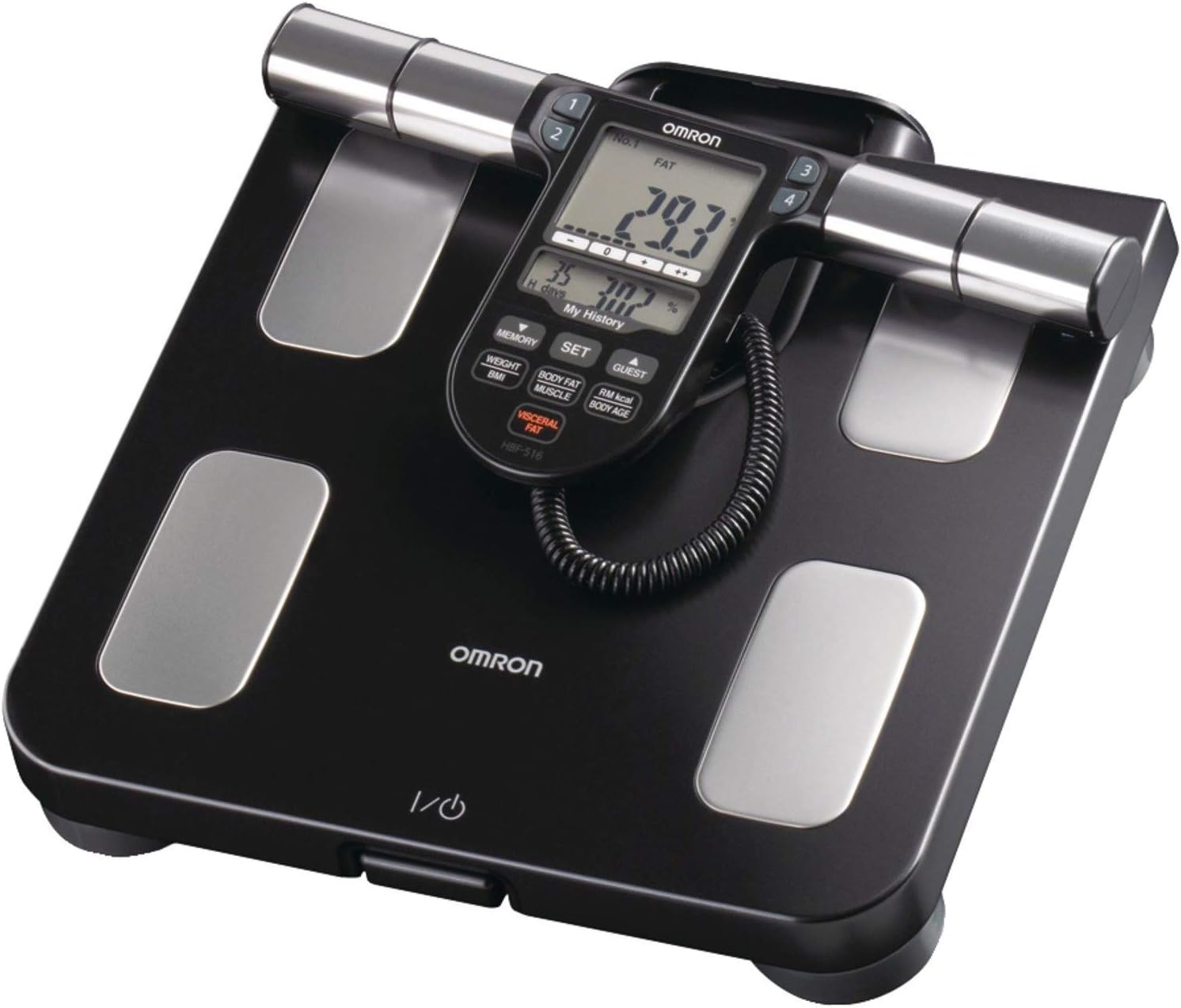
Figure 1: Top-down view of the Omron Body Composition Monitor.
2. Safety Information
This device is intended for general household use to measure body composition. It is not intended for medical diagnosis or treatment. Always consult with a healthcare professional for any health concerns or before making significant changes to your diet or exercise routine.
Keep the device dry and clean. Avoid exposing it to extreme temperatures, direct sunlight, or high humidity.
3. Product Overview
The Omron HBF-516B consists of a main scale platform with four foot electrodes and a detachable display unit with hand electrodes. The display unit is connected to the main platform via a retractable cord.
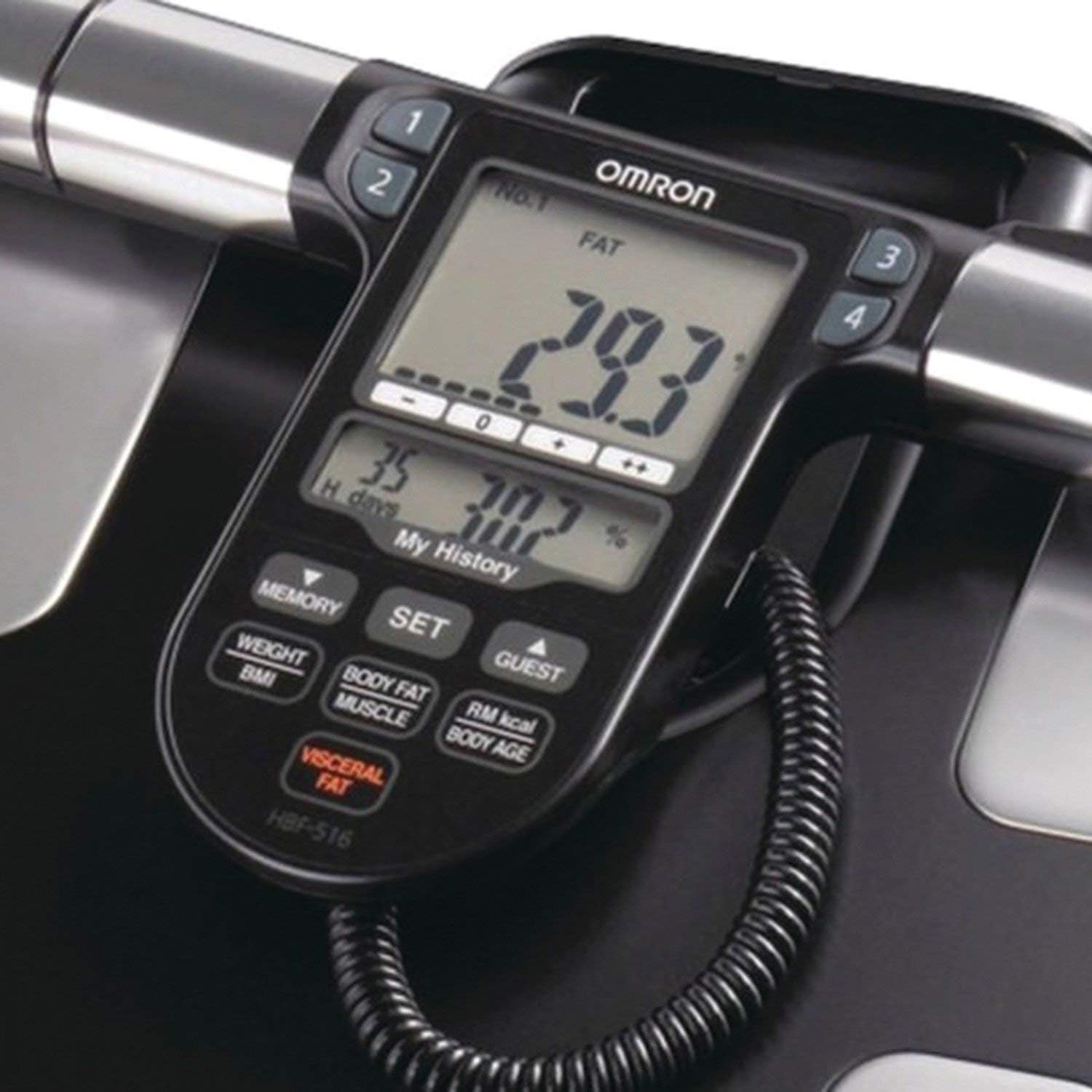
Figure 2: Close-up view of the digital display and control buttons.
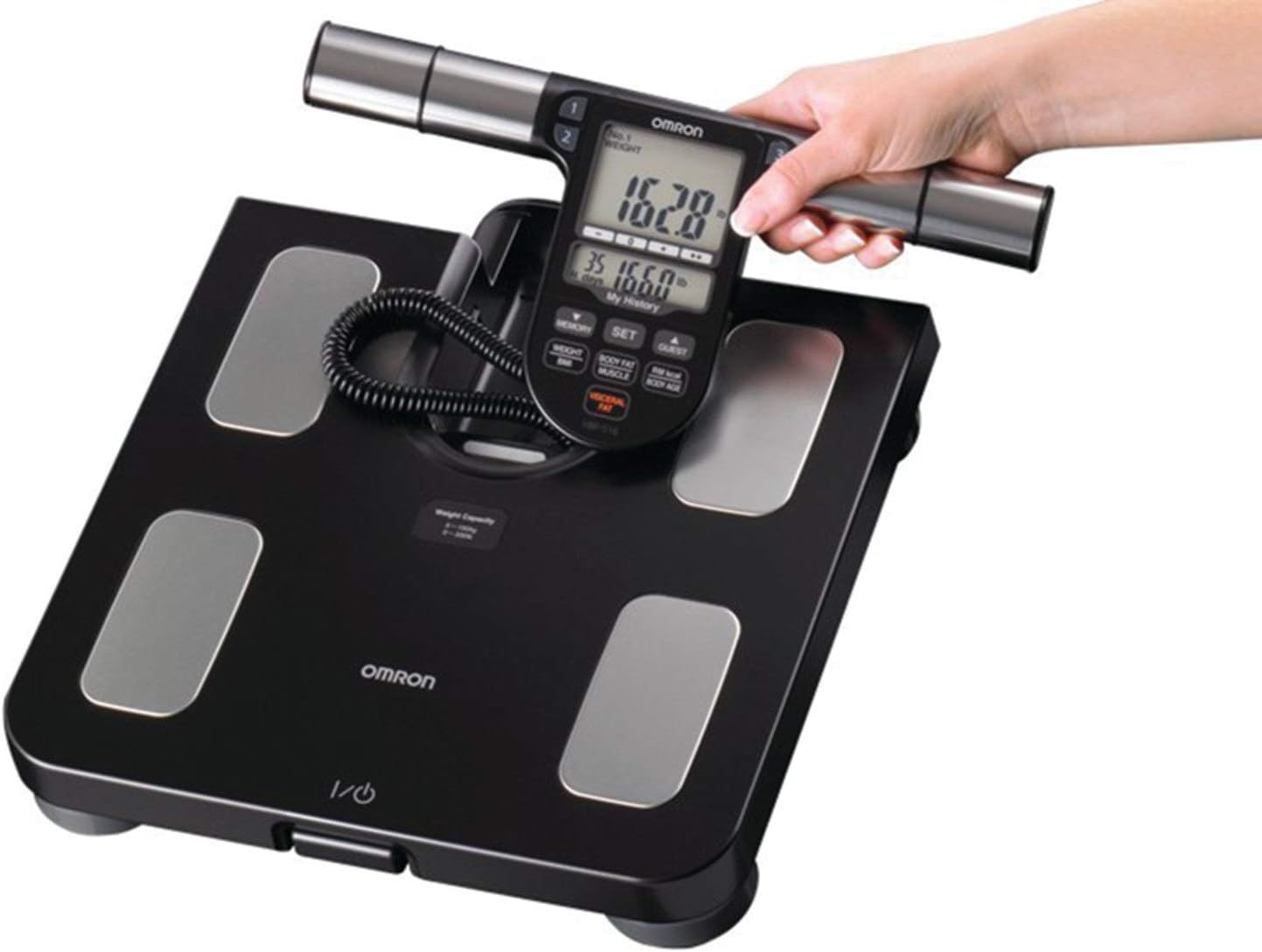
Figure 3: The detachable display unit being held by a user.

Figure 4: The base of the monitor showing the power button.
4. Setup
- Battery Installation: Open the battery compartment on the underside of the main unit. Insert 4 AA batteries, ensuring correct polarity. Close the compartment securely.
- Placement: Place the monitor on a hard, flat, and level floor surface. Avoid carpets or uneven surfaces, as this can affect measurement accuracy.
- Initial User Profile Setup: The monitor can store up to 4 individual user profiles. Follow the on-screen prompts to enter personal data such as age, height, and gender for each user. This information is crucial for accurate body composition analysis.
5. Operating Instructions
To take a measurement:
- Ensure the monitor is on a hard, level surface.
- Step onto the scale barefoot, ensuring your feet are positioned on the four metal electrodes.
- Pick up the display unit and hold it straight out in front of you, ensuring your hands are on the hand electrodes. The retractable cord allows for comfortable use by individuals up to 6 feet 6.75 inches tall.
- The monitor will automatically begin the measurement process. Remain still until the readings are displayed.
- The monitor will display your weight first, followed by the 7 fitness indicators: Body Fat Percentage, BMI, Skeletal Muscle, Resting Metabolism, Visceral Fat, Body Age, and Weight.
Important Note: For consistent and accurate readings, it is recommended to take measurements in the morning before exercise, eating, drinking, or showering.

Figure 5: Proper posture for taking a measurement.
Memory Function
The monitor stores up to 90 days of readings for each of the 4 individual profiles, allowing you to track your progress over time. Use the 'MEMORY' button on the display unit to review past measurements.
Guest Mode
For users who do not have a registered profile, the 'GUEST' mode allows for a one-time measurement without saving the data. This is useful for friends or family members who wish to use the monitor occasionally.
6. Maintenance
- Cleaning: Wipe the monitor with a soft, damp cloth. Do not use abrasive cleaners or immerse the unit in water.
- Battery Replacement: When the battery indicator appears on the display, replace all 4 AA batteries simultaneously. Do not mix old and new batteries or different types of batteries.
- Storage: Store the monitor in a cool, dry place away from direct sunlight and extreme temperatures.
7. Troubleshooting
- Abnormal Weight Reading: If the weight value displayed appears abnormally low or high, ensure the monitor is placed on a hard and level floor. Uneven surfaces or soft flooring (like carpet) can interfere with accurate readings.
- Display Not Working: Check if the batteries are correctly inserted and have sufficient charge. Replace batteries if necessary.
- Error Codes: If an error code appears on the display, refer to the comprehensive User Manual (PDF) for specific troubleshooting steps related to that code.
8. Specifications
| Feature | Detail |
|---|---|
| Brand | Omron |
| Model Number | HBF-516B |
| Product Dimensions | 11.87 x 12.87 x 2.12 inches |
| Item Weight | 4.87 Pounds |
| Weight Limit | 330 Pounds |
| Power Source | 4 AA batteries (included) |
| Color | Black |
| Special Feature | Retractable Cord |
| Recommended Uses | Adults |

Figure 6: Product dimensions.
9. Warranty and Support
For detailed warranty information, product registration, and customer support, please refer to the official Omron website or the full User Manual provided with your product. This product is typically available for US shipping only.
You can download the complete User Manual (PDF) for more in-depth information and detailed instructions from the following links:
Related documentsHBF-516B


Ask a question about this manual
Ask about setup, troubleshooting, compatibility, parts, safety, or missing instructions. Manuals+ will review the question and use this page’s manual context to help answer it.