
Go Power Solar Elite
Go Power! Solar Elite Complete Solar and Inverter System User Manual
Model: Solar Elite
1. Introduction
This manual provides comprehensive instructions for the installation, operation, and maintenance of your Go Power! Solar Elite Complete Solar and Inverter System. This system is designed to provide reliable off-grid power, ideal for RVs and other mobile applications, offering both solar charging and inverter capabilities.
The Solar Elite system integrates high-efficiency solar modules with a powerful inverter charger, ensuring your batteries are charged and AC power is available when needed. Please read this manual thoroughly before attempting any installation or operation to ensure safe and efficient use of your system.

Figure 1: Overview of the Go Power! Solar Elite System components.
2. Product Components
The Go Power! Solar Elite System includes the following key components:
- Solar Panels: Two high-efficiency solar modules (totaling 380 watts).
- Inverter Charger (GP-IC-2000): A 2000 watt pure sine wave inverter with a built-in 100 amp battery charger and 50 amp dual leg transfer switch.
- Inverter Charger Remote (GP-ICR-50): For remote monitoring and control of the inverter charger.
- PWM Solar Controller (GP-PWM-30): A 30 amp Pulse Width Modulated digital regulator with Bluetooth connectivity.
- DC Inverter Install Kit (GP-DC-KIT4): Includes necessary cables and fusing for inverter installation.
- MC4 Output Cable: 50 feet of #10 MC4 output cable for solar panel connection.
- Mounting Hardware (2 x GP-MH-4): For securing solar panels.
Solar Panels
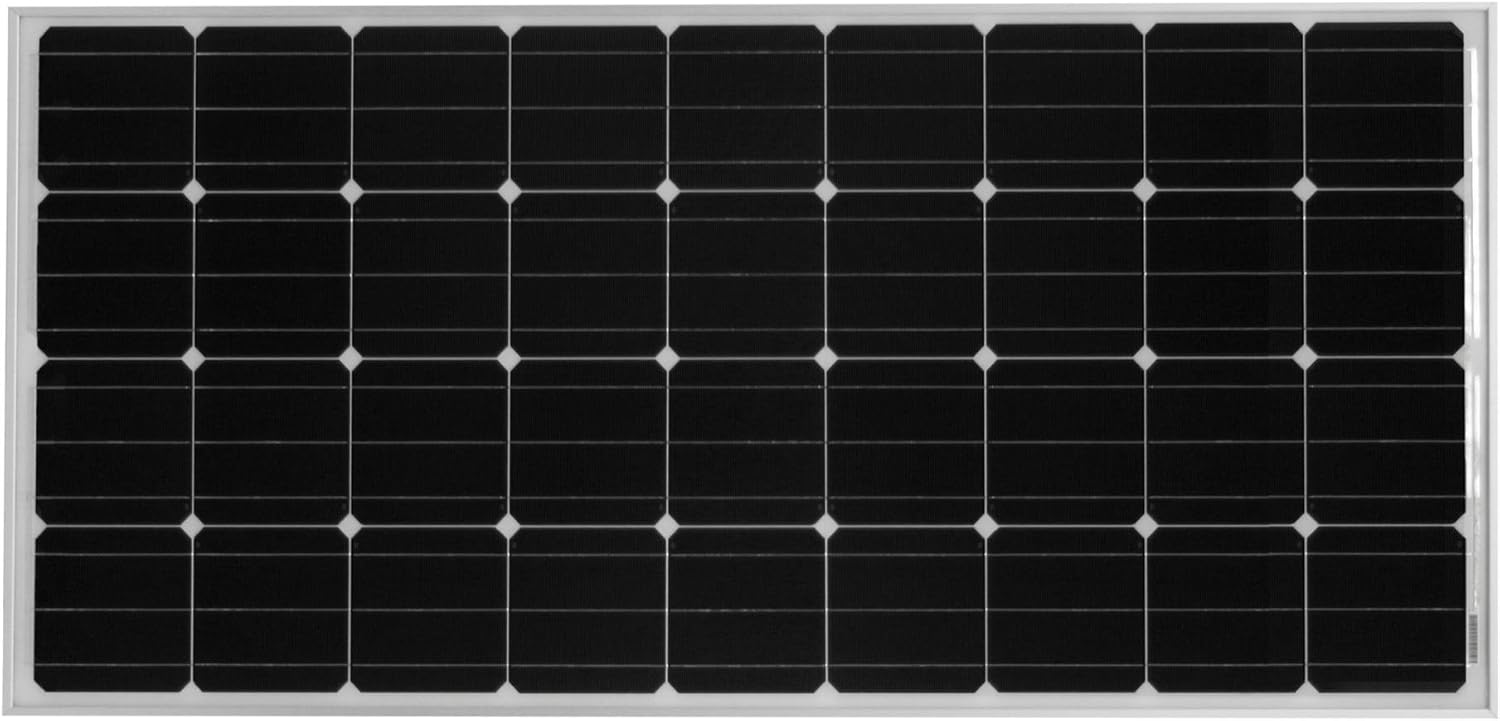
High-efficiency solar modules designed to capture maximum sunlight and convert it into electrical energy for battery charging.
IC2000 Inverter Charger

This unit converts DC battery power to AC household power and includes a multi-stage battery charger and automatic transfer switch.
GP-PWM-30 Solar Controller
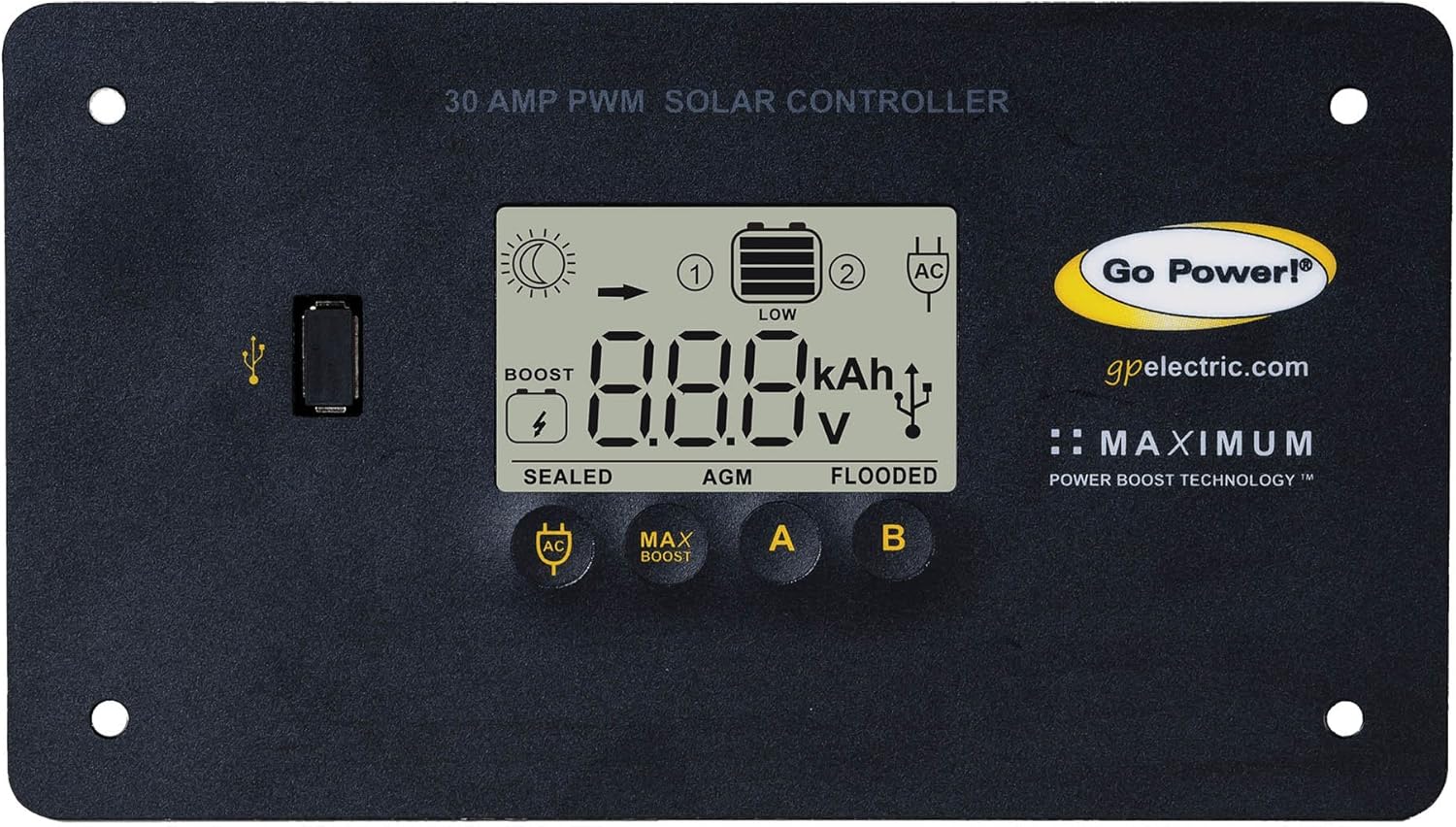
Regulates the voltage and current coming from the solar panels to the battery bank, preventing overcharging and optimizing battery life. Features Bluetooth for remote monitoring.
ICR-50 Inverter Charger Remote

Allows for convenient control and monitoring of the inverter charger from a remote location inside your RV or vehicle.
DC Inverter Install Kit

Contains the necessary heavy-gauge cables and fusing to safely connect the inverter charger to your battery bank.
3. Setup and Installation
Installation of the Go Power! Solar Elite System requires electrical knowledge and should ideally be performed by a qualified technician. Always disconnect all power sources before beginning installation.
3.1. Safety Precautions
- Wear appropriate personal protective equipment (PPE), including safety glasses and insulated gloves.
- Ensure all DC and AC power sources are disconnected and locked out before working on the system.
- Avoid working in wet conditions.
- Do not short-circuit battery terminals or solar panel leads.
3.2. Installation Steps (Overview)
- Mount Solar Panels: Securely mount the solar panels on a flat, unobstructed surface, typically the roof of an RV, using the provided mounting hardware. Ensure proper spacing for airflow and access.
- Install Inverter Charger: Choose a dry, well-ventilated location for the GP-IC-2000 Inverter Charger, close to the battery bank. Mount it securely.
- Connect Inverter to Batteries: Use the DC Inverter Install Kit (GP-DC-KIT4) to connect the inverter charger to your battery bank. Ensure correct polarity and proper fusing.
- Install Solar Controller: Mount the GP-PWM-30 Solar Controller in an accessible location, preferably near the battery bank.
- Wire Solar Panels to Controller: Connect the solar panels to the GP-PWM-30 Solar Controller using the MC4 output cables. Follow the wiring diagram provided in the full user manual for series or parallel connections.
- Connect Controller to Batteries: Wire the solar controller to the battery bank.
- Install Inverter Charger Remote: Run the communication cable from the GP-IC-2000 to the GP-ICR-50 remote and mount the remote in a convenient location.
- AC Wiring: Connect the AC input (shore power/generator) and AC output (to your RV's electrical panel) to the GP-IC-2000. This step involves working with high voltage AC and must be done by a qualified electrician.
- System Test: Once all connections are secure and verified, re-enable power sources and test the system's functionality.
For detailed wiring diagrams and specific instructions, refer to the comprehensive PDF user manual available for download from the Go Power! website.
4. Operation
Operating your Go Power! Solar Elite System involves monitoring its performance and understanding its various modes.
4.1. Solar Charging
- The GP-PWM-30 Solar Controller automatically manages the charging of your batteries from the solar panels.
- Monitor the display on the controller for battery voltage, charging current, and battery state of charge.
- The Bluetooth feature allows you to monitor these parameters remotely via the Go Power! Connect app on your smartphone or tablet.
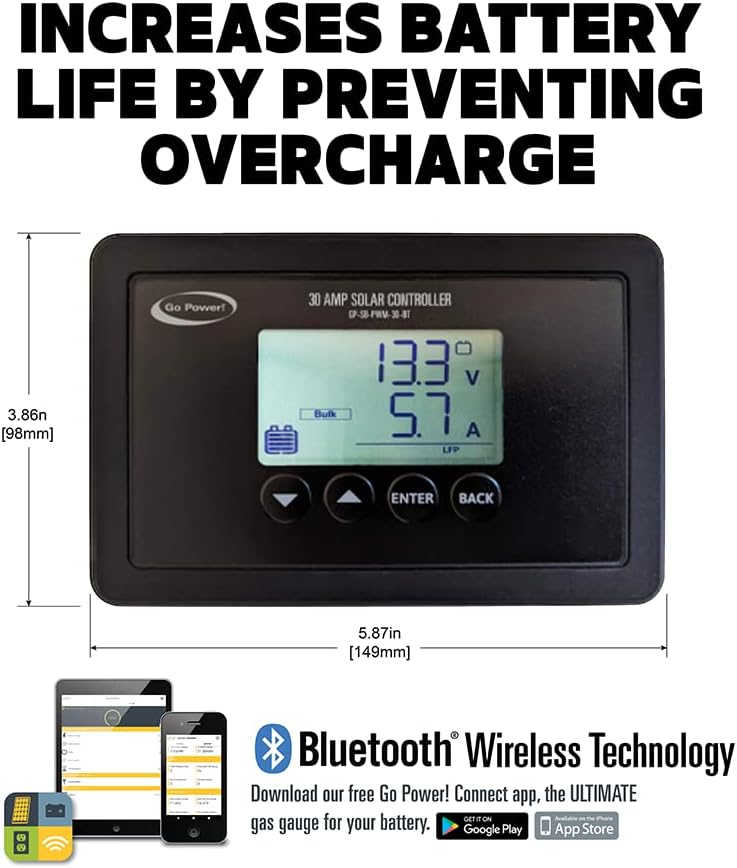
Figure 2: GP-PWM-30 Solar Controller display.
4.2. Inverter Operation
- The GP-IC-2000 Inverter Charger provides 2000 watts of pure sine wave AC power from your battery bank.
- Use the GP-ICR-50 remote to turn the inverter ON or OFF.
- When connected to shore power or a generator, the inverter charger will automatically switch to charging mode and pass through AC power to your appliances.
- The remote display will show system status, battery voltage, and AC load.
5. Maintenance
Regular maintenance ensures the longevity and optimal performance of your Go Power! Solar Elite System.
- Solar Panels: Periodically clean the surface of the solar panels with a soft cloth and water to remove dirt, dust, and debris that can reduce efficiency. Inspect for any physical damage or loose connections.
- Battery Bank: Check battery terminals for corrosion and ensure they are clean and tight. If using flooded lead-acid batteries, check electrolyte levels and top up with distilled water as needed.
- Wiring and Connections: Annually inspect all wiring for signs of wear, fraying, or damage. Ensure all connections are secure and free from corrosion.
- Ventilation: Ensure the inverter charger and solar controller have adequate ventilation. Keep vents clear of obstructions.
- Firmware Updates: Check the Go Power! website for any available firmware updates for your inverter charger or solar controller.
6. Troubleshooting
This section provides solutions to common issues you might encounter with your Go Power! Solar Elite System.
| Problem | Possible Cause | Solution |
|---|---|---|
| No power from inverter | Inverter is OFF; Low battery voltage; Overload; Blown fuse/breaker | Turn inverter ON via remote; Check battery voltage and charge if low; Reduce AC load; Check and reset/replace fuses/breakers. |
| Batteries not charging from solar | Solar panels dirty/shaded; Loose connections; Faulty solar controller | Clean panels and remove shade; Check all solar wiring connections; Consult Go Power! support if controller is suspected faulty. |
| Inverter charger not charging from shore power | Shore power not connected/active; Charger OFF; AC input breaker tripped | Verify shore power connection and source; Ensure charger is ON via remote; Check and reset AC input breaker on inverter or distribution panel. |
| Bluetooth connection issues with solar controller | App not updated; Bluetooth disabled on device; Controller out of range | Update Go Power! Connect app; Enable Bluetooth on your device; Move closer to the controller. |
If you encounter issues not listed here or if the suggested solutions do not resolve the problem, please contact Go Power! customer support.
7. Specifications
Key technical specifications for the Go Power! Solar Elite System components:
- Product Dimensions: 64"L x 30.7"W x 20"H (Overall System)
- Item Weight: 135 Pounds (Overall System)
- Solar Panel Wattage: 380 Watts (Total)
- Inverter Charger (GP-IC-2000):
- Output Voltage: 120 Volts (AC)
- Pure Sine Wave Output
- Built-in 100 Amp Battery Charger
- 50 Amp Dual Leg Transfer Switch
- Solar Controller (GP-PWM-30):
- 30 Amp Pulse Width Modulated (PWM)
- Bluetooth Connectivity
- Efficiency: High
8. Warranty and Support
Go Power! products are designed for durability and performance. For specific warranty details regarding your Solar Elite System, please refer to the warranty card included with your product packaging or visit the official Go Power! website.
For technical support, troubleshooting assistance, or parts inquiries, please contact Go Power! customer service. Contact information can typically be found on the manufacturer's website or in your product documentation.
Related documentsSolar Elite


Ask a question about this manual
Ask about setup, troubleshooting, compatibility, parts, safety, or missing instructions. Manuals+ will review the question and use this page’s manual context to help answer it.