
Epson C11C698201
Epson Stylus Photo R1900 Large Format Photo Printer
Model: C11C698201
Brand: Epson
Product Overview
The Epson Stylus Photo R1900 is a powerful, wide-format printer designed for high-quality glossy photo printing. It utilizes Epson UltraChrome Hi-Gloss 2 pigment ink, delivering vibrant photos up to 13 inches wide. This printer offers exceptional media versatility, supporting glossy, luster, matte, and fine art papers. Featuring innovative Radiance technology, co-developed with R.I.T., it maximizes color gamut, optimizes print quality, reduces grain, and ensures consistent color transitions under various lighting conditions. The R1900 also boasts improved print speeds for higher resolution output.
Setup and Installation
Before operating your Epson Stylus Photo R1900, ensure all packaging materials are removed and the printer is placed on a stable, level surface. Follow these general steps for initial setup:
What's in the Box:
- Epson Stylus Photo R1900 ink jet printer
- One Photo Black UltraChrome Hi-Gloss 2 ink cartridge (T087120)
- One Matte Black UltraChrome Hi-Gloss 2 ink cartridge (T087820)
- One Cyan UltraChrome Hi-Gloss 2 ink cartridge (T087220)
- One Magenta UltraChrome Hi-Gloss 2 ink cartridge (T087320)
- One Yellow UltraChrome Hi-Gloss 2 ink cartridge (T087420)
- One Red UltraChrome Hi-Gloss 2 ink cartridge (T087720)
- One Orange UltraChrome Hi-Gloss 2 ink cartridge (T087920)
- Two Gloss Optimizer UltraChrome Hi-Gloss 2 cartridges (T087020)
- CD print tray and software
- Roll paper holder accessory
- Single sheet guide
- Printer documentation
- CD-ROM containing printer drivers and software (Windows® and Macintosh®)
Install the provided ink cartridges into their respective slots. Load paper into the appropriate paper tray. Connect the printer to your computer using a USB cable (not included) and install the drivers from the provided CD-ROM or Epson's official website.
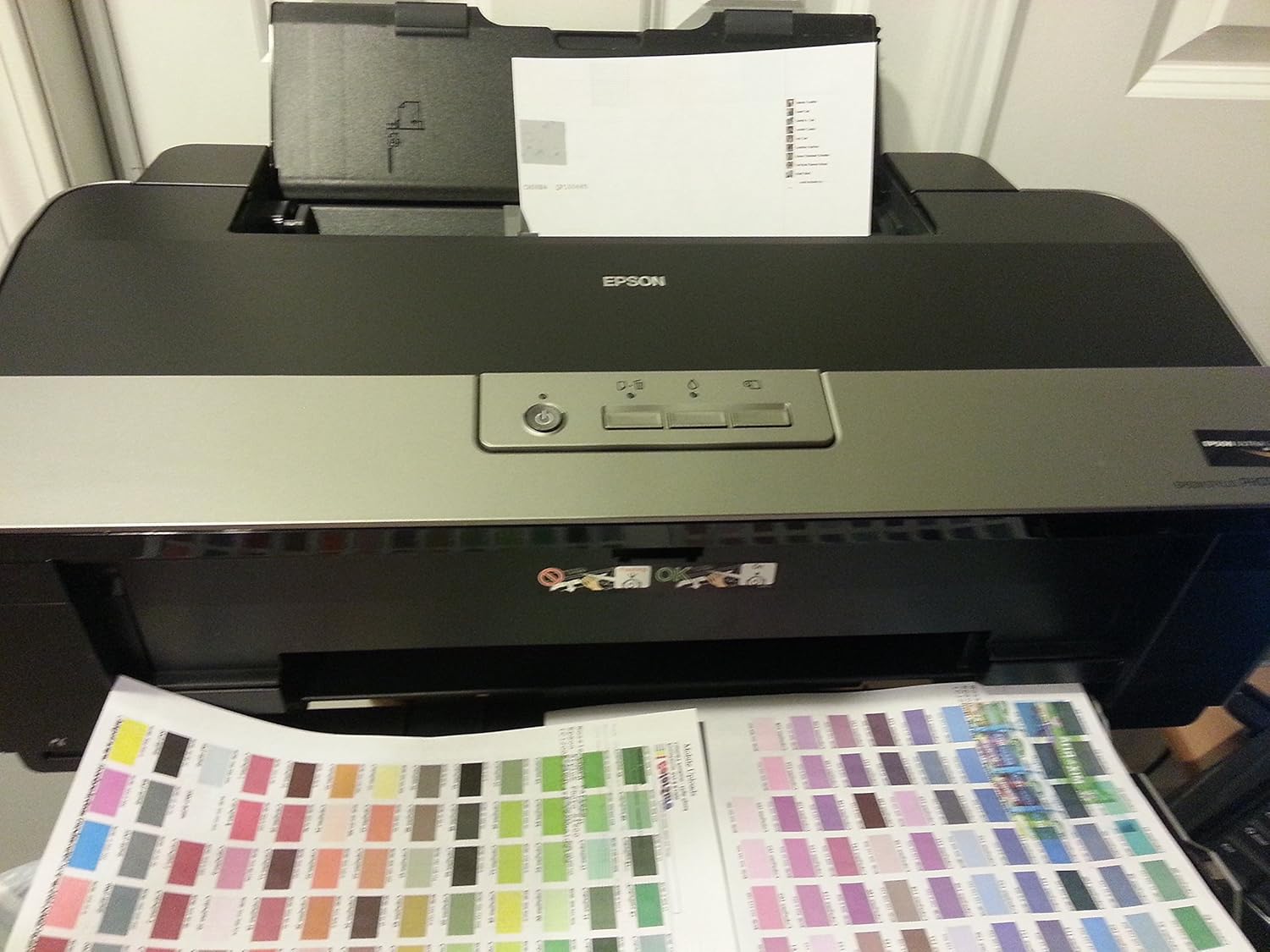
Figure 1: The Epson Stylus Photo R1900 printer with paper loaded in the top feeder and a color calibration sheet exiting the front.
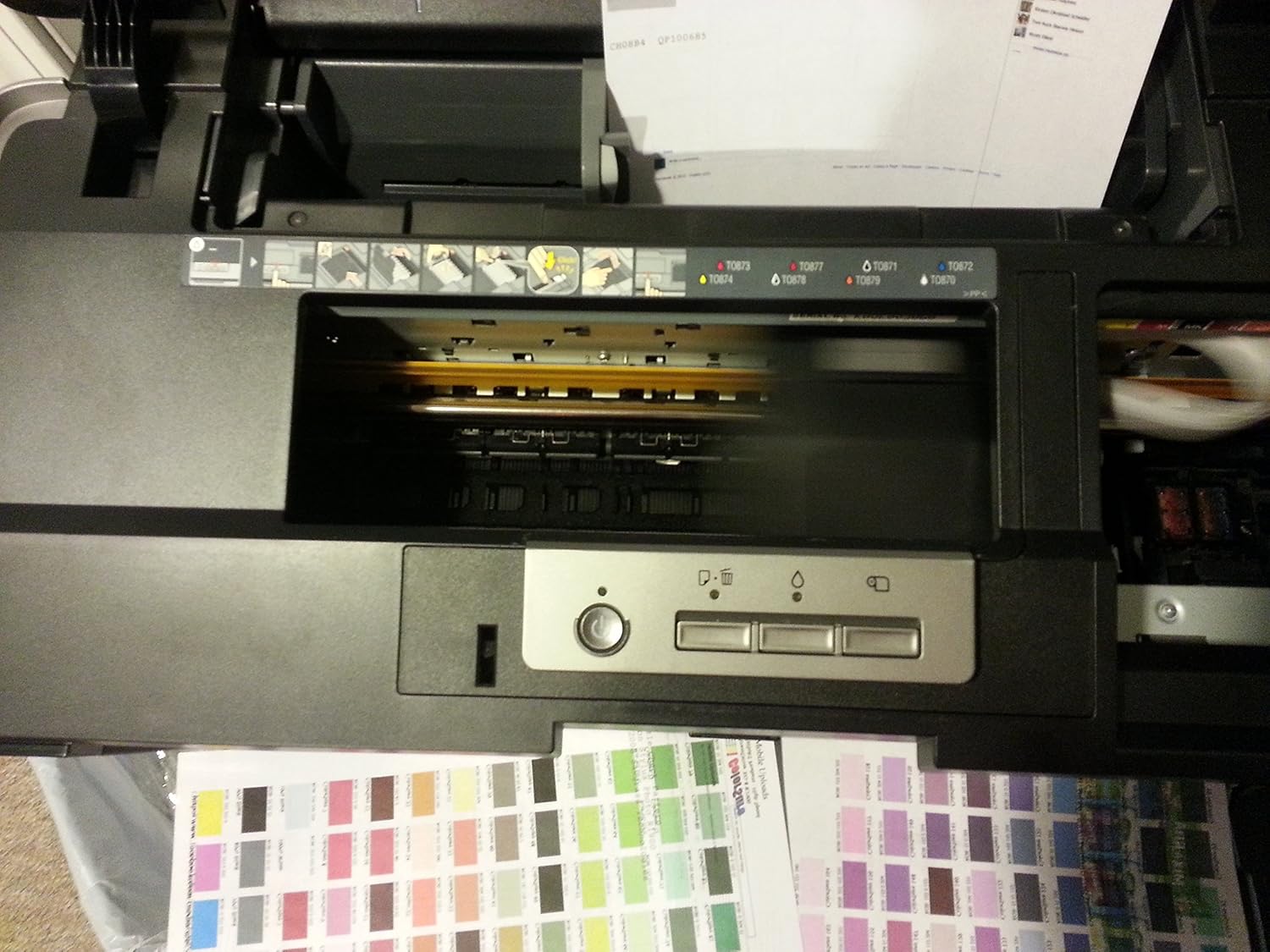
Figure 2: A top-down view of the Epson R1900 printer, highlighting the paper feed mechanism and the control panel with buttons and indicator lights.
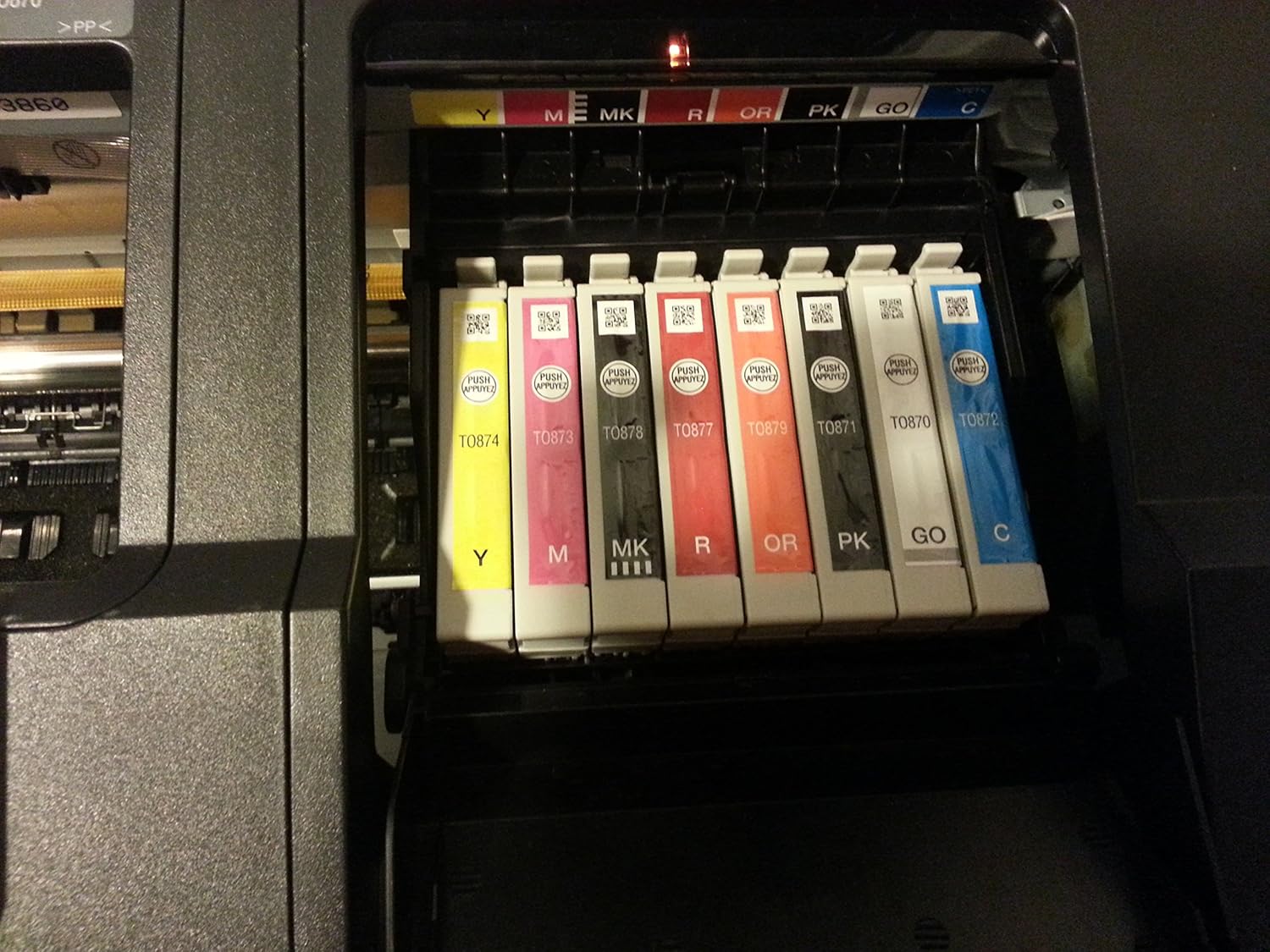
Figure 3: A close-up view of the Epson UltraChrome Hi-Gloss 2 ink cartridges, showing their individual colors and labels, installed within the printer's ink bay.
Operating the Printer
The Epson Stylus Photo R1900 is designed for high-quality photo and graphic printing. Key operational features include:
- Epson UltraChrome Hi-Gloss 2 Pigment Ink: This 8-color ink set, including new Red and Orange inks, provides an astonishing range of colors, smooth skin tones, and intense greens with richer blues. An enhanced Gloss Optimizer ensures a uniform gloss finish.
- Radiance Technology: Co-developed with R.I.T., this advanced mathematical architecture optimizes color usage to maximize the total color gamut, ensuring smoother color transitions, reduced grain, and consistent color under different lighting conditions.
- Improved Print Speeds: Achieve high-resolution prints faster, with speed improvements of up to 60 percent compared to previous models. An 11x14 glossy enlargement can be produced in as fast as 2 minutes, 38 seconds.
- Remarkable Media Versatility: Supports a wide variety of media types including cut-sheet, fine art, and roll-fed media. Create BorderFree® prints in popular sizes (e.g., 4x6, 5x7, 8x10, 8.5x11, 11x14, 12x12, 13x19). Print spectacular panoramas up to 13x44 inches.
- Direct CD/DVD Printing: Print directly onto compatible CDs and DVDs for professional-looking results without labels.
- Advanced MicroPiezo® Print Head with AMC™: This permanent, high-performance print head creates variable-sized droplets as small as 1.5 picoliters with incredible precision, ensuring sharp detail and virtually indiscernible dots. It also features an ink-repelling coating for reduced maintenance.
Understanding Epson Specialty Papers:
Epson specialty papers are engineered to work seamlessly with Epson printers and inks. They are comprised of 4 to 8 layers per sheet, designed to absorb ink and lock in vibrant colors for superior quality, instant-dry prints. This multi-layer construction also helps reduce paper dust and curl, minimizing paper jams and ensuring smooth feeding through the printer.
Video 1: "Why Buy Paper" - This video demonstrates the benefits of using Epson specialty papers with Epson printers and genuine ink, highlighting superior print quality, reliability, instant-dry properties, and print longevity.
Maintenance
To ensure optimal performance and print quality from your Epson Stylus Photo R1900, regular maintenance is recommended:
- Ink Cartridge Replacement: Replace ink cartridges promptly when indicated by the printer. Use genuine Epson UltraChrome Hi-Gloss 2 ink cartridges for best results and print longevity.
- Print Head Cleaning: If print quality degrades (e.g., banding, missing colors), perform a print head cleaning cycle through the printer's utility software.
- Paper Handling: Store paper in a dry, cool place to prevent curling and dust accumulation. Load paper correctly into the trays to avoid jams.
- Exterior Cleaning: Periodically wipe the exterior of the printer with a soft, damp cloth to remove dust. Do not use abrasive cleaners.
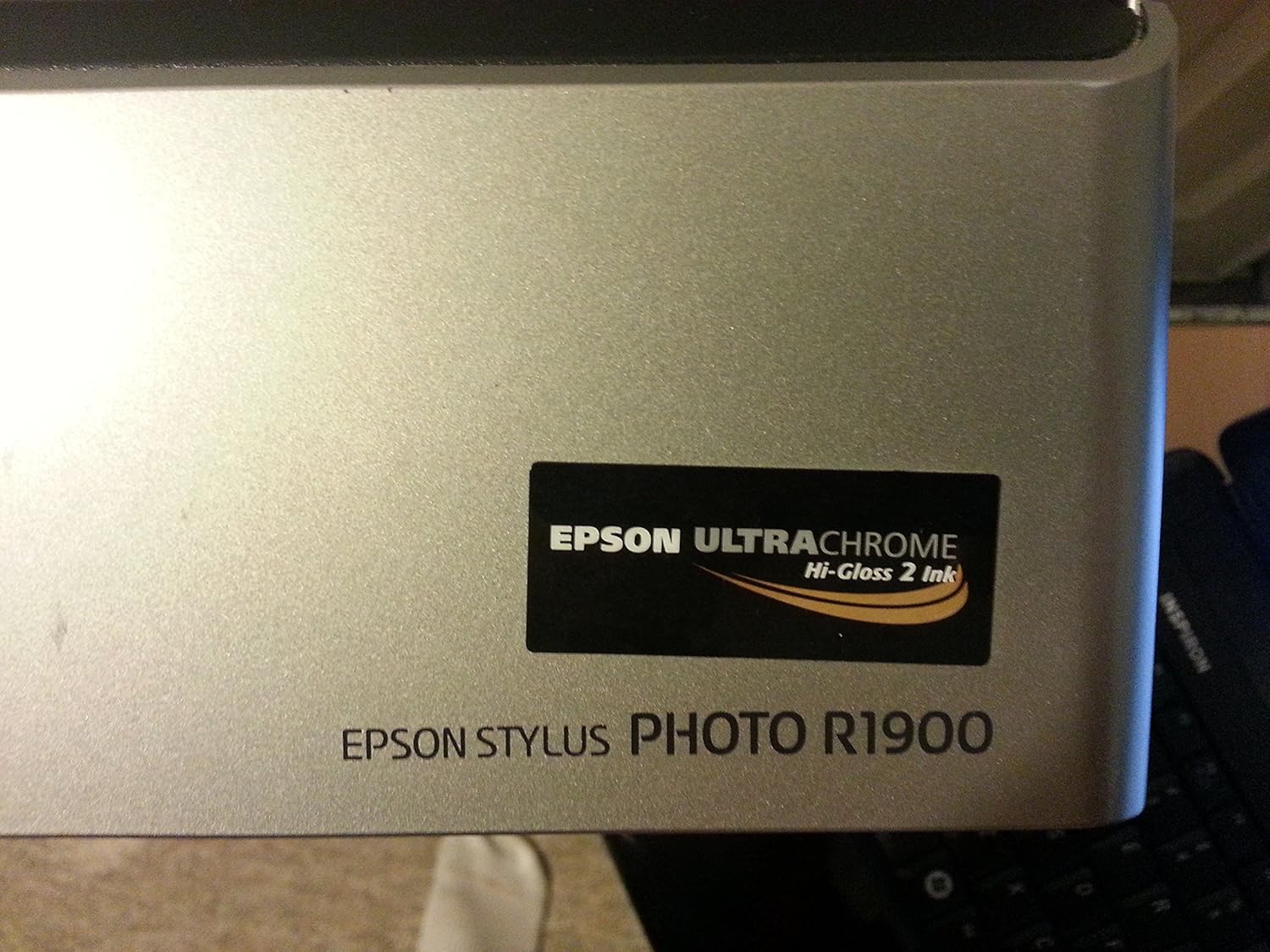
Figure 4: A close-up of the "Epson UltraChrome Hi-Gloss 2 Ink" and "Epson Stylus Photo R1900" branding on the printer, emphasizing the specialized ink system.
Troubleshooting
If you encounter issues with your Epson Stylus Photo R1900, consider the following general troubleshooting steps:
- No Power: Ensure the power cable is securely connected to both the printer and a working electrical outlet.
- Printer Not Responding: Check USB cable connection. Restart both the printer and your computer. Verify printer drivers are correctly installed and updated.
- Poor Print Quality: Perform a nozzle check and print head cleaning. Ensure genuine Epson ink cartridges are used and not expired. Verify paper type settings match the loaded paper.
- Paper Jams: Remove any jammed paper carefully, following instructions in the full user manual. Ensure paper is loaded correctly and not creased or curled.
- Ink Cartridge Errors: Re-seat the ink cartridges. If the error persists, replace the indicated cartridge.
For more detailed troubleshooting, refer to the comprehensive user manual provided on the CD-ROM or available for download from the Epson support website.
Specifications
| Feature | Detail |
|---|---|
| Brand | Epson |
| Model Name | R1900 |
| Item Model Number | C11C698201 |
| Printing Technology | Inkjet |
| Maximum Media Size | 13 inches wide |
| Maximum Color Print Resolution | 5760 x 1440 dpi |
| Ink Color | Black, Cyan, Magenta, Yellow, Red, Orange |
| Printer Ink Type | Pigment-based ink for inkjet printer |
| Connectivity Technology | USB |
| Product Dimensions | 30 x 12 x 14 inches |
| Item Weight | 26.5 pounds |
| Power Consumption (On-mode) | 20.0 watts |
| Dual-sided printing | Yes (Automatic Duplex) |
Warranty and Support
The Epson Stylus Photo R1900 comes with a limited warranty. For specific details regarding the warranty period and coverage, please refer to the documentation included with your printer or visit the official Epson support website.
Epson provides specialized support for the R1900 from a dedicated team. For technical assistance, driver downloads, and further information, please visit www.epson.com.
Please note: This product is out of manufacturer's warranty and no implied or specific warranty is included. Purchaser must be 18 years old or older to purchase. (As per legal disclaimer in product data)
Related documentsC11C698201


Ask a question about this manual
Ask about setup, troubleshooting, compatibility, parts, safety, or missing instructions. Manuals+ will review the question and use this page’s manual context to help answer it.