
1. Setup
1.1 System Requirements
- Platform: Xbox 360
- Storage: Requires available space on your Xbox 360 console.
- Players: 1 Local Player
1.2 Installation
To begin playing Bully: Scholarship Edition on your Xbox 360 console, follow these steps:
- Ensure your Xbox 360 console is powered on and connected to a display.
- Open the disc tray on your Xbox 360 console.
- Carefully place the Bully: Scholarship Edition game disc into the disc tray, label side up.
- Close the disc tray. The console will automatically detect the game disc.
- Follow any on-screen prompts to install the game to your console's hard drive. Installation is recommended for optimal performance.
- Once installed, select the game from your Xbox 360 dashboard to start playing.
2. Operating the Game
2.1 Gameplay Overview
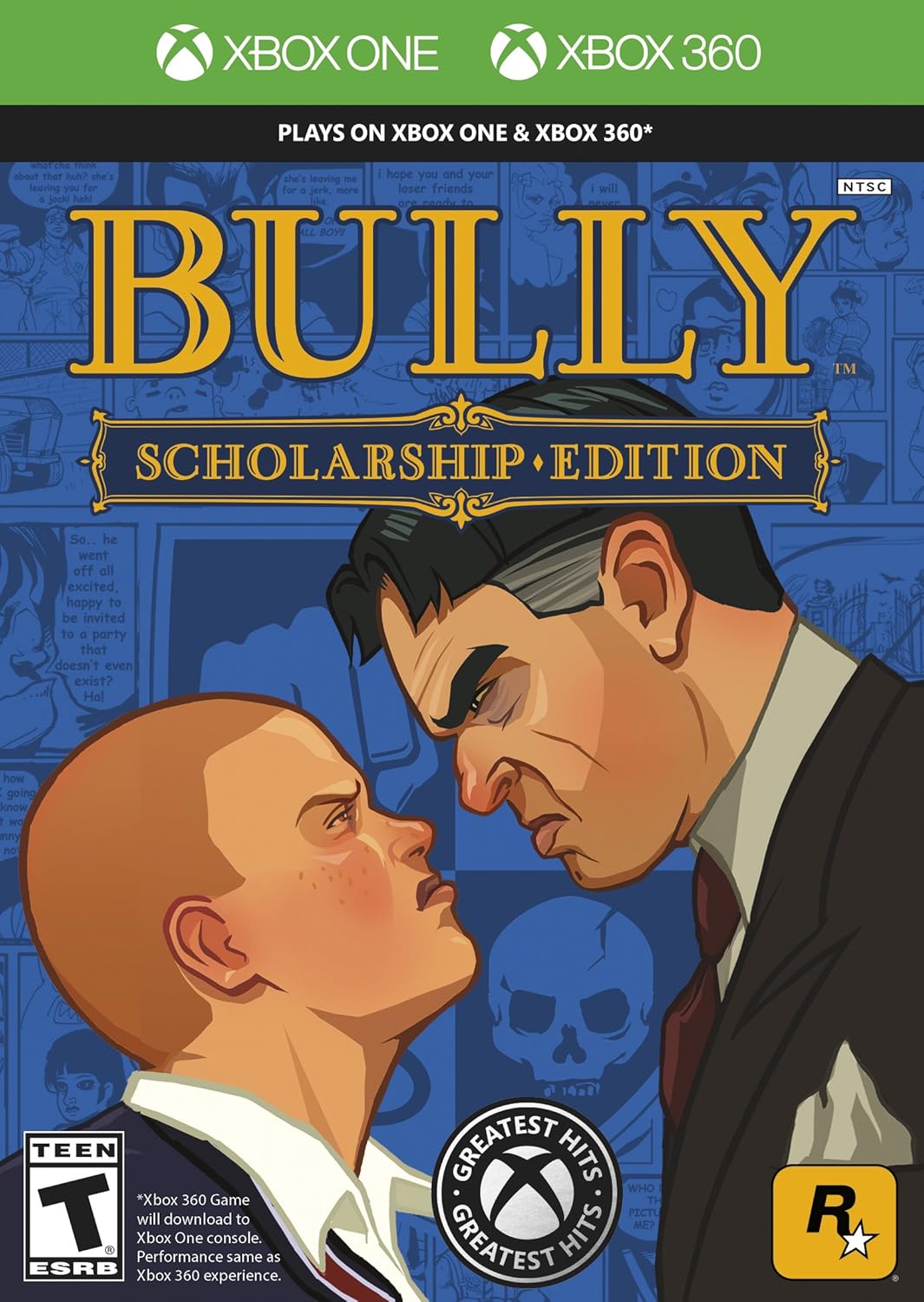
Bully: Scholarship Edition places players in the role of Jimmy Hopkins, a rambunctious 15-year-old navigating the social hierarchy and challenges of Bullworth Academy. The game features a blend of action-adventure elements, allowing players to attend classes, complete missions, and interact with various student cliques and faculty members. Objectives often involve outwitting rivals, participating in school activities, and exploring the school grounds and surrounding town.
2.2 Controls
The game utilizes the standard Xbox 360 controller layout. Specific control mappings for movement, combat, interaction, and vehicle operation are detailed within the in-game pause menu. Players can customize certain control settings to suit their preferences.
2.3 Game Modes
- Single-Player Story: Experience the main narrative as Jimmy Hopkins, progressing through chapters and missions at Bullworth Academy.
- Two-Player Mini-Games: Engage in competitive mini-games with a friend, including various class challenges and arcade-style activities.


3. Maintenance
3.1 Disc Care
To ensure the longevity and proper functioning of your game disc, please observe the following guidelines:
- Always handle the disc by its edges to avoid touching the playing surface.
- Store the disc in its original case when not in use to protect it from dust and scratches.
- If the disc becomes dirty, gently wipe it with a soft, lint-free cloth from the center outwards. Do not use abrasive cleaners or solvents.
- Avoid exposing the disc to extreme temperatures, direct sunlight, or high humidity.
3.2 Console Compatibility
Bully: Scholarship Edition is designed for the Xbox 360 console. It is also compatible with Xbox One and Xbox Series X|S consoles via backward compatibility. Performance on backward compatible systems is generally equivalent to the original Xbox 360 experience.
4. Troubleshooting
If you encounter issues while playing Bully: Scholarship Edition, consider the following troubleshooting steps:
- Game Not Loading: Ensure the disc is clean and free of scratches. Try restarting your Xbox 360 console.
- Freezing or Crashing: If the game freezes or crashes, restart the console. Ensure your console has sufficient ventilation to prevent overheating.
- Graphical Glitches: Verify that your console's video output settings are correctly configured for your display.
- Audio Problems: Check your console's audio settings and ensure all audio cables are securely connected.
- Controller Issues: Ensure your controller is properly connected and charged. Test with another game to confirm controller functionality.
For further assistance, consult your Xbox 360 console's instruction manual or visit the official Rockstar Games support website.
5. Specifications
| Feature | Detail |
|---|---|
| Game Title | Bully: Scholarship Edition |
| Platform | Xbox 360 |
| Genre | Action-Adventure, Teen Comedy |
| Developer | Rockstar Vancouver, Mad Doc Software |
| Publisher | Rockstar Games |
| Release Date | March 4, 2008 |
| Number of Local Players | 1 |
| Product Dimensions | 7.52 x 5.51 x 0.51 inches |
| Item Weight | 2.89 ounces |
| UPC | 710425392986 |
| ESRB Rating | Teen |
6. Support
For technical support, game-related inquiries, or additional information, please contact Rockstar Games directly or visit their official support channels.
- Manufacturer: Rockstar Games
- Official Website: Refer to the game packaging or official Rockstar Games website for current support contact information and online resources.


