
1. Introduction
This manual provides essential information for the safe and effective use of Maxell LR41 AG3 192 Alkaline 1.5V Button Cell Batteries. Please read this manual thoroughly before using the batteries and retain it for future reference. These batteries are designed for various small electronic devices, including cameras, toys, games, instruments, and other electronics requiring LR41 type batteries.
2. Safety Information
WARNING: Keep batteries out of reach of children. Swallowing can lead to serious injury or death. If swallowed, seek immediate medical attention.
- Do not recharge, disassemble, heat, or dispose of in fire. This may cause leakage, explosion, or fire.
- Do not mix new and used batteries, or different types of batteries.
- Ensure correct polarity (+ and -) when installing batteries. Incorrect installation can cause damage to the device or battery.
- Store batteries in a cool, dry place, away from direct sunlight and extreme temperatures.
- If battery fluid comes into contact with skin or eyes, rinse immediately with plenty of water and seek medical attention.
- Remove exhausted batteries promptly from devices to prevent leakage and potential damage.
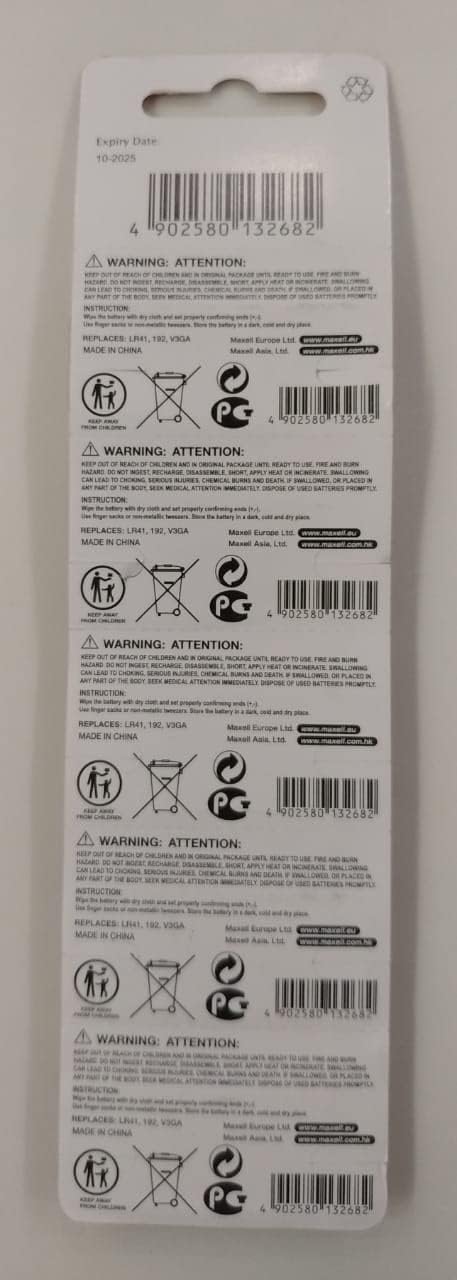
Image: Rear view of the Maxell LR41 battery blister pack, displaying important safety warnings, disposal instructions, and the "Keep away from children" symbol. This packaging emphasizes the need for careful handling and proper disposal of button cell batteries.

Image: Another perspective of the back of the Maxell LR41 battery packaging, highlighting the barcode (4902580132682), expiry date, and comprehensive safety warnings in multiple languages. It also shows symbols for proper disposal and keeping batteries away from children.
3. Product Overview
The Maxell LR41 AG3 192 Alkaline 1.5V Button Cell Batteries are compact, high-performance power sources designed for small electronic devices. Each pack contains 10 batteries, ensuring you have spares for various applications.
3.1 Package Contents
- 10 x Maxell LR41 AG3 192 Alkaline 1.5V Button Cell Batteries
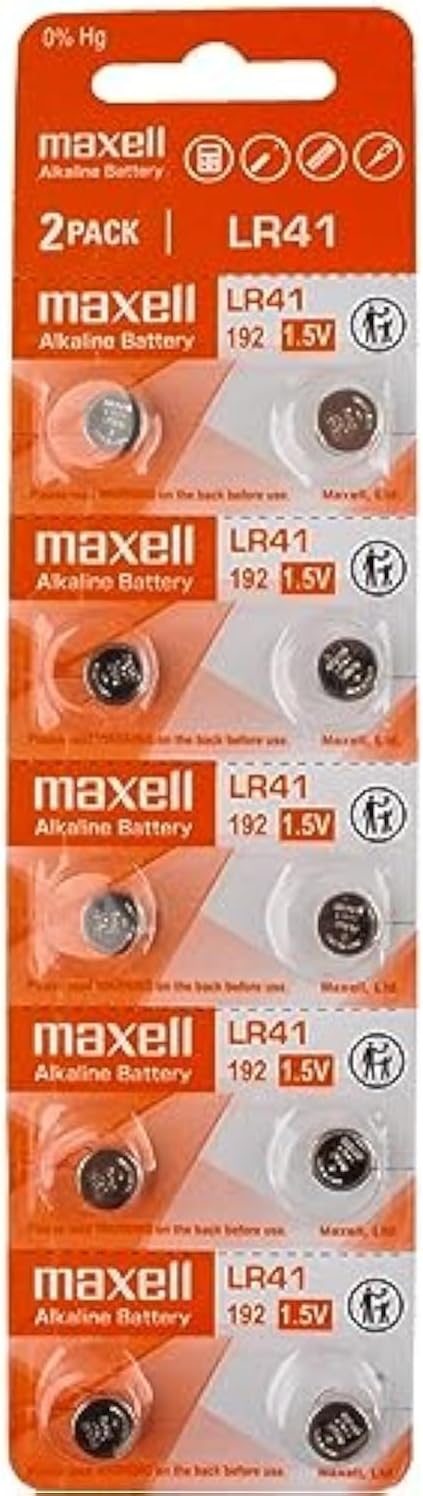
Image: Front view of the Maxell LR41 battery blister packaging, clearly showing "2 PACK" (implying 2 strips of 5 batteries each, totaling 10) and the LR41 192 1.5V specifications. The individual button cells are visible through the clear plastic.
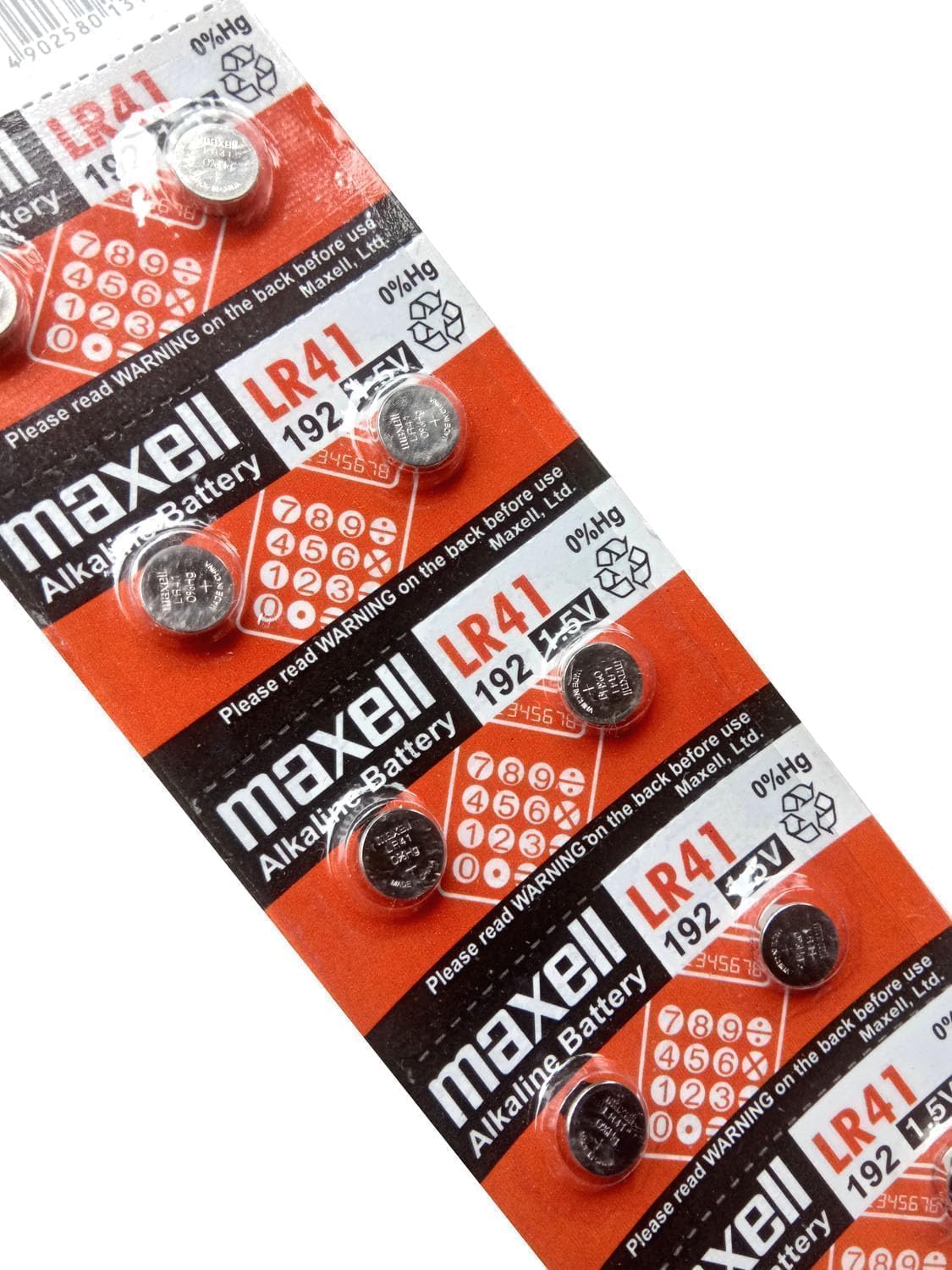
Image: A closer view of the Maxell LR41 battery blister pack, emphasizing the branding, battery type (LR41), voltage (1.5V), and the "0% Hg" (mercury-free) label. The individual batteries are sealed within the packaging.
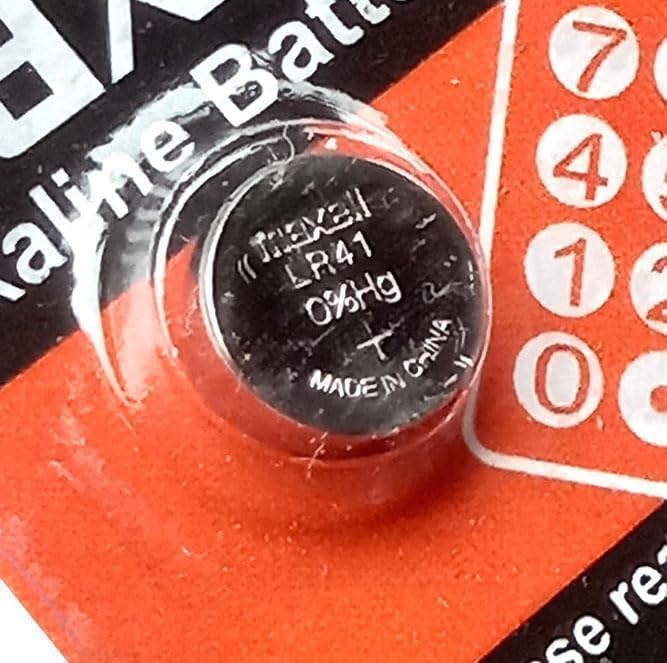
Image: A detailed close-up of a single Maxell LR41 button cell battery, showing the "Maxell LR41 0% Hg" inscription and "MADE IN CHINA" on its surface. This view highlights the compact size and specific markings of the battery.
4. Setup & Installation
Before installing, ensure your device requires LR41 or compatible battery types (e.g., AG3, 192). Refer to your device's manual for specific battery requirements and installation instructions.
- Identify Battery Compartment: Locate the battery compartment on your electronic device. This is often secured with a small screw or latch.
- Open Compartment: Carefully open the battery compartment. Use appropriate tools if necessary (e.g., a small screwdriver for watches).
- Remove Old Batteries (if applicable): If replacing old batteries, remove them and dispose of them properly according to local regulations.
- Insert New Batteries: Insert the new Maxell LR41 batteries, paying close attention to the polarity markings (+ and -) inside the compartment and on the battery itself. The positive (+) side typically faces upwards or as indicated by the device.
- Close Compartment: Securely close the battery compartment. Ensure it is properly sealed to prevent dust or moisture ingress.

Image: An example of battery installation, showing a wristwatch with two Maxell LR41 button cell batteries positioned nearby. This visual aids in understanding the typical size and application of these batteries for small devices like watches.
5. Operation
Once installed correctly, the Maxell LR41 batteries will power your compatible electronic device. The operational lifespan will vary depending on the device's power consumption and usage patterns.
- Ensure the device is turned off before installing or removing batteries.
- If the device does not power on after battery installation, double-check the battery orientation and ensure the compartment is securely closed.
- For optimal performance, avoid exposing devices with these batteries to extreme temperatures or high humidity.
6. Maintenance
Proper maintenance ensures the longevity of your batteries and the devices they power.
- Storage: Store unused batteries in their original packaging in a cool, dry place at room temperature. Avoid storing them loose or with metal objects to prevent short-circuiting.
- Cleaning: If battery terminals or contacts in the device appear dirty, gently clean them with a dry cloth or cotton swab before installation to ensure good electrical connection.
- Replacement: Replace all batteries in a device at the same time. Do not mix old and new batteries.
7. Troubleshooting
If your device is not functioning correctly after installing new batteries, consider the following:
| Problem | Possible Cause | Solution |
|---|---|---|
| Device does not turn on. | Incorrect battery orientation, depleted batteries, poor contact. | Check polarity (+/-). Replace with fresh batteries. Clean battery contacts. |
| Device functions intermittently. | Low battery power, loose connection, dirty contacts. | Replace batteries. Ensure batteries are seated firmly. Clean contacts. |
| Battery leakage observed. | Over-discharge, overheating, physical damage, prolonged storage in device. | Remove leaking battery immediately (wear gloves). Clean compartment. Dispose of battery properly. Do not use damaged batteries. |
8. Specifications
| Feature | Detail |
|---|---|
| Battery Type | Alkaline Button Cell |
| Model Number | LR41 (also known as AG3, 192) |
| Voltage | 1.5V |
| Capacity | 28 mAh (Milliamp Hours) |
| Dimensions | 3.6mm (Height) x 7.85mm (Diameter) |
| Mercury Content | 0% Hg (Mercury-Free) |
| Quantity per Pack | 10 Batteries |
| Manufacturer | Maxell |
| Recommended Uses | Cameras, Toys, Games, Instruments, various small electronics |
9. Disposal Information
Do not dispose of batteries in household waste. Proper disposal is crucial for environmental protection and safety.
- Recycling: Many communities offer battery recycling programs. Check with your local waste management facility for information on recycling button cell batteries.
- Collection Points: Look for designated battery collection points at retail stores, recycling centers, or municipal facilities.
- Insulate Terminals: Before disposing of used batteries, it is recommended to cover the terminals with tape to prevent short-circuiting.
10. Warranty & Support
Maxell batteries are manufactured to high-quality standards. For specific warranty information or support inquiries, please refer to the official Maxell website or contact their customer service directly. Keep your purchase receipt as proof of purchase.
For more information, visit the official Maxell website: www.maxell.com


