
Introduction
This instruction manual provides detailed information for the Timex Men's Charles Street Watch T26481. It covers essential procedures for setting up, operating, maintaining, and troubleshooting your watch. Please read this manual thoroughly to ensure proper use and longevity of your timepiece.
The Timex Men's Charles Street Watch T26481 features a classic two-tone design with a black dial, day and date display, Indiglo night-light, and is water resistant to 30 meters (100 feet).
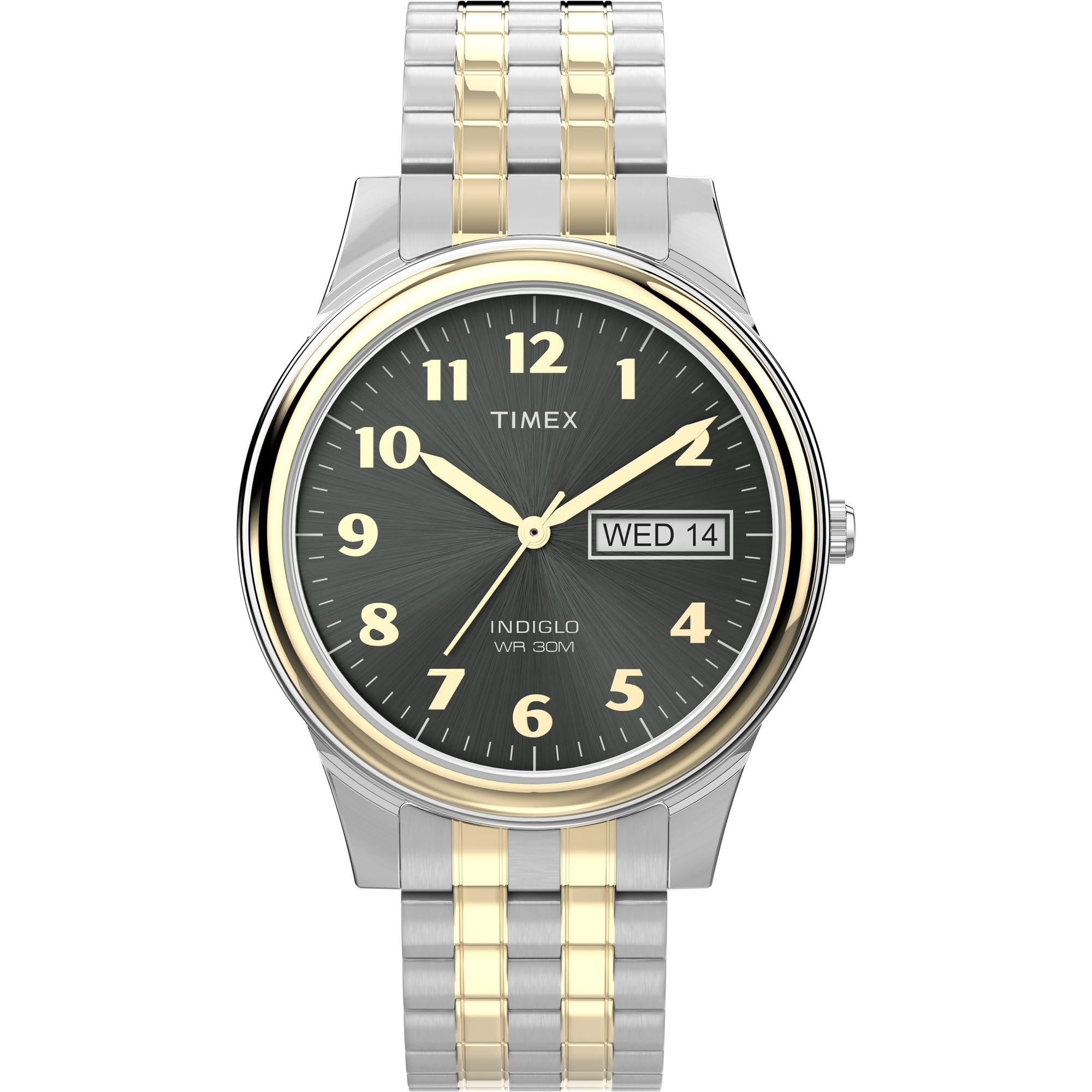
Front view of the Timex Men's Charles Street Watch T26481, showcasing its two-tone silver and gold expansion band, black dial with gold-tone Arabic numerals, and day-date window.
Setup
Setting Time and Date
- Pull the Crown: Gently pull the crown (the small knob on the side of the watch) out to the second click position.
- Set the Time: Rotate the crown in either direction to move the hands and set the correct time. Ensure you account for AM/PM when setting the time, especially for the date change.
- Set the Day and Date: Push the crown in one click to the first position. Rotate the crown to adjust the day and date. If the date changes during the day, advance the time by 12 hours.
- Push the Crown In: Once the time, day, and date are set, push the crown back in completely to the normal operating position. This will start the watch movement.
Adjusting the Expansion Band
The Timex Charles Street Watch features a two-tone expansion band designed for comfort and ease of wear. This type of band stretches to fit over your hand and then contracts to fit your wrist. While the band is designed to fit a range of wrist sizes, if it is too loose or too tight, it may require professional adjustment by removing or adding links. It is recommended to visit a jeweler or watch repair shop for precise band adjustments.
Official Timex video demonstrating how to determine the correct watch case size for your wrist, which can assist in understanding overall fit, including band considerations.
Operating Instructions
Indiglo Night-Light
Your Timex watch is equipped with the Indiglo night-light feature, which evenly illuminates the entire watch dial for easy readability in low-light conditions. To activate the Indiglo night-light, simply press and hold the crown (the setting stem) for a few seconds. The light will remain on as long as the crown is pressed.
Water Resistance
This watch is water resistant to 30 meters (100 feet). This rating means the watch is suitable for splashes or brief immersion in water, such as washing hands or light rain. It is not suitable for swimming, bathing, diving, or any prolonged water activities. Always ensure the crown is fully pushed in before any contact with water.
Official video showcasing the Timex Men's Charles Street Watch T26481, highlighting its design and the functionality of the Indiglo night-light.
Maintenance
Cleaning Your Watch
To maintain the appearance of your watch, regularly wipe the case and band with a soft, damp cloth. For the metal expansion band, a soft brush can be used to gently clean between the links. Avoid using harsh chemicals or abrasive materials, as these can damage the finish.
Battery Replacement
The watch is powered by a Lithium Metal battery (CR2016 Cell). When the watch stops running or the Indiglo light dims significantly, it may be time to replace the battery. Battery replacement should ideally be performed by a qualified watch technician to ensure the water resistance seal is properly maintained.
General Care
- Avoid exposing your watch to extreme temperatures (hot or cold).
- Keep your watch away from strong magnetic fields.
- Protect your watch from severe impacts or drops.
- Avoid contact with solvents, detergents, perfumes, and cosmetics, as they may damage the case, band, or gaskets.
Troubleshooting
Watch Not Running
- Ensure the crown is fully pushed in. If it is pulled out, the watch will not run.
- The battery may need replacement. Refer to the 'Battery Replacement' section under Maintenance.
Date/Day Not Changing Correctly
- Verify that the time is set correctly, especially the AM/PM cycle. The date and day typically change around midnight.
- Ensure the crown is properly set after adjusting the date/day.
Indiglo Light Not Working
- Confirm the crown is being pressed firmly.
- A weak battery can cause the Indiglo light to dim or not function. Consider battery replacement.
Specifications
| Feature | Detail |
|---|---|
| Model Number | T26481 |
| Brand | Timex |
| Case Material | Brass |
| Case Diameter | 35mm |
| Band Material | Stainless Steel (Two-tone expansion band) |
| Band Width | 16mm |
| Crystal Material | Mineral Glass |
| Movement | Quartz |
| Water Resistance | 30m (100ft) |
| Special Features | Indiglo Night-Light, Day & Date Display |
| Battery Type | 1 Lithium Metal (CR2016 Cell) |
| Product Dimensions | 5.91 x 5.91 x 5.91 inches; 1.92 ounces |
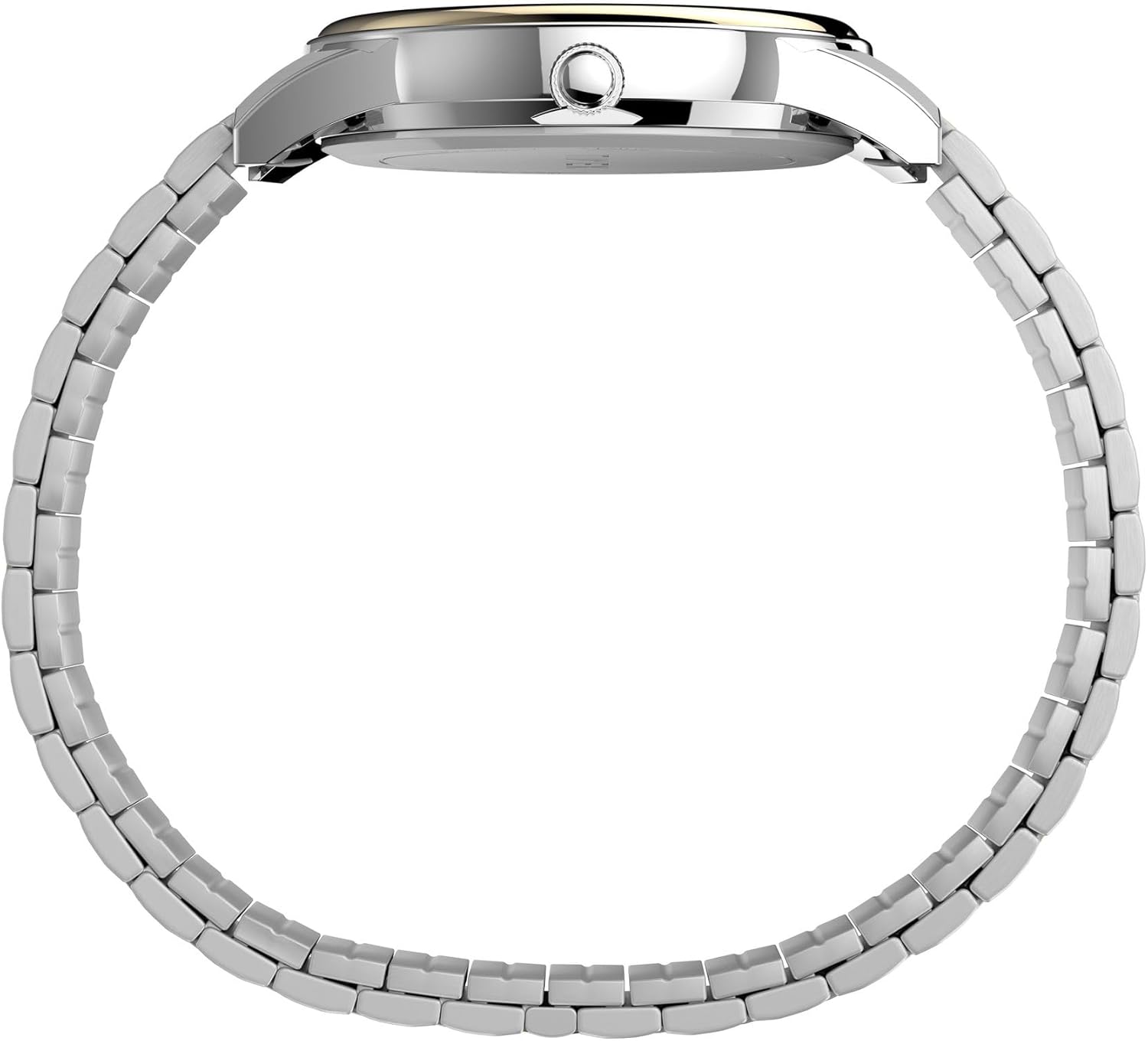
Side view of the watch, showing the crown and case profile.
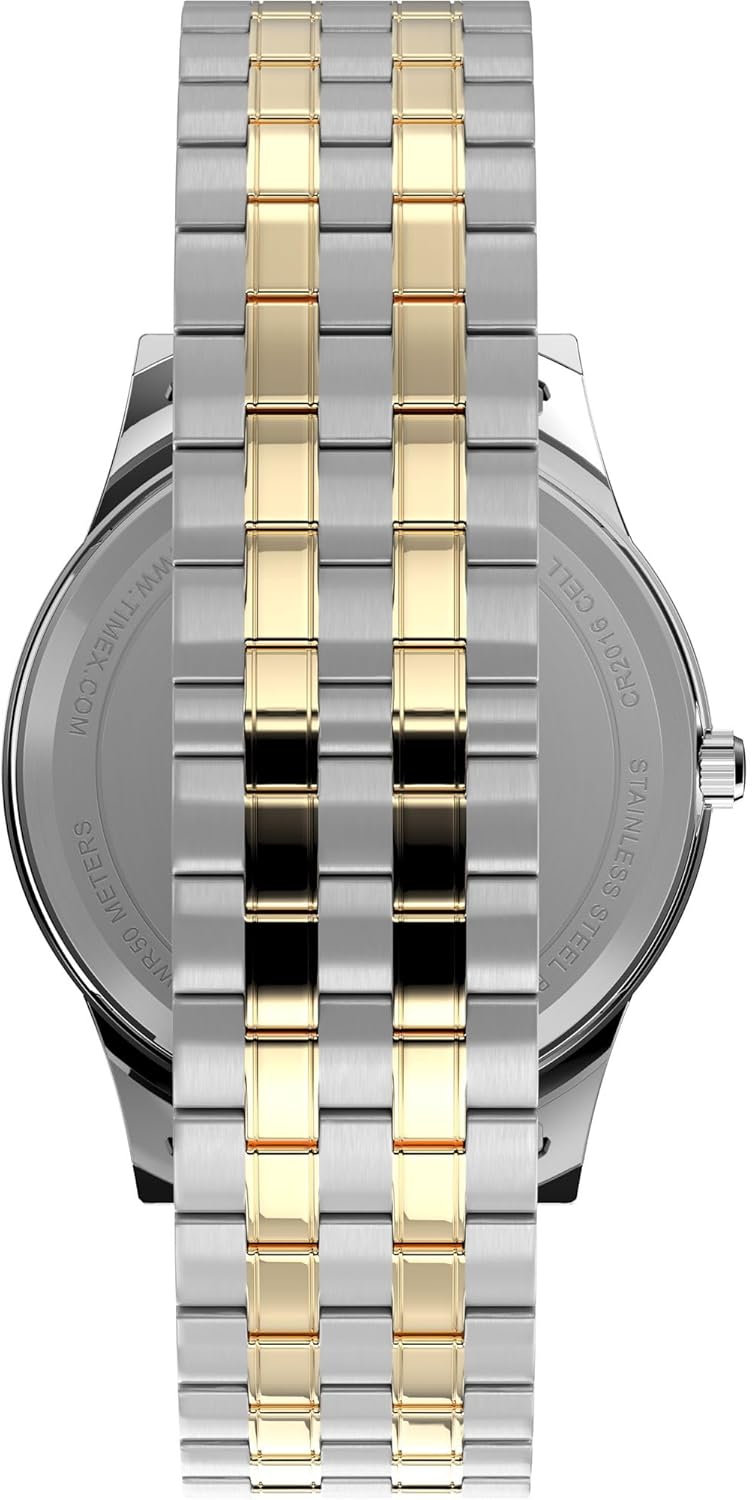
Back view of the watch, displaying the stainless steel case back and battery information.
Warranty and Support
Your Timex watch is covered by a manufacturer's warranty against defects in materials and workmanship. For specific warranty terms, conditions, and duration, please refer to the warranty card included with your purchase or visit the official Timex website. In case of any issues or for technical support, please contact Timex customer service directly.
For further assistance, you may visit the official Timex website or contact their customer support channels for service centers and detailed product information.


