
Product Overview
The Polk Audio DB691 6x9-inch 3-Way Speakers are designed to enhance your vehicle's audio performance with cutting-edge technology. These efficient speakers accurately reproduce music with a precise balance of materials, including a Silk/Polymer Dome tweeter and Mica Cone woofer for smooth roll-off and quick response. The durable rubber surround contributes to bass response and extends the speaker's lifetime in various conditions. Marine certified, the DB691 speakers offer versatility for use in both car audio systems and marine environments. Their high efficiency means less power is required for quality output, delivering Polk Audio's renowned performance and durability.
What's in the Box
- 2 x Polk Audio DB691 6x9-Inch 3-Way Speakers
Specifications
| Feature | Detail |
|---|---|
| Brand | Polk Audio |
| Model Number | DB691 |
| Speaker Type | 3-Way Component |
| Speaker Size | 6x9 Inches |
| Woofer Diameter | 6 Inches |
| Tweeter Diameter | 1 Inch |
| Maximum Output Power | 300 Watts |
| RMS Power | 125 Watts |
| Impedance | 4 Ohms |
| Efficiency | 93 dB |
| Connectivity Technology | Coaxial |
| Mounting Type | Flush Mount |
| Enclosure Material | Polymer/mica composite, rubber, silk polymer composite |
| Color | Silver/Black |
| Item Weight | 5 Pounds |
| Item Dimensions (D x W x H) | 5.5"D x 15"W x 10.5"H |
| Specific Uses For Product | Car audio systems and marine environments |
Setup and Installation
Proper installation is crucial for optimal performance and longevity of your Polk Audio DB691 speakers. Always ensure the vehicle's power is disconnected before beginning installation.
General Installation Steps:
- Prepare Mounting Location: Ensure the mounting surface is clean, flat, and free from obstructions. Use the provided template (if any) to mark cutting and screw holes.
- Cut Mounting Holes: Carefully cut the speaker mounting holes using appropriate tools. Ensure the hole size matches the speaker's dimensions for a secure fit.
- Connect Wiring: Connect the speaker wires to the appropriate terminals on the DB691 speakers. Ensure correct polarity (positive to positive, negative to negative) to avoid phase issues.
- Secure Speakers: Place the speakers into the mounting holes and secure them using the provided screws. Do not overtighten.
- Install Grilles (Optional): If desired, attach the speaker grilles over the installed speakers.
Visual Guide:


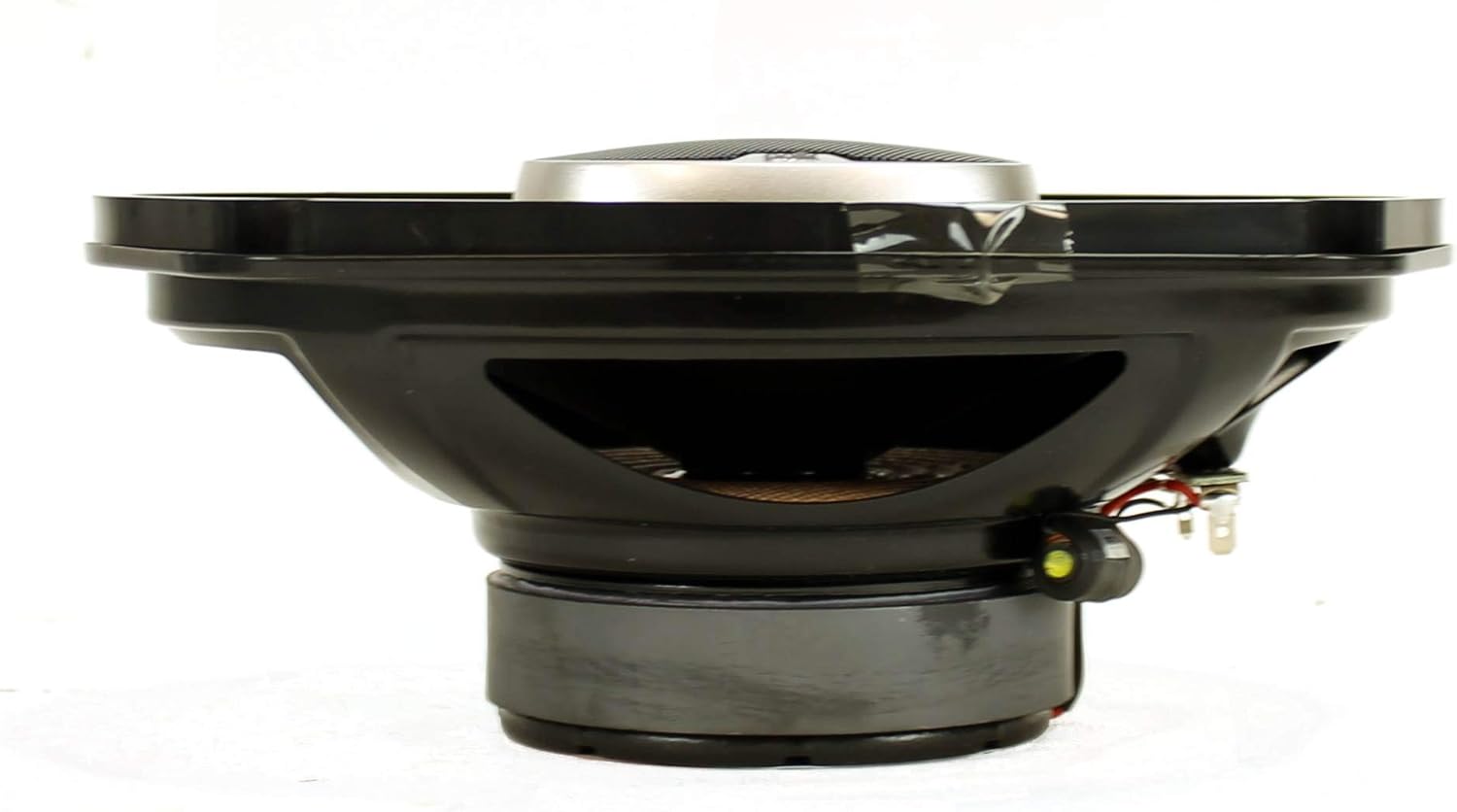
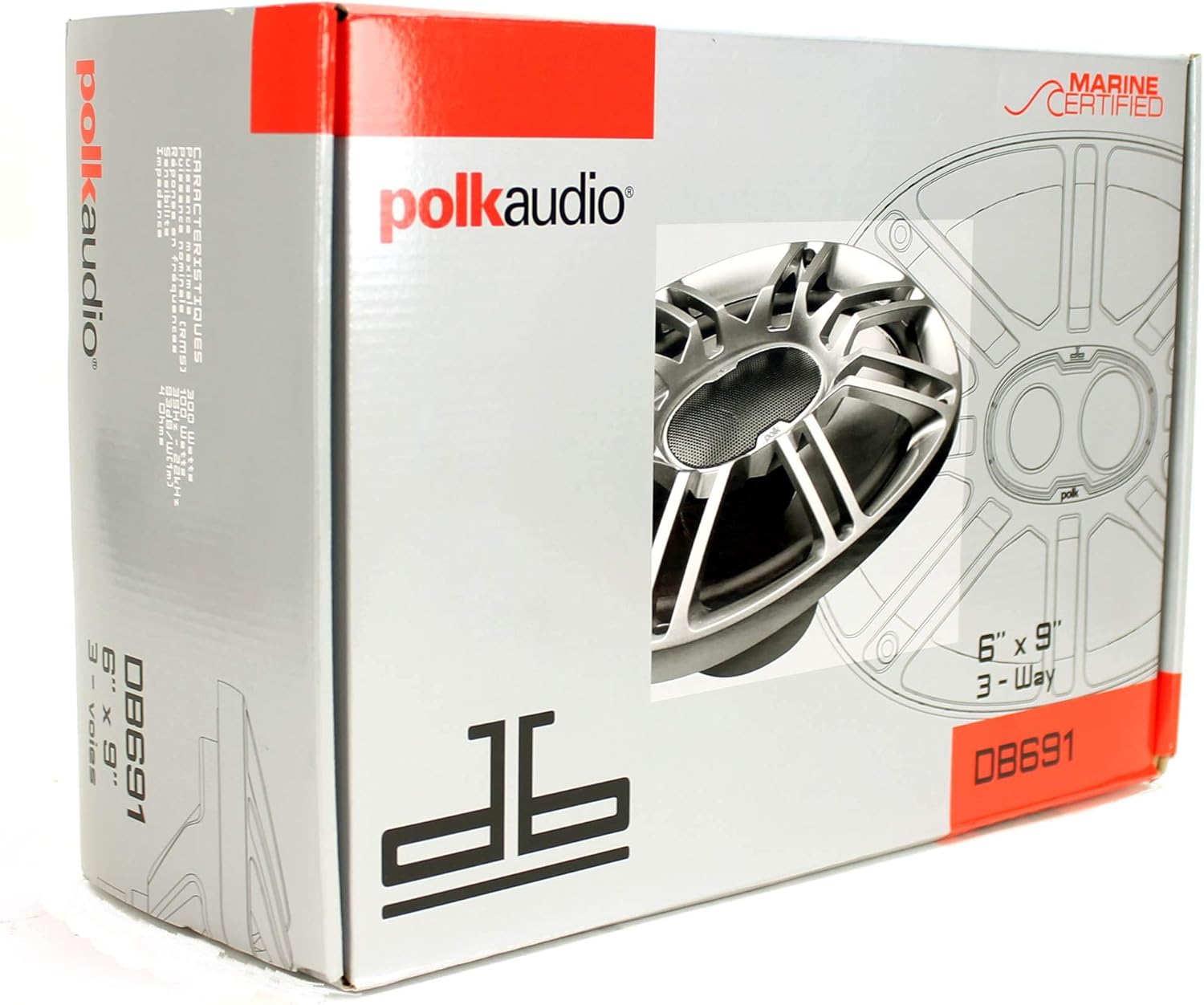
For detailed vehicle-specific installation instructions, consult your vehicle's service manual or a professional installer.
Operating Instructions
Once installed, your Polk Audio DB691 speakers are ready to deliver high-quality audio. Follow these guidelines for optimal operation:
- Power Source: These speakers are designed to be powered by a car audio head unit or an external amplifier. For maximum performance and sound quality, especially at higher volumes, an external amplifier is recommended.
- Impedance Matching: Ensure your amplifier or head unit is compatible with the speakers' 4 Ohm impedance. Mismatched impedance can lead to reduced performance or damage to your audio equipment.
- Volume Control: Adjust the volume gradually. Avoid sustained listening at maximum volume levels, which can cause distortion and potential speaker damage.
- Equalization: Use your head unit's or amplifier's equalizer settings to fine-tune the sound to your preference. Experiment with bass, midrange, and treble settings for a balanced audio experience.
- Break-in Period: Allow a short break-in period (typically 10-20 hours of normal listening) for the speaker components to loosen up and achieve their full sonic potential.
Maintenance
To ensure the longevity and continued performance of your Polk Audio DB691 speakers, follow these simple maintenance tips:
- Cleaning: Gently wipe the speaker grilles and surrounds with a soft, damp cloth to remove dust and dirt. Avoid using harsh chemicals or abrasive cleaners.
- Environmental Protection: While marine certified, prolonged exposure to direct sunlight, extreme temperatures, or excessive moisture can still affect performance. Ensure proper ventilation around the speakers.
- Inspect Surrounds: Periodically check the butyl rubber surrounds for any signs of cracking or deterioration. The durable material is designed to withstand extreme conditions, but regular inspection is good practice.
- Secure Mounting: Occasionally check that all mounting screws are tight. Vibrations from vehicle operation can sometimes loosen fasteners over time.
Troubleshooting
If you encounter any issues with your Polk Audio DB691 speakers, refer to the following troubleshooting guide:
- No Sound:
- Check all wiring connections at the speaker, amplifier, and head unit for secure contact and correct polarity.
- Ensure the amplifier or head unit is powered on and functioning correctly.
- Verify that the audio source is playing and not muted.
- Distorted Sound:
- Reduce the volume level. Distortion often occurs when the amplifier or speakers are overdriven.
- Check equalizer settings; excessive bass or treble boost can cause distortion.
- Inspect speaker wires for fraying or short circuits.
- Weak or No Bass:
- Ensure correct wiring polarity. Incorrect polarity can cause bass cancellation.
- Check amplifier settings, particularly bass boost or low-pass filter settings.
- Verify that the speakers are securely mounted and not vibrating against loose panels.
- Intermittent Sound:
- Check for loose wiring connections at all points in the audio chain.
- Inspect speaker wires for damage or intermittent shorts.
If problems persist after troubleshooting, contact Polk Audio customer support or a qualified audio technician.
Warranty and Support
Your Polk Audio DB691 speakers come with a 1-year Limited Warranty. This warranty covers defects in materials and workmanship under normal use.
For warranty claims, technical support, or any questions regarding your product, please visit the official Polk Audio website or contact their customer service department. Keep your proof of purchase for warranty validation.
Official Product Videos
No official seller videos were found for this product in the provided data.


