
Important Safety Information
WARNING: Electrical work must be performed exclusively by qualified electricians or under their supervision and guidance. Failure to comply may result in serious injury or damage.
Always disconnect power before installing, servicing, or cleaning the device. Ensure all local and national electrical codes are followed.
Product Overview
The Grothe Bell Transformer GT 3182 (Model 1512014) is designed to provide various AC output voltages (8V, 12V, 24V) suitable for powering doorbells and other low-voltage applications. It features a compact design for easy installation.
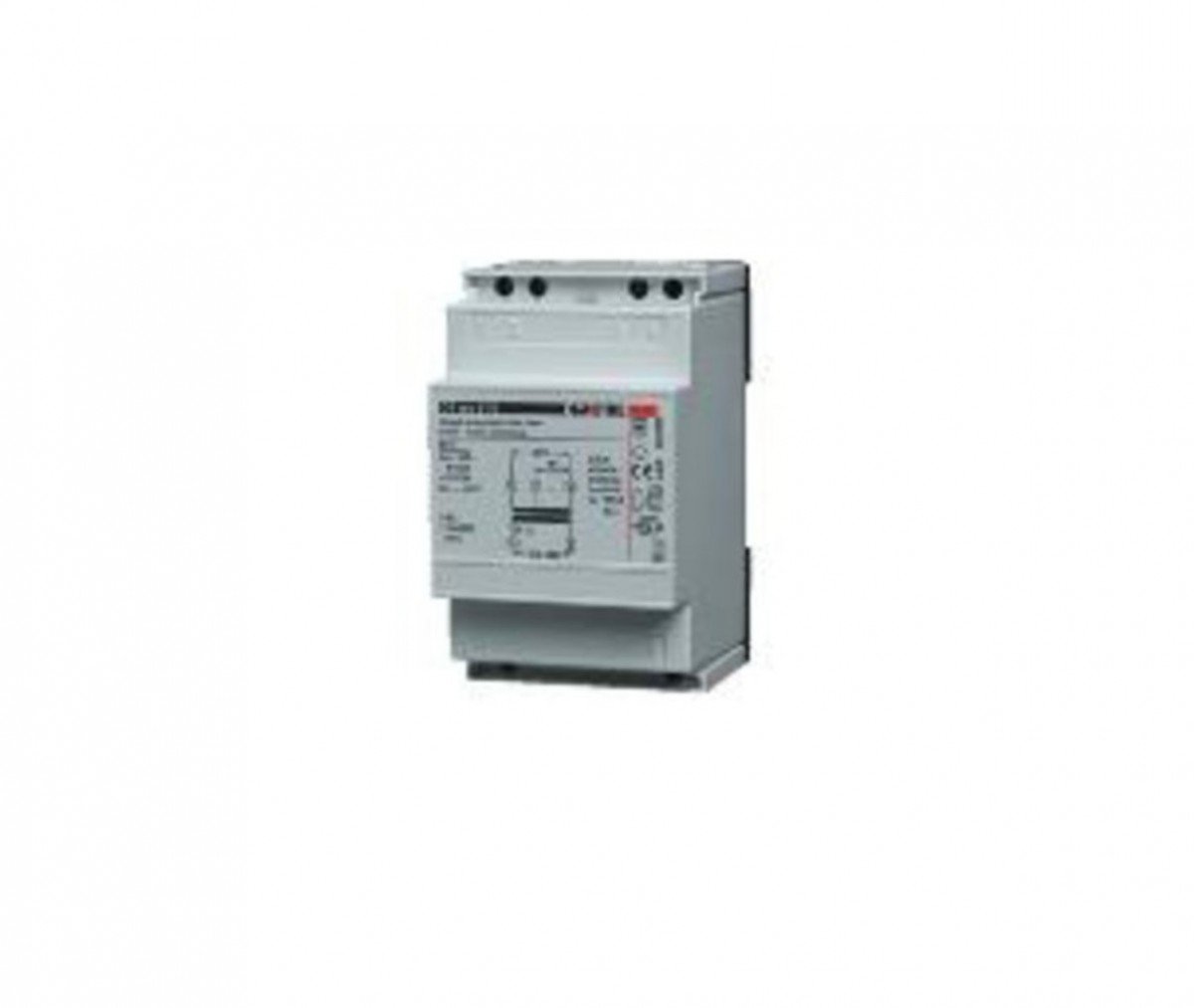
Figure 1: Front view of the Grothe Bell Transformer GT 3182. This image shows the compact grey housing with connection terminals visible on the top and bottom. The product label with specifications is visible on the front face.
Specifications
| Feature | Detail |
|---|---|
| Model Number | 1512014 |
| Manufacturer | Grothe |
| Input Voltage | 240 V AC (Primary) |
| Output Voltages (Secondary) | 8 V AC, 12 V AC, 24 V AC |
| Output Current (Max) | 2 A (8V), 1.3 A (12V), 0.6 A (24V) |
| Max. Output Power | 18 W |
| Dimensions (L x W x H) | 9.5 x 7.2 x 4 cm (3.74 x 2.83 x 1.57 inches) |
| Weight | 381.02 grams (0.84 lbs) |
| Mounting Type | Flush Mount |
| Compliance | CE |
| International Article Code (EAN) | 04011459140823 |

Figure 2: Technical datasheet for the Grothe Bell Transformer GT 3182. This image displays detailed electrical specifications including primary and secondary voltages, output currents, and power ratings, confirming the product's capabilities.
Setup and Installation
This transformer is designed for flush mounting. Ensure the installation location is dry, well-ventilated, and accessible for future maintenance.
Wiring Instructions:
- Power Disconnection: Before starting any wiring, ensure the main power supply to the circuit is completely disconnected at the circuit breaker. Verify with a voltage tester.
- Primary Connection (Input): Connect the 240V AC mains supply to the primary terminals of the transformer. Refer to the wiring diagram on the device label for correct polarity (L and N).
- Secondary Connection (Output): Connect your doorbell or other low-voltage device to the secondary terminals. The transformer offers multiple output voltages (8V, 12V, 24V). Select the appropriate terminals based on the voltage requirement of your device.
- For 8V AC output: Connect to terminals marked '8V'.
- For 12V AC output: Connect to terminals marked '12V'.
- For 24V AC output: Connect to terminals marked '24V'.
- Secure Connections: Ensure all wire connections are secure and properly insulated. Use appropriate wire gauges for the current load.
- Mounting: Securely mount the transformer in its designated flush-mount position.
- Power Restoration: Once all connections are verified and secure, restore power to the circuit.
Operating Instructions
The Grothe Bell Transformer operates automatically once correctly installed and powered. It converts the higher input voltage to the selected lower output voltage for your connected device.
- Voltage Selection: The output voltage is determined by which secondary terminals you connect your device to during installation (8V, 12V, or 24V). There is no user-adjustable switch for voltage selection after installation.
- Continuous Operation: The transformer is designed for continuous operation within its specified load limits.
- Overload Protection: The transformer features short-circuit protection (PTC, KB 20 sec.) to prevent damage in case of an overload or short circuit. If an overload occurs, the transformer may temporarily cease operation. Disconnect the load, allow the unit to cool, and then reconnect.
Maintenance
The Grothe Bell Transformer is designed for maintenance-free operation. However, periodic checks are recommended to ensure optimal performance and safety.
- Visual Inspection: Periodically inspect the transformer and its connections for any signs of damage, loose wires, or overheating (discoloration, melting).
- Cleaning: Ensure the transformer's ventilation openings are free from dust and debris. Clean the exterior with a dry, soft cloth. Do not use liquid cleaners.
- Professional Check: For any concerns regarding performance or safety, consult a qualified electrician.
Troubleshooting
| Problem | Possible Cause | Solution |
|---|---|---|
| No output voltage / Device not working |
|
|
| Device working intermittently |
|
|
| Humming noise from transformer |
|
|
If you encounter issues not listed here or if troubleshooting steps do not resolve the problem, please contact a qualified electrician or Grothe customer support.
Warranty and Support
Specific warranty information for the Grothe Bell Transformer GT 3182 (Model 1512014) is typically provided at the point of purchase or within the product packaging. Please retain your proof of purchase for warranty claims.
Customer Support:
For technical assistance, warranty inquiries, or spare parts information, please contact Grothe customer service or your local distributor.
- Manufacturer: Grothe
- Website: www.grothe.de (Please check the official Grothe website for the most current contact information and support resources.)
- Spare Parts Availability: Information unavailable (as per product specifications).


