
Xbox AA7-00013
Shadowrun - Xbox 360 Instruction Manual
Model: AA7-00013
Introduction
This manual provides essential information for the Shadowrun game on Xbox 360. Shadowrun is a multiplayer first-person shooter (FPS) that blends ancient magic with advanced weaponry. Players engage in team-based combat, utilizing both technological and magical abilities in a dynamic battlefield. The game supports cross-platform play between Xbox 360 and Windows Vista users.
Setup
To set up Shadowrun on your Xbox 360 console, follow these steps:
- Insert the Game Disc: Gently insert the Shadowrun game disc into the Xbox 360 disc drive with the label side facing up.
- System Requirements: Ensure your Xbox 360 console is updated to the latest system software for optimal performance and compatibility.
- Internet Connection (for Multiplayer): For online multiplayer features, connect your Xbox 360 to the internet via an Ethernet cable or Wi-Fi. An Xbox Live Gold subscription is required for online play.
- Initial Installation: The game may require an initial installation to your console's hard drive. Follow the on-screen prompts to complete this process.
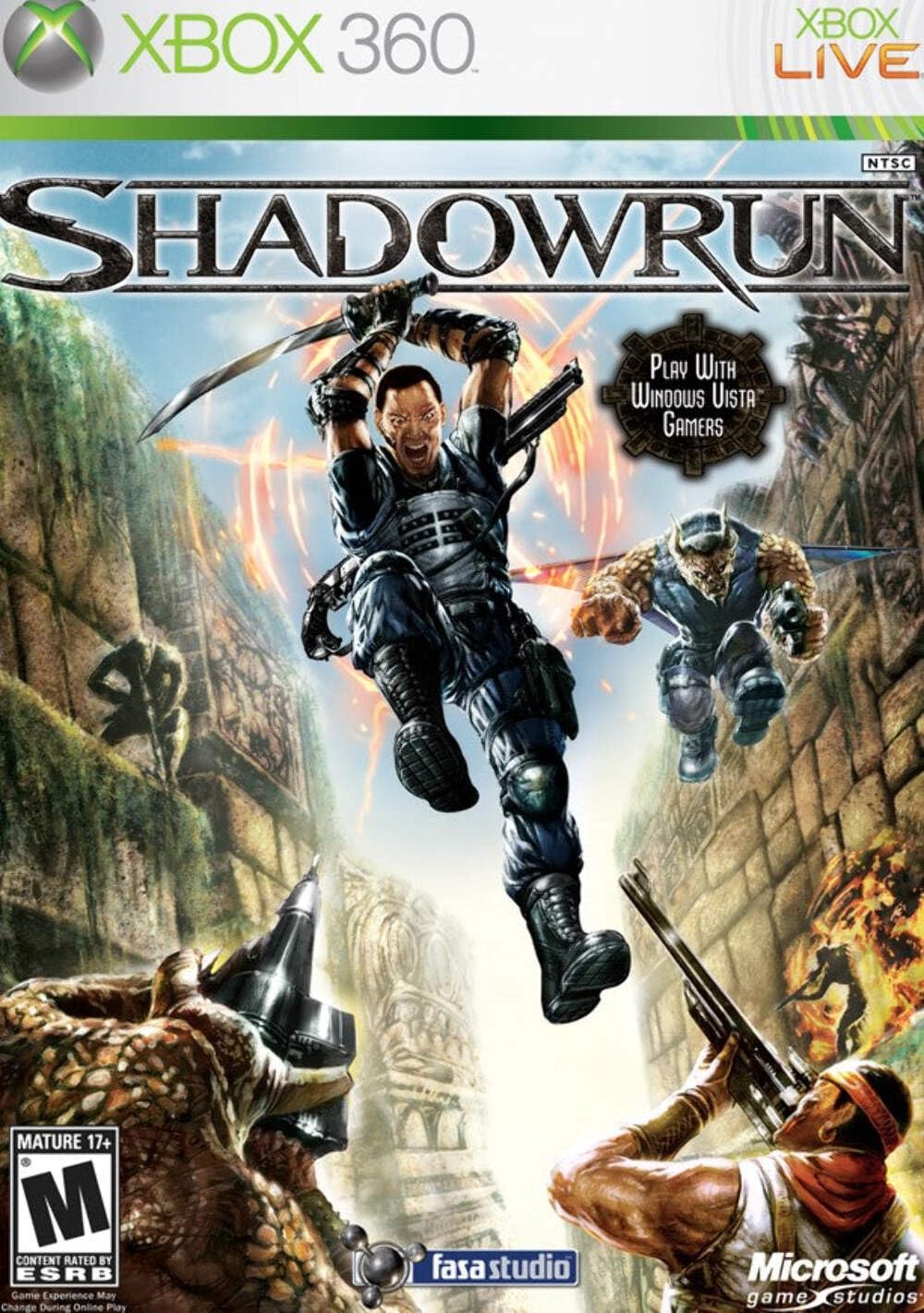
Image: Front cover of the Shadowrun game for Xbox 360, showing characters in action and the game title.
Operating the Game
Game Modes
- Multiplayer: Engage in team-based combat with up to 16 players. This mode supports cross-platform play between Xbox 360 and Windows Vista users.
- Offline Play: Practice and train with robust AI teammates. This includes System Link, Split-screen, and LAN options for local multiplayer.
- Tutorial Mode: Learn the basic mechanics, controls, and unique abilities of the game.
Gameplay Mechanics
Shadowrun combines modern weaponry with ancient magic. Players can purchase advanced technology and magic at the start of each round to enhance their abilities and open new tactical options.
- Technology: Utilize high-tech weapons and cybernetic enhancements. For example, a cybernetic eye allows spotting enemies through walls.
- Magic: Employ various magical abilities such as teleportation, creating holograms for distraction, or other offensive and defensive spells.
- Races: Choose from Humans, Elves, Dwarves, and Trolls, each possessing unique abilities that can complement different weapons and tactics. Balancing your team with diverse races is crucial for strategic advantage.

Image: Back cover of the Shadowrun game for Xbox 360, detailing key features and gameplay elements.
Maintenance
To ensure the longevity of your Shadowrun game disc and optimal performance:
- Disc Care: Handle the game disc by its edges. Store it in its original case when not in use to prevent scratches and dust accumulation.
- Cleaning: If the disc becomes dirty, gently wipe it with a soft, lint-free cloth from the center outwards. Do not use abrasive cleaners or solvents.
- Console Ventilation: Ensure your Xbox 360 console has adequate ventilation to prevent overheating, which can affect game performance.
Troubleshooting
Common Issues and Solutions
| Issue | Possible Cause | Solution |
|---|---|---|
| Game Freezes or Crashes | Scratched disc, console overheating, software glitch. | Clean the disc. Ensure console ventilation. Restart the console. Check for system updates. |
| Cannot Connect to Xbox Live | Internet connection issues, Xbox Live service outage, subscription expired. | Check your internet connection. Verify Xbox Live service status. Renew Xbox Live Gold subscription. |
| Poor Online Performance (Lag) | High network latency, low bandwidth, crowded network. | Use a wired Ethernet connection. Reduce other network activity. Restart your router/modem. |
Specifications
- Platform: Xbox 360
- Model Number: AA7-00013
- Release Date: May 29, 2007
- Publisher: Microsoft
- Developer: FASA Studio
- Dimensions: 7.5 x 5.5 x 0.5 inches (packaging)
- Item Weight: 3.2 ounces (packaging)
- ESRB Rating: Mature
- UPC: 882224344111, 882224355957
Warranty and Support
For information regarding product warranty, technical support, or service, please refer to the official Xbox support channels or the game publisher's website. Specific warranty details are typically provided with the product packaging or available online through the manufacturer's official support pages.
Xbox Support: https://support.xbox.com/
FASA Studio (Developer): While FASA Studio developed the game, support is typically handled by the publisher, Microsoft. For historical information, you may visit relevant gaming archives.
Official Product Video
No official seller videos are available for embedding at this time.
Ask a question about this manual
Ask about setup, troubleshooting, compatibility, parts, safety, or missing instructions. Manuals+ will review the question and use this page’s manual context to help answer it.