
Introduction
The MABIS Digital Basal Body Thermometer is designed for precise measurement of basal body temperature (BBT). This device is intended for tracking slight temperature changes, which can be indicative of ovulation, aiding in fertility awareness, period tracking, and natural family planning. It provides fast, accurate readings to the hundredth of a degree, making it a reliable tool for consistent daily monitoring.
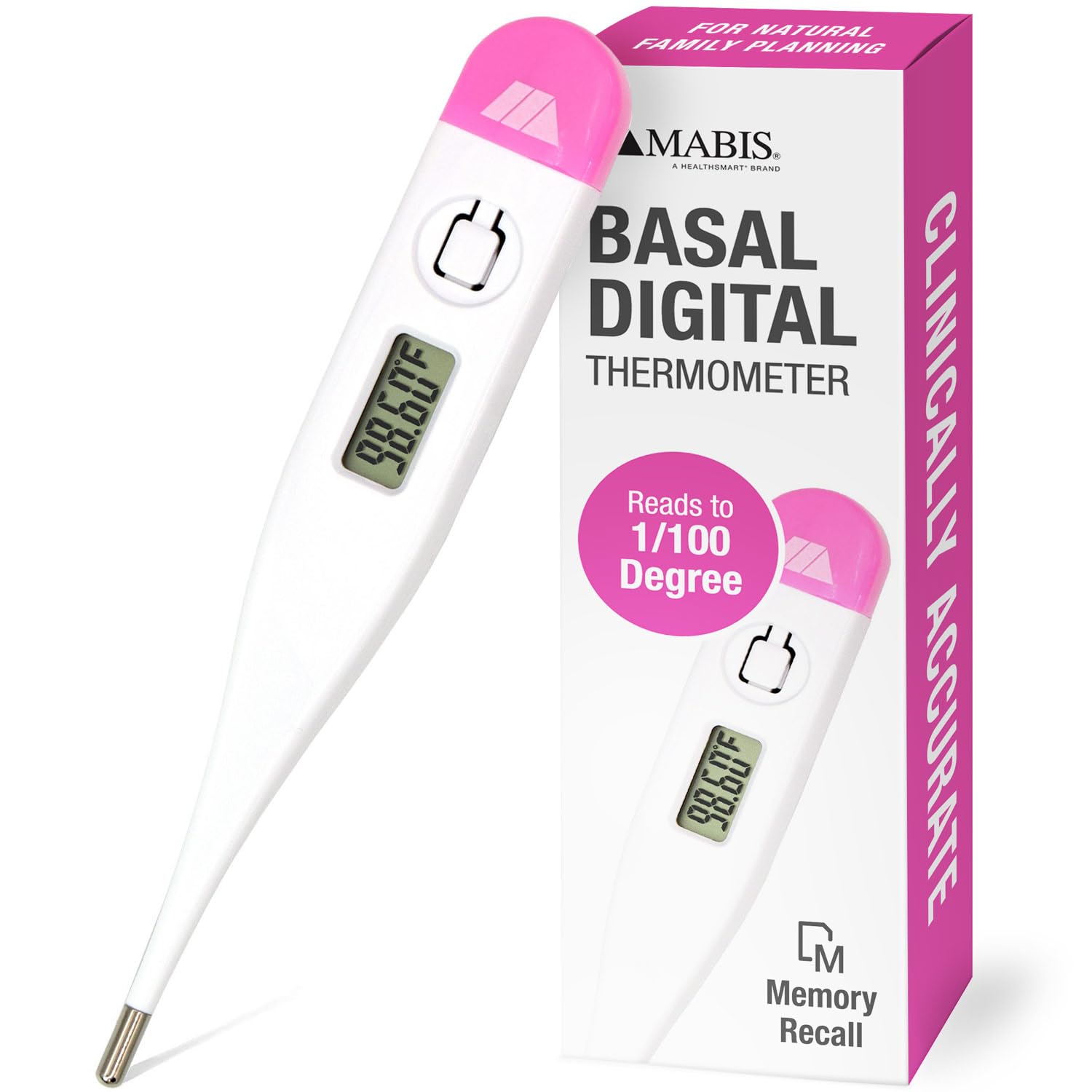
Image: MABIS Digital Basal Body Thermometer with its retail packaging, highlighting its use for natural family planning and clinical accuracy.
Important Safety Information
- This thermometer is for oral use only. Do not use for rectal or axillary temperature measurement.
- Keep the thermometer out of reach of children.
- Do not bite the thermometer.
- Do not attempt to disassemble the unit.
- Avoid exposing the thermometer to direct sunlight, extreme temperatures, or high humidity.
- Clean the thermometer before and after each use as instructed in the Maintenance section.
- If the thermometer malfunctions or displays inconsistent readings, consult the Troubleshooting section or contact customer support.
Product Features
- Fast 60-Second Reading: Provides quick and efficient temperature measurement.
- Easy-to-Read LCD Display: Large digital display for clear visibility of temperature readings.
- Clinically Accurate: Tested for clinical accuracy, providing readings to a hundredth of a degree (e.g., 98.60°F).
- Memory Recall: Stores the last temperature reading for easy tracking and comparison.
- Peak Temperature Alert: Sounds a helpful tone when the peak temperature is registered.
- Auto Shut-Off: Automatically turns off to preserve battery life.
- Replaceable Battery: Uses a long-life LR41 battery, which is replaceable.
- Includes Storage Case: Comes with a clear plastic storage case for protection and hygiene.
- Ovulation Charts: Includes a 12-month supply of ovulation charts to assist with tracking cycles.
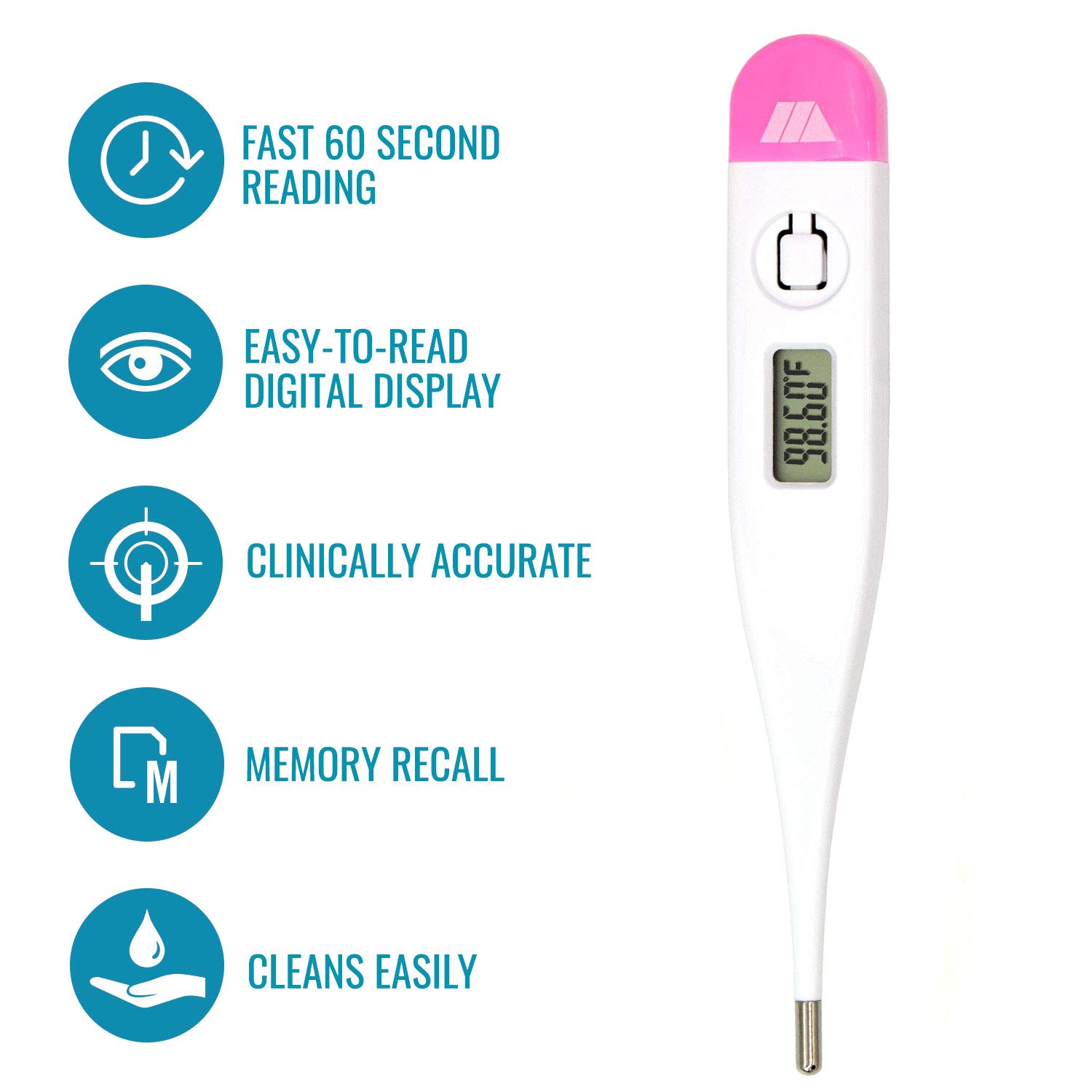
Image: A visual representation of the thermometer with callouts for its key features: fast 60-second reading, easy-to-read digital display, clinical accuracy, memory recall, and easy cleaning.
Setup
Battery Installation/Replacement
The MABIS Digital Basal Body Thermometer comes with an LR41 long-life battery pre-installed. If the battery needs replacement, follow these steps:
- Gently twist and pull off the battery cap located at the top of the thermometer (the pink end).
- Remove the old LR41 battery.
- Insert a new LR41 battery with the positive (+) side facing up.
- Replace the battery cap, ensuring it is securely fastened.
Dispose of used batteries according to local regulations.
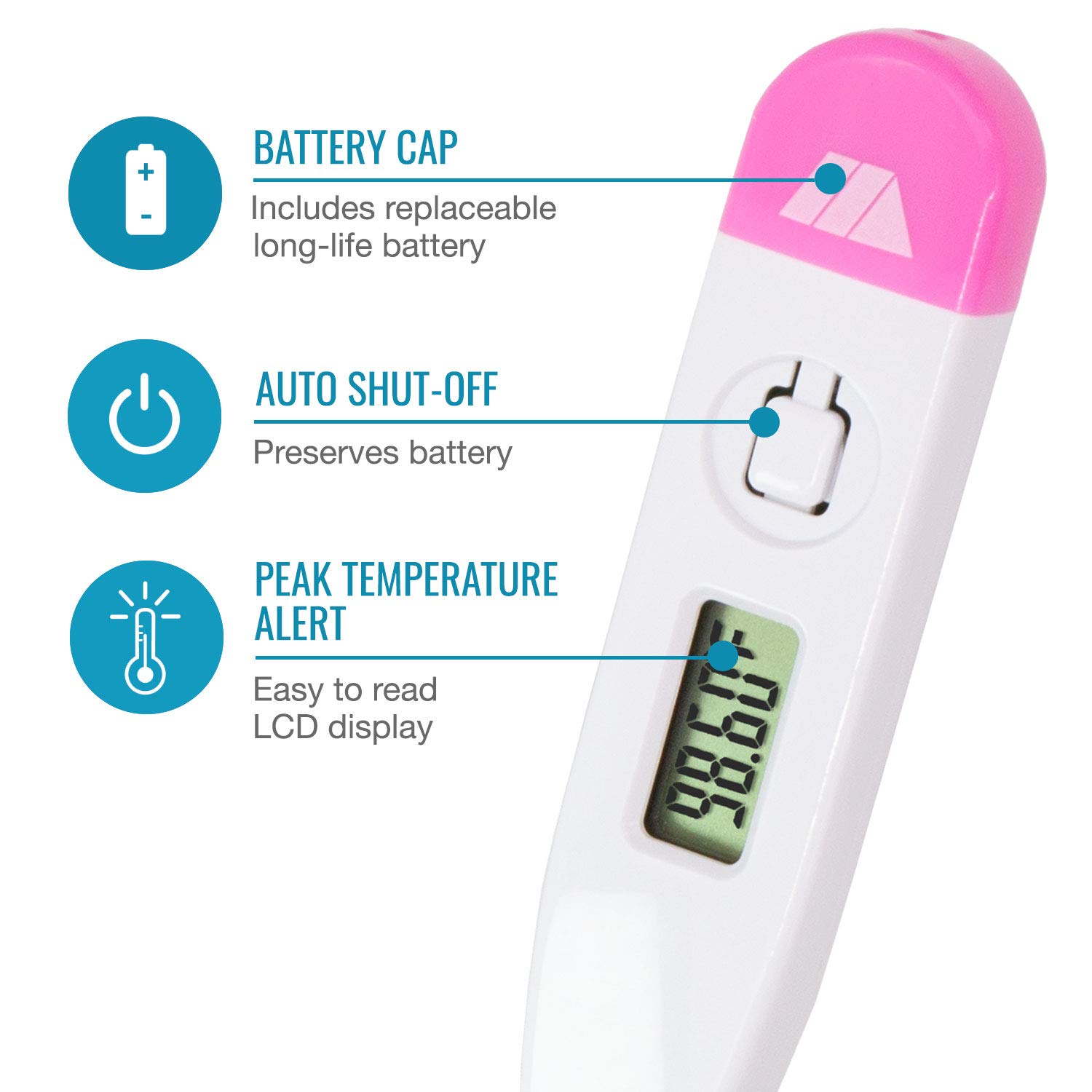
Image: A detailed view of the thermometer's upper section, indicating the battery cap, auto shut-off function, and the peak temperature alert feature on the LCD display.
Operating Instructions
Taking a Temperature Measurement
- Ensure you have had at least 3-4 hours of uninterrupted sleep.
- Take your temperature immediately upon waking, before getting out of bed, eating, drinking, or engaging in any activity.
- Press the power button to turn on the thermometer. The display will show 'Lo' (indicating it's ready to measure a low temperature) and then briefly flash the last recorded temperature.
- Place the thermometer tip under your tongue, ensuring good contact with the tissue. Close your mouth and hold the thermometer in place.
- Keep your mouth closed and remain still. The thermometer will take approximately 60 seconds to register the peak temperature.
- Four short beep tones will sound when the measurement is complete and the temperature has stabilized.
- Remove the thermometer and read the temperature displayed on the LCD screen.
- Press the power button to turn off the thermometer, or it will automatically shut off after a period of inactivity.

Image: A person lying in bed, holding the MABIS Digital Basal Body Thermometer and looking at its display, demonstrating typical usage for BBT tracking.
Memory Recall
To view the last recorded temperature:
- When the thermometer is off, press and hold the power button.
- The last temperature reading will be displayed on the screen for as long as you hold the button.
- Release the button to return to the normal measurement mode or turn off the device.
Basal Body Temperature (BBT) Tracking
Charting your BBT can help identify your ovulation window. A slight increase in basal body temperature (typically 0.4 to 1.0°F) often occurs after ovulation and remains elevated until your next menstrual period. Consistent daily measurement is key.
- Record your temperature on a dedicated BBT chart each morning. The included 12-month ovulation charts are designed for this purpose.
- Look for a sustained temperature shift (three consecutive days of higher temperatures than the previous six days) to confirm ovulation.
- Factors such as illness, stress, alcohol consumption, and inconsistent sleep can affect BBT readings. Try to maintain consistent conditions for measurement.

Image: A blank 12-month ovulation chart, demonstrating the layout for recording daily basal body temperatures and cycle information.
Maintenance
Cleaning
To ensure hygiene and accurate readings, clean the thermometer before and after each use:
- Wipe the thermometer tip and body with a soft cloth dampened with rubbing alcohol (70% isopropyl alcohol) or an antiseptic wipe.
- Do not immerse the entire thermometer in water or any cleaning solution. The thermometer is not waterproof.
- Allow the thermometer to air dry completely before storing it.
Storage
Store the thermometer in its clear plastic storage case when not in use. Keep it in a cool, dry place, away from direct sunlight and extreme temperatures.

Image: The MABIS Digital Basal Body Thermometer securely placed within its clear plastic storage case, illustrating proper storage.
Troubleshooting
| Problem | Possible Cause | Solution |
|---|---|---|
| Display shows 'Lo' and does not change. | The thermometer is ready to measure a temperature lower than its initial reading range, or it is not properly placed. This does not indicate a low battery. | Ensure the thermometer tip is correctly positioned under the tongue with the mouth closed. Wait for the measurement to complete (approx. 60 seconds). |
| Inaccurate or inconsistent readings. | Improper placement, movement during measurement, recent activity (eating, drinking, talking), or illness. | Ensure consistent measurement conditions: take temperature immediately upon waking, before any activity, and with proper placement. If ill, note this on your chart. |
| Thermometer does not turn on. | Dead or improperly installed battery. | Check battery installation. Replace with a new LR41 battery if necessary. |
| Battery cap comes off easily. | Normal wear or slight manufacturing variation. | Ensure the cap is twisted and pushed firmly into place after battery changes. Handle with care. |
Specifications
- Model Number: 15-639-000
- Product Dimensions: 0.5 x 4.5 x 0.25 inches
- Weight: 0.8 ounces
- Display Type: LCD (Liquid Crystal Display)
- Measurement Accuracy: Reads to 1/100th of a degree
- Power Source: 1 x LR41 button cell battery (replaceable)
- Measurement Time: Approximately 60 seconds
- Manufacturer: MABIS
- Color: White with pink accents
- Material: Plastic
- Care Instructions: Wipe Clean

Image: The MABIS Digital Basal Body Thermometer with its approximate length (5 inches) and width (0.75 inches) clearly marked.
Warranty and Support
The MABIS Digital Basal Body Thermometer (Model 15-639-000) is covered by a 1-Year Limited Manufacturer Warranty. This warranty covers defects in materials and workmanship under normal use.
For warranty claims or further assistance, please refer to the contact information provided with your product packaging or visit the official MABIS website.

