
Introduction to Timeshift
Timeshift is a first-person shooter game for the PlayStation 3, developed by Sierra and published by ACTIVISION. The narrative centers around Dr. Aiden Krone, a former MIT professor who develops advanced time-traveling suit technology. Driven by a desire for unrestricted scientific exploration, Krone uses this technology to create an alternate reality, establishing a tyrannical rule over Alpha District. Players assume the role of a protagonist tasked with donning the Beta Suit to confront Krone and restore the timeline.
The core gameplay revolves around the unique ability to manipulate time, allowing players to slow, stop, and reverse its flow to gain a tactical advantage in combat and overcome environmental challenges. This manual provides essential information for game setup, operation, maintenance, and troubleshooting.
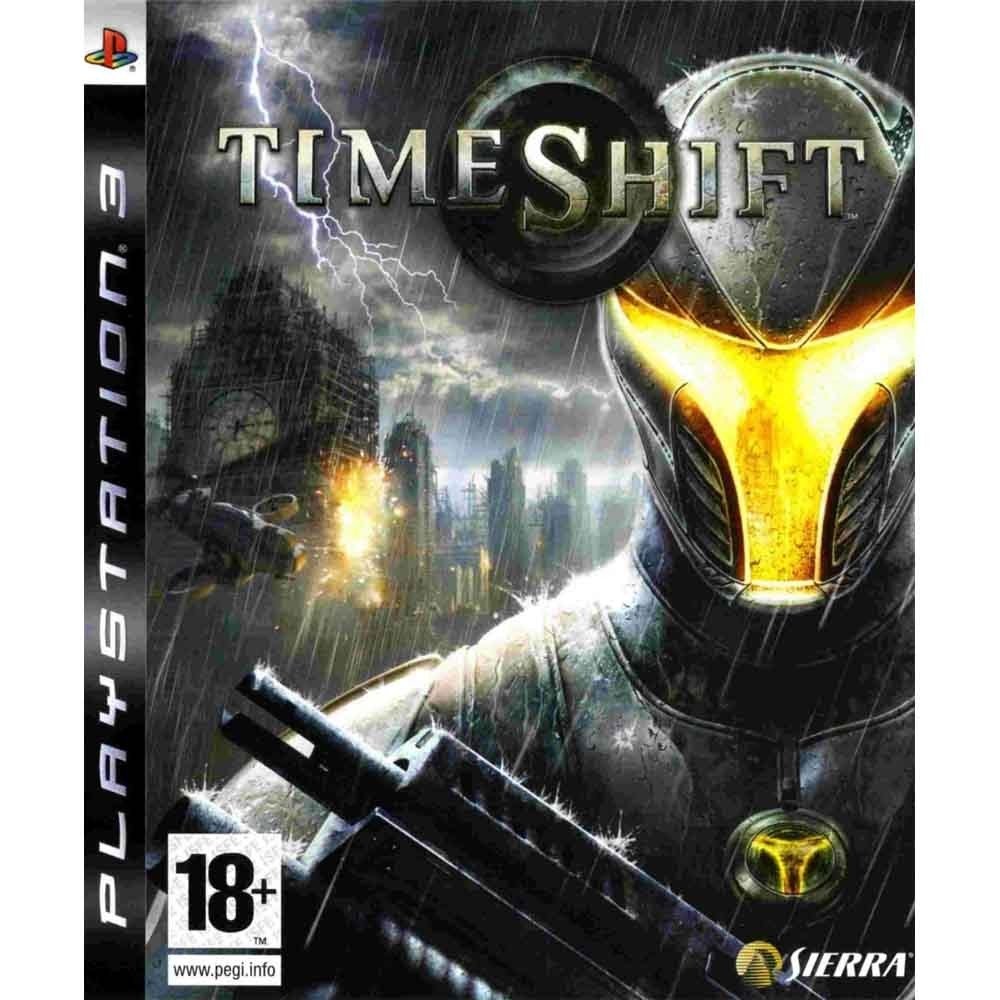
This image displays the official cover art for the Timeshift game on PlayStation 3. It features a heavily armored, futuristic soldier in the foreground, with a glowing visor, holding a weapon. In the background, a city skyline is visible under a stormy sky with lightning, suggesting a chaotic environment. The game title 'Timeshift' is prominently displayed at the top, along with the PlayStation 3 logo and an '18+' age rating.
Game Setup
- System Requirements: Ensure your PlayStation 3 console is connected to a power source and a display device (TV/monitor).
- Insert Game Disc: Gently insert the Timeshift game disc into the PlayStation 3 disc drive with the label facing up.
- Initial Installation: The game may require an initial installation to your PlayStation 3's hard drive. Follow the on-screen prompts to complete this process. Ensure sufficient storage space is available.
- Start Game: Once the installation is complete, select the Timeshift icon from the PlayStation 3 XMB (XrossMediaBar) menu to launch the game.
- Controller Setup: Ensure your PlayStation 3 controller is charged and properly synced with the console.
Gameplay and Controls
Timeshift offers a dynamic gameplay experience centered around its unique time manipulation mechanics. Mastering these abilities is crucial for success.
Core Mechanics: Time Manipulation
- Slow Time: Reduce the speed of enemies and projectiles, allowing for precise aiming and evasion.
- Stop Time: Freeze enemies and objects in place, creating opportunities to bypass defenses or execute critical attacks.
- Reverse Time: Rewind short segments of time, useful for undoing mistakes, solving puzzles, or retrieving dropped items.
These time powers are activated via the Beta Suit and consume a limited energy resource, which recharges over time. Strategic use is key to overcoming challenges.
Weaponry and Combat
Players will utilize a diverse arsenal of futuristic weapons and vehicles across 24 combat missions. Each weapon has distinct characteristics and secondary fire modes. Experiment with different weapons to find the most effective tools for various combat scenarios.
Multiplayer
Timeshift features multiplayer modes supporting up to 16 players across 14 distinct maps. Multiplayer gameplay incorporates the use of time grenades, allowing players to strategically slow, stop, or reverse time to influence the flow of battle. The multiplayer experience is highly customizable with over 40 different features to tailor gameplay to individual preferences.
Care and Maintenance
Proper care of your game disc and console will ensure optimal performance and longevity.
- Disc Handling: Always hold the game disc by its edges. Avoid touching the reflective surface to prevent fingerprints and scratches.
- Cleaning: If the disc becomes dirty, gently wipe it with a soft, lint-free cloth from the center outwards. Do not use abrasive cleaners or solvents.
- Storage: Store the disc in its original case when not in use to protect it from dust, scratches, and direct sunlight.
- Console Ventilation: Ensure your PlayStation 3 console has adequate ventilation to prevent overheating, which can affect game performance.
Troubleshooting Guide
If you encounter issues while playing Timeshift, refer to the following common solutions:
- Game Freezing or Crashing:
- Ensure your game disc is clean and free of scratches.
- Restart your PlayStation 3 console.
- Check for any available game updates and install them.
- Disc Read Errors:
- Clean the game disc as described in the 'Care and Maintenance' section.
- Try another game disc to determine if the issue is with the console's disc drive.
- Display or Audio Problems:
- Verify all audio and video cables are securely connected to your console and display device.
- Check your console's display and audio settings.
- Controller Not Responding:
- Ensure your controller is charged.
- Resync your controller with the PlayStation 3 console.
If problems persist, consult the PlayStation 3 system manual or contact ACTIVISION customer support.
Product Specifications
| Feature | Detail |
|---|---|
| Platform | PlayStation 3 |
| Publisher | ACTIVISION |
| Developer | Sierra |
| Release Date | November 19, 2007 |
| Model Number | 020626726252 |
| ESRB Rating | Mature |
| Language | English |
| Product Dimensions | 6.5 x 5.25 x 0.5 inches |
| Item Weight | 4 ounces |
Warranty and Customer Support
For information regarding product warranty, please refer to the documentation included with your game purchase or visit the official ACTIVISION website. Customer support for technical issues or gameplay assistance can also be found through the publisher's official support channels.


