
1. Introduction
This instruction manual provides essential information for the proper installation, operation, and maintenance of your Triax TMS 17x16 T Power Supply Block. This device is designed to distribute satellite and terrestrial signals to multiple receivers. Please read this manual thoroughly before installation and retain it for future reference.
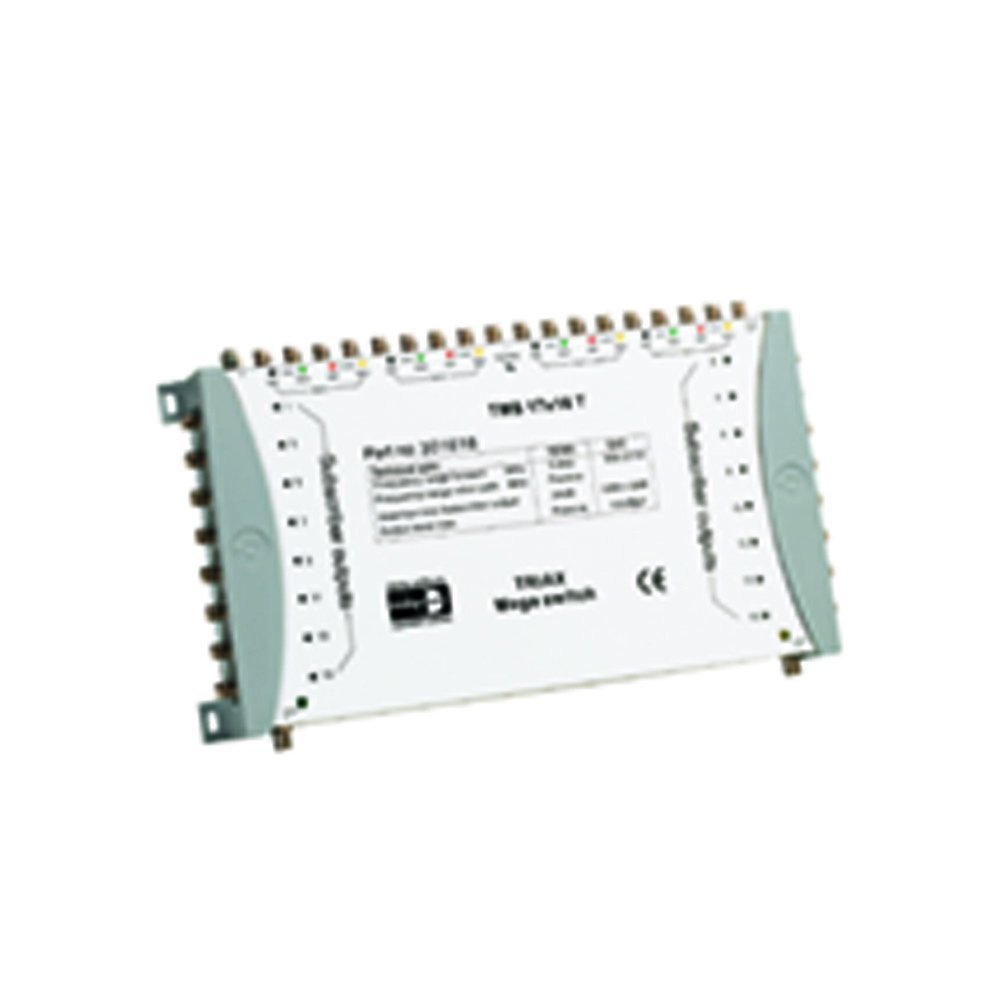
Figure 1: Front view of the Triax TMS 17x16 T Power Supply Block. This image displays the compact design and the arrangement of the various input and output ports, which are essential for connecting satellite dishes and terrestrial antennas, as well as distributing signals to multiple receivers.
2. Safety Information
Always observe the following safety precautions to prevent injury and damage to the device:
- Ensure the power supply is disconnected before making any connections or disconnections.
- Do not expose the device to moisture, rain, or extreme temperatures.
- Only use the power adapter supplied with the unit.
- Do not open the casing of the device; there are no user-serviceable parts inside.
- Installation should be performed by qualified personnel to ensure compliance with local regulations and safety standards.
3. Package Contents
Verify that all items are present in the package:
- Triax TMS 17x16 T Power Supply Block
- Power Adapter (if separate)
- Instruction Manual (this document)
4. Setup
4.1 Mounting
Select a suitable location for mounting the power supply block. It should be in a dry, well-ventilated area, away from direct sunlight and heat sources. Ensure sufficient space around the unit for cable connections and heat dissipation. Use appropriate screws and wall plugs for secure mounting.
4.2 Connections
The Triax TMS 17x16 T features 17 inputs and 16 outputs. The inputs are color-coded for easy identification and connection. Ensure all F-connectors are securely tightened.
- Satellite Inputs (16 SAT): Connect the LNB cables from your satellite dish to the 16 satellite input ports. Pay attention to the color coding (e.g., VL, HL, VH, HH for vertical/horizontal, low/high band) to ensure correct signal routing.
- Terrestrial Input (1 Terr): Connect the terrestrial antenna cable to the dedicated terrestrial input port. This input is passive.
- Outputs (16 Outputs): Connect the cables leading to your satellite receivers or distribution points to the 16 output ports.
- Power Connection: Once all signal cables are connected, plug the power adapter into the power input of the Triax TMS 17x16 T and then into a suitable electrical outlet.
Figure 2: Detailed view of the input section of the Triax TMS 17x16 T. This image highlights the color-coded input ports, which simplify the connection process for various satellite and terrestrial signals, ensuring correct wiring and signal integrity.
5. Operating Instructions
The Triax TMS 17x16 T Power Supply Block operates passively once correctly installed and powered. It distributes the incoming satellite and terrestrial signals to the connected receivers without requiring further user interaction. Ensure all connected receivers are properly configured to receive signals from a multiswitch system.
- Verify that all receivers are powered on and configured for multiswitch operation.
- Check signal strength and quality on your receivers to confirm proper signal distribution.
6. Maintenance
The Triax TMS 17x16 T Power Supply Block requires minimal maintenance.
- Cleaning: Periodically wipe the exterior of the unit with a soft, dry cloth. Do not use liquid cleaners or abrasive materials.
- Inspection: Regularly check all cable connections to ensure they are secure and free from corrosion or damage.
- Ventilation: Ensure that the ventilation openings are not obstructed to prevent overheating.
7. Troubleshooting
If you experience issues with your Triax TMS 17x16 T, refer to the following common problems and solutions:
| Problem | Possible Cause | Solution |
|---|---|---|
| No signal on one or more receivers. |
|
|
| Poor signal quality. |
|
|
If the problem persists after attempting these solutions, please contact a qualified technician or Triax customer support for further assistance.
8. Specifications
Key technical specifications for the Triax TMS 17x16 T Power Supply Block:
- Model Number: TMS 17x16 T
- Brand: Triax
- Inputs: 17 (16 Satellite, 1 Terrestrial)
- Outputs: 16
- Terrestrial Input: Passive
- Color: White
- ASIN: B000KPUH0S
9. Warranty and Support
Information regarding specific warranty terms and conditions for the Triax TMS 17x16 T Power Supply Block was not available in the provided product data. For detailed warranty information or technical support, please refer to the official Triax website or contact your local Triax distributor.