
GLOBE 17000140
Globe Electric 17000140 Motion Sensor Security Flood Light User Manual
Model: 17000140 | Brand: GLOBE
Introduction
This user manual provides detailed instructions for the installation, operation, and maintenance of your Globe Electric 17000140 Motion Sensor Security Flood Light. Please read this manual thoroughly before installation and use to ensure proper function and safety.
Important Safety Information
- Always turn off power at the circuit breaker before installing or servicing the fixture.
- Installation should be performed by a qualified electrician if you are not familiar with electrical wiring.
- Ensure all connections are secure and properly insulated.
- Do not exceed the maximum wattage for bulbs (120W Max PAR38).
- This product is designed for outdoor use and is weather-resistant, but should not be submerged in water.
- Keep children away from the installation area.
What's in the Box
The package for your Globe Electric 17000140 Motion Sensor Security Flood Light includes the following components:
- Motion Sensor Security Flood Light Fixture
- Mounting Hardware
Note: 2x Standard Base Dimmable E26 PAR38 Shape 120W Max Bulbs are sold separately and are not included in the box.
Product Specifications
| Feature | Detail |
|---|---|
| Brand | GLOBE |
| Model Number | 17000140 |
| Color | Black |
| Material | Bronze |
| Style | Transitional Lighting |
| Light Fixture Form | Floodlight |
| Product Dimensions | 3.8"L x 5.8"W x 8"H (8 x 14 x 12.5 inches; 1.9 Pounds) |
| Power Source | Hardwired |
| Installation Type | Wall Mount / Eave Mount |
| Special Feature | Motion Sensor Lighting, Energy Star Lighting |
| Control Method | Remote (via settings) |
| Light Source Type | Compatible with Incandescent and LED bulbs |
| Number of Light Sources | 2 |
| Voltage | 120 Volts |
| Bulb Base | E26 |
| Wattage | 120W Max per bulb |
| Water Resistance Level | Water Resistant (Outdoor Rated) |
| Motion Detection Range | Up to 70 feet (21 meters) |
| Motion Detection Zone | 180 degrees |
| Warranty Type | Fixed Period (2-year warranty) |
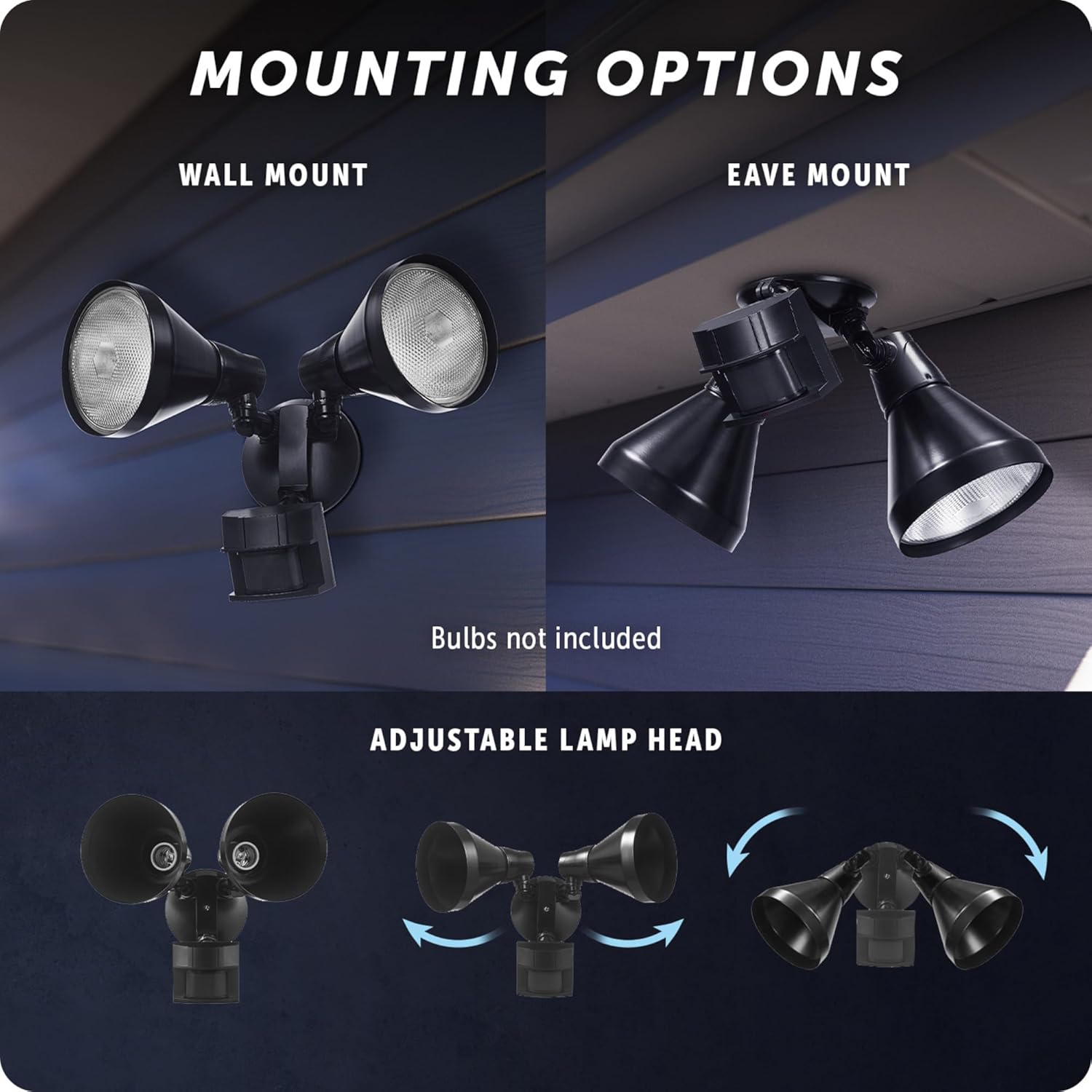 Figure 1: Product Dimensions. The diagram illustrates the key measurements of the flood light, including width, height, and depth, to assist with installation planning.
Setup and Installation
The Globe Electric 17000140 security light is designed for easy installation with its dual mount system, allowing for both wall and eave mounting. Ensure power is off at the circuit breaker before beginning installation.
1. Mounting Options
The fixture can be mounted on a wall or under an eave. The adjustable arm design allows you to gently rotate the motion sensor up or down to accommodate your chosen mounting orientation.
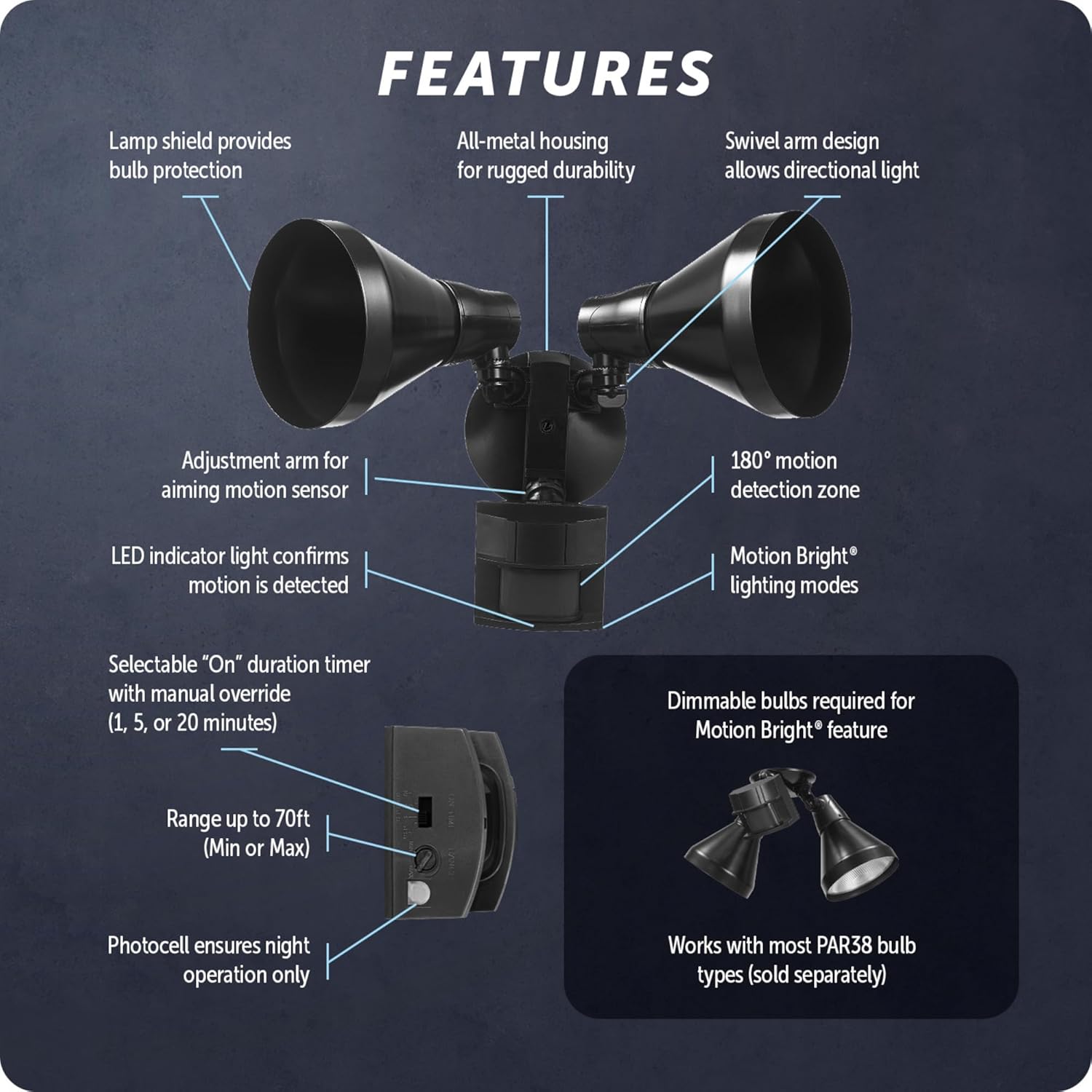 Figure 2: Mounting Options. This image demonstrates both wall mount and eave mount configurations, highlighting the flexibility of installation. It also shows the adjustable lamp heads.
2. Wiring
This is a hardwired unit. Connect the fixture's wires to your household wiring according to local electrical codes. Always ensure proper grounding.
 Figure 3: Hardwired Installation. The image shows the flood light installed on a building, emphasizing its hardwired connection for continuous power.
3. Bulb Installation
Install two (2) Standard Base Dimmable E26 PAR38 Shape 120W Max Bulbs (sold separately) into the lamp heads. Ensure bulbs are securely screwed in.
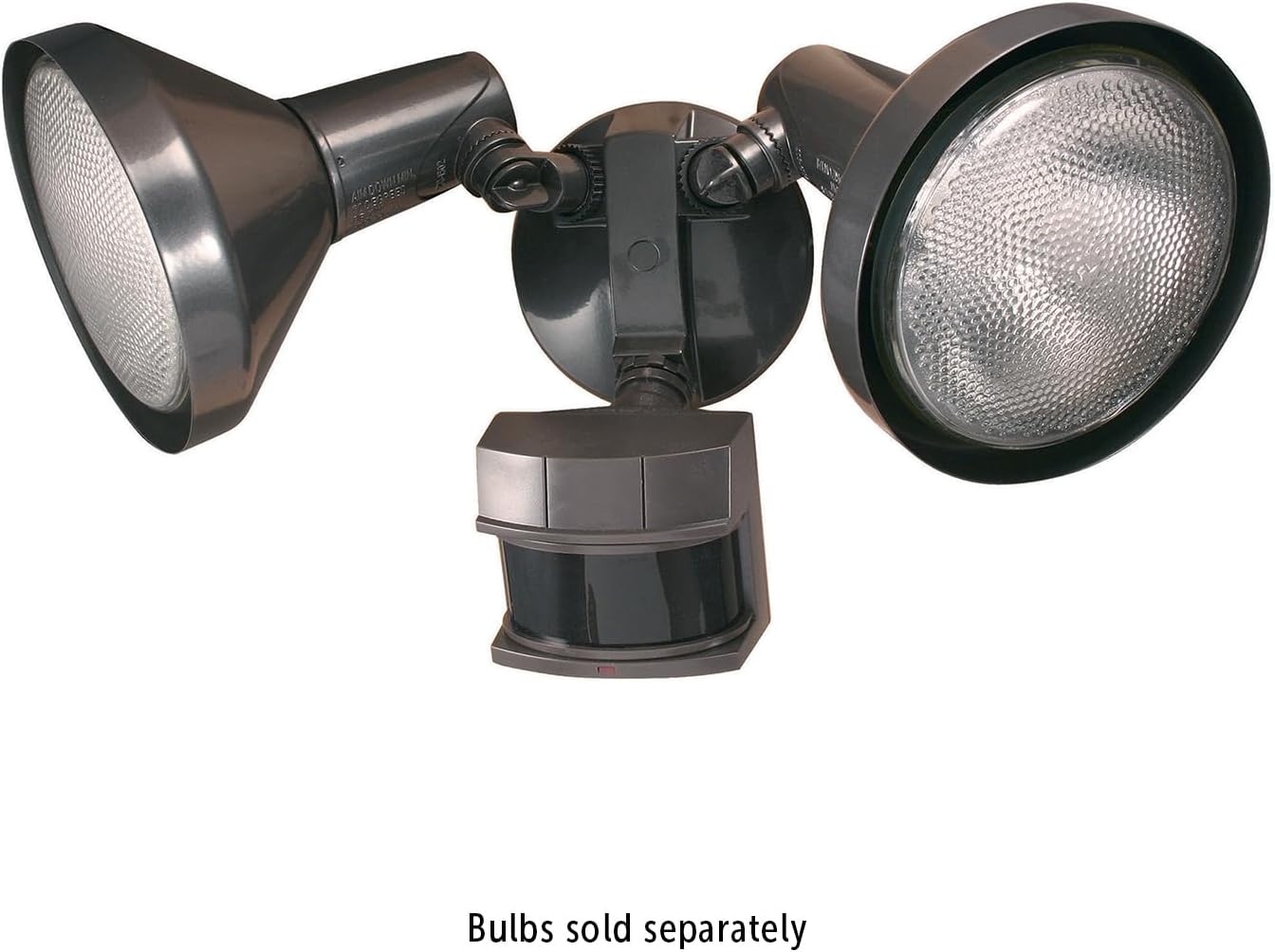 Figure 4: Bulb Installation. This image displays the flood light with bulbs installed, reminding users that bulbs are sold separately.
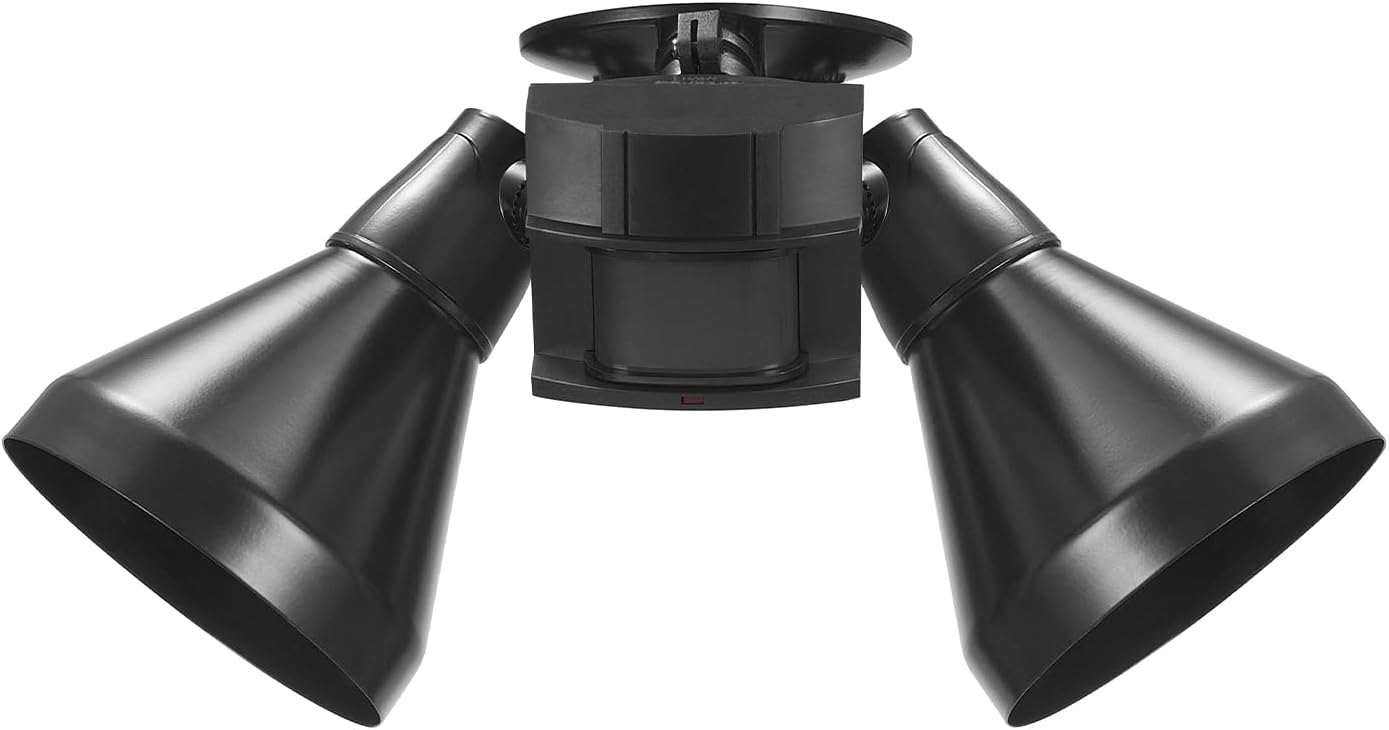 Figure 5: Side Profile. A side view of the flood light, illustrating the design and how the lamp heads and sensor are positioned.
Operating Instructions
Your Globe Electric Motion Sensor Security Flood Light is equipped with advanced features for optimal outdoor lighting and security.
Motion Detection
The motion sensor provides a 180-degree detection zone with a range of up to 70 feet (21 meters). The light will activate when motion is detected within this zone.
 Figure 6: Motion Detection Zone. This graphic illustrates the wide 180-degree detection area and range of the motion sensor, ensuring comprehensive coverage.
MotionBright™ 2-Level Lighting
When using dimmable bulbs, the MotionBright feature provides constant low ambient lighting at night. When motion is detected, the light automatically switches to full brightness for enhanced security and visibility. After a set duration, it returns to the low ambient setting.
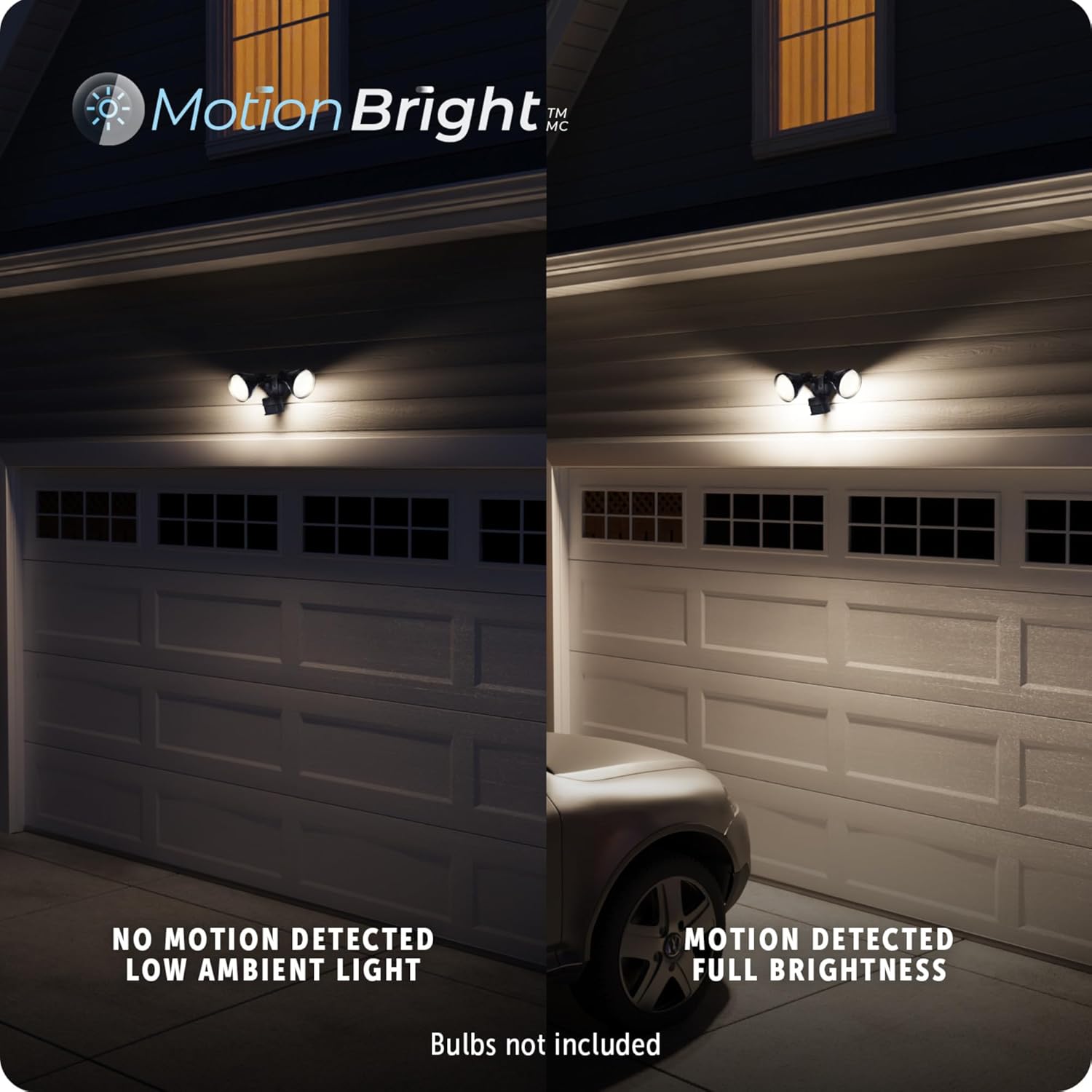 Figure 7: MotionBright™ Feature. This visual comparison demonstrates the two lighting levels: low ambient light when no motion is detected, and full brightness upon motion detection.
Adjustable Settings
The light features adjustable settings for duration and sensitivity. You can set the light to turn off after 1, 5, or 20 minutes of no detected motion. A built-in photocell ensures the light only operates at night.
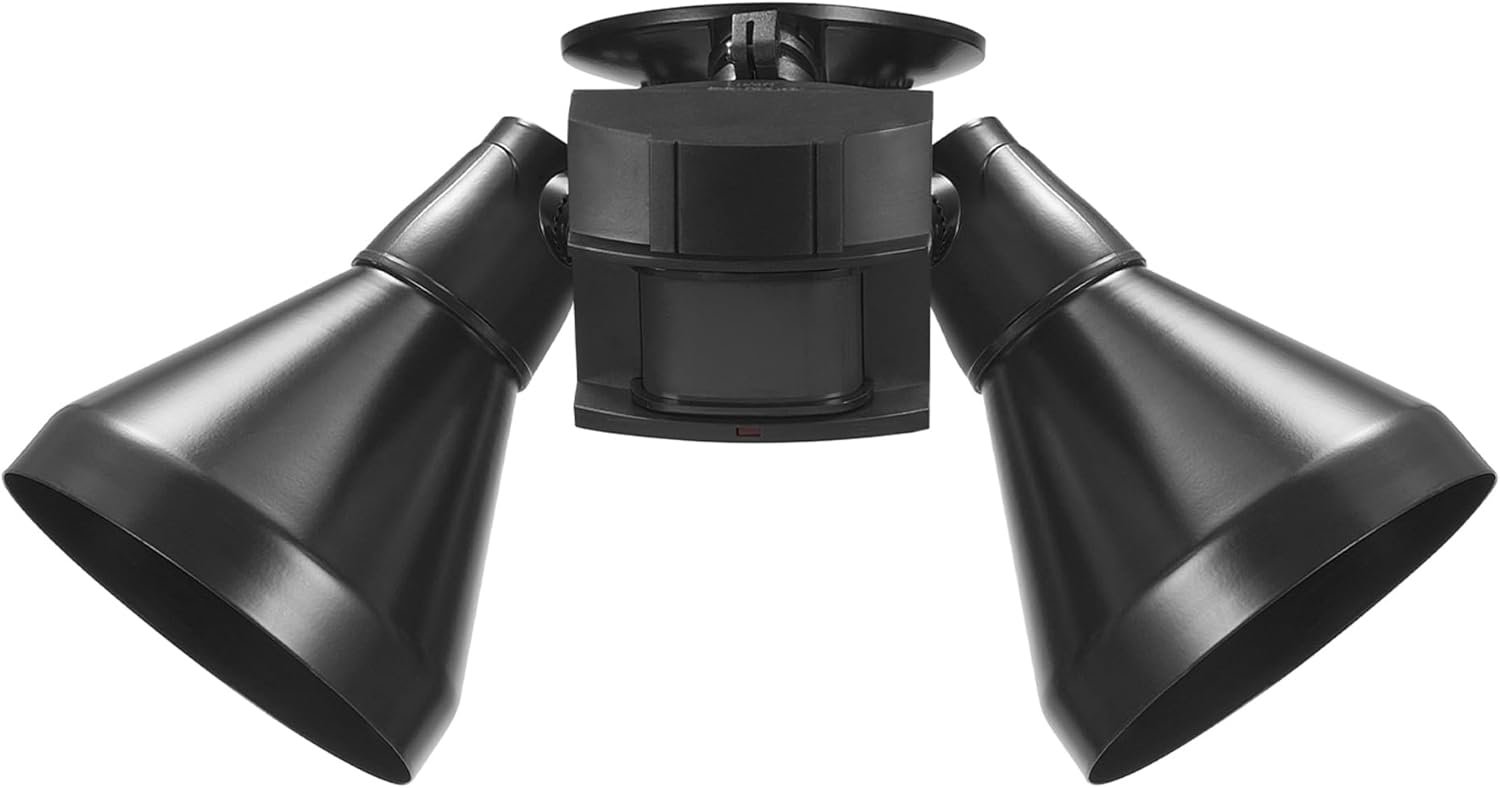 Figure 8: Product Features Diagram. This comprehensive diagram labels various components and functionalities of the flood light, including its adjustable settings and lighting modes.
Maintenance
Regular maintenance will help ensure the longevity and optimal performance of your security flood light.
- Cleaning: Periodically clean the fixture with a soft, damp cloth. Do not use abrasive cleaners or solvents. Ensure the motion sensor lens is clear of dirt and debris for accurate detection.
- Bulb Replacement: Always turn off power at the circuit breaker before replacing bulbs. Allow bulbs to cool completely before handling. Replace with E26 PAR38 shape bulbs, up to 120W max. For MotionBright functionality, ensure replacement bulbs are dimmable.
- Inspection: Annually inspect wiring and connections for any signs of wear or damage.
 Figure 9: Outdoor Rated. This image highlights the product's durability and suitability for various weather conditions.
Troubleshooting
If you experience issues with your security flood light, refer to the following common problems and solutions:
| Problem | Possible Cause | Solution |
|---|---|---|
| Light does not turn on at night. |
|
|
| Light stays on continuously. |
|
|
| Light flickers or dims unexpectedly. |
|
|
Warranty and Support
This Globe Electric 17000140 Motion Sensor Security Flood Light is backed by a 2-year warranty, ensuring quality and reliability.
For further assistance, technical support, or warranty claims, please visit the official Globe Electric store or contact their customer service. You can find more information and products from Globe Electric at their Amazon store: Globe Electric Amazon Store.
Related documents17000140


Ask a question about this manual
Ask about setup, troubleshooting, compatibility, parts, safety, or missing instructions. Manuals+ will review the question and use this page’s manual context to help answer it.