
Introduction
Thank you for choosing the Legamaster 1203 00 Magnetic Whiteboard Eraser. This manual provides essential information for the proper use and maintenance of your product. This compact magnetic eraser is designed for use on whiteboards, featuring easily replaceable felt pads secured by Velcro.
Key Features:
- Magnetic design for convenient storage on whiteboards.
- Replaceable felt pads for extended product life and optimal cleaning.
- Compact and ergonomic design for comfortable handling.
Product Overview
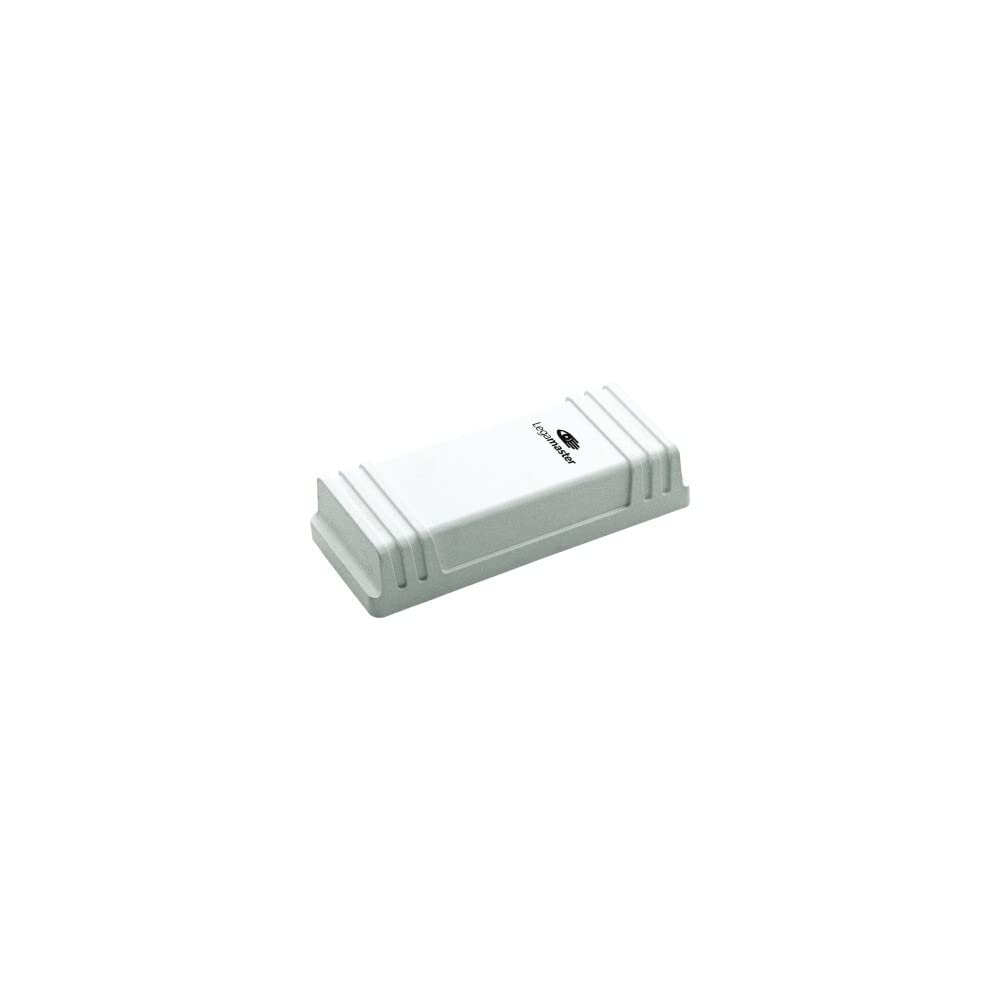

Setup
The Legamaster Magnetic Whiteboard Eraser requires minimal setup. It comes ready for immediate use. Ensure the felt pad is securely attached to the eraser body via the Velcro fastening before first use.
Attaching to a Whiteboard:
- Locate a magnetic whiteboard surface.
- Place the eraser directly onto the whiteboard. The integrated magnet will secure it in place.
Operating Instructions
The Legamaster Magnetic Whiteboard Eraser is designed for simple and effective cleaning of dry-erase whiteboards.
Erasing Whiteboard Markings:
- Hold the eraser firmly by its plastic body.
- Gently press the felt side of the eraser against the marked area of the whiteboard.
- Move the eraser across the markings in a smooth, consistent motion until the desired area is clean.
- For optimal results, erase markings shortly after they are made.
Demonstration Videos:
Whiteboard Eraser Close-up
This video provides a close-up view of the magnetic whiteboard eraser, demonstrating its design and how it functions on a whiteboard surface.
Magnetic Eraser Demonstration
Watch this video to see the magnetic eraser in action, showcasing its effectiveness in cleaning whiteboard markings.
Product Demonstration Video
A comprehensive demonstration of the Legamaster magnetic eraser, highlighting its features and ease of use.
RAYLU PAPER Whiteboard Eraser
This video demonstrates a similar whiteboard eraser from Raylu Paper, illustrating general usage and effectiveness.
Maintenance
Regular maintenance ensures the longevity and effectiveness of your Legamaster Magnetic Whiteboard Eraser.
Cleaning the Felt Pad:
- For light dust and residue, gently tap the felt pad against a waste bin to dislodge particles.
- For more stubborn marks, the felt pad can be carefully wiped with a damp cloth (water only) and allowed to air dry completely before reattaching.
Replacing the Felt Pad:
The felt pad is designed to be easily replaceable, extending the life of your eraser.
- Gently peel off the old felt pad from the eraser body. It is secured by Velcro.
- Align a new Legamaster replacement felt pad with the Velcro strips on the eraser body.
- Press firmly to secure the new felt pad in place.
Troubleshooting
If you encounter issues with your Legamaster Magnetic Whiteboard Eraser, consider the following common solutions:
- Ineffective Erasing: Ensure the felt pad is clean. If the felt is heavily soiled or worn, replace it with a new one.
- Eraser Not Sticking to Whiteboard: Verify that the whiteboard surface is magnetic. Ensure there is no debris or obstruction between the eraser's magnetic surface and the whiteboard.
- Felt Pad Detaching: Check that the Velcro on both the eraser body and the felt pad is clean and free from lint or debris. Press the felt pad firmly onto the eraser body to ensure a secure attachment.
Specifications
| Brand | Legamaster |
| Model Number | 7-120300 |
| Manufacturer Model | 860063000 |
| Product Dimensions (L x W x H) | 4.5 x 15.01 x 3.99 cm |
| Item Weight | 131.54 grams |
| Color | White |
| Material Type | Plastic, Felt |
| Included Components | Magnet |
| Special Feature | Magnetic Surface |
| Recommended Uses | Office, Home, School |
Warranty and Support
For warranty information or technical support, please refer to the official Legamaster website or contact their customer service directly. Keep your purchase receipt as proof of purchase.