
1. Introduction
Thank you for choosing the Osram Dulux Mobil Combi. This versatile device functions as both an emergency light with a white fluorescent bulb and a halogen torch, designed for reliability and convenience. It is rechargeable and suitable for various applications, including emergency preparedness, household tasks, and outdoor activities like camping.
2. Safety Information
- Battery Safety: Use only the specified battery type (AA Size NiMH rechargeable batteries). Do not mix old and new batteries, or different types of batteries. Ensure correct polarity when inserting batteries.
- Charging: Only use the charger provided or recommended by Osram. Do not overcharge the device. Disconnect from power when not charging.
- Heat: The halogen torch can generate significant heat. Avoid touching the bulb directly after use. Do not place the device near flammable materials.
- Water Exposure: This device is not waterproof. Avoid exposure to rain, splashes, or immersion in water.
- Eye Protection: Do not look directly into the light source, especially the halogen torch, as it can cause temporary vision impairment.
- Children: Keep out of reach of children. This is not a toy.
- Disposal: Dispose of batteries and the device according to local regulations. Do not dispose of in household waste.
3. Package Contents
Verify that all items are present in the package:
- One Osram Dulux Mobil Combi unit
- Four AA Size NiMH Batteries
- Charging cable (if included, not explicitly mentioned but implied by "Rechargeable")
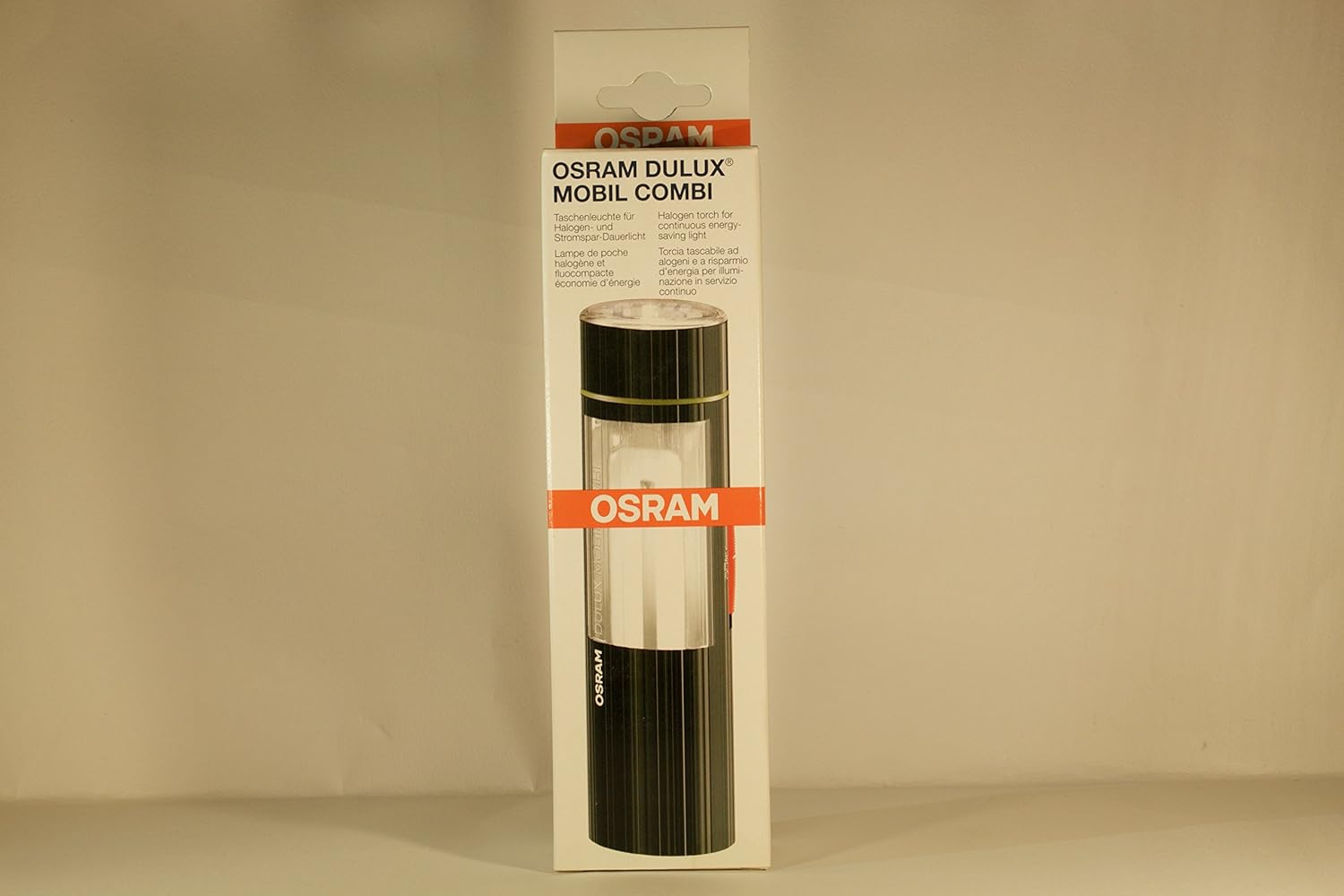
Image 1: Front view of the Osram Dulux Mobil Combi packaging, showing the device and brand logo.
4. Setup
4.1. Battery Installation
- Locate the battery compartment on the device. This is typically at the base or a designated section that can be opened.
- Open the battery compartment cover.
- Insert the four AA Size NiMH batteries, ensuring correct polarity (+ and - terminals match the markings inside the compartment).
- Close the battery compartment cover securely.
4.2. Initial Charging
Before first use, fully charge the device. Connect the charging cable to the device's charging port and plug it into a suitable power source. An indicator light may show charging status. Refer to the device for specific charging port location and indicator behavior.
5. Operation
The Osram Dulux Mobil Combi offers multiple lighting modes:

Image 2: Back view of the Osram Dulux Mobil Combi packaging, illustrating the different light modes and controls.
5.1. Power On/Off and Mode Selection
Locate the power button or switch on the device. The device typically cycles through modes with successive presses:
- Fluorescent Light (Dulux): Press the button once for the fluorescent floodlight. The packaging indicates two brightness levels: ON 50% and ON 100%.
- Halogen Torch (Spot): Press the button again (or a separate switch, depending on model) to activate the halogen spot torch.
- Off: Continue pressing the button to cycle to the OFF position, or hold the button down for a few seconds to turn off directly.
Note: The specific sequence and button functionality may vary slightly. Refer to the markings on your device.
6. Maintenance
6.1. Cleaning
Wipe the device with a soft, dry cloth. Do not use abrasive cleaners or solvents. Ensure the device is off and disconnected from any power source before cleaning.
6.2. Battery Care
- For optimal battery life, fully charge the device before long-term storage.
- If storing for extended periods, recharge the device every 3-6 months to prevent deep discharge.
- Replace batteries when they no longer hold a charge effectively.
6.3. Bulb Replacement
If a bulb (halogen or fluorescent) needs replacement, contact Osram customer support or an authorized service center for guidance. Attempting to replace bulbs without proper knowledge may void the warranty or damage the device.
7. Troubleshooting
| Problem | Possible Cause | Solution |
|---|---|---|
| Device does not turn on. |
|
|
| Light is dim. |
|
|
| Device not charging. |
|
|
8. Specifications
| Feature | Detail |
|---|---|
| Model | Dulux Mobil Combi (Part No. 46431) |
| Brand | Osram |
| Special Feature | Rechargeable |
| Colour | Black |
| Power Source | Battery Powered |
| Light Source Type | LED (Fluorescent) and Halogen |
| Material | Plastic |
| Included Components | Battery |
| Voltage | 6 Volts |
| Battery Cell Composition | NiMH |
| Battery Description | AA Size Battery |
| Wattage | 5 Watts (for fluorescent, halogen wattage not specified) |
| Item Weight | 159 g |
| Recommended Uses | Emergency Preparedness, Household Tasks, Industrial/Professional Applications |
9. Warranty and Support
9.1. Warranty Information
Osram products are manufactured to high-quality standards. For specific warranty terms and conditions, please refer to the warranty card included with your product or visit the official Osram website. Keep your proof of purchase for warranty claims.
9.2. Customer Support
If you encounter any issues or have questions regarding your Osram Dulux Mobil Combi that are not covered in this manual, please contact Osram customer support. Contact details can typically be found on the Osram website or on the product packaging.
You can visit the official Osram store for more information: Osram Store on Amazon.in


