
1. Introduction
The NEIKO 20713A Digital Tachometer is a non-contact device designed to measure the rotational speed (RPM) of various objects. It utilizes a laser photo sensor to provide instant, accurate, and dependable measurements. This manual provides essential information for the safe and effective use of your tachometer.
2. Product Features
- Non-Contact Measurement: Measures RPM using a laser photo sensor, eliminating the need for physical contact.
- High Accuracy: Provides measurements with an accuracy of +/- 0.05%.
- Wide Measurement Range: Capable of measuring from 2.5 to 99,999 RPM.
- Optimal Measurement Distance: Effective measurement range from 2 to 20 inches.
- Data Storage: Stores the last, minimum, and maximum readings for convenient review.
- Large LCD Screen: Easy-to-read display for clear visibility of measurements.
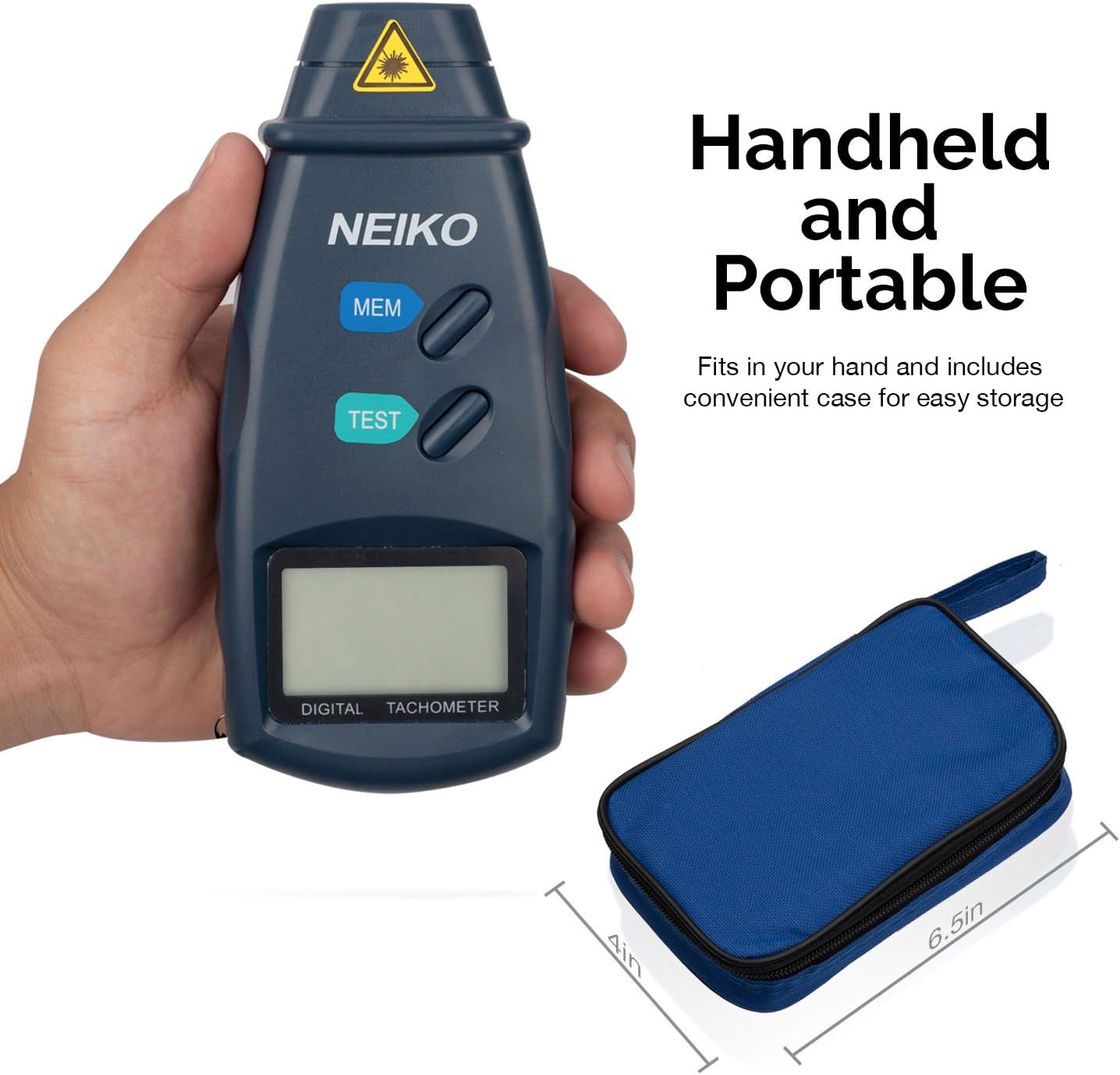
- Compact and Portable: Ergonomic design fits comfortably in hand, includes a protective storage case.
3. Package Contents
Upon opening the package, please verify that all items are present and in good condition:
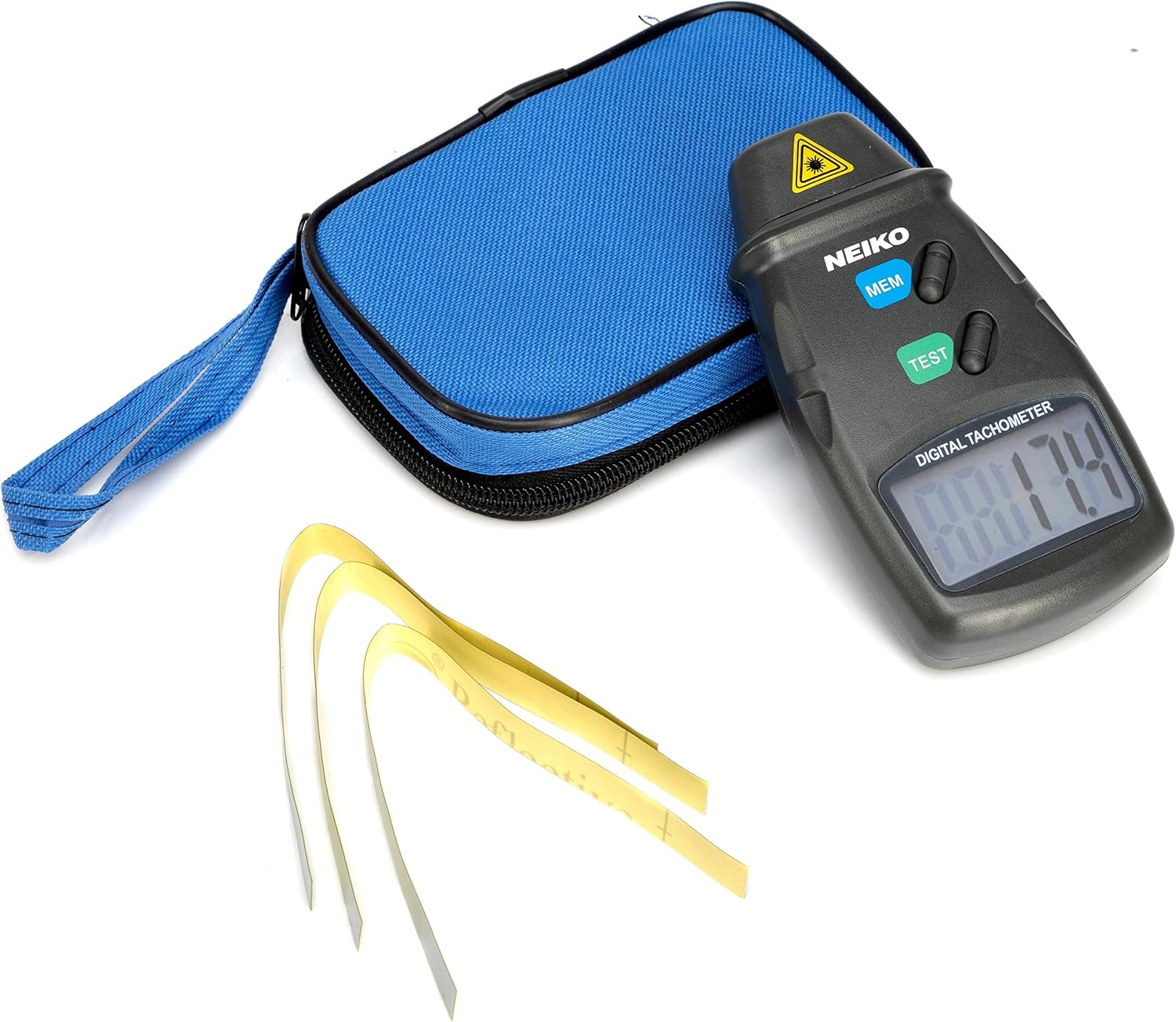
- NEIKO 20713A Digital Tachometer
- Protective Cushioned Storage Case
- 1 x 9V Battery
- Reflective Tape (24 inches)
- Instruction Manual (this document)

4. Safety Information
WARNING: This device uses a laser. Avoid direct eye exposure to the laser beam. Do not aim the laser at people or animals. Use caution when operating in environments where reflective surfaces may cause unintended laser reflections.
- Always ensure the device is turned off when not in use.
- Do not attempt to disassemble or modify the tachometer.
- Keep out of reach of children.
- Dispose of batteries according to local regulations.
5. Setup
5.1 Battery Installation
- Locate the battery compartment on the back of the tachometer.
- Open the battery compartment cover.
- Insert one 9V battery, ensuring correct polarity (+/-).
- Close the battery compartment cover securely.
5.2 Applying Reflective Tape
For accurate measurements, a small piece of reflective tape must be applied to the rotating object.
- Clean the surface of the rotating object where the tape will be applied. Ensure it is free of grease, dirt, or moisture.
- Cut a small strip of the included reflective tape (approximately 0.5 x 0.5 inches or 1.25 x 1.25 cm).
- Firmly attach the reflective tape to the rotating part of the object. Ensure it is flat and securely adhered.
6. Operating Instructions
6.1 Taking a Measurement
- Ensure the reflective tape is properly applied to the rotating object.
- Hold the tachometer firmly.
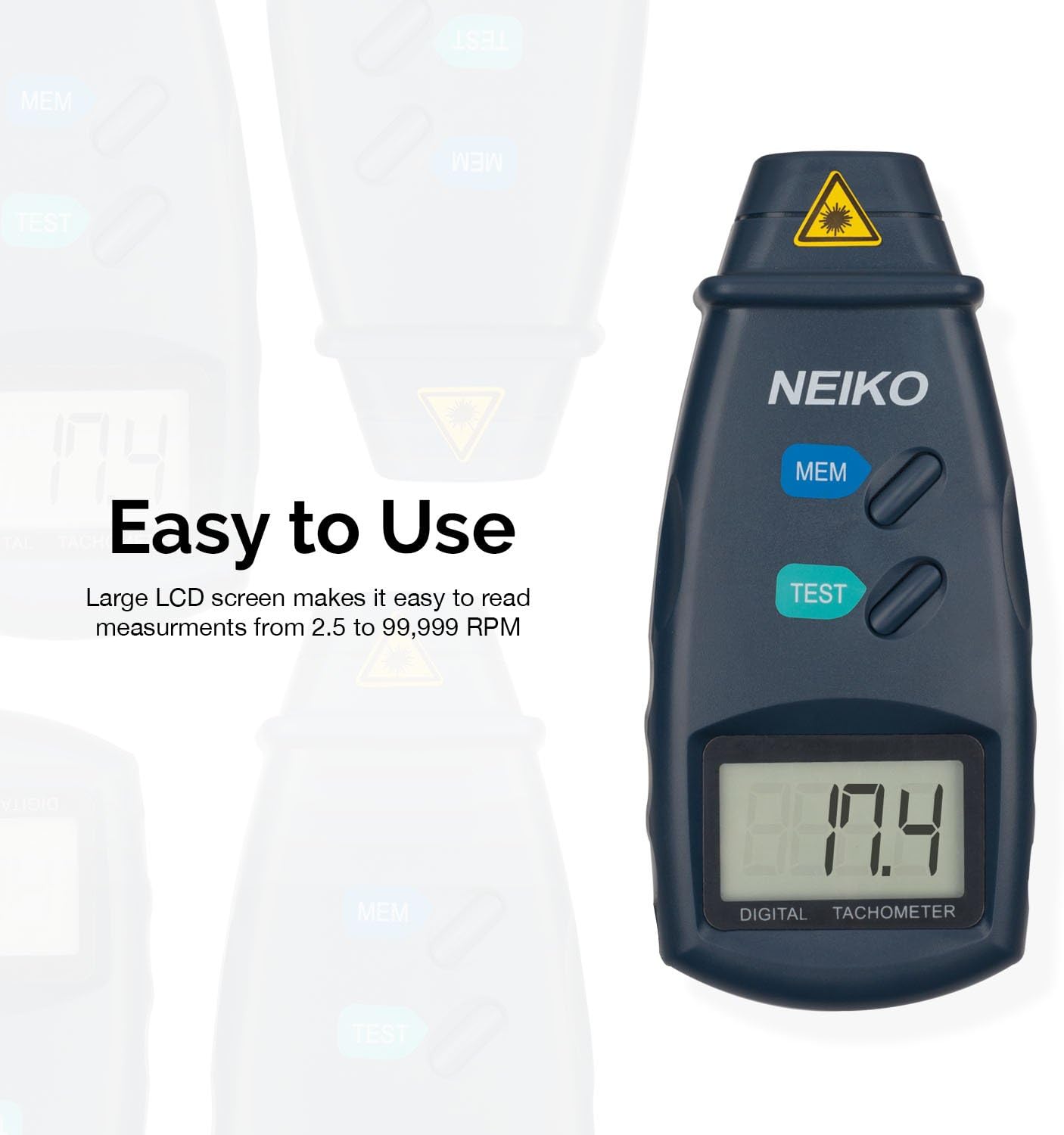
- Press and hold the TEST button. The laser beam will emit from the front of the device.
- Aim the laser beam at the reflective tape on the rotating object. Maintain a distance between 2 and 20 inches for optimal accuracy.
- The RPM reading will instantly appear on the LCD screen.
- Release the TEST button to stop the measurement. The last reading will remain on the display.


6.2 Memory Function
The tachometer can store the last, minimum, and maximum readings from a measurement session.
- After taking a measurement, press the MEM button.
- Each press of the MEM button will cycle through the stored values: Last Reading, Maximum Reading (MAX), and Minimum Reading (MIN).
7. Maintenance
- Cleaning: Wipe the device with a soft, dry cloth. Do not use abrasive cleaners or solvents.
- Storage: When not in use, store the tachometer in its protective case in a cool, dry place, away from direct sunlight and extreme temperatures. Remove the battery if storing for extended periods to prevent leakage.
- Battery Replacement: Replace the 9V battery when the low battery indicator appears on the LCD screen.
8. Troubleshooting
| Problem | Possible Cause | Solution |
|---|---|---|
| No display or faint display | Low or dead battery. Incorrect battery installation. | Replace the 9V battery. Ensure battery is inserted with correct polarity. |
| Inaccurate or unstable readings | Reflective tape not properly applied or too small. Measurement distance too far or too close. Object not rotating smoothly. External light interference. | Ensure reflective tape is flat and secure. Adjust measurement distance (2-20 inches). Ensure stable rotation of the object. Minimize strong ambient light. |
| Laser not emitting | TEST button not pressed. Battery issue. Device malfunction. | Press and hold the TEST button firmly. Check/replace battery. If problem persists, contact customer support. |
9. Specifications
| Specification | Value |
|---|---|
| Model | 20713A |
| Brand | NEIKO |
| Measurement Range | 2.5 to 99,999 RPM |
| Accuracy | +/- 0.05% |
| Measuring Distance | 2 to 20 inches |
| Sampling Time | 1 second (over 60 RPM) |
| Power Source | 9V Battery (included) |
| Dimensions (L x W x H) | 6.25 x 4.25 x 1.75 inches |
| Item Weight | 6.4 ounces |
| Material | Crystal (likely referring to the oscillator, not the casing) |
10. Warranty and Support
The NEIKO 20713A Digital Tachometer comes with a Limited Lifetime Warranty. For warranty claims, technical support, or any inquiries regarding your product, please contact NEIKO customer service. Refer to the official NEIKO website or product packaging for the most current contact information.
For additional information and product registration, visit the official NEIKO store: NEIKO Store on Amazon.