
Salter 800 WHBKDR
Salter Aquaweigh Mechanical Kitchen Scale User Manual
Model: 800 WHBKDR
Introduction
Welcome to the user manual for your new Salter Aquaweigh Mechanical Kitchen Scale. This scale is designed for precise measurement of ingredients up to 4kg (9 lb), making it ideal for a variety of cooking and baking tasks. It features a rotating twin dial for easy reading and a removable 2.6L bowl with a convenient pouring spout. As a mechanical scale, it requires no batteries, ensuring it's always ready for use. Its compact design allows for neat storage by fitting the bowl over the scale.
Setup
Before first use, please follow these simple steps to set up your Salter Aquaweigh Mechanical Kitchen Scale:
- Unpack: Carefully remove all components from the packaging. You should have the scale base and the 2.6L weighing bowl.
- Placement: Place the scale on a firm, flat, and level surface. Ensure there are no obstructions beneath the scale that could affect its stability or accuracy.
- Assemble Bowl: Place the detachable 2.6L weighing bowl securely onto the scale platform.
- Zero the Dial: Before weighing, ensure the dial is set to zero. If it is not, gently turn the small adjustment knob located on the side of the scale until the pointer aligns with the '0' mark.

Operating Instructions
Using your Salter Aquaweigh Mechanical Kitchen Scale is straightforward:
- Prepare for Weighing: Ensure the scale is on a flat surface and the dial is set to zero with the bowl in place.
- Add Ingredients: Slowly add your ingredients to the weighing bowl. The dial will rotate, indicating the weight.
- Read Measurement: Read the weight indicated by the pointer on the twin dial. The outer ring typically shows measurements in grams/kilograms, while the inner ring shows pounds/ounces.
- Add & Weigh Function: For measuring multiple ingredients in the same bowl, simply add the first ingredient, note its weight, then add the next ingredient. The dial will show the cumulative weight. To measure subsequent ingredients individually, you can re-zero the dial after each ingredient by turning the adjustment knob.
- Pouring Liquids: The bowl features a convenient pouring spout, making it easy to transfer liquids after measurement.


Maintenance
Proper care will ensure the longevity and accuracy of your Salter Aquaweigh Mechanical Kitchen Scale:
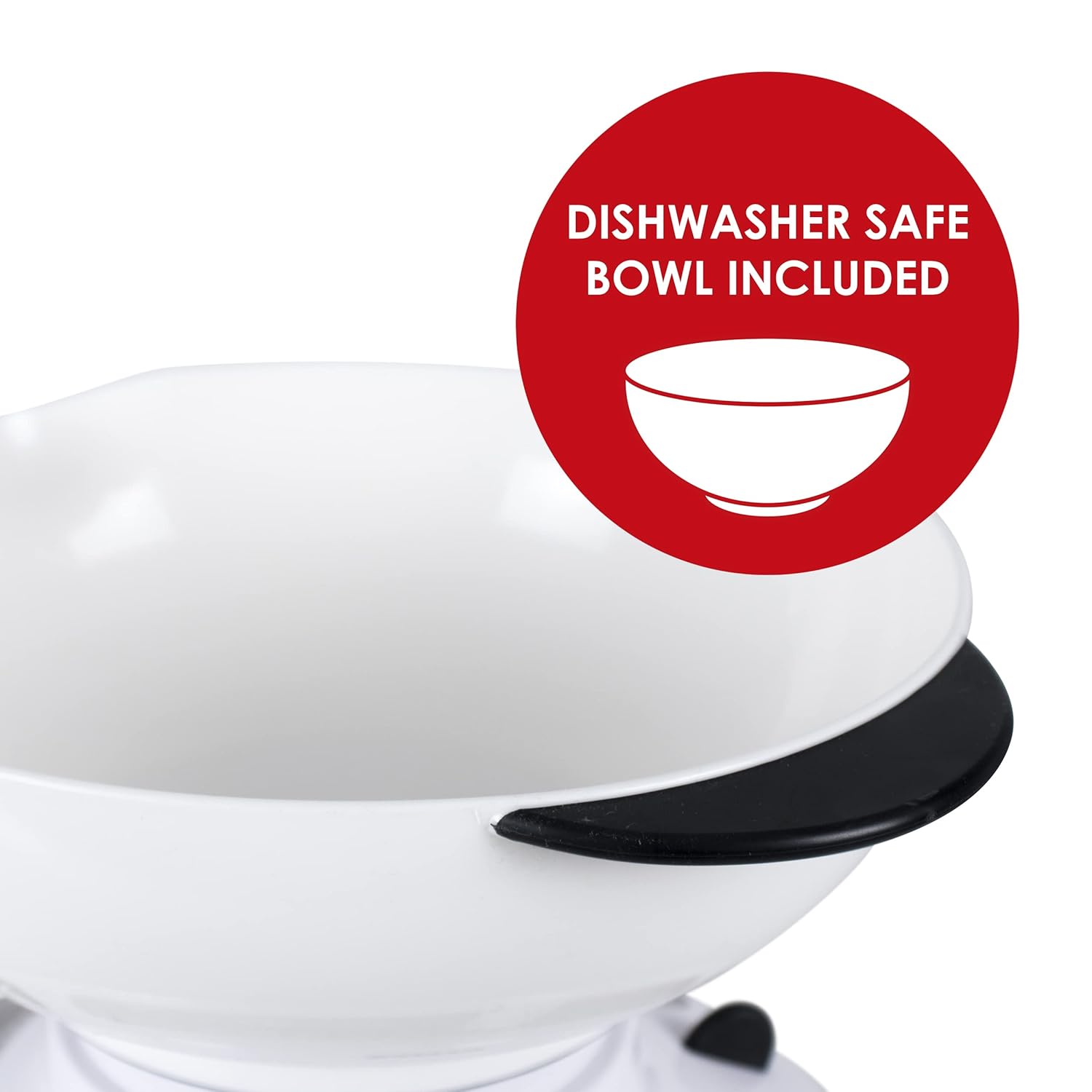
- Cleaning the Bowl: The 2.6L weighing bowl is detachable and dishwasher safe for easy cleaning.
- Cleaning the Scale Base: Wipe the scale base with a damp cloth. Do not immerse the scale base in water or use abrasive cleaning agents.
- Storage: For neat and compact storage, the weighing bowl can be inverted and fitted over the scale base after use.

Troubleshooting
If you encounter any issues with your scale, please refer to the following common solutions:
- Inaccurate Readings:
- Ensure the scale is placed on a completely flat and stable surface. Uneven surfaces can affect accuracy.
- Verify that the dial is set to zero before adding any ingredients. Adjust if necessary using the zero adjustment knob.
- Ensure the bowl is correctly seated on the scale platform.
- Dial Not Returning to Zero:
- Check for any debris or food particles lodged under the weighing platform or around the dial mechanism.
- Gently turn the zero adjustment knob to reset the dial.
If problems persist, please contact Salter customer support.
Specifications
| Feature | Detail |
|---|---|
| Model Number | 800 WHBKDR |
| Capacity | 4 kg / 9 lb |
| Bowl Volume | 2.6 Liters |
| Product Dimensions | 11.42 x 10.04 x 6.69 inches (29 x 25.5 x 17 cm) |
| Item Weight | 1.61 Pounds (0.73 kg) |
| Power Source | Mechanical (No Batteries Required) |
| Display Type | Analog Dial |

Warranty and Support
Your Salter Aquaweigh Mechanical Kitchen Scale comes with a 15-year guarantee, ensuring long-term reliability and peace of mind. This guarantee covers manufacturing defects under normal household use.
For any questions, technical support, or warranty claims, please refer to the contact information provided with your product packaging or visit the official Salter website. Please have your model number (800 WHBKDR) and proof of purchase ready when contacting support.
Related documents800 WHBKDR

Ask a question about this manual
Ask about setup, troubleshooting, compatibility, parts, safety, or missing instructions. Manuals+ will review the question and use this page’s manual context to help answer it.