
1. Product Overview
The Slime 20017 Digital Tire Gauge is designed for quick and accurate measurement of tire pressure. This compact device features an easy-to-read digital LCD display and a lighted tip for visibility in low-light conditions. It supports multiple measurement units including PSI, kPa, and Bar, and includes an automatic shut-off function to conserve battery life. Maintaining correct tire pressure is crucial for vehicle safety, optimal fuel efficiency, and extending tire lifespan.
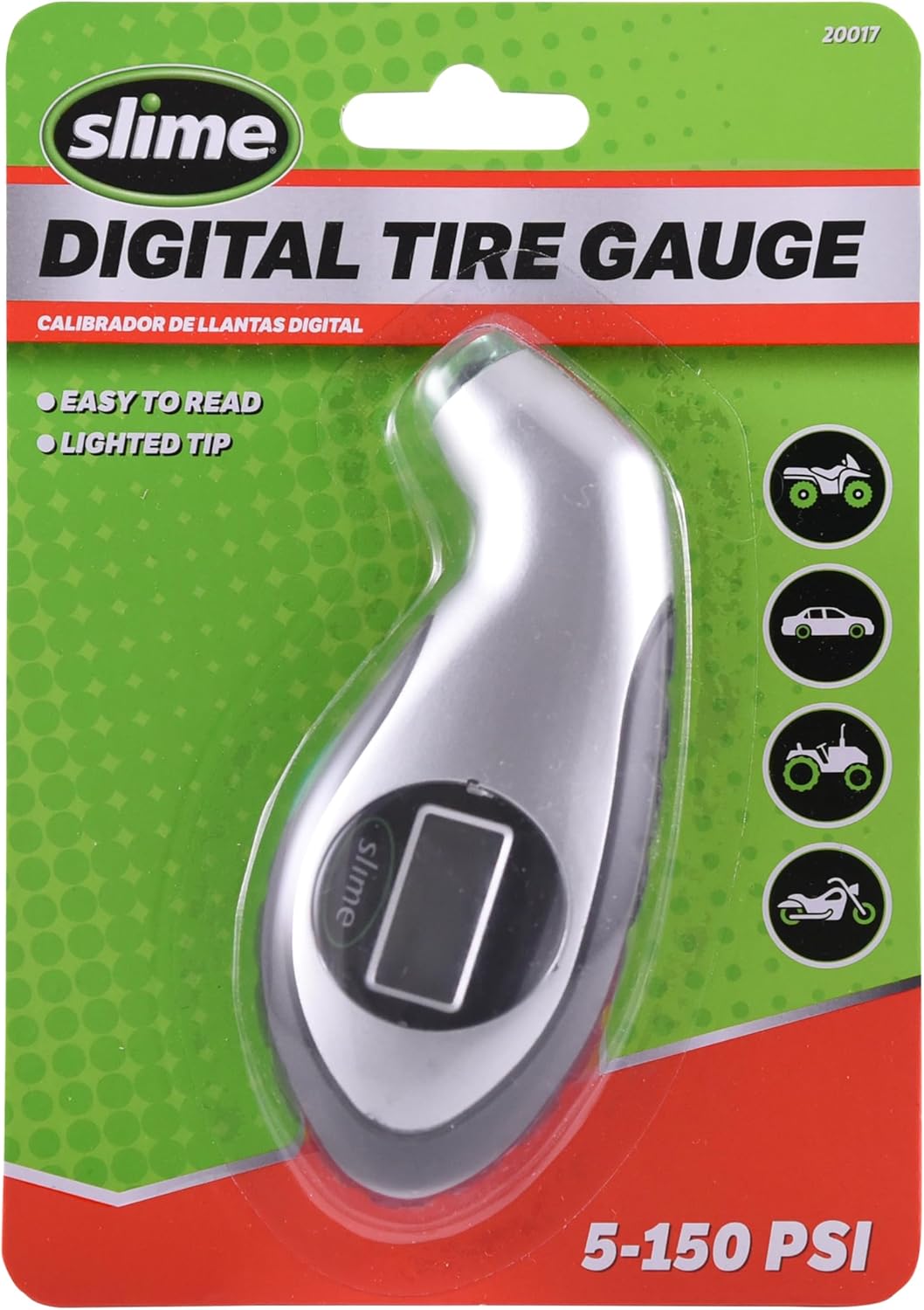
Image 1.1: The Slime 20017 Digital Tire Gauge shown in its retail packaging, highlighting its key features and pressure range.
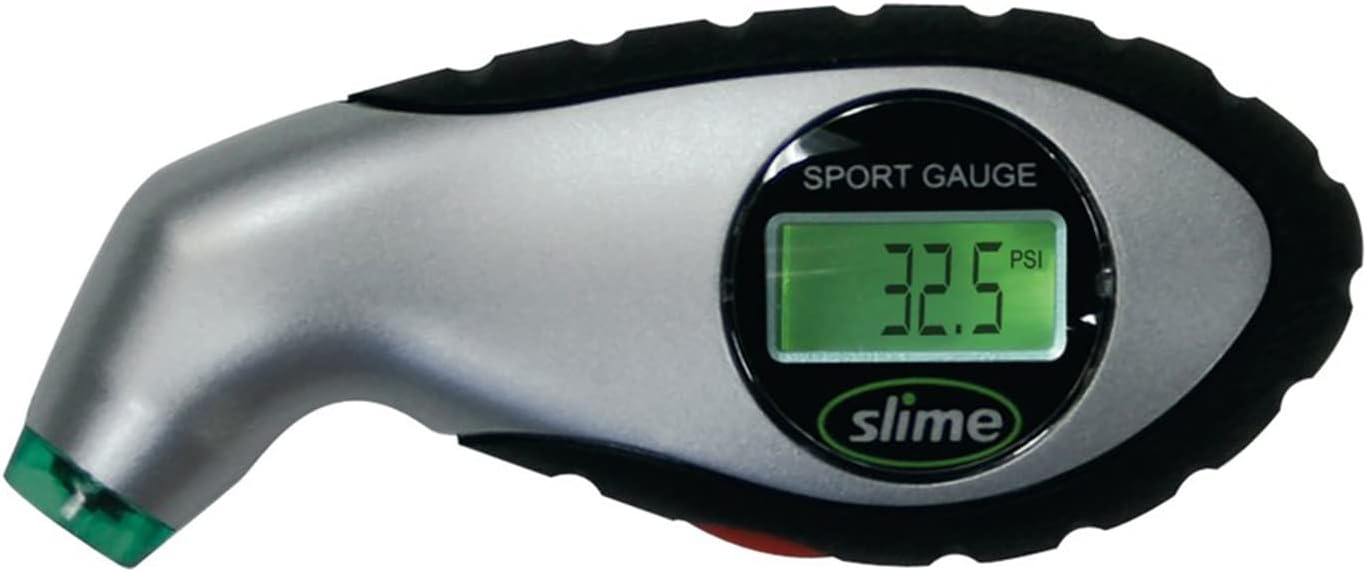
Image 1.2: A close-up view of the Slime 20017 Digital Tire Gauge, displaying a pressure reading on its digital screen.

Image 1.3: A detailed diagram illustrating the various components and features of the Slime 20017 Digital Tire Gauge, including the lighted tip, backlit display, measurement toggle button, and rubberized grip.
2. Safety Information
- Keep the device away from water and extreme temperatures.
- Do not attempt to disassemble or modify the gauge. This may cause damage and void any potential warranty.
- Store the gauge in a clean, dry place when not in use.
- Dispose of old batteries according to local regulations.
3. Package Contents
- 1 x Slime 20017 Digital Tire Gauge
4. Setup
4.1 Battery Installation
The Slime 20017 Digital Tire Gauge comes with long-lasting batteries pre-installed. If the display does not illuminate or appears dim, the batteries may need replacement. Refer to the Maintenance section for battery replacement instructions.
5. Operation
5.1 Taking a Tire Pressure Reading
- Power On: Push the button on the gauge to turn it on. The screen will display "0.0" when ready to measure pressure in PSI units.
- Select Unit (Optional): Continue pushing the button to cycle through measurement units: PSI, BAR, or kPa. Stop when your desired unit is displayed.
- Measure Pressure: Press the tire gauge head firmly onto the tire valve stem. Ensure a tight seal to prevent air leakage. The pressure reading will appear on the digital display.
- Automatic Shut-off: The gauge will automatically turn off after approximately two minutes of inactivity to conserve battery life.
Note: For the most accurate reading, check your tire pressure when the tires are cold (before driving or after the vehicle has been stationary for several hours).

Image 5.1: The Slime 20017 Digital Tire Gauge positioned on the ground next to a vehicle tire, ready for use.
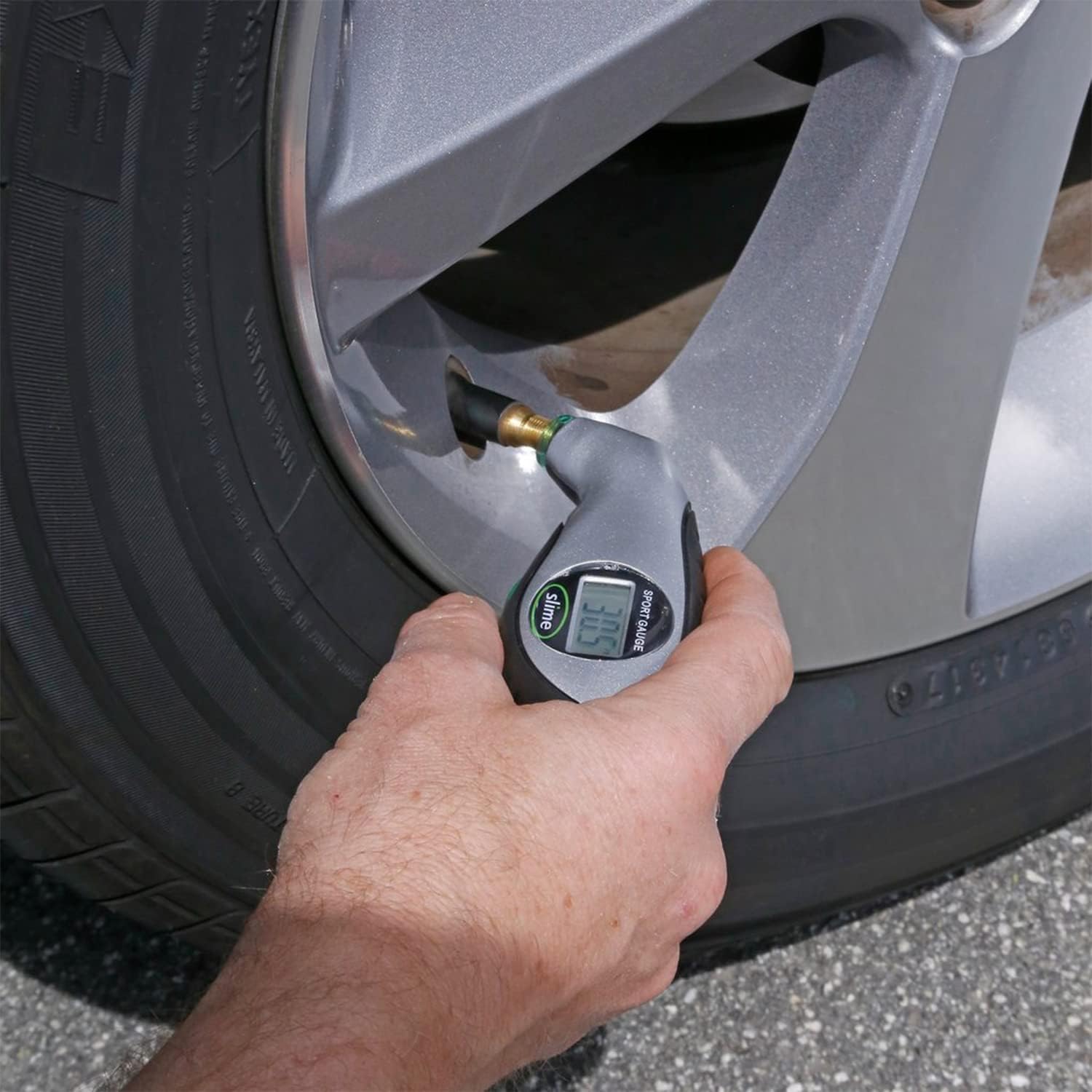
Image 5.2: A hand demonstrating how to firmly press the Slime 20017 Digital Tire Gauge onto a tire valve stem to obtain a pressure reading.
6. Maintenance
6.1 Cleaning
Wipe the exterior of the gauge with a soft, damp cloth. Do not use abrasive cleaners or immerse the device in water.
6.2 Battery Replacement
The Slime 20017 Digital Tire Gauge uses long-lasting, replaceable batteries. To replace them, locate the battery compartment (typically on the back or side of the unit). Use a small screwdriver if necessary to open the compartment. Replace the old batteries with new ones of the same type, ensuring correct polarity. Close the compartment securely. Dispose of old batteries responsibly.
6.3 Storage
Store the tire gauge in a cool, dry place, away from direct sunlight and extreme temperatures. Avoid storing it in environments with high humidity.
7. Troubleshooting
| Problem | Possible Cause | Solution |
|---|---|---|
| Gauge does not turn on. | Dead or improperly installed batteries. | Replace batteries, ensuring correct polarity. |
| Inaccurate readings. | Improper seal on valve stem; gauge malfunction. | Ensure a firm, straight seal on the valve stem. Check pressure when tires are cold. If issues persist, the gauge may need replacement. |
| Display is dim or flickering. | Low battery power. | Replace batteries. |
8. Specifications
| Feature | Detail |
|---|---|
| Brand | Slime |
| Model | 20017 |
| Material | Plastic |
| Pressure Range | 5-150 PSI |
| Measurement Units | PSI, kPa, Bar |
| Dimensions (L x W x H) | 6.5 x 4.56 x 1.03 inches |
| Item Weight | 1 Milligram (Note: This weight seems unusually low and may be a data entry error. Refer to product packaging for accurate weight.) |
| Features | Lighted tip, Easy-read backlit LCD display, Automatic shut-off, Rubberized grip |
| UPC | 782386117205 |
9. Warranty and Support
For information regarding warranty coverage, product support, or to contact customer service, please visit the official Slime website or refer to the contact information provided on the product packaging.
You can find more information about Slime products at: Slime Official Store
10. Official Product Videos
No official product videos from the seller were provided in the available data to embed in this manual.


