
Introduction
The Behringer B-Control Rotary BCR2000 is a versatile USB/MIDI controller designed for musicians, producers, and DJs. It provides hands-on control over virtual mixers, synthesizers, samplers, and effects processors, enhancing your workflow in both live and studio environments. Featuring 32 illuminated rotary encoders, this controller offers an intuitive interface for precise parameter adjustments and total recall of your settings.
Key Features
- Total Recall USB/MIDI Controller: Offers a unique, cascadable desktop MIDI controller with an analog feel and an intuitive user interface.
- 32 User Presets: Each with 4 encoder groups, allowing for extensive customization and quick recall of settings.
- 24 High-Resolution Encoders: Equipped with LED rings for ultimate control over virtual mixers, synths, samplers, and effects processors.
- Configurable MIDI and USB Modes: Provides ultra-flexible system integration for various setups.
- 4 Virtual Groups: Features 8 dual-mode, high-resolution encoders with LED rings and an additional push function for enhanced control.
Setup
Before connecting your BCR2000, ensure your computer meets the minimum system requirements. The device is designed for plug-and-play operation with most modern operating systems (Windows XP/later, Mac OS). For optimal performance, it is recommended to download the latest drivers and editor software from the official Behringer website.
- Power Connection: Connect the power cable to the BCR2000's power input and then to a suitable power outlet.
- USB Connection: For direct computer control, connect the BCR2000 to your computer using a standard USB cable. The device will be recognized as a generic MIDI setup.
- MIDI Connections: For connecting to other MIDI hardware, use standard MIDI cables. The BCR2000 features one MIDI In and two MIDI Outs (Out A, Out B/Thru). The MIDI In also supports a merge function for cascading multiple units.
- Foot Switch Connections: Two foot switch inputs (Switch 1, Switch 2) are available for additional control.

Operation
The BCR2000 offers extensive control capabilities through its rotary encoders and buttons. Understanding these controls is key to maximizing its potential.
Rotary Encoders
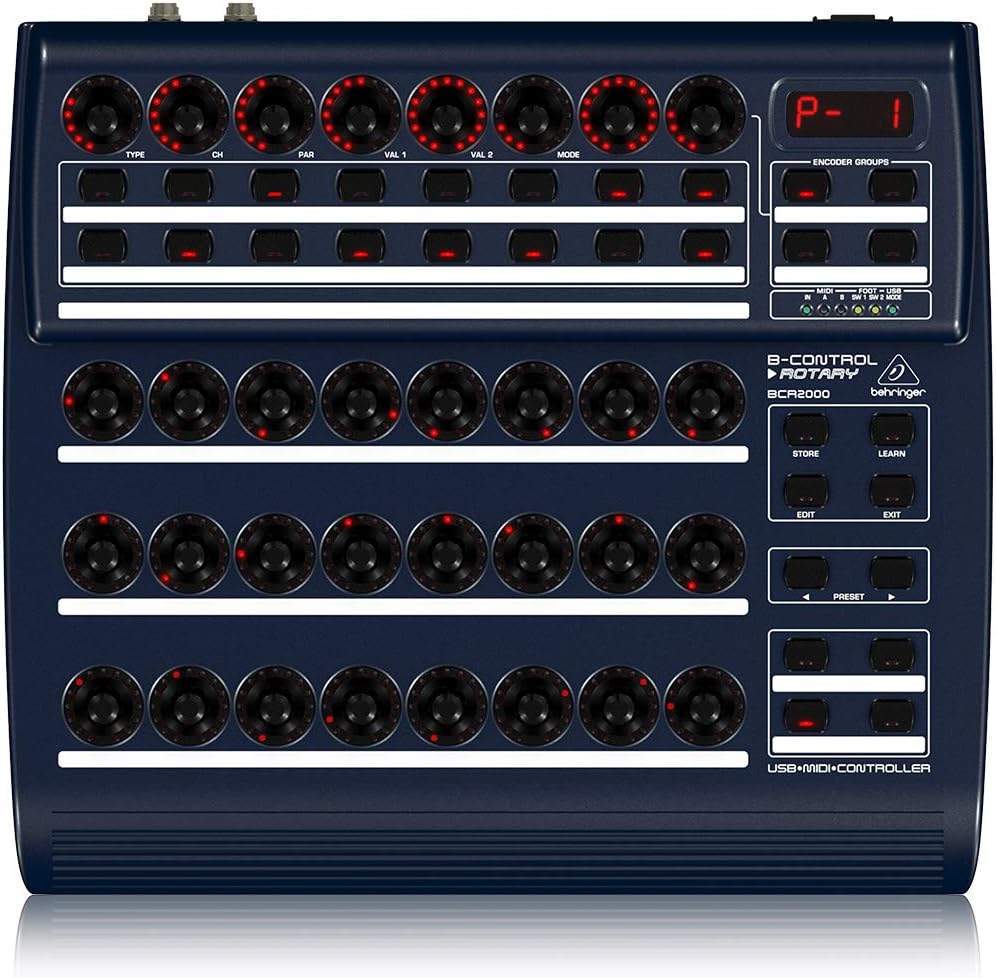
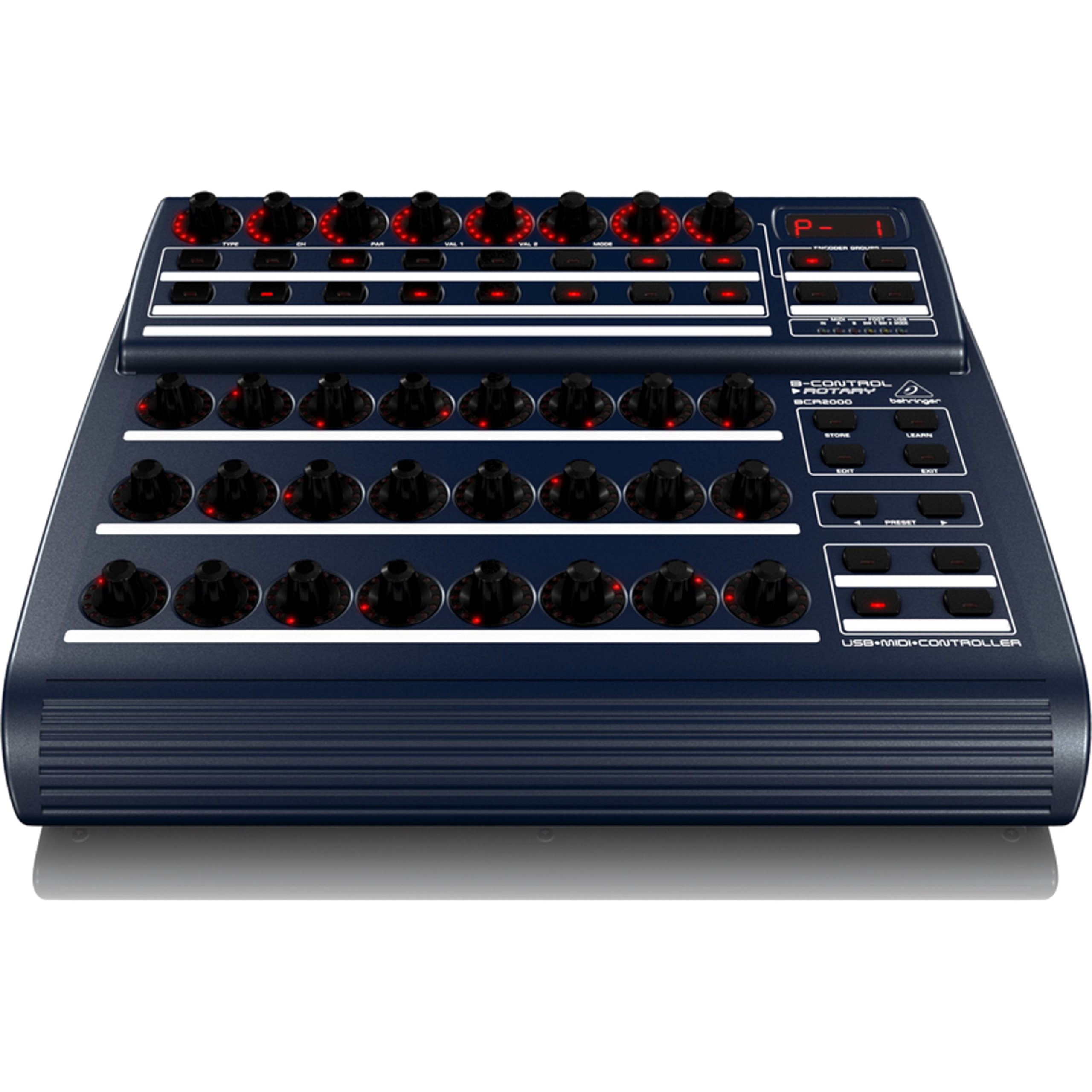
The unit features 24 high-resolution rotary encoders with LED rings, providing visual feedback on parameter values. Additionally, there are 8 dual-mode encoders in the virtual groups, which also have LED rings and an extra push function. These encoders can be assigned to control various parameters in your software or hardware.
Buttons and Presets
The BCR2000 includes 16 plus 4 illuminated buttons that can be assigned to control a wide range of functions, such as toggling effects, changing programs, or sending MMC (MIDI Machine Control) commands. The device supports 32 user presets, each with 4 encoder groups, allowing you to store and recall complex configurations for different songs or setups.
Learn Mode
The "Learn" mode simplifies the assignment of controls. You can manually assign parameters or use the intuitive learn function to quickly map controls to your desired software functions.
Display
A multi-function four-digit LED display provides real-time parameter indication, helping you monitor your settings. Additionally, there are areas on the unit for writing down track names or other relevant information for quick reference.
Maintenance
To ensure the longevity and optimal performance of your Behringer BCR2000, follow these maintenance guidelines:
- Cleaning: Use a soft, dry cloth to clean the exterior of the unit. Avoid abrasive cleaners or solvents, as they may damage the finish.
- Storage: Store the unit in a cool, dry place away from direct sunlight, extreme temperatures, and high humidity.
- Handling: Handle the unit with care. Avoid dropping it or subjecting it to strong impacts.
- Ventilation: Ensure proper ventilation around the unit to prevent overheating.
Troubleshooting
If you encounter issues with your BCR2000, consider the following common troubleshooting steps:
- No Power: Ensure the power cable is securely connected to both the unit and a working power outlet. Check the power switch.
- Not Recognized by Computer: Verify the USB cable connection. Try a different USB port or cable. Ensure the latest drivers are installed from the Behringer website.
- Controls Not Responding: Check MIDI/USB mode settings on the unit and in your software. Ensure controls are correctly assigned using the "Learn" mode or editor software.
- Intermittent Functionality: This could indicate a loose connection or a software conflict. Re-seat all cables and restart your computer and the BCR2000. Update firmware if available.
For further assistance, refer to the comprehensive support resources on the Behringer website or contact customer support.
Specifications
| Item Weight | 4.85 pounds |
| Product Dimensions | 11.81 x 3.94 x 12.99 inches |
| Item Model Number | BCR2000 |
| Compatible Devices | Computers and audio devices with USB and MIDI connectivity |
| Connector Type | USB |
| Hardware Interface | USB |
| Supported Software | FL Studio (and other major DAWs like Cubase, Cakewalk, Logic Audio) |
| Material Type | Metal, Plastic |
| Mixer Channel Quantity | 24 |
| Hardware Platform | x86_64 |
| Connectivity Technology | USB |
| Included Components | User Manual (this document) |
Official Product Video
This video provides an overview of the Behringer B-Control Rotary BCR2000, demonstrating its features and applications in a music production environment. It highlights the illuminated rotary encoders, programmable buttons, and connectivity options.
Warranty and Support
For detailed warranty information and to access technical support, please visit the official Behringer website. You can find drivers, firmware updates, and additional documentation there. Registering your product is recommended to receive updates and support.
Website: www.behringer.com


