
Introduction
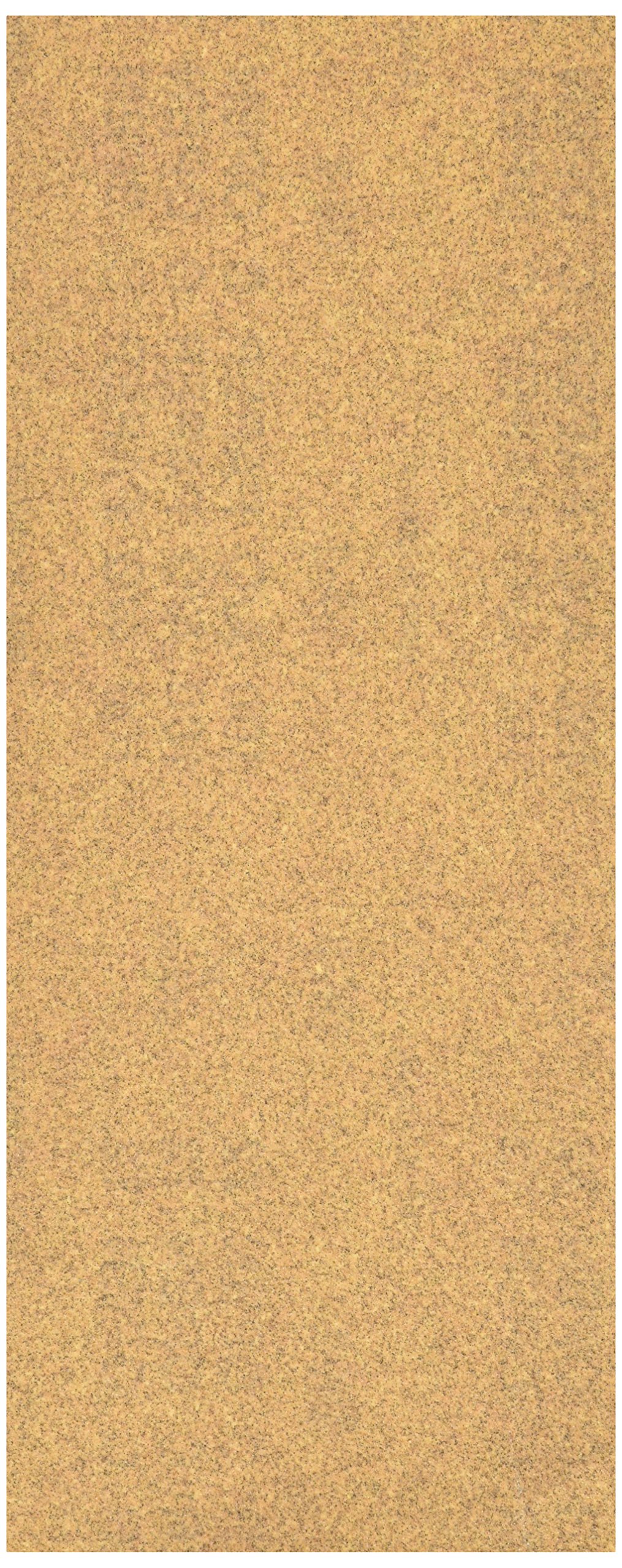
This manual provides instructions for the safe and effective use of NORTON 48354 Aluminum OX Sandpaper. This product is designed for sanding various materials including wood, metal, plastic, and fiberglass, and is also suitable for removing old paint. It is intended for use with 1/2 sheet sanders.
Safety Information
Always follow these safety guidelines when using sandpaper:
- Wear appropriate personal protective equipment (PPE), including safety glasses or goggles, dust mask, and gloves, to protect against airborne particles and skin irritation.
- Ensure adequate ventilation in your workspace to minimize inhalation of dust.
- Secure the workpiece firmly to prevent movement during sanding.
- Always disconnect power tools from the power source before changing sandpaper or performing maintenance.
- Do not use damaged or worn sandpaper, as it can reduce effectiveness and potentially cause injury.
- Keep children and bystanders away from the work area.
Setup
The NORTON 48354 Aluminum OX Sandpaper is designed for use with 1/2 sheet sanders.
- Prepare the Sander: Ensure your 1/2 sheet sander is clean and free of debris from previous sanding tasks.
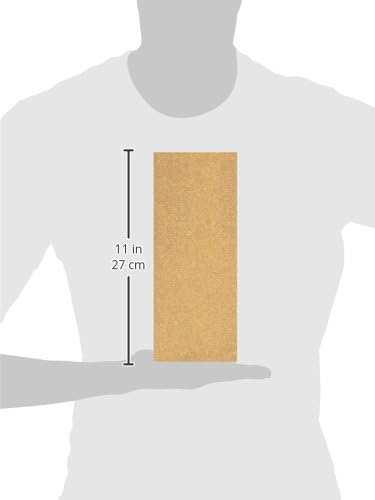
- Cut Sandpaper (if necessary): If the sandpaper sheet is larger than required, carefully cut it to the appropriate size for your sander's base plate. The NORTON 48354 sheets are typically sized for standard 1/2 sheet sanders.
- Attach Sandpaper:
- For sanders with clamping mechanisms: Lift the clamps on both ends of the sander's base plate.
- Insert one end of the sandpaper sheet under the front clamp, ensuring it is taut and centered.
- Pull the sandpaper tightly over the base plate and secure the other end under the rear clamp. Ensure the paper is flat against the pad to prevent tearing and uneven sanding.
- For hook-and-loop sanders: Align the sandpaper with the base plate and press firmly to secure.
- Inspect: Verify that the sandpaper is securely attached and lies flat against the sander's pad before beginning operation.
Operating Instructions
Follow these steps for effective sanding with NORTON 48354 Aluminum OX Sandpaper:
- Prepare Workpiece: Ensure the surface to be sanded is clean and free of loose debris. Secure the workpiece to prevent movement.
- Select Grit: NORTON 48354 is a medium grit (100 grit) sandpaper, suitable for general sanding, material removal, and preparing surfaces for finishing. For rougher removal, start with a coarser grit; for finer finishes, follow with a finer grit.
- Start Sanding:
- Turn on the sander before making contact with the workpiece.
- Gently place the sander flat on the surface.
- Apply light, even pressure. Excessive pressure can reduce sanding effectiveness, wear out the sandpaper faster, and potentially damage the surface.
- Move the sander in smooth, overlapping passes. For wood, sand along the grain.
- Avoid tilting the sander, which can create uneven sanding marks.
- Check Progress: Periodically lift the sander to check the surface and clear away dust.
- Finish Sanding: Once the desired smoothness or material removal is achieved, lift the sander from the workpiece before turning it off.
Maintenance
Proper maintenance extends the life of your sandpaper and ensures consistent performance.
- Clean Sandpaper: For light clogging, use a sandpaper cleaning stick or a stiff brush to remove accumulated dust and debris from the abrasive surface.
- Storage: Store sandpaper sheets flat in a dry environment to prevent curling, creasing, or moisture absorption, which can degrade performance.
- Replacement: Replace sandpaper when it becomes dull, torn, or excessively clogged, as worn sandpaper is ineffective and can damage the workpiece.
Troubleshooting
| Problem | Possible Cause | Solution |
|---|---|---|
| Sandpaper not sanding effectively | Dull abrasive, clogged surface, insufficient pressure. | Replace sandpaper, clean surface with a cleaning stick, apply light, even pressure. |
| Sandpaper tearing or slipping | Improper attachment to sander, excessive pressure, worn sander pad. | Re-attach sandpaper securely, reduce pressure, inspect and replace sander pad if damaged. |
| Uneven sanding marks | Tilting the sander, inconsistent pressure, worn sandpaper. | Keep sander flat on surface, apply consistent pressure, replace worn sandpaper. |
Specifications
- Brand: Norton
- Model Number: 48354
- Abrasive Material: Aluminum Oxide
- Grit Type: Medium
- Grit Number: 100
- Intended Use: Sanding wood, metal, plastic, fiberglass, paint removal.
- Compatibility: For use on 1/2 sheet sanders.
- Item Weight: Approximately 3.17 ounces
- Product Dimensions: Approximately 5.6 x 12.1 x 2 inches (packaging)
Support
For further assistance or inquiries regarding the NORTON 48354 Aluminum OX Sandpaper, please refer to the official Norton website or contact their customer support.
Official Norton Website: www.nortonabrasives.com