
1. Introduction
The Energizer Recharge Basic Battery Charger is designed for convenient and efficient charging of your AA and AAA NiMH rechargeable batteries. This manual provides essential information for safe and optimal use of your charger.

Image: The Energizer Recharge Basic Battery Charger, shown with two AA rechargeable batteries inserted, against a backdrop featuring the Energizer Bunny. This image illustrates the product in its packaging.
2. Safety Information
- Use this charger only with NiMH (Nickel-Metal Hydride) rechargeable AA and AAA batteries. Do not attempt to charge non-rechargeable batteries or other battery types, as this may lead to leakage, rupture, or explosion.
- Do not disassemble or modify the charger or batteries.
- Avoid exposing the charger to rain, moisture, or extreme temperatures.
- Keep out of reach of children.
- Unplug the charger from the power outlet when not in use.
- The charger features automatic shut-off to prevent overcharging, but it is recommended to remove batteries once fully charged.
3. Package Contents
Your Energizer Recharge Basic Battery Charger package includes:
- 1 Energizer Recharge Basic Battery Charger
- 2 Energizer rechargeable AA batteries
- 1 USB charging cable
4. Product Features
- Charges 2 or 4 AA or AAA NiMH rechargeable batteries simultaneously.
- LED charge status indicators for each charging bay.
- Automatic shut-off mechanism to prevent overcharging and maximize battery life.
- Compact and portable design.
- Includes a USB charging cable for versatile power options.

Image: A close-up of the Energizer Recharge Basic Battery Charger highlighting its capability to charge either two or four AA or AAA batteries.

Image: The Energizer Recharge Basic Battery Charger displaying its LED charge status lights, which illuminate to indicate the charging progress of the batteries.
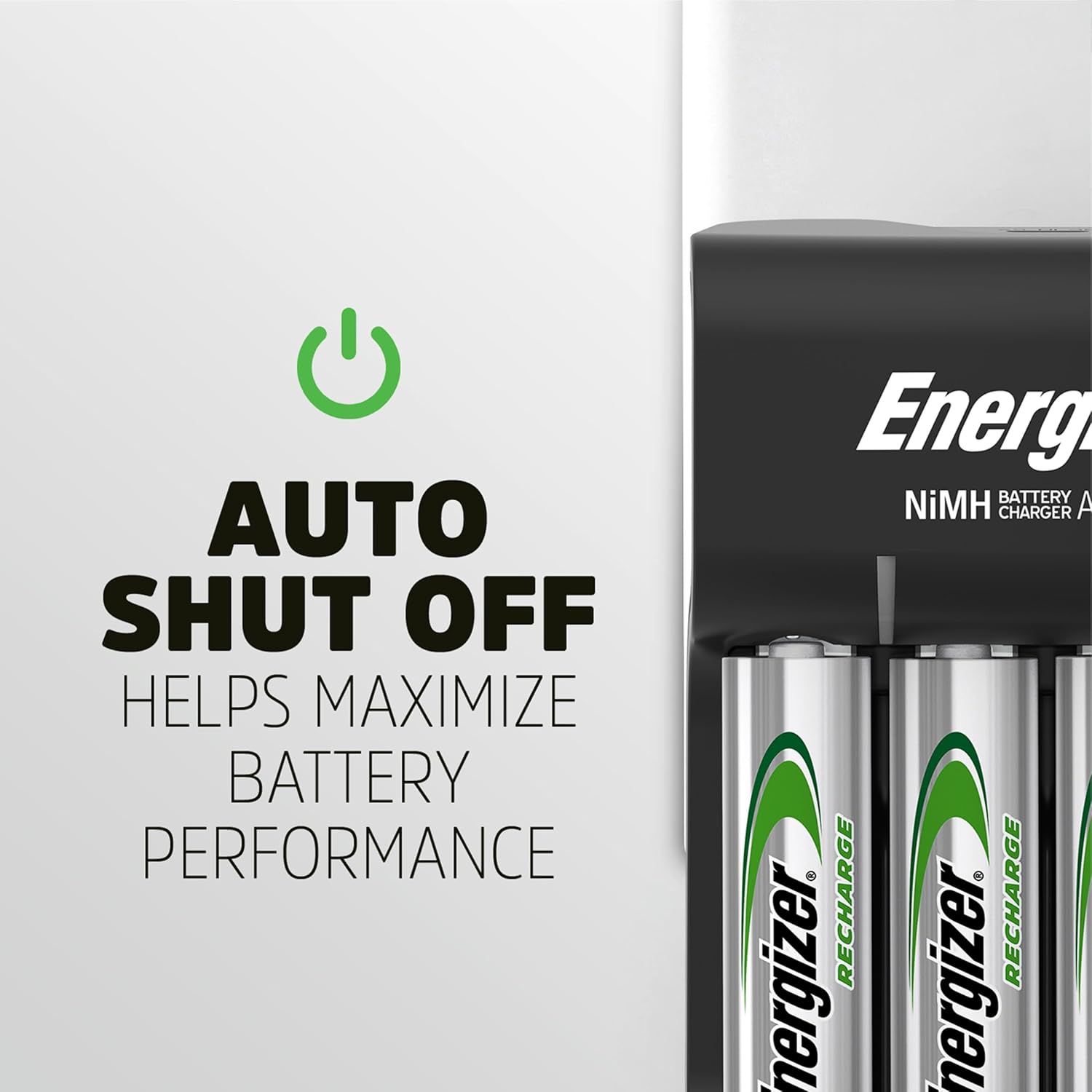
Image: The Energizer Recharge Basic Battery Charger with a graphic emphasizing its 'Auto Shut Off' feature, designed to maximize battery performance by preventing overcharging.
5. Setup
Before first use, ensure all packaging materials are removed from the charger and batteries. The charger is ready to use by simply plugging it into a standard wall outlet or connecting it via the provided USB cable.

Image: The Energizer Recharge Basic Battery Charger shown plugged into a wall outlet, with four batteries inserted, illustrating the 'Plug In & Power On' step.
6. Operating Instructions
- Insert Batteries: Place 2 or 4 AA or AAA NiMH rechargeable batteries into the charging bays. Ensure correct polarity (+ and - ends) as indicated inside the charger.
- Connect to Power: Plug the charger directly into a standard wall outlet or connect the USB cable to a compatible USB power source (e.g., computer, USB wall adapter) and then to the charger.
- Monitor Charging: The LED indicators above each battery bay will illuminate red to show that charging is in progress.
- Charging Complete: Once the batteries are fully charged, the LED indicators will turn green. The charger will automatically shut off to prevent overcharging.
- Remove Batteries: Carefully remove the charged batteries from the bays.
7. Charging Times
Charging times may vary depending on the battery capacity (mAh) and the number of batteries being charged. Approximate charging times are provided below:

Image: The Energizer Recharge Basic Battery Charger with a graphic indicating a 7-hour charge time for a full AA battery.
Approximate Charge Times (NiMH Batteries)
| Battery Type | Capacity (mAh) | Approximate Time |
|---|---|---|
| AA | 2300mAh | 7 hrs |
| AA | 2000mAh | 13 hrs |
| AAA | 800mAh | 6 hrs |
| AAA | 700mAh | 8 hrs |
Table: Approximate charging times for various NiMH AA and AAA battery capacities. Times may vary based on battery condition and environmental factors.
8. Maintenance
- Keep the charger clean and dry. Use a soft, dry cloth to wipe the exterior.
- Do not use abrasive cleaners or solvents.
- Store the charger and batteries in a cool, dry place away from direct sunlight and extreme temperatures.
9. Troubleshooting
- Batteries not charging:
- Ensure the charger is securely plugged into a working power outlet.
- Verify that batteries are inserted with correct polarity.
- Confirm that batteries are NiMH rechargeable type. Non-rechargeable batteries will not charge.
- If an LED indicator pulses red, it may indicate a bad or non-rechargeable battery. Remove and replace the battery.
- Slow charging:
- Ensure the power source provides sufficient current (e.g., 1A for USB).
- Charging multiple batteries simultaneously may extend charging time.
10. Specifications
- Product Dimensions: 9 x 4 x 2.16 inches (2.48"D x 4.13"W x 8.23"H)
- Item Weight: 0.01 ounces
- Item Model Number: CHVCWB2
- Batteries: 2 AA batteries required (included)
- Output Voltage: 1.5 Volts (DC)
- Color: Black
- Manufacturer: Energizer Batteries
- Date First Available: August 21, 2005
11. Warranty and Support
Energizer products are designed for reliability and performance. For warranty information, product support, or to view additional products, please visit the official Energizer website.
Official Website: energizer.com/basic


