
1. Introduction
Thank you for choosing the Bostitch B400 Executive Compact Stapler. This manual provides essential information for the proper setup, operation, and maintenance of your stapler. Designed for durability and efficiency, the B400 offers reliable performance for your stapling needs.
Key features include a 20-sheet stapling capacity, robust all-metal construction, a compact half-strip design, a versatile Dual Clinch system, and the ability to open for tacking applications.

Image 1.1: The Bostitch B400 Executive Compact Stapler, showcasing its sleek black design and metal construction.
2. Setup: Loading Staples
The Bostitch B400 stapler uses standard half-strip staples. Ensure you use the correct staple size for optimal performance and to prevent jamming.
- Open the Stapler: Gently lift the top cover of the stapler until it clicks open, revealing the staple channel.
- Insert Staples: Place a strip of standard staples into the channel with the staple points facing downwards.
- Close the Stapler: Push the top cover back down until it securely latches into place.
A visual staple window on the side of the stapler indicates when your staple supply is running low, prompting you to reload.

Image 2.1: The stapler with its top cover lifted, illustrating the correct method for inserting a strip of staples into the loading channel.
3. Operating Instructions
3.1 Standard Stapling
To staple documents, align the papers under the stapler head and press down firmly on the top cover until the staple penetrates the sheets and clinches underneath.

Image 3.1: A hand holding the compact stapler, highlighting its comfortable grip and suitability for handheld use.
3.2 Dual Clinch System
The B400 features a Dual Clinch system, allowing you to choose between standard (inward) and temporary (outward) stapling. This is controlled by the metal plate at the base of the stapler.
- Standard Clinch: For permanent fastening, ensure the metal plate is set to bend staple legs inwards.
- Temporary Clinch: For temporary fastening, flip the metal plate to bend staple legs outwards, making them easier to remove.
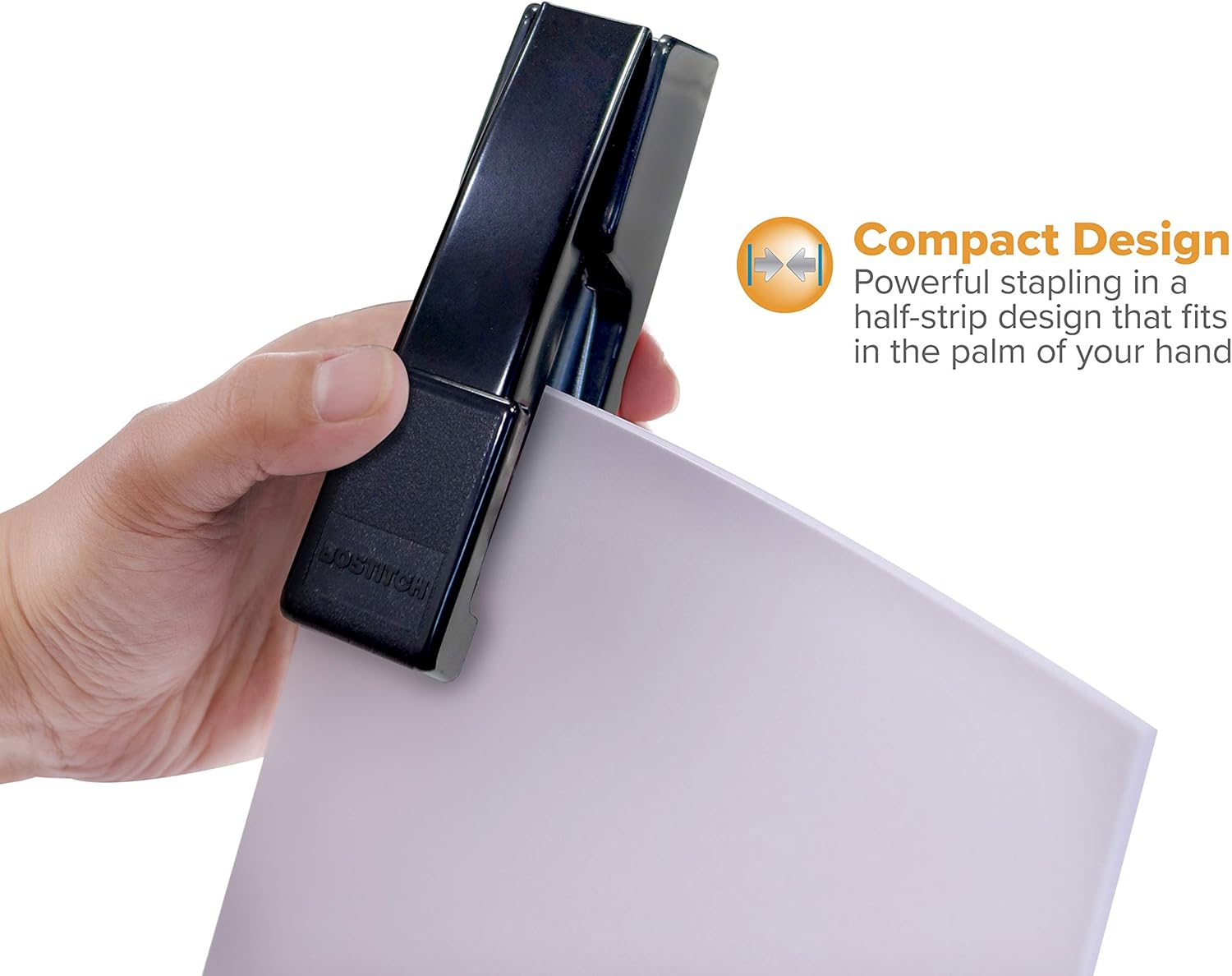
Image 3.2: A close-up of the stapler's base, illustrating the adjustable metal plate for selecting either standard or temporary staple clinching.
3.3 Tacking Function
The stapler can be opened completely to function as a tacker, ideal for attaching papers to bulletin boards or other surfaces.
- Open for Tacking: Lift the top cover of the stapler beyond its normal open position until it lies flat, separating the top and bottom sections.
- Position and Press: Hold the stapler with the open end against the material you wish to tack and press down firmly to drive the staple.

Image 3.3: The stapler fully opened to demonstrate its tacking capability, shown in use on a vertical surface.
4. Maintenance
To ensure the longevity and consistent performance of your Bostitch B400 stapler, follow these simple maintenance guidelines:
- Keep Clean: Periodically wipe the stapler with a soft, dry cloth to remove dust and debris.
- Use Correct Staples: Always use standard staples that are compatible with a half-strip stapler. Using incorrect staples can lead to jamming and damage.
- Avoid Overloading: Do not attempt to staple more than the recommended 20-sheet capacity. Forcing the stapler can cause internal damage.
- Lubrication: No regular lubrication is required for this stapler.
5. Troubleshooting
If you encounter issues with your Bostitch B400 stapler, refer to the following common problems and solutions:
- Staple Jams:
- Cause: Incorrect staple size, bent staples, or attempting to staple too many sheets.
- Solution: Open the stapler, remove any bent or jammed staples. Ensure you are using standard staples and not exceeding the 20-sheet capacity.
- Staples Not Feeding:
- Cause: Empty staple channel, staples not properly seated, or incorrect staple type.
- Solution: Check the visual staple window and reload if necessary. Ensure the staple strip is fully inserted and lies flat in the channel. Verify you are using standard staples.
- Staples Not Penetrating Paper:
- Cause: Exceeding sheet capacity, insufficient pressure, or dull staples (unlikely with new staples).
- Solution: Reduce the number of sheets. Apply firm, even pressure when stapling.
6. Specifications
| Brand | Bostitch |
| Model | B400 |
| Stapling Capacity | Up to 20 sheets |
| Staple Type | Standard (Half-strip) |
| Construction Material | All-metal |
| Color | Black |
| Product Dimensions | 5.5 x 1.63 x 2.38 inches |
| Item Weight | 8 ounces |
| Special Features | Dual Clinch System, Tacking Capability, Visual Staple Window |
7. Warranty and Support
For information regarding warranty coverage or to obtain technical support for your Bostitch B400 Executive Compact Stapler, please refer to the official Bostitch website or contact their customer service department. Keep your purchase receipt as proof of purchase.
Bostitch Official Website: www.bostitch.com