
1. Introduction
Welcome to the instruction manual for Nintendo Pinball on the Nintendo Entertainment System (NES). This guide provides essential information for setting up your game, understanding gameplay mechanics, and maintaining your game cartridge. Please read this manual thoroughly before playing to ensure an optimal experience.
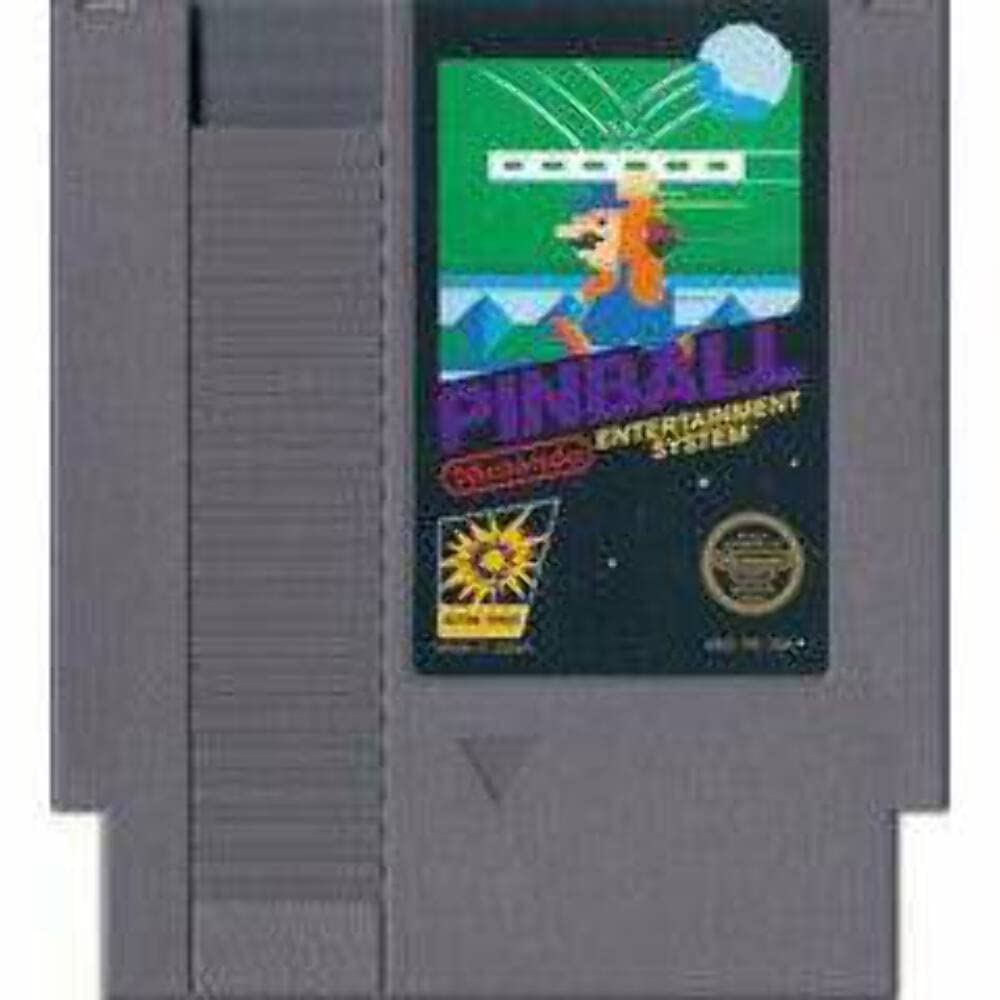
Image 1.1: Nintendo Pinball game cartridge and box art. This image displays the front of the game's packaging and the game cartridge itself, featuring the game's logo and classic Nintendo artwork.
2. Setup
2.1 System Requirements
- Nintendo Entertainment System (NES) console
- NES Controller(s)
- Television or display device compatible with NES video output
2.2 Connecting Your NES Console
- Ensure your NES console is connected to your television according to its own instruction manual. This typically involves connecting the RF switch or AV cables.
- Connect your NES Controller(s) to the controller ports on the front of the console.
2.3 Inserting the Game Cartridge
- Turn off the NES console and unplug it from the power outlet.
- Gently insert the Nintendo Pinball game cartridge into the NES cartridge slot. Ensure the label faces upwards and the cartridge is fully seated.
- Push down the cartridge tray (if applicable to your NES model).
- Plug the NES console back into the power outlet and turn it on.
3. Operating
3.1 Basic Controls
| Controller Button | Function |
|---|---|
| Directional Pad (D-Pad) | Not used during pinball gameplay. |
| A Button | Activates the right flipper. |
| B Button | Activates the left flipper. |
| START Button | Starts the game, pauses gameplay. |
| SELECT Button | Not used during gameplay. |
3.2 Gameplay Objective
The primary objective of Nintendo Pinball is to score as many points as possible by hitting bumpers, targets, and other elements on the pinball table. Use the flippers to keep the ball in play and prevent it from falling into the drain at the bottom of the screen. The game features two main screens: an upper screen and a lower screen, which the ball can transition between.
3.3 Bonus Round
Achieving certain scores or completing specific objectives during gameplay may activate a bonus round. In this special stage, the player controls Mario to save a falling maiden, earning additional points. Successfully completing the bonus round can significantly boost your score.
4. Maintenance
4.1 Cartridge Care
- Store the game cartridge in its protective sleeve or case when not in use to prevent dust and damage.
- Avoid exposing the cartridge to extreme temperatures, direct sunlight, or high humidity.
- Do not touch the connector pins on the bottom of the cartridge. If cleaning is necessary, use a cotton swab lightly dampened with isopropyl alcohol and allow it to dry completely before use.
4.2 Console Care
Regularly clean the NES console's cartridge slot with a specialized cleaning kit or by gently blowing compressed air to remove dust and debris. Ensure the console is powered off and unplugged before cleaning.
5. Troubleshooting
5.1 Game Does Not Start or Screen is Blank
- Check Connections: Ensure the NES console is properly connected to the TV and power outlet.
- Reinsert Cartridge: Turn off the console, remove the game cartridge, and reinsert it firmly. Ensure it is fully seated and the tray is pushed down.
- Clean Cartridge Pins: If issues persist, clean the cartridge's connector pins as described in Section 4.1.
- Test with Other Games: Try another NES game to determine if the issue is with the console or the Pinball cartridge.
5.2 Controller Not Responding
- Check Connection: Ensure the controller is securely plugged into the NES console's controller port.
- Test Another Port/Controller: Try plugging the controller into a different port or using another controller to isolate the problem.
6. Specifications
- Product Name: Pinball
- Platform: Nintendo Entertainment System (NES)
- Manufacturer: Nintendo
- ASIN: B0006TNCV4
- GTIN/UPC: 045496630171
- Item Weight: 4 ounces
- Product Dimensions: 5.1 x 4.7 x 0.7 inches (packaging/cartridge approximate)
- Language: English
- Date First Available: April 26, 2006
7. Warranty and Support
Specific warranty information for this product is not provided in the available data. For support regarding your Nintendo Pinball game or NES console, please refer to the official Nintendo support channels or contact Nintendo customer service directly.


