
Hasbro Gaming 42452
Hasbro Gaming Monopoly Star Wars Saga Edition Instruction Manual
Model: 42452
Introduction
Welcome to the Hasbro Gaming Monopoly Star Wars Saga Edition. This game allows 2 to 8 players, aged 8 and up, to experience the classic Monopoly game with a Star Wars twist. Players can choose to align with the Force or the Dark Side, acquiring properties and building settlements and cities across the galaxy.
The objective is to bankrupt opponents by buying, renting, and selling properties, ultimately becoming the master of the Star Wars galaxy.
Components Included
Before starting, ensure all components listed below are present:
- Game board
- 2 dice
- Monopoly money
- Property cards
- 8 unique game pieces:
- Luke Skywalker
- Princess Leia
- Obi-Wan Kenobi
- Yoda
- Darth Maul
- General Grievous
- Emperor Palpatine
- Darth Vader
- Sith cards (replacing Chance)
- Jedi cards (replacing Community Chest)
- Settlements and Cities (replacing Houses and Hotels)
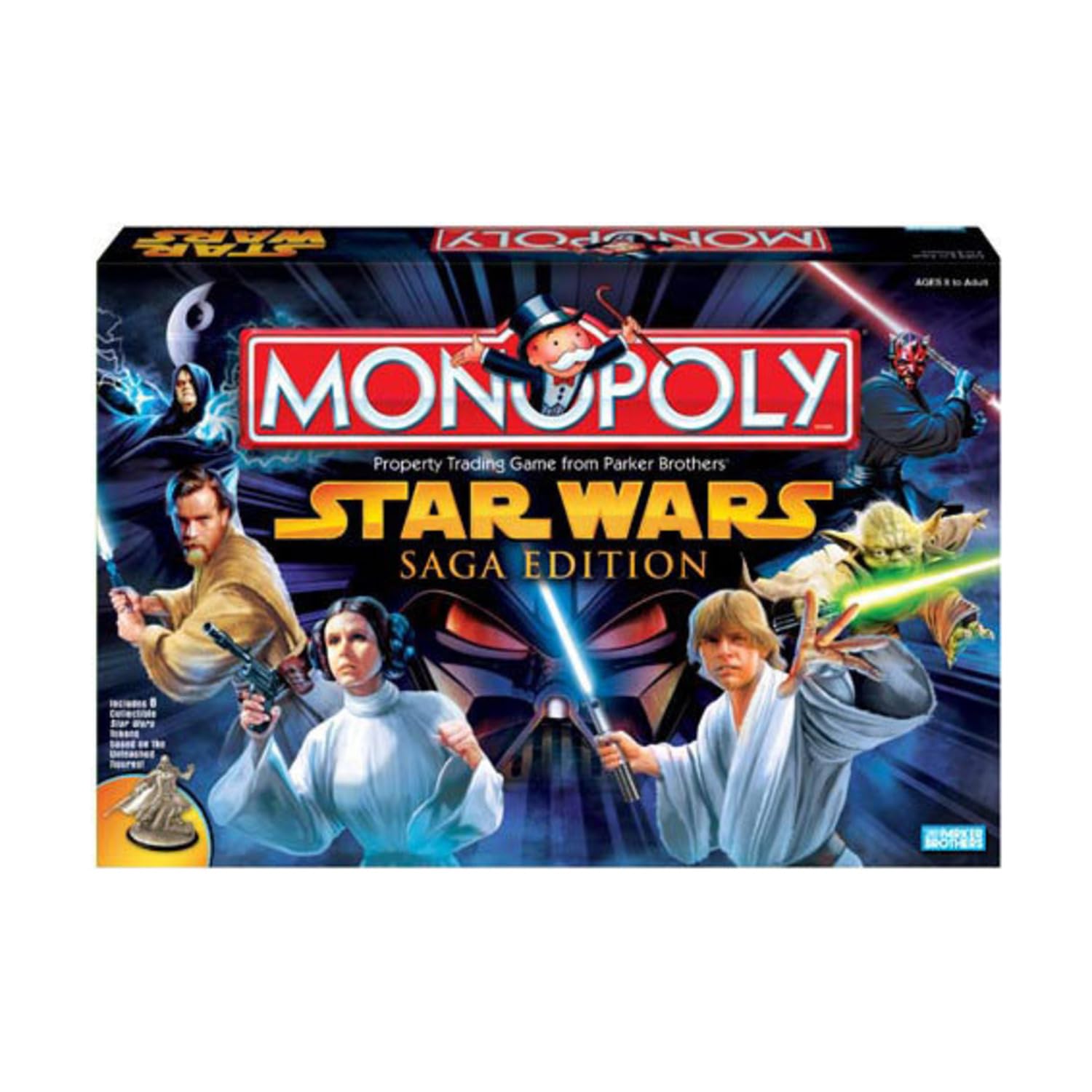
Image: The Monopoly Star Wars Saga Edition game box, displaying the game board, character tokens, and cards.
Game Setup
- Unfold the Game Board: Place the game board on a flat surface.
- Separate Cards: Separate the Property cards, Sith cards, and Jedi cards. Shuffle the Sith cards and place them face down on the designated "Sith" space on the board. Shuffle the Jedi cards and place them face down on the designated "Jedi" space.
- Banker Selection: Each player rolls one die. The player with the highest roll becomes the Banker. The Banker is responsible for all money, Property cards, Settlements, and Cities not yet owned by players. The Banker may also play, but must keep their personal funds separate from the Bank's.
- Initial Money Distribution: The Banker gives each player the following starting money:
- 2 x 500 credits
- 2 x 100 credits
- 2 x 50 credits
- 6 x 20 credits
- 5 x 10 credits
- 5 x 5 credits
- 5 x 1 credit
- Choose Game Pieces: Each player selects one of the 8 unique Star Wars character game pieces and places it on the "GO" space.
- Place Settlements and Cities: Place the Settlements and Cities near the board, ready for purchase.
How to Play
Game Objective
The goal of Monopoly Star Wars Saga Edition is to be the last player remaining with money and properties, while all other players have gone bankrupt.
Taking a Turn
- Roll the Dice: The player to the left of the Banker goes first. On your turn, roll both dice and move your game piece clockwise around the board the number of spaces indicated by the dice.
- Landing on a Space: The action you take depends on the space you land on:
- Unowned Property (Planets/Locations): You may buy the property from the Bank for the price printed on that space. If you choose not to buy it, the Banker immediately auctions it to the highest bidder.
- Owned Property: If another player owns the property, you must pay them rent as indicated on their Property card. Rent increases if the owner has Settlements or Cities on the property.
- Sith or Jedi Space: Draw the top card from the respective deck and follow its instructions. Return the card to the bottom of the deck after use.
- Go to Jail: Move your piece directly to the "In Jail" space. Your turn ends. You cannot collect 200 credits for passing GO.
- Free Parking: No action is taken.
- Income Tax/Luxury Tax: Pay the specified amount to the Bank.
- GO: If you pass or land on "GO", collect 200 credits from the Bank.
- Doubles: If you roll doubles, take your turn as usual, then roll the dice again for another turn. If you roll doubles three times in a row, you must immediately "Go to Jail" and your turn ends.
- Building Settlements and Cities: Once you own all properties in a color group, you can buy Settlements and Cities from the Bank. You must build evenly, meaning you cannot place a second Settlement on any property in a group until one Settlement has been built on every property in that group. Four Settlements can be upgraded to one City.
- Selling Properties/Mortgaging: You can sell undeveloped properties back to the Bank for half their purchase price. Properties with Settlements or Cities must have all buildings sold back to the Bank first. Mortgaged properties do not collect rent. To unmortgage, pay the Bank the mortgage value plus 10% interest.
Bankruptcy
If you owe more money than you can pay, even after selling all your buildings and mortgaging all your properties, you are bankrupt and out of the game. All your properties are turned over to the player you owe money to, or to the Bank if you owe the Bank.
Winning the Game
The last player remaining in the game, after all others have gone bankrupt, is the winner.
Maintenance
To ensure the longevity of your Monopoly Star Wars Saga Edition game, follow these simple maintenance guidelines:
- Storage: Store all game components in the original box in a cool, dry place away from direct sunlight.
- Cleaning: Wipe the game board and plastic pieces with a soft, dry cloth if they become dusty. Avoid using harsh chemicals or abrasive cleaners.
- Handling: Handle cards and money with clean, dry hands to prevent damage and wear.
Troubleshooting
This section addresses common questions and issues that may arise during gameplay.
- Missing Components: If any game components are missing upon opening the box, please contact Hasbro Gaming customer support.
- Disputes over Rules: In case of a disagreement over a rule, refer to this instruction manual. If the manual does not clarify, players should agree on a house rule before continuing the game.
- Game Takes Too Long: Monopoly games can be lengthy. To shorten gameplay, consider setting a time limit or implementing house rules such as starting with fewer properties or a higher initial cash amount.
Specifications
| Brand | Hasbro Gaming |
| Model Number | 42452 |
| ASIN | B00061I4X8 |
| UPC/GTIN | 653569037880 |
| Product Dimensions | 6.86 x 26.67 x 40.13 cm (2.7 x 10.5 x 15.8 inches) |
| Product Weight | 1.21 kg (2.66 lbs) |
| Recommended Age | 8 years and up |
| Number of Players | 2-8 players |
| Material | Plastic, Cardboard |
| Batteries Required | No |
| Assembly Required | No |
Ask a question about this manual
Ask about setup, troubleshooting, compatibility, parts, safety, or missing instructions. Manuals+ will review the question and use this page’s manual context to help answer it.