
AIRCARE 1041
AIRCARE 1041 Replacement Console Wick Humidifier Filter Instruction Manual
Brand: AIRCARE | Model: 1041
Introduction
This manual provides essential instructions for the proper installation, operation, and maintenance of your AIRCARE 1041 Replacement Console Wick Humidifier Filter. Adhering to these guidelines will ensure optimal performance and longevity of your humidifier system.

Image: The AIRCARE 1041 Replacement Console Wick, a white pleated filter encased in a black frame.
Key Features
- AHAM certified output for reliable performance.
- Designed for superior moisture output and longer use.
- Contributes to less energy consumption in compatible humidifiers.
- Made from high-quality paper material for extra absorbency.

Image: Graphic highlighting key features of the AIRCARE 1041 Super Wick, including AHAM certified output and longer lasting performance.
Compatibility
The AIRCARE 1041 Replacement Console Wick is compatible with various AIRCARE and Essick Air console humidifier models. Please refer to your humidifier's manual for specific filter requirements.
Known compatible models include:
- 4DTS900
- 4DTS300
- 696400HB
- 696800
- 697500
- 4D7 300
- 4D7 800
- 447 302
- 427 300
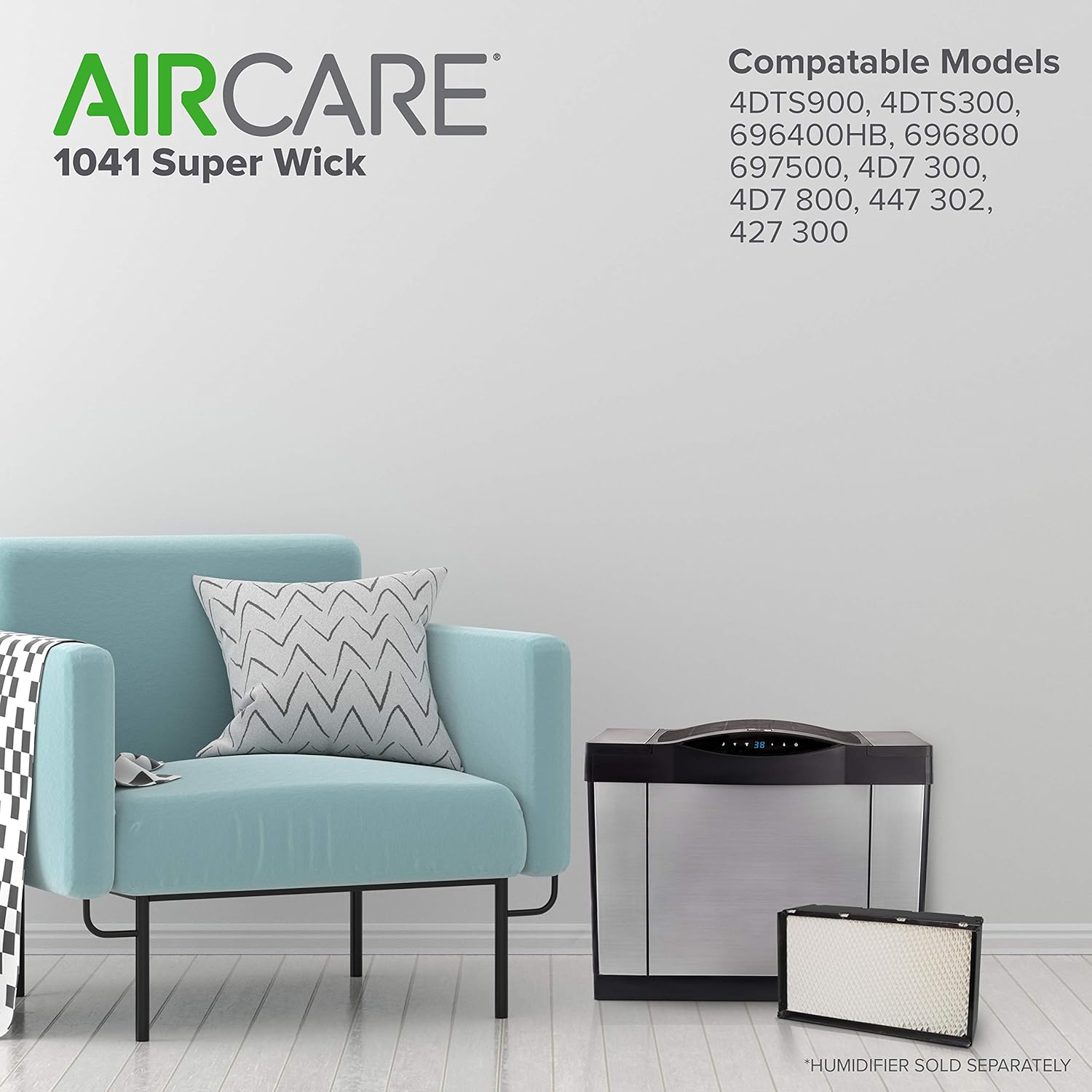
Image: The AIRCARE 1041 Super Wick shown alongside various compatible humidifier models, illustrating its fit and design.
Installation
Follow these steps to properly install your new AIRCARE 1041 Replacement Console Wick:
- Ensure your humidifier is turned off and unplugged from the power outlet.
- Remove the top cover of your humidifier to access the internal components.
- Carefully remove the water tanks from the humidifier.
- Locate and remove the old wick filter. Note its orientation for correct installation of the new filter.
- If your humidifier has a float mechanism, ensure it is properly detached from the old filter and ready to be reattached to the new one.
- Insert the new AIRCARE 1041 Replacement Console Wick into the designated slot. Ensure the "TOP" and "BACK" indicators on the filter frame are correctly aligned with your humidifier's design.
- Reattach the float mechanism to the new filter, if applicable.
- Place the water tanks back into their positions.
- Replace the top cover of the humidifier.
- Plug in and power on your humidifier.
Video: Product Overview - Demonstrates the AIRCARE 1041 wick filter and its general compatibility and features.
Operating Instructions
The AIRCARE 1041 wick filter works in conjunction with your humidifier's operating system. Ensure your humidifier's water tanks are filled to the appropriate level. The humidifier will automatically draw water through the wick to produce humidity. Adjust the humidity control and fan speed settings on your humidifier as per your comfort requirements. The humidifier is designed for manual operation, allowing you to set your desired humidity level.

Image: A humidifier unit with visible controls for humidity and fan speed, demonstrating typical operation.
Maintenance
Regular maintenance of your wick filter is crucial for efficient humidifier performance and air quality. The AIRCARE 1041 wick filter is designed to trap particulates and mineral deposits from the water.
- Replacement Frequency: It is recommended to replace the wick filter every 1 to 2 months, or at least once per season, depending on water quality and usage.
- Inspection: Periodically inspect the wick for signs of mineral buildup or discoloration. A hardened or discolored wick indicates it's time for replacement.
- Humidifier Cleaning: Refer to your humidifier's manual for instructions on cleaning the water reservoir and other components to prevent mold or bacterial growth.

Image: A hand demonstrating the insertion of the AIRCARE 1041 filter, emphasizing ease of replacement.
Troubleshooting
If your humidifier is not producing sufficient humidity or is experiencing issues, consider the following:
- Low Humidity Output: Check if the wick filter needs replacement. A clogged or old wick cannot absorb water efficiently. Ensure water tanks are full.
- Unusual Odors: Replace the wick filter and thoroughly clean the humidifier's water reservoir and components.
- Humidifier Not Turning On: Verify that the humidifier is properly plugged in and that the water tanks are correctly seated and filled, allowing the float mechanism to activate.
Specifications
| Brand | AIRCARE |
| Model Name | AIRCARE 1041 Replacement Console Wick |
| Item Model Number | 1041 |
| Product Dimensions | 5"D x 10"W x 17"H |
| Item Weight | 2 Pounds |
| Included Components | AIRCARE 1041 Super Wick, Humidifier Wick |
| Number of Pieces | 1 |
| Import | Made in the USA |

Image: The AIRCARE 1041 filter with its dimensions (17" long, 10" high, 5" deep) clearly indicated.
Warranty and Support
This product comes with a standard manufacturer's warranty. For specific details regarding warranty coverage or for technical support, please refer to the documentation provided with your AIRCARE humidifier or visit the official AIRCARE website.
Warranty Description: Warranty.
Related documents1041


Ask a question about this manual
Ask about setup, troubleshooting, compatibility, parts, safety, or missing instructions. Manuals+ will review the question and use this page’s manual context to help answer it.