
1. Introduction
This manual provides instructions for the MEADE Autostar Suite Telescope with LPI Digital Camera, Model 04520. This system is designed for astronomy enthusiasts and hobbyists, allowing for electronic control of your telescope and digital imaging of celestial objects. The Autostar Suite software integrates computerized star charts with live electronic imagery, enabling precise observation and capture.
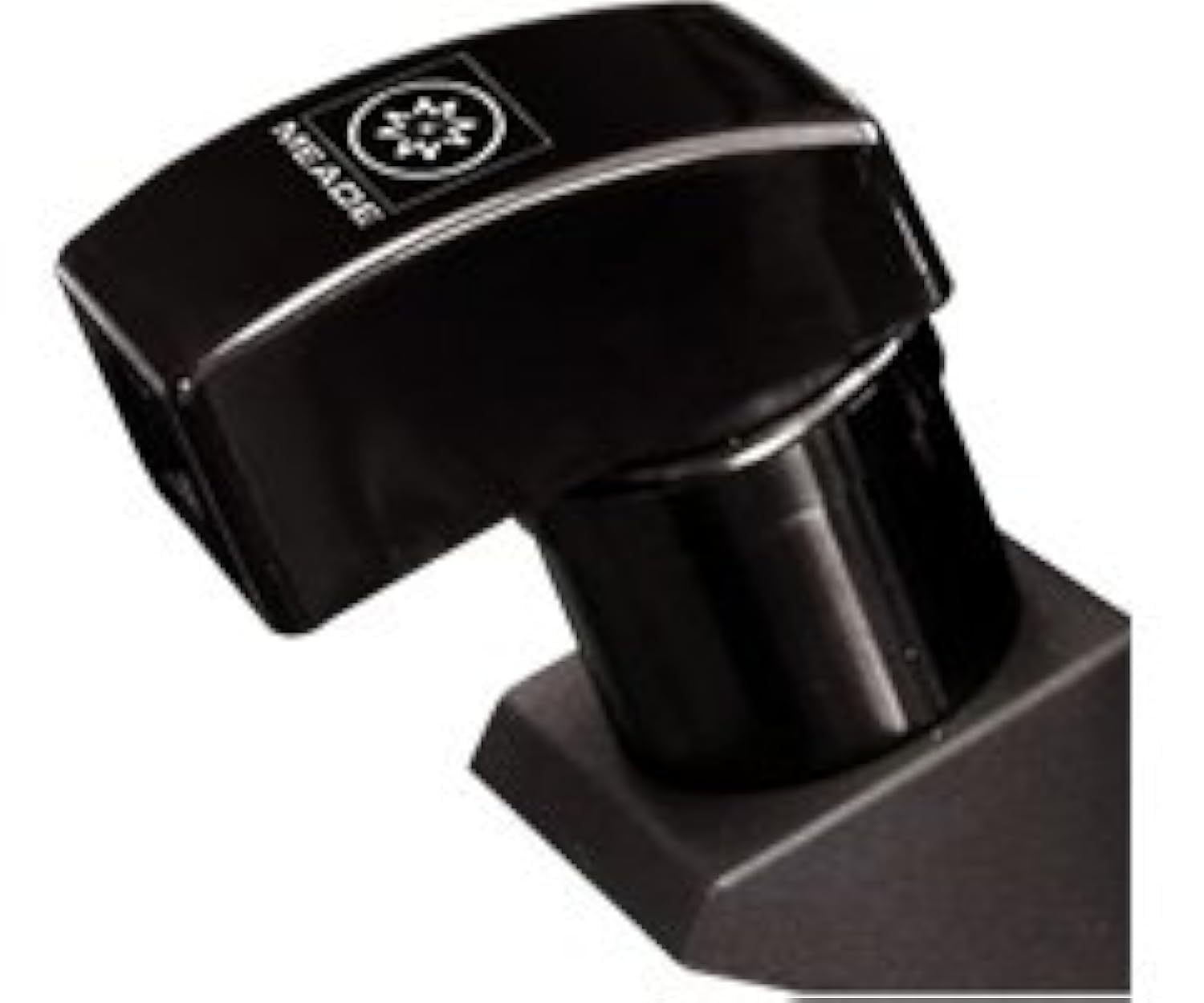
Figure 1.1: MEADE Autostar Suite Telescope with LPI Digital Camera setup.
2. Setup
Follow these steps to set up your MEADE Autostar Suite Telescope and LPI Digital Camera:
- Unpacking and Assembly: Carefully unpack all components. Refer to the quick start guide for initial telescope assembly. Ensure the motorized mount is securely attached and stable.
- LPI Imager Installation: Insert the LPI (Lunar Planetary Imager) digital camera into the telescope's eyepiece holder. Ensure it is firmly seated. The LPI imager features a CMOS sensor with VGA-effective resolution for capturing images.
- PC Connection: Connect the LPI imager to your personal computer (PC) using the provided USB cable.
- Software Installation: Install the Autostar Suite software package from the included CD-ROM or download the latest version from the official MEADE website. This software is essential for controlling the telescope and processing images.
- Driver Installation: During software installation, ensure all necessary drivers for the LPI imager and telescope connection are installed. For Windows Vista users, please refer to the Troubleshooting section regarding driver compatibility.

Figure 2.1: Close-up view of the LPI Digital Camera component.
3. Operating Instructions
The Autostar Suite software provides comprehensive control over your telescope and imaging capabilities:
- Software Interface: Launch the Autostar Suite software. The interface allows you to control various telescope functions and view live feeds from the LPI imager.
- Telescope Control: Use the software to direct your telescope with a single mouse click. The computerized star charts allow you to select celestial objects for observation, and the motorized mount will automatically slew the telescope to the target.
- Live Electronic Imagery: The LPI imager provides a live feed of the telescope's view directly to your computer screen. This allows for real-time observation and focusing.
- Image Capture: The software includes functions to capture still images and video from the LPI imager. Adjust exposure, gain, and other settings within the software for optimal results.
- Autoguiding: The Autostar Suite package contains capabilities for guiding your scope electronically, which is crucial for long-exposure astrophotography to compensate for Earth's rotation.

Figure 3.1: Screenshot of the Autostar Suite software interface displaying a celestial object.
4. Maintenance
Proper maintenance ensures the longevity and optimal performance of your MEADE Autostar Suite Telescope and LPI Digital Camera:
- Cleaning Optics: Use a soft, lint-free cloth and specialized optical cleaning solution to clean the telescope lenses and LPI imager sensor. Avoid touching optical surfaces with bare hands.
- Dust Protection: When not in use, cover the telescope and LPI imager with dust caps to prevent dust accumulation. Store the equipment in a clean, dry environment.
- Software Updates: Regularly check the MEADE website for software and driver updates for the Autostar Suite. Keeping the software updated can improve performance and compatibility.
- Battery Care: If your motorized mount uses batteries, ensure they are charged or replaced as needed. Remove batteries during long periods of storage to prevent leakage.
- Cable Management: Ensure all cables are neatly routed and not under tension to prevent damage to connectors and ports.
5. Troubleshooting
This section addresses common issues you might encounter:
- LPI Imager Not Detected:
- Ensure the USB cable is securely connected to both the imager and the PC.
- Verify that the Autostar Suite software is running.
- Check Device Manager on your PC to see if the LPI imager is recognized. Reinstall drivers if necessary. - Windows Vista Compatibility:
- The original drivers for the LPI Digital Camera may not be fully compatible with Windows Vista. MEADE has indicated that official Vista drivers were not planned. Users with Windows Vista may experience issues with driver installation or functionality.
- Recommendation: For optimal performance and compatibility, it is recommended to use this product with a PC running Windows XP or a later operating system for which official drivers are available. Some users have reported workarounds involving manual driver installation or registry edits, but these are not officially supported and may lead to instability. - Telescope Not Responding to Software:
- Confirm the telescope's motorized mount is powered on.
- Check the connection cable between the telescope mount and the PC.
- Ensure the correct COM port is selected in the Autostar Suite software settings. - Poor Image Quality:
- Ensure the telescope is properly focused (manual focus).
- Adjust exposure and gain settings in the Autostar Suite software.
- Check for light pollution or atmospheric conditions affecting visibility.
6. Specifications
| Feature | Description |
|---|---|
| Brand | MEADE |
| Model Number | 04520 |
| UPC | 709942900002 |
| Eye Piece Lens Description | Plossl |
| Telescope Mount Description | Motorized Mount |
| Focus Type | Manual Focus |
| Finderscope | Reflex |
| Compatible Devices | Laptop, Camera |
7. Warranty and Support
Information regarding the specific warranty terms and conditions for the MEADE Autostar Suite Telescope with LPI Digital Camera (Model 04520) was not available in the provided product data. Please refer to the documentation included with your purchase or visit the official MEADE Instruments website for the most current warranty information and customer support contacts.
For technical assistance, driver downloads, and frequently asked questions, please visit the MEADE Instruments support page or contact their customer service department directly.