
1. Introduction
The Baby Einstein Baby Da Vinci From Head to Toe DVD is an educational program designed for babies and toddlers. This DVD introduces children to the human body, helping them identify parts such as the head, shoulders, knees, and toes. The content is presented in three languages: English, Spanish, and French, facilitating early language exposure. The program incorporates engaging elements like puppet shows, real images of children and animals, and famous artworks, all set to classical music by composers such as Bach, Morley, and Vivaldi. This DVD is part of the broader Baby Einstein series, which aims to enrich and stimulate young minds through various media exploring music, art, language, science, and nature.
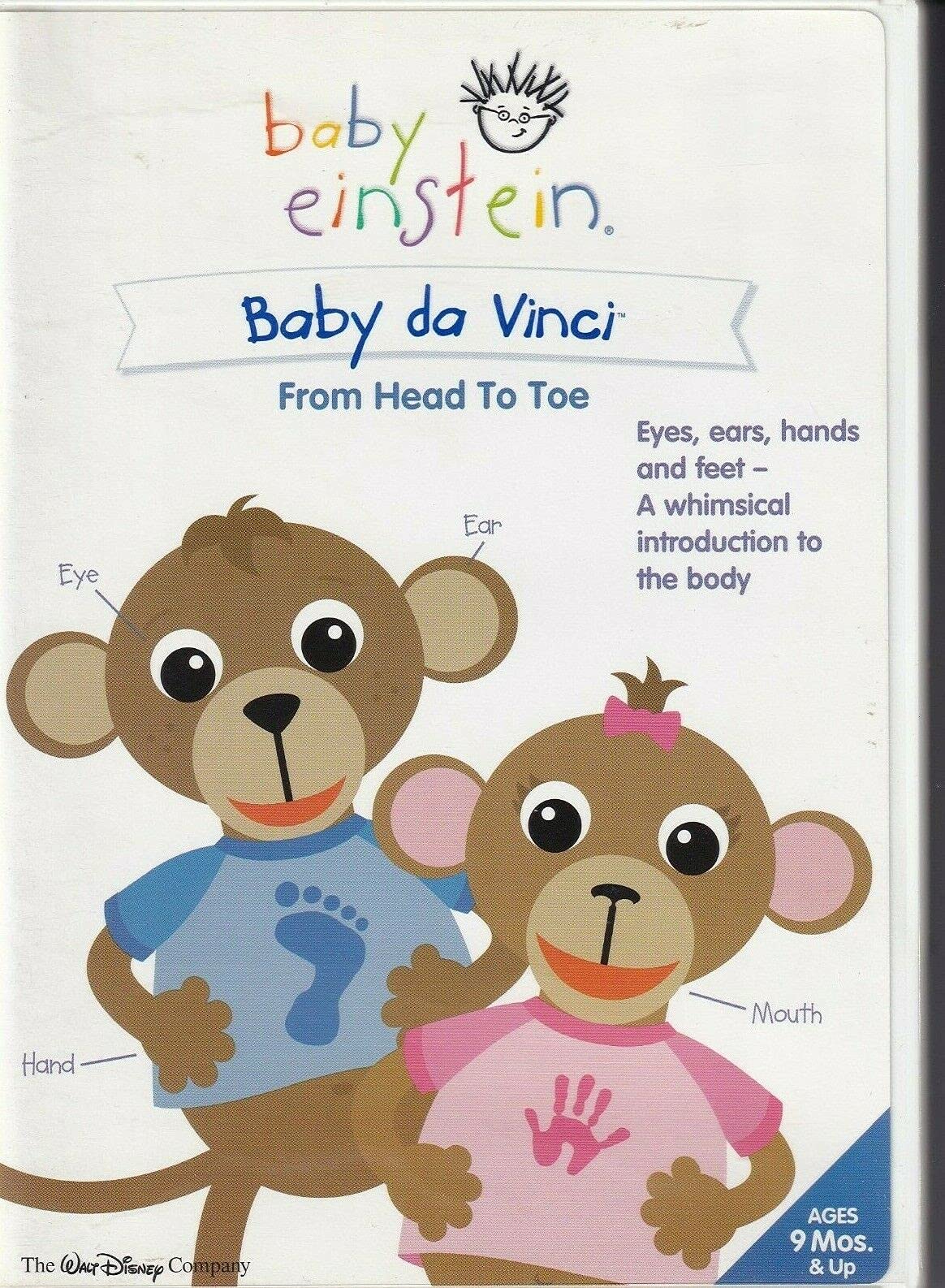
Image 1.1: Front and back cover of the Baby Einstein Baby Da Vinci From Head to Toe DVD. The cover highlights the educational content, including body part identification and multi-language exposure, alongside special features.
2. Special Features
This DVD includes several special features to enhance the viewing experience and provide additional educational content:
- Repeat Play: Allows the main program to play continuously.
- Language Tracks: Offers audio in Spanish and French in addition to English.
- Discovery Cards: Interactive segments designed to encourage learning.
- The Five Senses: A dedicated segment exploring the five human senses.
- Puppet Shows: Engaging performances by Baby Einstein puppets.
- Story Time with Mimi's Toes: A story-based segment focusing on body parts.
- Toy Chest: Additional interactive content or features.
3. Setup
- Prepare Your DVD Player: Ensure your DVD player is connected to your television or display device and is powered on.
- Insert the DVD: Gently place the Baby Da Vinci From Head to Toe DVD into the disc tray of your DVD player with the label side facing up.
- Select Input: Switch your television's input source to the correct input for your DVD player (e.g., HDMI 1, AV, Component).
- Main Menu: The DVD should automatically load and display the main menu. If it does not, press the "Menu" button on your DVD player remote control.
4. Operation
Navigate the DVD using your remote control's arrow keys and "Enter" or "OK" button.
- Playing the Main Program: From the main menu, select "Play" or "Start Program" to begin the main feature.
- Selecting Language: Access the "Language Tracks" option from the main menu or during playback (if supported by your player) to choose between English, Spanish, or French audio.
- Accessing Special Features: Select "Special Features" from the main menu to view options like "Discovery Cards," "The Five Senses," "Puppet Shows," "Story Time with Mimi's Toes," and "Toy Chest."
- Repeat Play: If available, select "Repeat Play" from the menu to have the main program loop continuously.
- Pausing and Stopping: Use the "Pause" button to temporarily stop playback and the "Stop" button to return to the main menu or end the program.
5. Maintenance
Proper care of your DVD will ensure its longevity and optimal performance.
- Handling: Always hold the DVD by its edges or by placing a finger through the center hole. Avoid touching the shiny playback surface.
- Cleaning: If the DVD becomes dirty or smudged, gently wipe the playback surface with a soft, lint-free cloth. Wipe from the center of the disc outwards in straight lines, not in a circular motion. Do not use abrasive cleaners or solvents.
- Storage: Store the DVD in its original case when not in use to protect it from dust, scratches, and direct sunlight. Keep it in a cool, dry place.
- Avoid Extreme Conditions: Do not expose the DVD to extreme temperatures, high humidity, or direct sunlight for extended periods, as this can cause warping or damage.
6. Troubleshooting
| Problem | Possible Cause | Solution |
|---|---|---|
| DVD does not play or load. | Disc is dirty, scratched, or inserted incorrectly. DVD player is off or input is wrong. | Ensure the DVD is clean and inserted correctly. Check DVD player power and TV input. Try another DVD to confirm player functionality. |
| Video skips or freezes. | Disc surface is dirty or scratched. | Clean the DVD gently with a soft cloth. If scratches are deep, the disc may be permanently damaged. |
| No audio or incorrect language. | Audio settings are incorrect on DVD player or TV. Wrong language track selected. | Check your TV and DVD player's audio settings. Select the desired language track from the DVD menu. |
| Brief pause during playback. | Dual-layer DVD format transition. | This is normal for dual-layer DVDs and indicates the player is switching layers. It is not a defect. |
7. Specifications
- Media Format: DVD (Animated, Color, Dolby, Full Screen, Multiple Formats, NTSC)
- Aspect Ratio: 1.33:1
- Run Time: Approximately 33 minutes
- Number of Discs: 1
- Languages: English, French, Spanish
- MPAA Rating: NR (Not Rated)
- Release Date: August 10, 2004
- Product Dimensions: 7.5 x 5.5 x 0.5 inches
- Weight: 4 ounces
- Studio: Walt Disney Home Entertainment
- ASIN: B00024I2VI
- ISBN: 0-7888-5579-4
- UPC: 786936246568
8. Warranty Information
This product is authorized for sale in the U.S.A. only and for private use only. All other rights are reserved. For specific warranty details or information regarding defects, please refer to the packaging or contact the manufacturer directly. Unauthorized copying, exhibition, export, distribution, or other use of this product or any part of it is strictly prohibited.
9. Customer Support
For any questions or assistance regarding your Baby Einstein Baby Da Vinci From Head to Toe DVD, please contact customer service:
- Customer Service Phone: 1-800-793-1454
- Website: babyeinstein.com
Distributed by Buena Vista Home Entertainment, Inc., Dept. CS, Burbank, CA 91521.