
1. Introduction
This instruction manual provides essential information for the safe and effective use of your Wera Kraftform Kompakt 10 Bitholder and Bit Set. Please read this manual thoroughly before operating the tool and retain it for future reference.
2. Product Overview
The Wera Kraftform Kompakt 10 is a compact 10-piece tool set designed for various screwdriving applications. It features an ergonomic handle, a quick-release bit holder, and a selection of durable torsion bits, all housed in a portable plastic case.
2.1 Components
- Kraftform Bitholder: Ergonomically designed handle with a Rapidaptor quick-release chuck.
- Torsion Bits: 9 bits manufactured at 57 HrC for improved service life. Includes Slotted, Phillips, Pozidriv, and TORX profiles.
- Compact Plastic Casing: For convenient transport and storage of the handle and bits.

Figure 1: Wera Kraftform Kompakt 10 Bitholder and Bit Set (Closed)

Figure 2: Wera Kraftform Kompakt 10 Bitholder and Bit Set (Open)

Figure 3: Ergonomic Kraftform Handle

Figure 4: Rapidaptor Quick-Release Chuck Mechanism
2.2 Product Overview Video
Video 1: Official Product Overview. This video demonstrates the Wera Kraftform Kompakt 10 set, including opening the case and changing bits.
3. Setup
To begin using your Wera Kraftform Kompakt 10 set, follow these steps:
- Open the Case: Gently slide the two halves of the plastic case apart to reveal the bitholder and bits.
- Remove Bitholder: Lift the Kraftform bitholder from its designated slot in the case.
- Select a Bit: Choose the appropriate torsion bit for your application from the bit holder.
- Insert Bit: Push the selected bit into the Rapidaptor quick-release chuck until it clicks securely into place. The quick-release mechanism allows for one-handed bit insertion.
- Remove Bit: To remove a bit, simply push the green collar of the Rapidaptor chuck forward, and the bit will release.

Figure 5: Bits in Storage
4. Operating Instructions
The Wera Kraftform Kompakt 10 is designed for efficient and comfortable screwdriving. Its ergonomic handle ensures high-speed torque transfer and comfort during use.
- Prepare the Tool: Ensure the correct bit is securely inserted into the Rapidaptor chuck.
- Position the Bit: Place the tip of the bit into the head of the screw.
- Apply Pressure and Turn: Apply firm, steady pressure to the handle and turn clockwise to tighten, or counter-clockwise to loosen. The Kraftform handle's hard and soft zones provide optimal grip and comfort.
- Bit Changes: Utilize the Rapidaptor chuck for quick and easy bit changes as needed for different screw types or sizes.

Figure 6: Tool in Use
5. Maintenance
Proper maintenance ensures the longevity and performance of your Wera Kraftform Kompakt 10 set.
- Cleaning: Wipe the handle and bits with a clean, dry cloth after each use to remove dirt, grease, or debris.
- Storage: Always store the bitholder and bits in their compact plastic casing to protect them from damage and loss. Store in a dry environment.
- Inspection: Periodically inspect bits for wear or damage. Replace worn bits to maintain optimal performance and prevent damage to fasteners.
6. Troubleshooting
If you encounter issues with your Wera Kraftform Kompakt 10 set, consider the following:
- Bit Not Holding Securely: Ensure the bit is fully inserted into the Rapidaptor chuck until it clicks. Check for any debris obstructing the mechanism. If the issue persists, the chuck mechanism may be worn.
- Difficulty Changing Bits: Ensure the green collar of the Rapidaptor chuck is pushed fully forward when attempting to remove a bit. If bits are stiff, a small amount of lubricant can be applied to the chuck mechanism (avoiding the bit tip).
- Stripping Screws: Ensure you are using the correct bit type and size for the screw head. Apply adequate downward pressure to prevent cam-out. Worn bits can also cause stripping; replace as necessary.
7. Specifications
| Feature | Detail |
|---|---|
| Model Number | 05056653001 |
| Brand | Wera |
| Number of Pieces | 10 (1 bitholder, 9 bits) |
| Bit Types Included | 2 TZ Slotted (1/8”, 7/32”), 2 TZ Phillips (PH1, PH2), 2 TZ Pozidriv (PZ1, PZ2), 3 TZ TORX (TX10, TX15, TX20) |
| Handle Type | Kraftform with Rapidaptor Quick-Release Chuck |
| Bit Material Hardness | 57 HrC |
| Product Dimensions | 2.95 x 0.2 x 7.09 inches |
| Item Weight | 4.64 ounces |
| Case Material | Plastic |
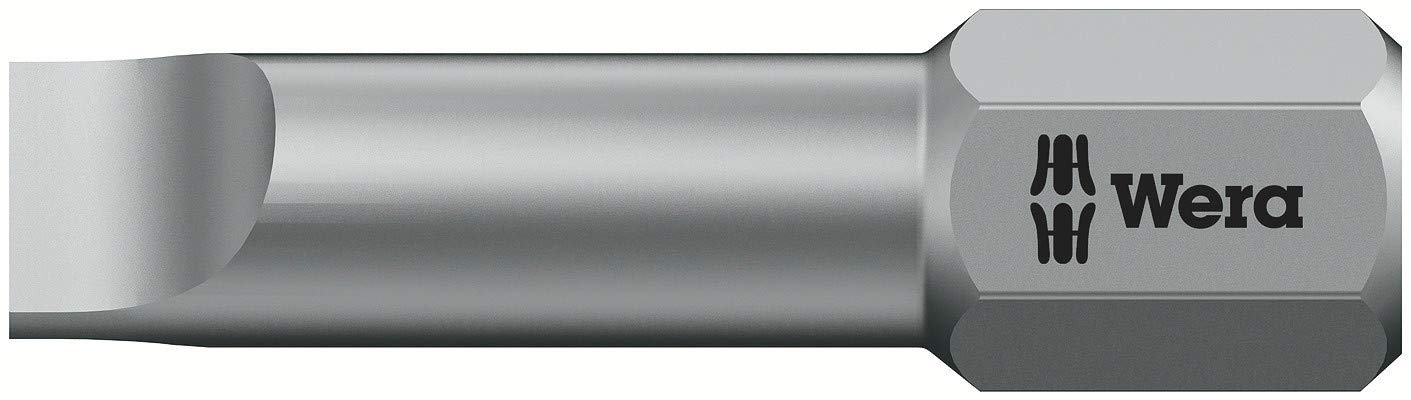
Figure 7: Packaging Details (Bit Types and Code)
8. Warranty and Support
The Wera Kraftform Kompakt 10 Bitholder and Bit Set comes with a Limited Lifetime Warranty, ensuring quality and durability. For warranty claims, technical support, or further assistance, please contact Wera customer service through their official website or authorized distributors.
For more information, visit the official Wera website: www.wera.de

