
Henry CVC370-2
NUMATIC Charles CVC370 240V Vacuum Cleaner User Manual
Model: CVC370-2 | Brand: Henry
1. Introduction
The NUMATIC Charles CVC370 is a versatile wet and dry vacuum cleaner designed for robust cleaning tasks in various environments. Equipped with a powerful 1200W motor, Charles is built to handle both dry debris and liquid spills with ease. Its adaptable design allows for quick transitions between wet and dry pick-up modes, making it suitable for hard floors, carpets, upholstery, and emergency clean-ups like blocked sinks or household leaks. The self-seal tab on the dust bags ensures a clean and dust-free emptying process after dry use.
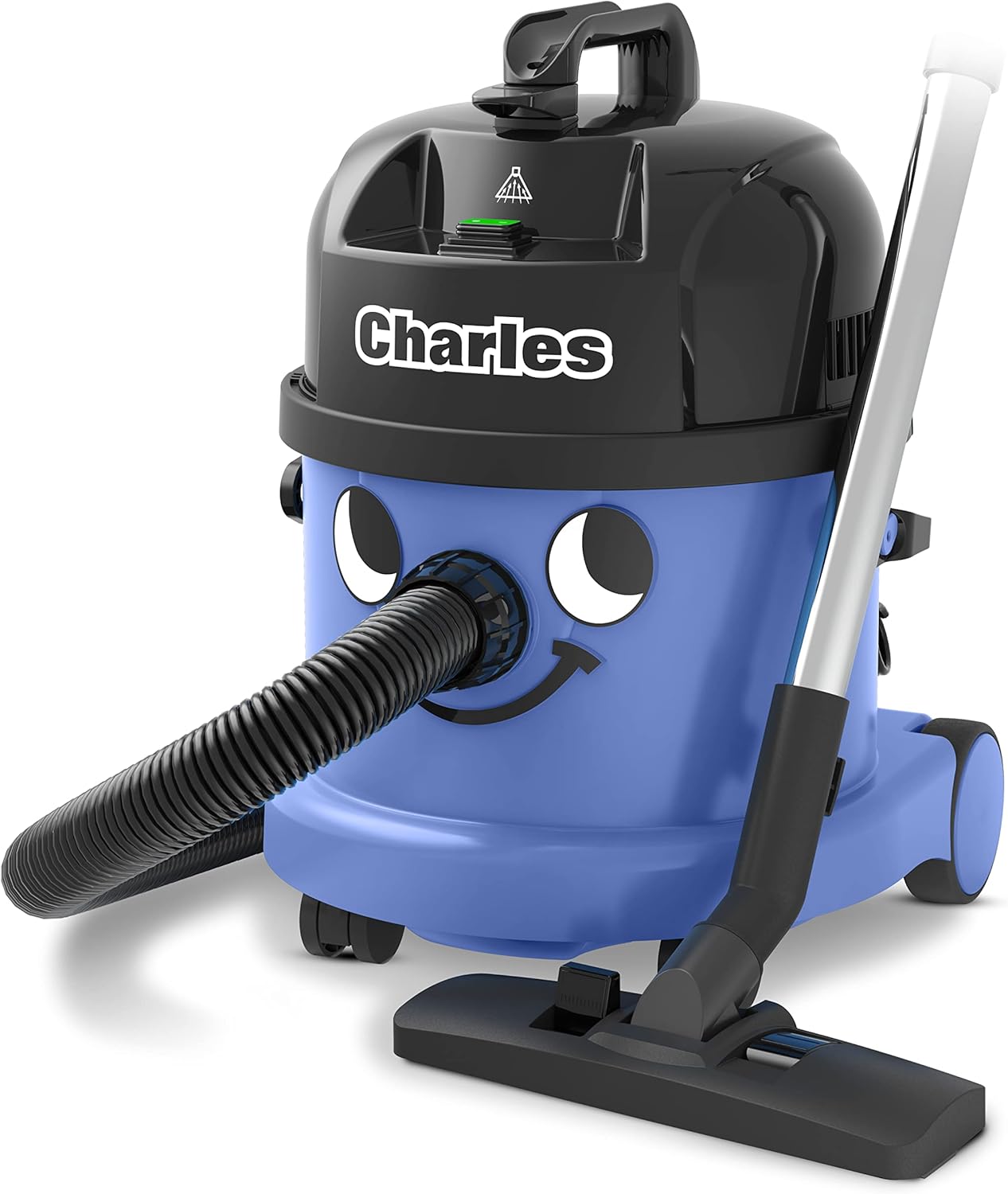
Figure 1: The Charles CVC370 240V Vacuum Cleaner with hose and floor tool attached.
2. Important Safety Information
Please read all instructions carefully before using the appliance. Failure to follow these instructions may result in electric shock, fire, or serious injury.
- Always ensure the power supply matches the voltage specified on the rating label.
- Do not use the appliance outdoors or on wet surfaces when operating in dry mode.
- Unplug from the mains supply before cleaning or performing maintenance.
- Do not pick up flammable or combustible materials, hot ashes, or large sharp objects.
- Keep hair, loose clothing, fingers, and all parts of the body away from openings and moving parts.
- When wet vacuuming, ensure the dry filter and dust bag are removed.
- Do not immerse the appliance in water.
- This appliance is not intended for use by persons (including children) with reduced physical, sensory or mental capabilities, or lack of experience and knowledge, unless they have been given supervision or instruction concerning use of the appliance by a person responsible for their safety.
3. Package Contents and Components
Before assembly, ensure all components listed below are present and undamaged. Refer to Figure 2 for visual identification.
- Charles CVC370 Main Unit
- Flexible Suction Hose
- Stainless Steel Extension Tubes (Wand)
- Combination Floor Tool (for carpets and hard floors)
- Wet Pick-up Nozzle
- Crevice Tool
- Dusting Brush
- Upholstery Nozzle
- Dry Filter (for dry use)
- Disposable Dust Bags (for dry use)
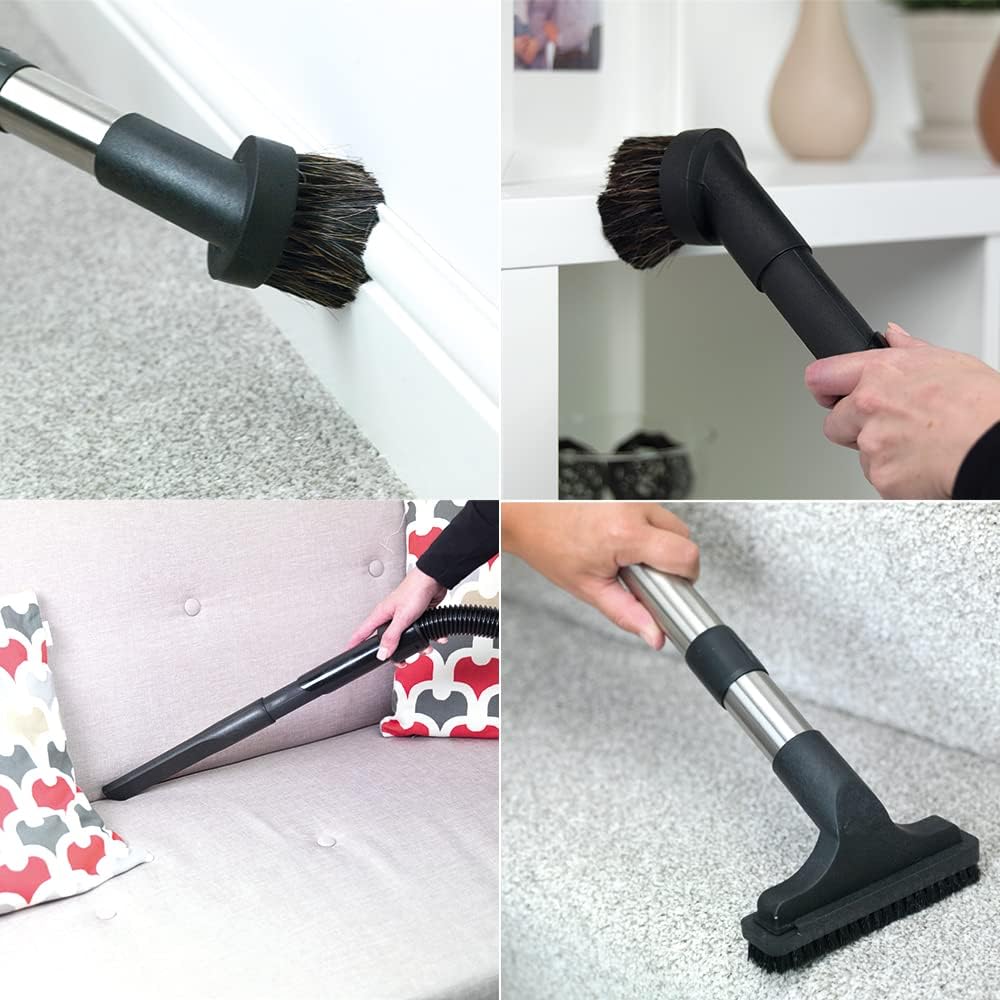
Figure 2: A selection of the included cleaning tools and attachments.
4. Setup and Assembly
4.1 Initial Assembly
- Unpack all components from the packaging.
- Place the main unit on a stable, flat surface.
- Insert the flexible suction hose into the inlet port on the front of the main unit until it clicks securely into place.
- Connect the stainless steel extension tubes (wand) to the end of the flexible hose.
- Attach the desired floor tool or accessory to the end of the extension tubes.
4.2 Preparing for Dry Vacuuming
For dry vacuuming, the dry filter and a disposable dust bag must be installed.
- Remove the top head of the vacuum by unlatching the clips on either side.
- Ensure the dry filter is securely seated over the motor housing inside the drum.
- Open a new disposable dust bag and fit its cardboard collar over the inlet spigot inside the drum. Ensure the bag is fully unfolded inside the drum.
- Replace the top head, ensuring the clips are securely latched.
4.3 Preparing for Wet Vacuuming
For wet vacuuming, the dry filter and dust bag must be removed. The float valve must be clear.
- Remove the top head of the vacuum.
- Carefully remove the dry filter and any installed dust bag. Store them in a clean, dry place.
- Ensure the float valve (a cage-like structure with a ball inside, located under the motor housing) is clean and free from debris. This valve prevents overfilling during wet pick-up.
- Replace the top head, ensuring the clips are securely latched.
- Attach the wet pick-up nozzle to the extension tubes.
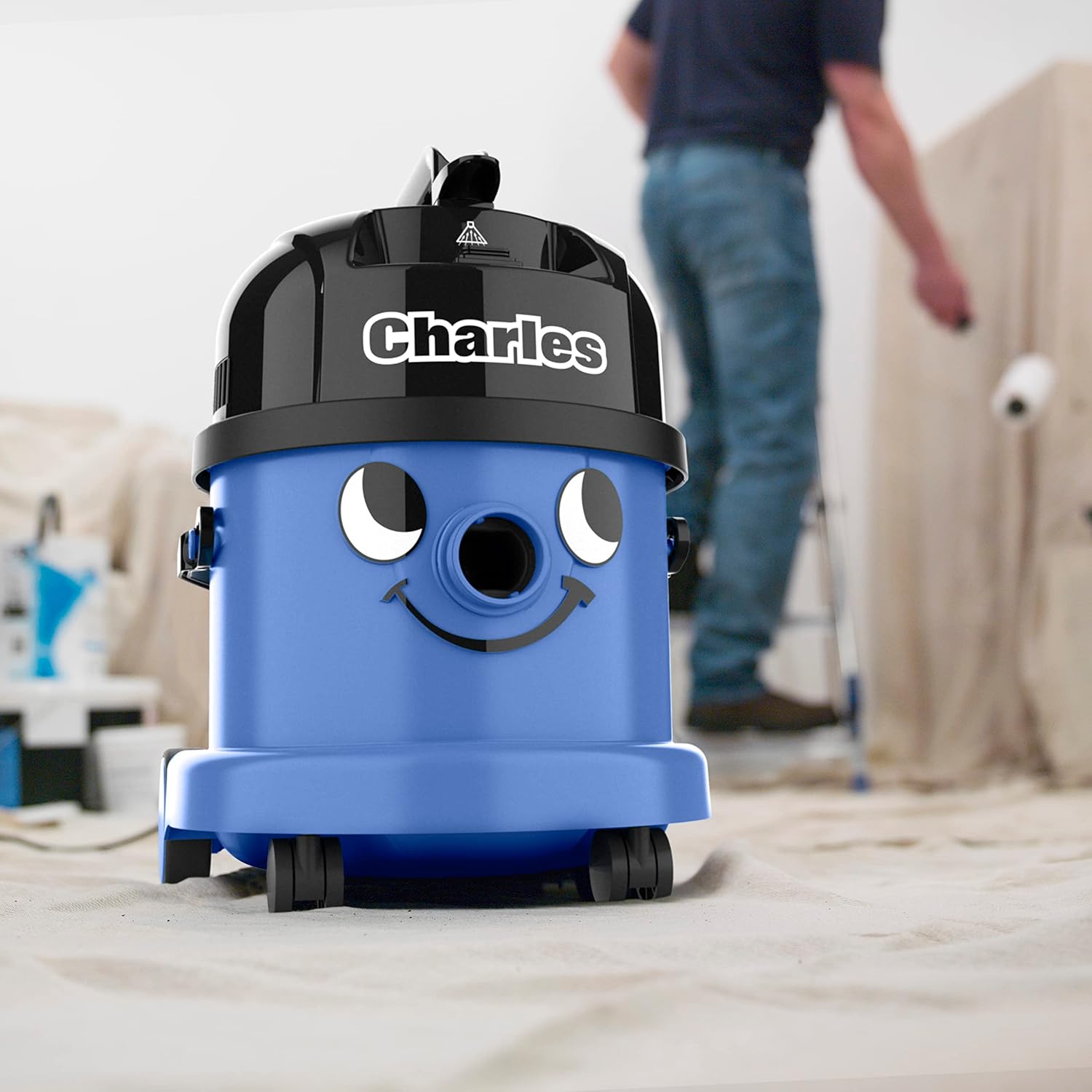
Figure 3: The Charles vacuum ready for operation in a typical room environment.
5. Operating Instructions
5.1 Dry Vacuuming
Ensure the vacuum is set up for dry use as described in Section 4.2.
- Plug the power cord into a suitable 240V electrical outlet.
- Press the power switch located on the top of the unit to turn the vacuum on.
- Guide the floor tool or accessory over the surface to be cleaned. For carpets, use the brush down setting on the combination floor tool. For hard floors, use the brush up setting.
- When finished, press the power switch to turn the vacuum off and unplug it from the outlet.
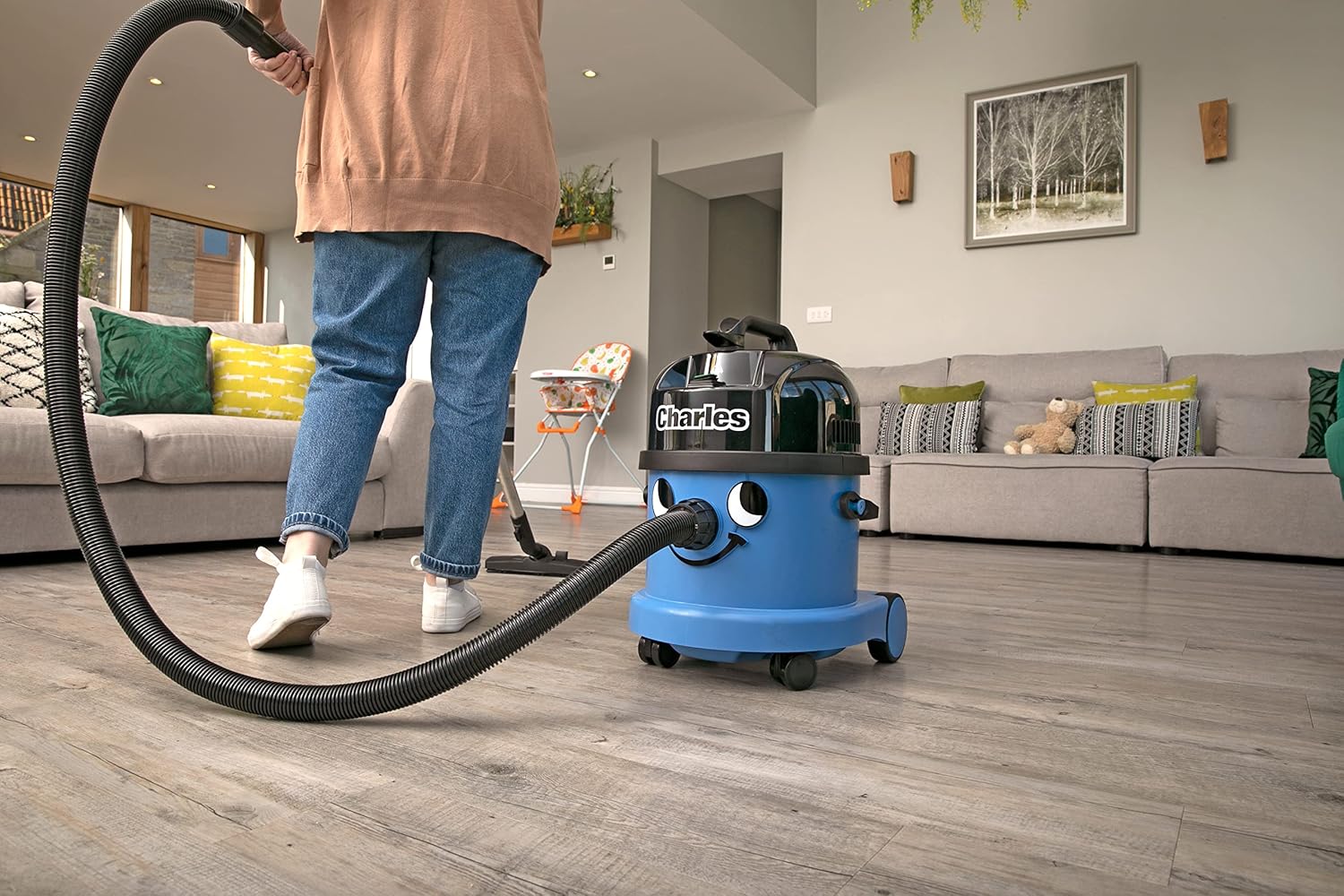
Figure 4: Using the Charles vacuum on a hard floor surface.
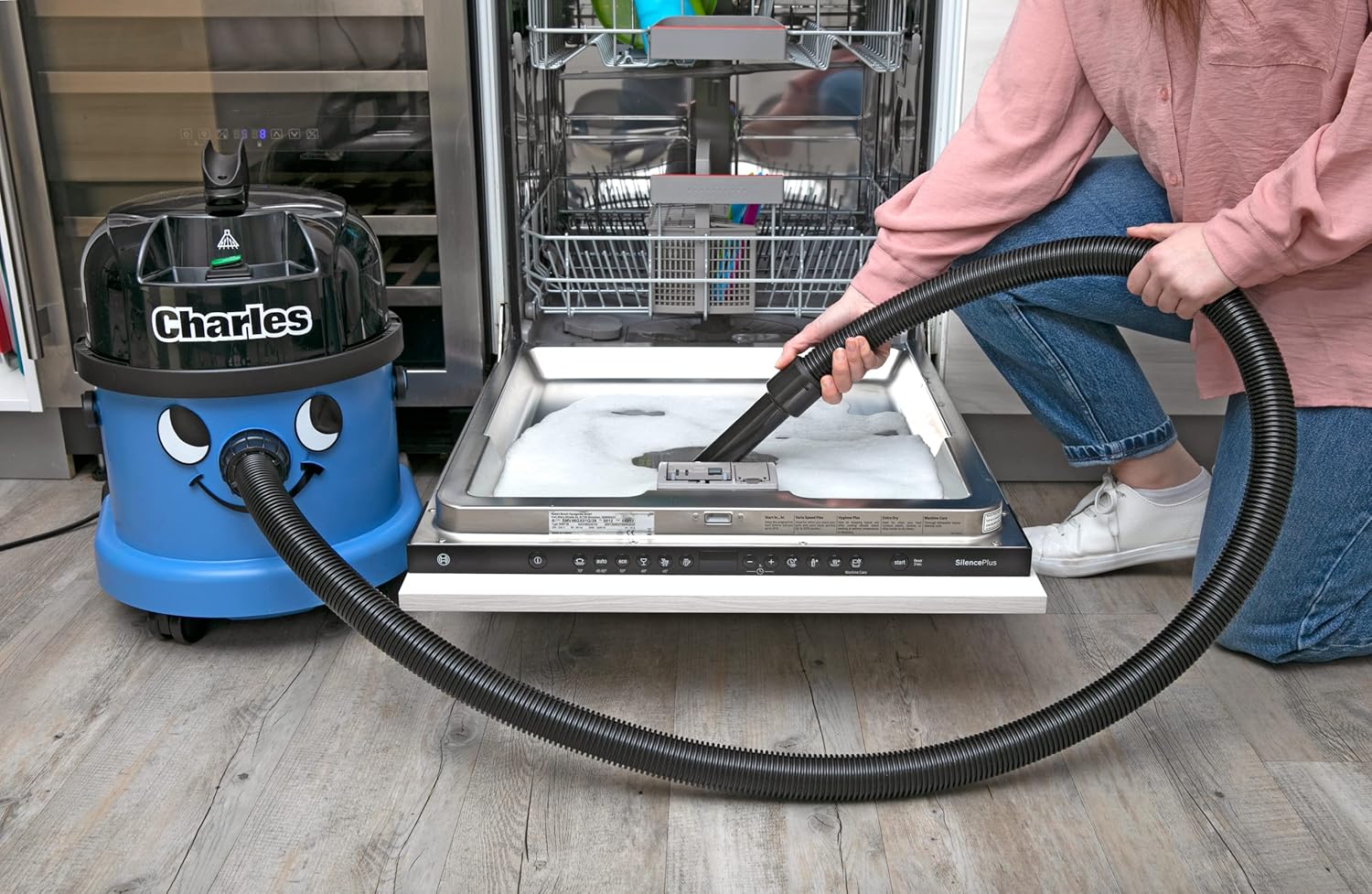
Figure 5: The Charles vacuum effectively cleaning a carpeted area.
5.2 Wet Vacuuming
Ensure the vacuum is set up for wet use as described in Section 4.3.
- Plug the power cord into a suitable 240V electrical outlet.
- Press the power switch to turn the vacuum on.
- Guide the wet pick-up nozzle over the liquid spill. The vacuum will automatically stop suction if the drum becomes full, indicated by a change in motor sound and loss of suction. This is the float valve activating.
- When finished or when the float valve activates, press the power switch to turn the vacuum off and unplug it from the outlet.
- Empty the collected liquid as described in Section 6.2.
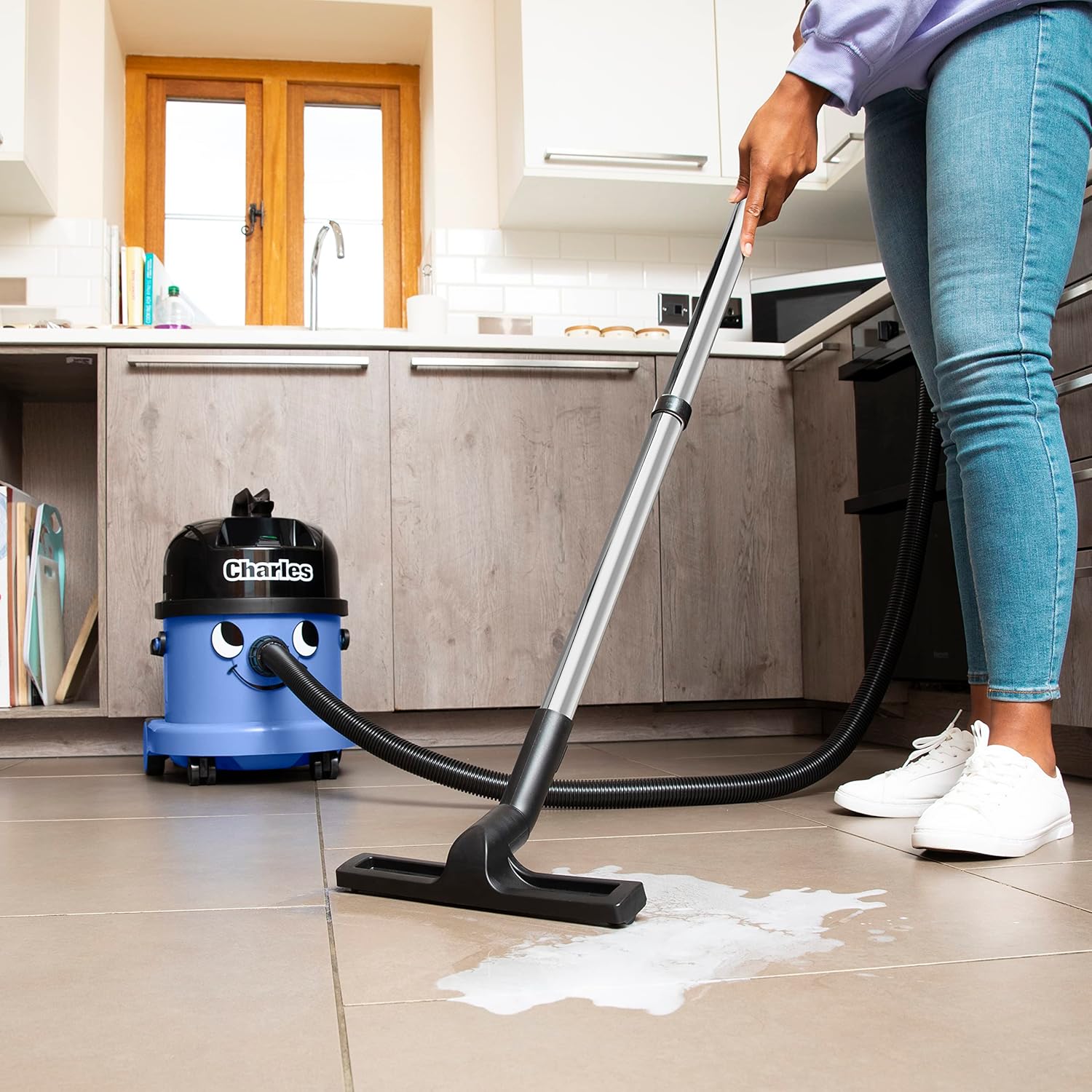
Figure 6: Charles vacuum effectively cleaning a liquid spill in a kitchen.
5.3 Portability
The Charles vacuum is designed with a convenient handle on top for easy transport between cleaning areas.
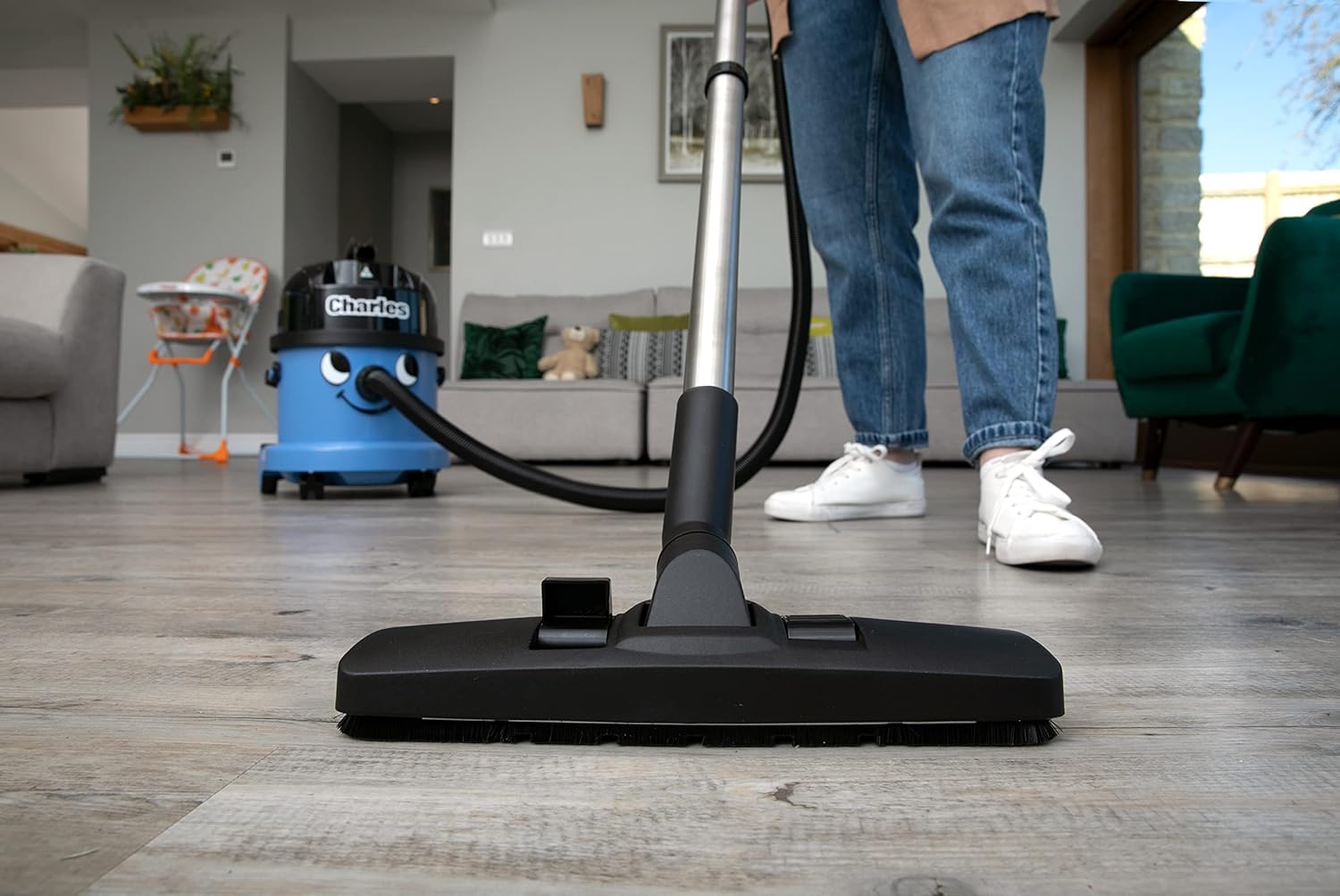
Figure 7: Charles vacuum being carried, demonstrating its portability.
6. Maintenance
Regular maintenance ensures optimal performance and extends the life of your Charles vacuum cleaner. Always unplug the vacuum before performing any maintenance.
6.1 Emptying Dry Debris and Replacing Dust Bag
- Unplug the vacuum.
- Unlatch the clips and remove the top head.
- Carefully remove the full dust bag by pulling the cardboard collar away from the inlet spigot. The self-seal tab will close the opening, preventing dust escape.
- Dispose of the full bag responsibly.
- Install a new disposable dust bag as described in Section 4.2.
- Replace the top head and secure the clips.
6.2 Emptying Collected Liquids
- Unplug the vacuum.
- Unlatch the clips and remove the top head.
- Carefully lift the drum and pour the collected liquid into a suitable drain.
- Rinse the inside of the drum with clean water and wipe dry.
- Ensure the float valve is clean and free of debris.
- Replace the top head and secure the clips.
6.3 Filter Cleaning and Replacement
The Charles CVC370 uses a HEPA filter and a washable filter.
- Dry Filter: Periodically check the dry filter for dust build-up. Tap it gently to dislodge dust or brush it with a soft brush. If heavily soiled or damaged, replace it.
- Washable Filter: Some components may be washable. Refer to the specific instructions provided with your filter type for washing and drying guidelines. Ensure all washable parts are completely dry before re-installing.
6.4 Hose and Accessory Cleaning
Inspect the hose and accessories regularly for blockages or damage. Clear any obstructions. Wipe down accessories with a damp cloth as needed.
7. Troubleshooting
If you encounter issues with your Charles vacuum, refer to the table below for common problems and solutions.
| Problem | Possible Cause | Solution |
|---|---|---|
| Vacuum does not turn on. | No power supply. | Check if the power cord is securely plugged into a working outlet. Check circuit breaker. |
| Loss of suction (dry). | Full dust bag, blocked hose/tool, dirty filter. | Replace dust bag. Check hose and tools for blockages. Clean or replace dry filter. |
| Loss of suction (wet). | Drum is full (float valve activated), blocked hose/tool. | Empty the drum. Check hose and tools for blockages. Ensure float valve is clean. |
| Unusual noise or motor overheating. | Blocked airflow, motor strain. | Check for blockages in hose, tools, and filters. Ensure correct filter setup for wet/dry use. Allow motor to cool down. |
| Water leaking from unit (wet use). | Drum overfilled, float valve obstructed, seals not properly seated. | Empty the drum. Clean float valve. Ensure top head and seals are correctly seated. |
8. Specifications
Technical specifications for the NUMATIC Charles CVC370 240V Vacuum Cleaner:
| Feature | Detail |
|---|---|
| Brand | Henry |
| Model Name | Charles |
| Item Model Number | CVC370-2 |
| Special Feature | Wet, Bag, Dry (Dual Action) |
| Filter Type | HEPA Filter, Washable Filter |
| Capacity | 15 Liters |
| Wattage | 1200 watts |
| Maximum Suction | 7.87 Feet H2O |
| Cable Length | 10 Meters |
| Recommended Uses | Carpet, Hard Floor, Wet Applications |
| Form Factor | Canister |
| Product Dimensions | 13.98"W |
| Noise Level | 70 dB |
| Item Weight | 19.8 pounds |
| Manufacturer | Avern Cleaning Supplies |
| UPC | 790914217846 |
9. Warranty Information
For detailed warranty information regarding your NUMATIC Charles CVC370 vacuum cleaner, please refer to the warranty card included with your purchase or visit the official Henry/Numatic International website. Warranty terms and conditions may vary by region and retailer.
10. Customer Support
Should you require further assistance, have questions not covered in this manual, or need to order replacement parts, please contact your retailer or the manufacturer's customer support. Contact details can typically be found on the manufacturer's official website or on the product packaging.
Related documentsCVC370-2


Ask a question about this manual
Ask about setup, troubleshooting, compatibility, parts, safety, or missing instructions. Manuals+ will review the question and use this page’s manual context to help answer it.