
1. Introduction
Welcome to the Mushroom Kingdom! Super Mario Bros. 3 is a classic action game for the Nintendo Entertainment System (NES) where you embark on an epic adventure to save Princess Peach and the rulers of the seven kingdoms from the clutches of Bowser and his Koopa Kids. Prepare to run, jump, and smash your way through diverse worlds, discovering hidden treasures and powerful new abilities.
This manual provides essential information to help you set up your game, understand the controls, master gameplay mechanics, and troubleshoot common issues. Get ready for an unforgettable journey!
2. Setup
- Insert the Game Pak: Ensure your Nintendo Entertainment System (NES) console is powered off. Gently insert the Super Mario Bros. 3 Game Pak into the NES console's cartridge slot. Press down firmly until it clicks into place.
Note: Always handle Game Paks with care. Avoid touching the connector pins.
- Connect to TV: Ensure your NES console is properly connected to your television set via the RF switch or AV cables. Refer to your NES console's manual for detailed connection instructions if needed.
- Power On: Turn on your television and select the correct input channel for your NES. Then, press the POWER button on your NES console. The game should load automatically.
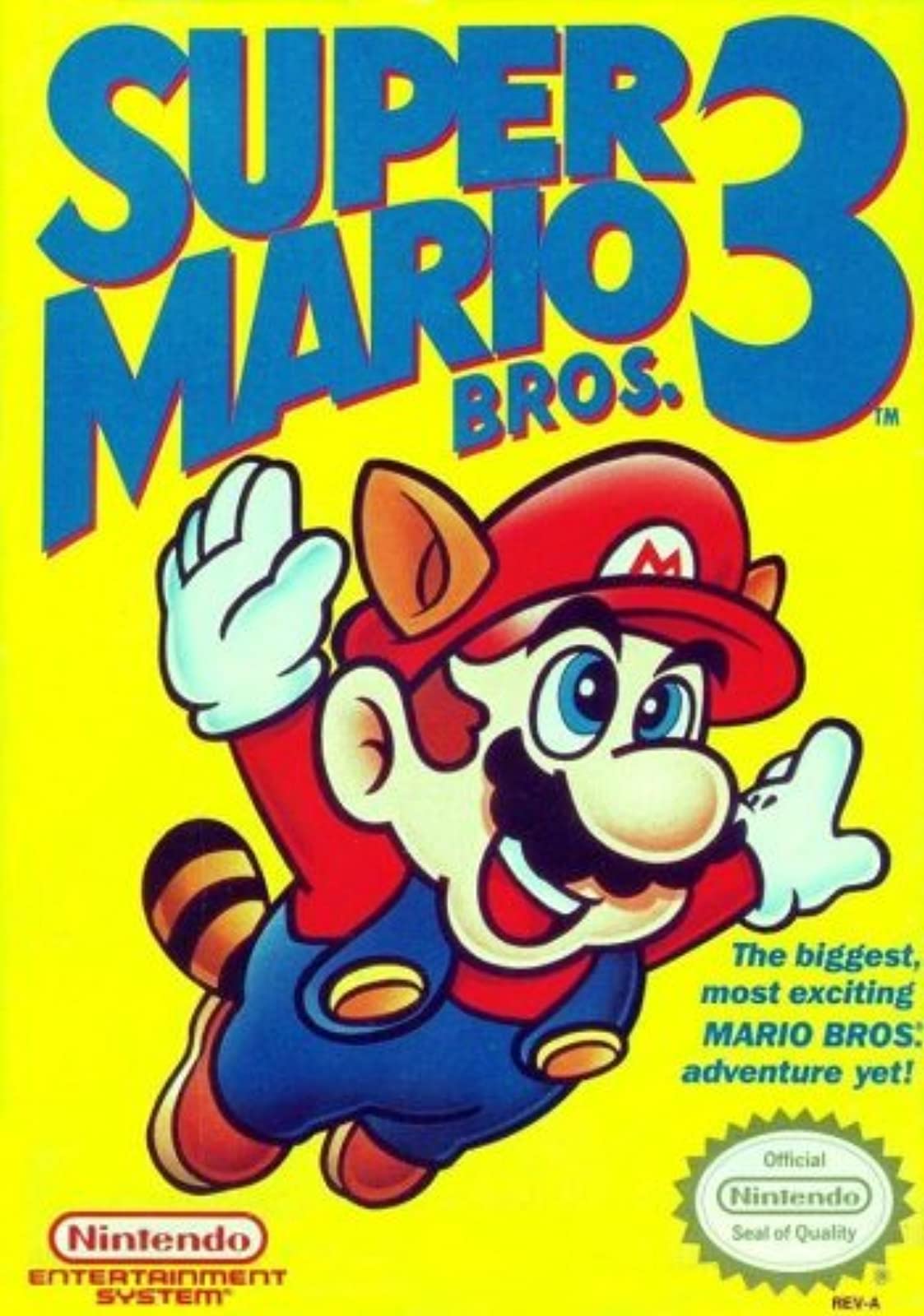
Figure 1: Super Mario Bros. 3 Game Pak for Nintendo NES.
3. Operating Instructions
3.1. Basic Controls
- D-Pad (Directional Pad): Move Mario/Luigi left or right. Press down to duck or enter pipes. Press up to enter doors or climb vines.
- A Button: Jump. Hold for a higher jump.
- B Button: Run (hold while moving). Use power-up abilities (e.g., shoot fireballs, fly).
- START Button: Pause/Unpause the game. Confirm selections on the world map.
- SELECT Button: Choose options on the title screen or world map.
3.2. Gameplay Mechanics
Navigate through various levels, avoiding enemies and obstacles. Stomp on most enemies to defeat them. Collect coins and power-ups to aid your quest. Each world features unique environments and challenges.
3.3. Power-Ups
- Super Mushroom: Transforms Small Mario into Super Mario, allowing him to break blocks and take one hit without losing a life.
- Fire Flower: Transforms Super Mario into Fire Mario, enabling him to shoot fireballs by pressing the B button.
- Super Leaf: Transforms Mario into Raccoon Mario, allowing him to fly for a short period after gaining enough speed, and attack with his tail.
- Starman: Grants temporary invincibility, allowing Mario to defeat most enemies by simply touching them.
- Hammer Suit: Transforms Mario into Hammer Mario, allowing him to throw hammers that can defeat almost any enemy, including some that are otherwise invincible.
- Frog Suit: Transforms Mario into Frog Mario, greatly improving his swimming ability and jump height, but making him slide on land.
- Tanooki Suit: Transforms Mario into Tanooki Mario, allowing him to fly and turn into an invincible statue for a short time.
3.4. World Map Navigation
After completing a level, you return to the world map. Use the D-Pad to move Mario along paths to select the next level or access special areas like Toad Houses and Spade Panels.
- Toad Houses: Offer various power-ups or items.
- Spade Panels: A mini-game where you match three parts of an image to win extra lives.
4. Maintenance
- Cleaning the Game Pak: If the game does not start or experiences glitches, the connector pins on the Game Pak may be dirty. Use a cotton swab lightly dampened with rubbing alcohol to gently clean the gold connector pins. Allow to dry completely before reinserting.
- Console Care: Keep your NES console and Game Paks in a clean, dust-free environment. Avoid exposing them to extreme temperatures or direct sunlight.
5. Troubleshooting
- Game Not Starting:
- Ensure the Game Pak is fully inserted and pressed down into the console.
- Clean the Game Pak's connector pins as described in the Maintenance section.
- Verify that your NES console is properly connected to your TV and powered on.
- Screen Flickering or Glitches:
- This often indicates poor contact between the Game Pak and the console. Remove the Game Pak, clean the connector pins, and reinsert it firmly.
- Ensure the NES console itself is clean and free of dust.
- No Sound:
- Check your TV's volume and mute settings.
- Verify that the audio cables from your NES are securely connected to your TV.
6. Specifications
| Feature | Detail |
|---|---|
| Product Title | Super Mario Bros. 3 |
| Platform | Nintendo NES (Nintendo Entertainment System) |
| Manufacturer | Nintendo |
| Model Number | SUPER MARIO BROTHERS 3 |
| GTIN/UPC | 045496630584 |
| Product Dimensions | 7.1 x 7 x 0.8 inches |
| Item Weight | 3.2 ounces |
| Language | English |
| Players | 1 or 2 players |
7. Warranty and Support
This product is covered by the standard manufacturer's warranty provided by Nintendo. For specific warranty details, please refer to the documentation included with your original NES console or contact Nintendo customer support directly. For technical assistance or further inquiries, please visit the official Nintendo support website.
8. Official Product Videos
No official seller-created product videos are available for embedding in this manual.


