
Product Overview
The Polder Professional Stainless Steel Analog Kitchen Scale is designed for accurate weight measurements in the kitchen. It features a durable stainless steel construction and an easy-to-read analog display.
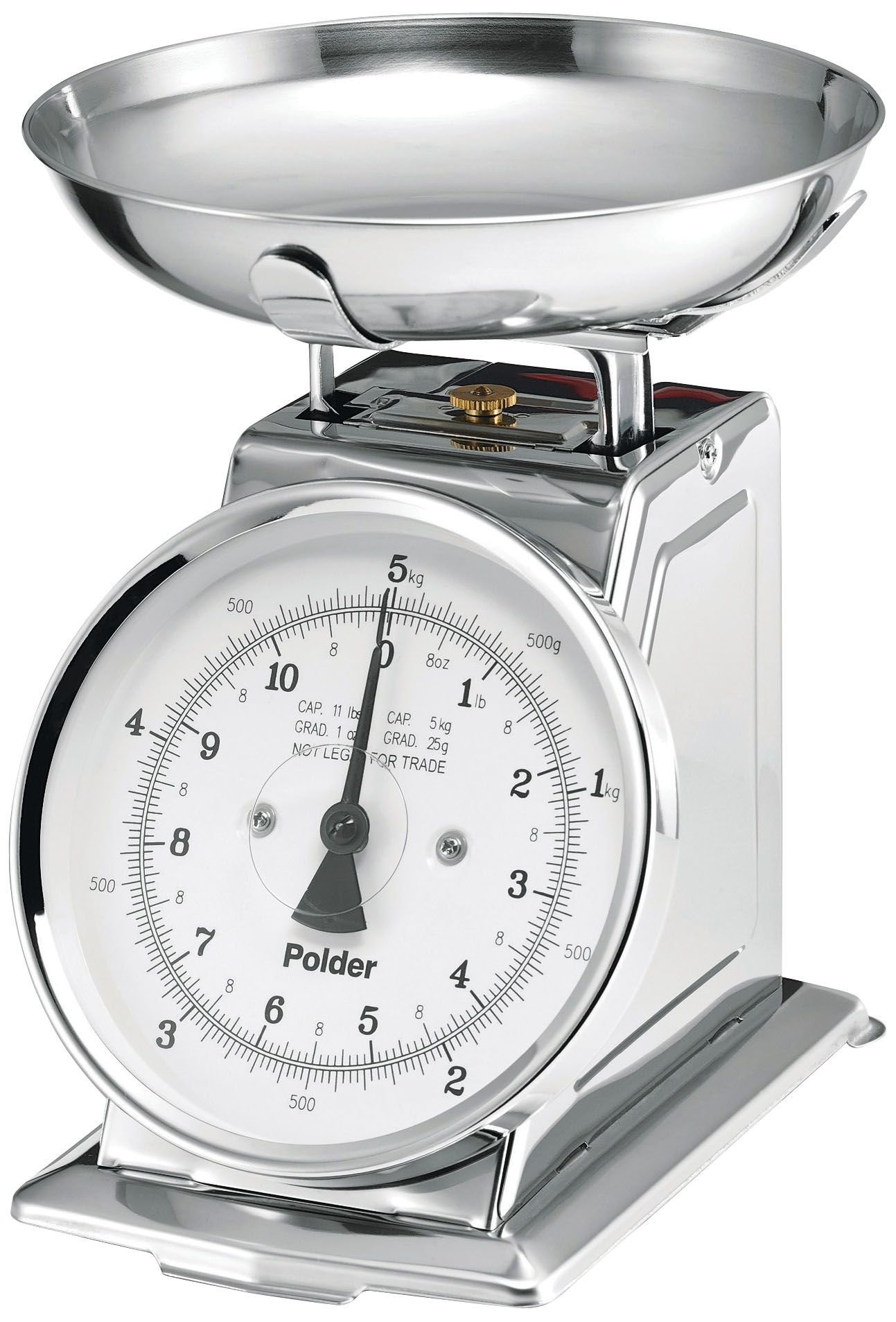
Image: Polder Professional Stainless Steel Analog Kitchen Scale, showing the main unit with its removable stainless steel bowl on top and the large analog dial.
Key Features:
- Weighs items up to 11 pounds (5 kilograms).
- Constructed with a stainless-steel body and a removable bowl.
- Features a large, easy-to-read analog dial with measurements in 1-ounce and 25-gram increments.
- The weighing bowl is held securely in place by upturned braces.
Setup
- Unpacking: Carefully remove the scale and all components from the packaging.
- Placement: Place the scale on a flat, stable, and level surface to ensure accurate readings.
- Assemble Bowl: Position the removable stainless steel bowl onto the scale's weighing platform, ensuring it sits securely within the upturned braces.
- Calibration (Zeroing): Before first use and before each measurement, ensure the dial is set to zero. If the needle is not at zero, gently turn the calibration knob (usually located at the base or side of the dial) until the needle aligns with the zero mark.

Image: Side view of the Polder Analog Kitchen Scale, illustrating its dimensions of 10 inches (25 cm) in height, with the removable bowl in place.
Operating Instructions
- Prepare the Scale: Ensure the scale is on a level surface and the dial is set to zero.
- Place Item: Gently place the item to be weighed into the removable stainless steel bowl.
- Read Measurement: Observe the red needle on the large analog dial. Read the weight indicated by the needle. Measurements are displayed in both pounds (black markings) and kilograms (red markings).
- Remove Item: Carefully remove the item from the bowl. The needle should return to zero.
- Tare Function (if needed): If weighing multiple ingredients in the same bowl, you can re-zero the scale after adding each ingredient. This model typically requires manual adjustment of the zero knob if the needle does not return to zero precisely after removing an item or if you wish to weigh an item in a container and subtract the container's weight.
Maintenance and Cleaning
- Cleaning the Bowl: The removable stainless steel bowl can be hand washed with warm, soapy water. Rinse thoroughly and dry completely before reattaching to the scale.
- Cleaning the Scale Body: Wipe the scale body with a damp cloth. Do not immerse the scale in water or use abrasive cleaners.
- Storage: Store the scale in a dry place.
- Avoid Overloading: Do not exceed the maximum weight capacity of 11 pounds (5 kg) to prevent damage to the internal mechanism.
Troubleshooting
- Issue: Inaccurate Readings
-
- Ensure the scale is placed on a flat, stable, and level surface.
- Verify the dial is set to zero before placing items on the scale. Adjust the calibration knob if necessary.
- Check if the scale has been overloaded. Exceeding the 11 lb (5 kg) capacity can affect accuracy.
- Issue: Needle Does Not Return to Zero
-
- Ensure no items are resting on the scale or bowl.
- Gently turn the calibration knob to manually reset the needle to the zero position.
Specifications
| Brand | Polder |
| Model Number | 985-75 |
| Type | Analog Kitchen Scale |
| Material | Stainless Steel |
| Weight Capacity | 11 Pounds (5 kg) |
| Readout Accuracy | 1 ounce / 25 grams |
| Product Dimensions | 6.5 x 8.25 x 10 inches |
| Item Weight | 3 Pounds |
Warranty and Support
This Polder kitchen scale comes with a 1-year warranty from the date of purchase.
For warranty claims or technical support, please contact Polder customer service. Refer to the official Polder website or product packaging for current contact information.

