1. Ngaphezuluview
This manual provides instructions for the Canon PowerShot ELPH 360 HS Digital Camera. It covers initial setup, basic operation, maintenance, and troubleshooting to help you get the most out of your camera.
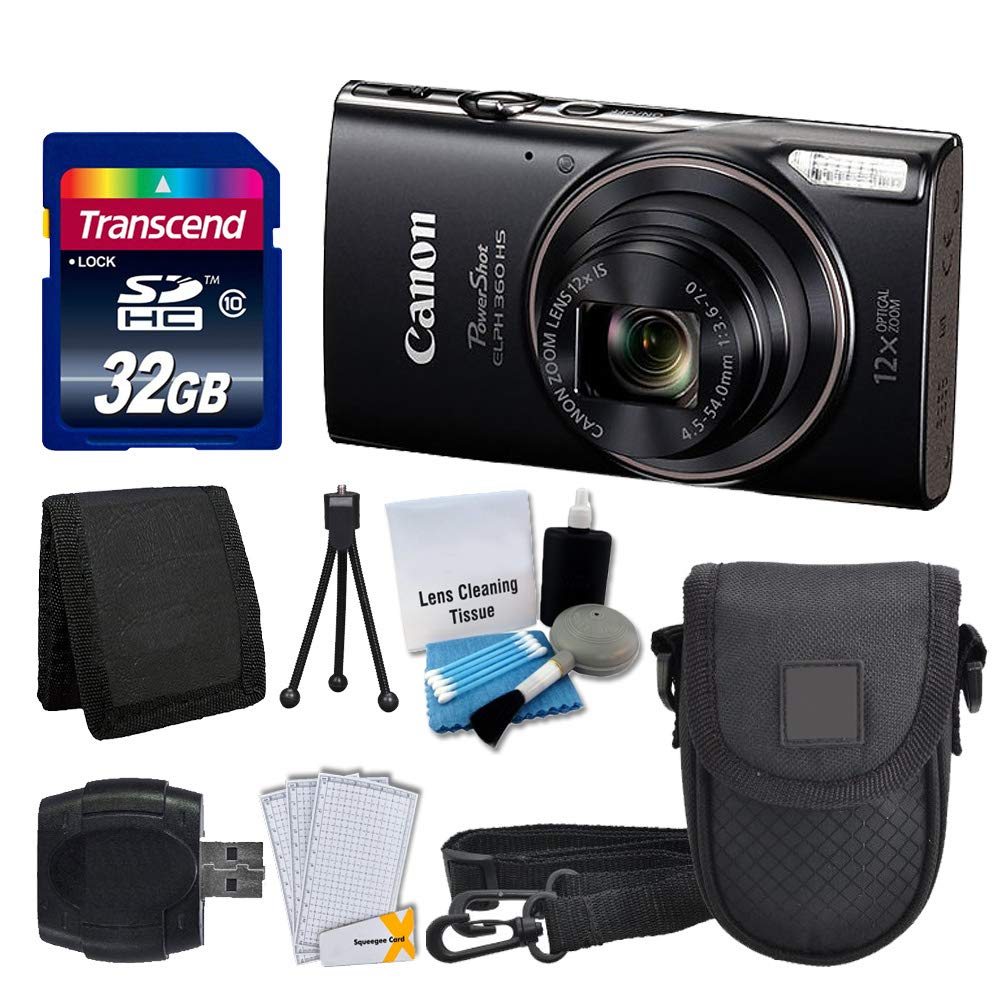
Isithombe 1.1: Ngaphambili view of the Canon PowerShot ELPH 360 HS Digital Camera.
2. Yini EseBhokisini
Sicela uhlole ukuthi zonke izinto ezilandelayo zifakiwe ephaketheni lakho:
- Canon PowerShot ELPH 360 HS Digital Camera (Black)
- Transcend 32GB Memory Card
- Ikesi lekhamera
- I-USB Card Reader
- LCD Screen Protectors
- Isikhwama Sekhadi Lememori
- I-Battery Pack ne-Ishaja
- Ibhande Lesihlakala
- Cleaning Kit (Lens Cleaning Tissue, Blower, Brush, Cotton Swabs)

Image 2.1: The Canon PowerShot ELPH 360 HS camera with its battery, charger, and wrist strap.
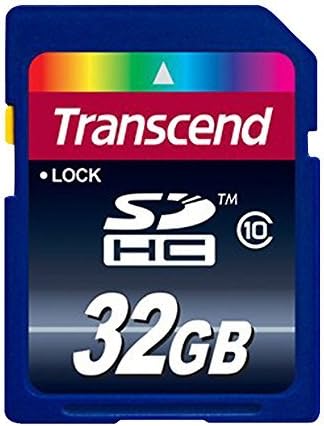
Image 2.2: A Transcend 32GB SDHC Memory Card, included for storage.
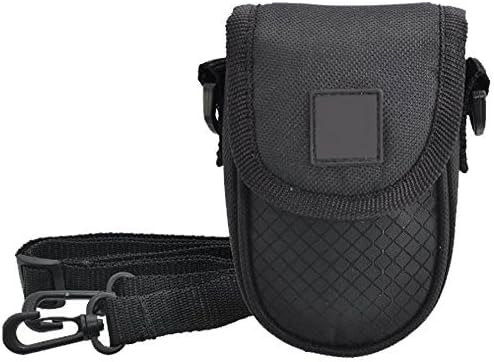
Image 2.3: A black camera case for protection and portability.

Image 2.4: The included cleaning kit for maintaining the camera's lens and body.
3. Setha
3.1. Ukushaja Ibhethri
- Insert the battery pack into the battery charger. Ensure the battery is correctly oriented.
- Xhuma ishaja endaweni yokukhipha ugesi. Isibani senkomba yokushaja sizokhanya.
- Charging is complete when the indicator light changes color or turns off (refer to charger specific indicators).
3.2. Ukufaka ibhethri nekhadi lememori
- Open the battery/card compartment cover on the camera.
- Insert the charged battery pack into the compartment, ensuring the contacts align. Push until it clicks into place.
- Insert the Transcend 32GB SDHC memory card into the card slot with the label facing the correct direction. Push until it clicks.
- Vala ikhava yegumbi ngokuphephile.
3.3. Ukuhlanganisa Ibhande Lesihlakala
Thread the wrist strap through the strap mount on the camera body to prevent accidental drops.
4. Ukusebenzisa Ikhamera
4.1. Vula/Vala
Cindezela inkinobho [AMANDLA] inkinobho yokuvula noma ukuvala ikhamera.
4.2. Ukuthatha Izithombe
- Vula ikhamera.
- Select your desired shooting mode (e.g., Automatic) using the mode dial or menu.
- Hlela isithombe sakho usebenzisa isikrini se-LCD.
- Press the shutter button halfway down to focus. The focus frame will appear.
- Cindezela inkinobho yokucisha ngokuphelele ukuze uthathe isithombe.
4.3. Ukusebenzisa i-Zoom
Use the zoom lever around the shutter button to adjust the optical zoom (12x) for closer or wider shots.
4.4. Ukuqopha amavidiyo
- In a shooting mode, press the dedicated [MOVIE] inkinobho ukuqala ukurekhoda.
- Cindezela inkinobho [MOVIE] inkinobho futhi ukuze uyeke ukurekhoda.
4.5. ReviewIzithombe namavidiyo
Cindezela inkinobho [PLAYBACK] button to enter playback mode. Use the directional buttons to navigate through your photos and videos.
4.6. Ukuxhuma kwiKhompyutha (i-USB)
Connect the camera to a computer using a USB cable to transfer photos and videos. The camera will appear as a removable drive.
4.7. Ukuxhumana kwe-Wi-Fi ne-NFC
The camera supports Wi-Fi and NFC for wireless transfer of images to compatible devices or for remote control. Refer to the camera's on-screen menu for detailed setup instructions for these features.
5. Isondlo
5.1. Ukuhlanza Ikhamera
- Ilensi: Use a lens brush or a soft, clean microfiber cloth with lens cleaning solution (from the included kit) to gently wipe the lens. Avoid touching the lens with your fingers.
- Isikrini se-LCD: Use a soft, dry cloth to clean the LCD screen. For stubborn smudges, use a screen protector cleaning solution.
- Umzimba Wekhamera: Wipe the camera body with a soft, dry cloth. Do not use organic solvents or strong cleaning agents.
5.2. Ukunakekelwa Kwebhethri
- Gcina amabhethri endaweni epholile, neyomile uma engasetshenziswa.
- Gwema ukushajwa ngokugcwele ibhethri njalo ukuze welule ubude bayo bempilo.
- Ungabeki amabhethri emazingeni okushisa aphezulu kakhulu.
5.3. Isitoreji
When storing the camera for extended periods, remove the battery and memory card. Store the camera in a dry, dust-free environment, preferably in its camera case.
6. Ukuxazulula izinkinga
| Inkinga | Imbangela Engenzeka | Isixazululo |
|---|---|---|
| Ikhamera ayivuli amandla. | Ibhethri liphelile noma lifakwe ngendlela engafanele. | Shaja ibhethri ngokugcwele bese uqinisekisa ukuthi ifakwe kahle. |
| Awukwazi ukuthatha izithombe. | Ikhadi lememori ligcwele, likhiyiwe, noma alifakiwe. | Insert a memory card, unlock it, or delete unnecessary files. |
| Izithombe zifiphele. | Ukunyakazisa ikhamera, ukugxila okungalungile, noma ilensi engcolile. | Hold the camera steady, ensure proper focus, and clean the lens. |
| Wi-Fi/NFC connection fails. | Izilungiselelo ezingalungile noma ukungahambelani kwedivayisi. | Check camera and device settings. Ensure devices are compatible and within range. |
7. Imininingwane
- Igama Lemodeli: PowerShot ELPH 360 HS
- Ibhrendi: ICanon
- Ukulungiswa Kwenzwa Yesithombe: 20.2 MP
- I-Optical Zoom: 12x
- Ukuzinzisa Isithombe: I-Optical
- Uhlobo Lwelensi: Zoom (25-300 mm equivalent)
- Usayizi Wesikrini: 3 amayintshi LCD
- Ukuxhumana: Wi-Fi, NFC, USB
- Isekelwe File Ifomethi: I-JPEG, RAW
- Ukulungiswa kwevidiyo: 1080p
- Uhlobo Lwekhadi Lememori: SD, SDHC (32GB included)
- Uhlobo Lwebhethri: I-Lithium ion
- Umbala: Mnyama
8. Iwaranti kanye Nokusekela
8.1. Ulwazi Lwewaranti
This Canon PowerShot ELPH 360 HS Digital Camera comes with a Iwaranti ekhawulelwe yezinsuku ezingama-90. Sicela ugcine ubufakazi bakho bokuthenga izimangalo zewaranti.
8.2. Ukwesekwa Kwamakhasimende
For further assistance, technical support, or service inquiries, please refer to the official Canon support website or contact their customer service. Contact information can typically be found on the manufacturer's webindawo noma emaphaketheni omkhiqizo wokuqala.


