1. Isingeniso
This manual provides essential information for setting up, operating, maintaining, and troubleshooting your Acer Aspire 3 A315-24P-R2SC Slim Laptop. Designed for practical multitasking and productivity, this laptop features the AMD Ryzen™ 7000 Series Processor and a 15.6" Full HD IPS display. Please read this manual thoroughly to ensure optimal performance and longevity of your device.

Figure 1: Acer Aspire 3 A315-24P-R2SC Slim Laptop
2. Yini EseBhokisini
Qinisekisa ukuthi zonke izinto zikhona kuphakheji:
- I-Laptop ye-Acer Aspire
- I-adaptha ye-AC
- Intambo Yamandla
3. Umkhiqizo Uphelileview
3.1. Dizayina futhi Bonisa
The Aspire 3 features a thin and light design, making it portable for various environments. The 15.6" Full HD IPS display offers sharp details and crisp colors with narrow bezels for an enhanced viewisipiliyoni.
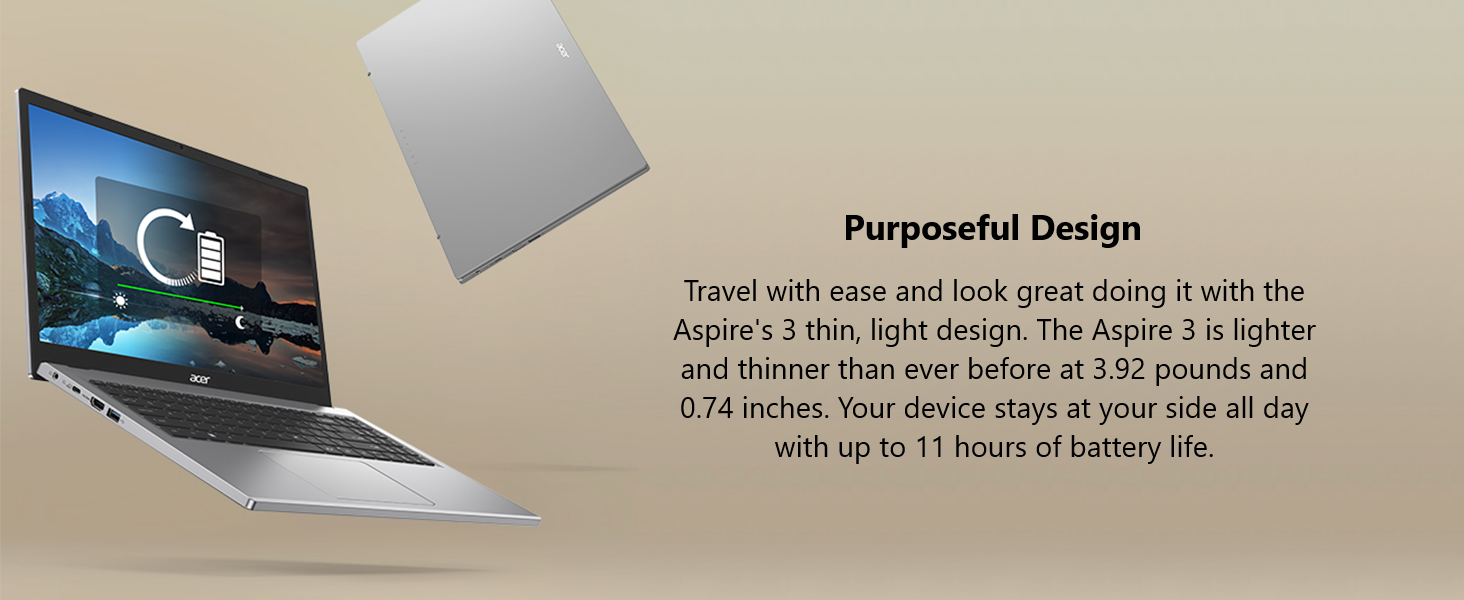
Figure 2: 15.6" Full HD IPS Display
3.2. Amachweba kanye Nokuxhumana
The laptop is equipped with various ports for connecting peripherals and external displays.
- 1 x USB Type-C Port (USB 3.2 Gen 2, up to 10 Gbps, DisplayPort over USB Type-C & USB Charging)
- 2 x USB 3.2 Gen 1 Izimbobo
- Imbobo engu-1 x HDMI 2.1 enosekelo lwe-HDCP
- 1 x I-Headphone/Isipikha/I-Line-Out Jack
- I-DC-in ye-adaptha ye-AC

Umfanekiso 3: Amachweba Aseceleni Kwesobunxele

Umfanekiso 4: Amachweba Aseceleni Kwesokudla
3.3. Thermal System
The improved thermal system, with a 78% increase in fan surface area, provides an additional 17% thermal capacity. This allows for longer, more efficient work sessions without being plugged in.

Figure 5: Improved Thermal Design
3.4. Webikhamera nomsindo
The HD front-facing camera utilizes Acer’s TNR (Temporal Noise Reduction) technology for high-quality imagery in low-light conditions. Acer PurifiedVoice technology with AI Noise Reduction filters out background sound for clear communication during online meetings.
4. Ukusetha Kwasekuqaleni
- Khipha i-laptop: Khipha ngokucophelela ikhompuyutha ephathekayo nazo zonke izesekeli ephaketheni.
- Xhuma Amandla: Xhuma i-adaptha ye-AC embobeni ye-DC-in yekhompuyutha ephathekayo bese uyifaka endaweni yamandla.
- Vula: Vula isembozo se-laptop bese ucindezela inkinobho yokuvula. I-laptop izoqala uhlelo lwayo lokuqala lokuqalisa.
- Ukusethwa kweWindows: Landela imiyalelo esesikrinini ukuze uqedele ukusethwa kwekhaya le-Windows 11, okuhlanganisa ulimi, isifunda, uxhumano lwenethiwekhi, kanye nokudalwa kwe-akhawunti yomsebenzisi.
5. Iziqondiso Zokusebenza
5.1. Ukusebenza kanye nokwenza imisebenzi eminingi
The Acer Aspire 3 is powered by the AMD Ryzen 5 7520U Quad-Core Processor with AMD Radeon Graphics, 8GB LPDDR5 RAM, and a 256GB NVMe SSD. This configuration ensures smooth performance for everyday tasks, productivity applications, and light multimedia use.
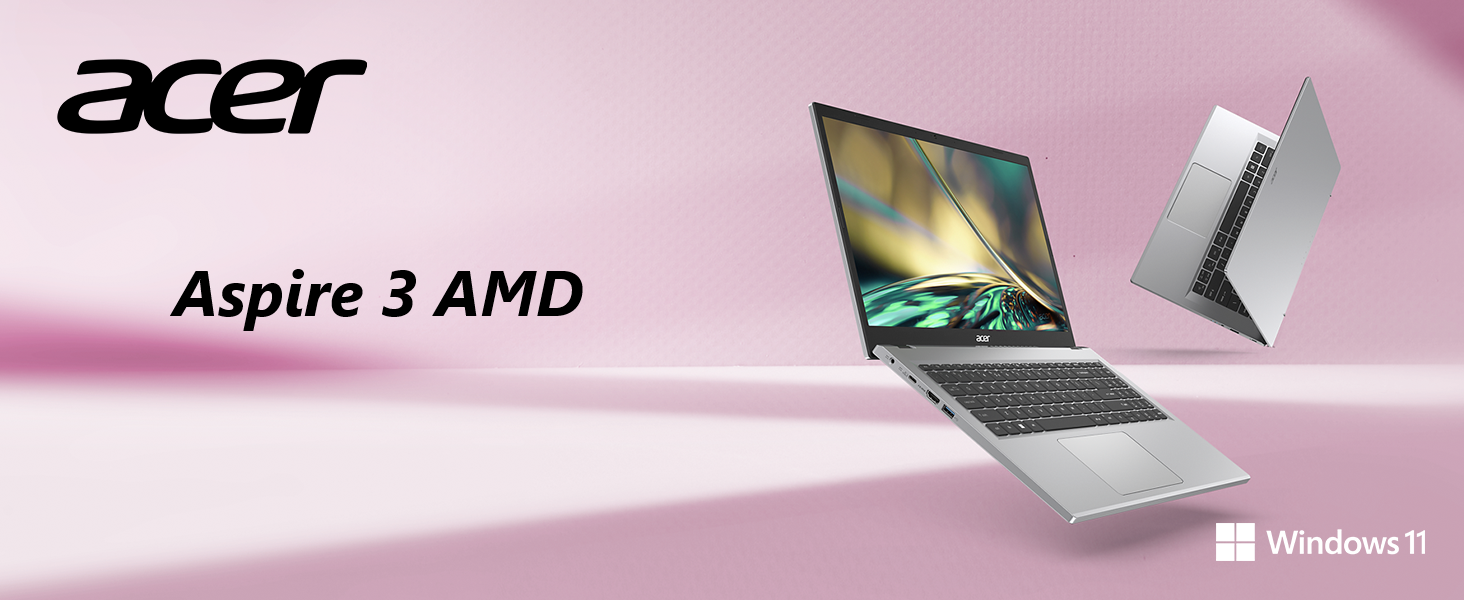
Figure 6: AMD Ryzen Processor and Radeon Graphics
5.2. Ukuxhumana Okungenantambo
Enjoy a smooth internet experience with Wireless Wi-Fi 5 (802.11ac), offering connection speeds up to three times faster than previous generations. Bluetooth connectivity is also available for wireless peripherals.

Figure 7: Wireless Wi-Fi 5 Connectivity
5.3. Windows 11 Features
The laptop comes with Windows 11 Home, offering a modern interface and enhanced features for productivity and organization.

Figure 8: Windows 11 Home Interface
5.4. Amavidiyo Omkhiqizo Osemthethweni
Acer Aspire 3 A315-24P Product Overview
Acer Aspire 3 A315-24P and A315-24PT 360 Degree View
Microsoft 365 - Powerful Tools
Windows 11 Cloud File Yenza ikhophi yasenqolobaneni
Windows 11 Centralized Universal Search
6. Isondlo
- Ukuhlanza: Sebenzisa indwangu ethambile, engenazinti ukuhlanza isikrini nangaphandle. Gwema amakhemikhali anamandla.
- Izibuyekezo zesofthiwe: Buyekeza njalo uhlelo lwakho lokusebenza lwe-Windows kanye nabashayeli ukuqinisekisa ukusebenza kahle kanye nokuphepha.
- Ukunakekelwa kwebhethri: To prolong battery life, avoid extreme temperatures and fully discharging the battery frequently.
- Ukuphathwa Kwesitoreji: Kucace ngezikhathi ezithile ngokungadingekile files and applications to maintain system speed and free up storage space.
7. Ukuxazulula izinkinga
7.1. Izinkinga Ezivamile
- I-laptop ayivuli: Qinisekisa ukuthi i-adaptha ye-AC ixhunywe ngokuphephile nokuthi i-outlet yamandla iyasebenza. Zama i-outlet ehlukile.
- Ukusebenza kancane: Close unnecessary applications, check for background processes, and ensure sufficient free storage space. Run system diagnostics.
- Izinkinga zokuxhumeka kwe-Wi-Fi: Qala kabusha i-router yakho ne-laptop. Hlola izilungiselelo ze-Wi-Fi bese uqinisekisa ukuthi abashayeli babuyekeziwe.
- Screen display problems: Adjust brightness settings. If the screen remains blank, try connecting to an external monitor to diagnose.
7.2. Xhumana Nosekelo
If issues persist, refer to the Acer support webisayithi noma xhumana nesevisi yamakhasimende ukuze uthole usizo olwengeziwe.
8. Imininingwane
| Isici | Ukucaciswa |
|---|---|
| Ibhrendi | i-acer |
| Igama Lemodeli | A315-24P-R2SC |
| Usayizi Wesikrini | 15.6 amayintshi |
| Ukulungiswa Kwesikrini | 1920 x 1080 amaphikseli (i-HD egcwele) |
| Iphrosesa | AMD Ryzen 5 7520U Quad-Core (4.3 GHz max) |
| RAM | 8 GB LPDDR5 |
| Isivinini Senkumbulo | 2400 MHz |
| I-Hard Drive | 256 GB NVMe SSD |
| I-Graphics Coprocessor | AMD Radeon™ Graphics (Integrated) |
| Uhlobo Olungenantambo | 802.11ac (Wi-Fi 5), Bluetooth |
| Izimbobo ze-USB 3.0 | 3 (kufaka phakathi i-USB Type-C eyodwa) |
| Imbobo ye-HDMI | 1 (HDMI 2.1 with HDCP support) |
| Isistimu esebenzayo | Windows 11 Ikhaya |
| Isisindo sento | 3.92 amakhilogremu |
| Ubukhulu bomkhiqizo | 14.29 x 0.74 x 9.35 amayintshi |
| Umbala | Isiliva |
| Amabhethri | Ibhethri ye-Lithium Ion engu-1 (ifakiwe) |
9. Iwaranti kanye Nokusekela
Ukuze uthole ulwazi oluningiliziwe lwewaranti, sicela ubheke ikhadi lewaranti elifakwe nomkhiqizo wakho noma vakashela ukwesekwa okusemthethweni kwe-Acer webindawo. I- website also provides access to drivers, FAQs, and additional support resources.
Ukusekelwa Kwe-inthanethi: www.acer.com/support


