Ọrọ Iṣaaju
This manual provides essential information for the setup, operation, maintenance, and troubleshooting of your Samsung QN55QN90FAFXZA 55 Inch Neo QLED 4K Smart TV and accompanying HW-QS700F 3.1.2 Ch Dolby Atmos Soundbar and Subwoofer. Please read this manual thoroughly before using your products to ensure safe and correct usage.
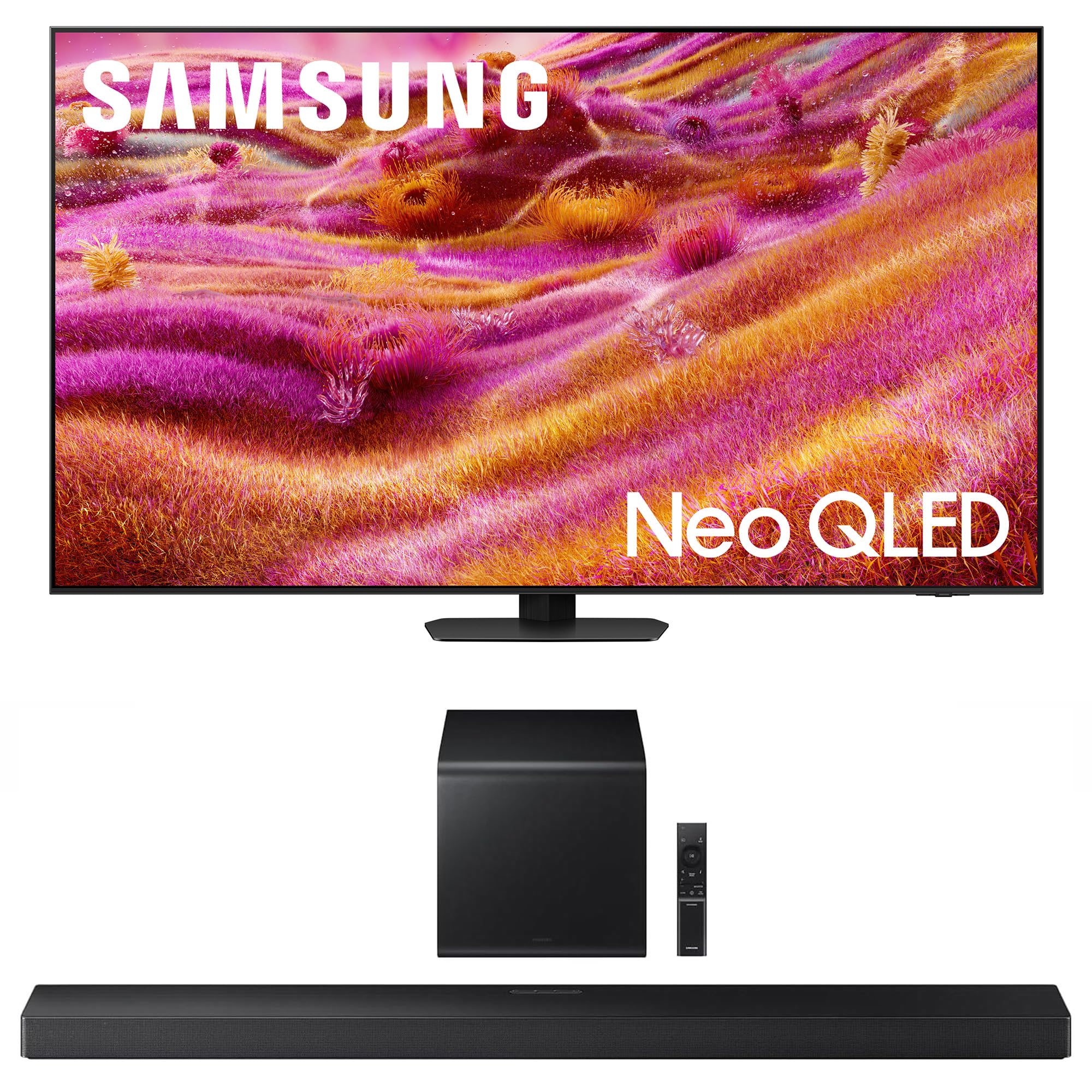
Figure 1: Samsung QN55QN90FAFXZA 55 Inch Neo QLED 4K Smart TV.
Ṣeto
1. Unpacking
Carefully remove all components from the packaging. Ensure all parts listed in the packing list are present. Retain packaging materials for future transport or service needs.
2. Ibi TV
The TV dimensions are approximately 9.3 x 48.3 x 30.2 inches (D x W x H) and it weighs 45.4 pounds. Ensure the placement surface is stable and can support the weight. For wall mounting, the TV supports VESA 200mm x 200mm standards. Ensure proper ventilation around the TV.

olusin 2: Iwaju view of the Samsung QN55QN90FAFXZA TV.

olusin 3: Apa view illustrating the TV's slim profile.
3. Soundbar and Subwoofer Placement
The HW-QS700F Soundbar features a 'Convertible Fit' design, allowing it to be mounted flat against a wall or laid flat on a table. The soundbar is approximately 45.67 inches wide, 2.0 inches tall, and 4.72 inches deep. The compact subwoofer measures approximately 9.8 inches wide, 9.91 inches tall, and 9.8 inches deep, designed to fit discreetly behind furniture.

Figure 4: Samsung HW-QS700F Soundbar and Subwoofer.

Figure 5: 'Convertible Fit' feature for flexible soundbar placement.
4. Awọn isopọ
The TV and Soundbar offer various connectivity options:
- HDMI: The TV has 4 HDMI ports. The soundbar supports HDMI Input & Output (ARC). Use HDMI for optimal audio and video quality.
- Ojú: An optical port is available for audio connection.
- USB: The TV has 2 USB-A ports (5V 0.5A and HDD 5V 1A).
- Àjọlò (LAN): Fun asopọ nẹtiwọki ti a firanṣẹ.
- Ailokun: Both devices support Wi-Fi 5 and Bluetooth audio. The soundbar also supports Apple AirPlay 2, Chromecast built-in, and Spotify Connect.
- RF: Fún ìsopọ̀ eriali/okùn.
For the soundbar, it is recommended to use an HDMI cable for connection to the TV to avoid input delay issues that can occur with Bluetooth audio for TV sound.
5. Initial Power On & Basic Settings
After connecting all necessary cables, plug in the TV and Soundbar to a power outlet. Follow the on-screen instructions for initial setup, including network connection and basic picture/sound modes. The TV features an NQ4 AI Gen3 Processor for enhanced 4K picture and dynamic sound.
Awọn ilana Iṣiṣẹ
1. Àwọn Ẹ̀yà Telifíṣọ̀n Onímọ̀ọ́nú (Tizen OS)
Your Samsung TV runs on the Tizen Smart TV platform, providing access to a wide range of streaming services and apps. Supported internet services include Netflix, Prime Video, Disney+, Hulu, Apple TV, YouTube, HBO Max, Peacock, Sling, and more. You can download additional apps from the app store.
2. Aworan Eto
Access the Picture menu to adjust various display settings:
- Ipo aworan: Select from Optimized, EyeComfort, or other presets.
- Eto amoye: Fine-tune Brightness, Contrast, Sharpness, Color, Tint (G/R), Picture Clarity Settings, Local Dimming (Standard), Contrast Enhancer (High), Film Mode (Off), Color Tone (Standard), White Balance, Gamma (BT.1886), Shadow Detail, Color Space Settings (Native), and Smart Calibration.

Figure 6: 4K AI Upscaling Pro enhances content to impressive 4K.
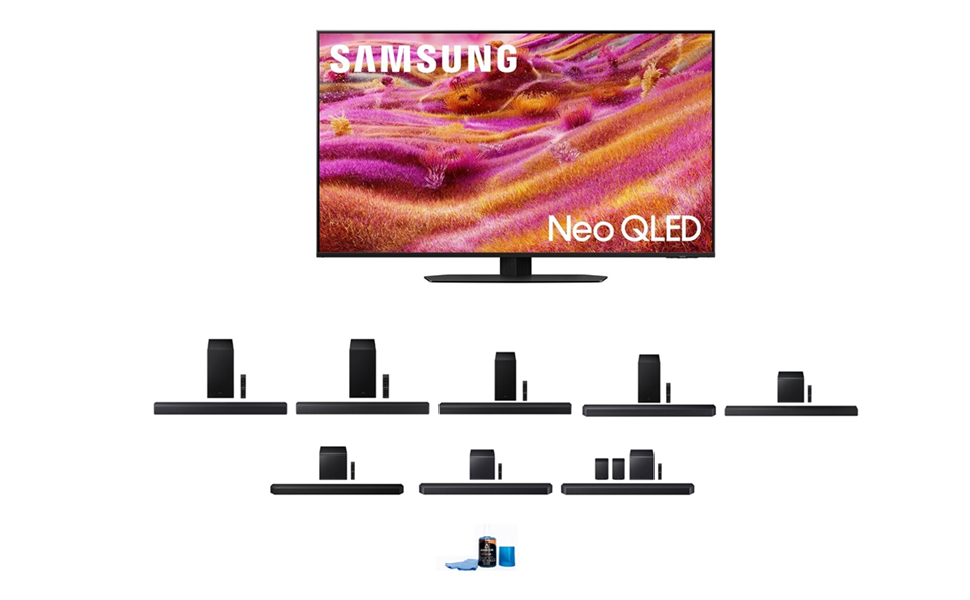
Figure 7: NQ4 AI Gen3 Processor for advanced picture and sound.
3. Ohun Eto
Adjust audio output and modes:
- Ijade ohun: Choose between TV Speaker or Soundbar.
- Ipo Ohun: Select Standard, Amplify, or other available modes.
- Eto amoye: Adjust Balance, Equalizer, HDMI-eARC Mode, Digital Output Audio Format, Digital Output Audio Delay, Dolby Atmos, Auto Volume, Sound Feedback, Simultaneous Opt, and Reset Sound.
4. Q-Symphony Pro
If you have a compatible Samsung TV (Y2022-2025 models), Q-Symphony Pro allows the TV's built-in speakers and the soundbar to operate simultaneously, creating a more immersive audio experience. Connect the soundbar via HDMI or optical for this feature.
Video 1: Samsung QN90F Series TV Product Review. This video highlights the TV's features including Q-Symphony, which integrates the TV's speakers with a compatible soundbar for a richer audio experience.
5. Glare Free Screen
The Neo QLED display features a Glare Free technology, designed to minimize reflections and distractions, ensuring clear viewpaapaa ninu awọn yara ti o tan imọlẹ.
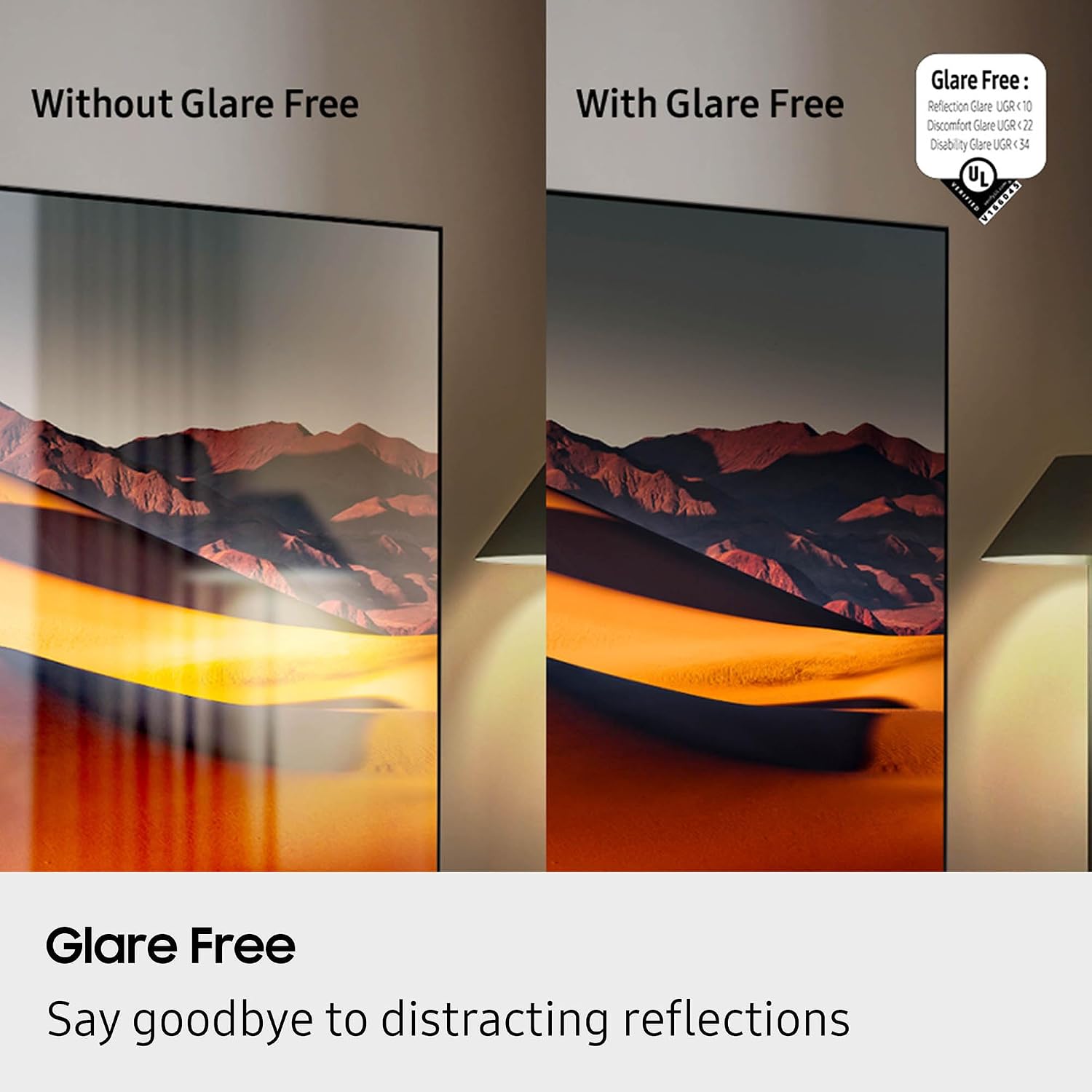
Figure 8: Glare Free technology reduces reflections for optimal viewing.
6. ayo Awọn ẹya ara ẹrọ
The TV supports a 120Hz (up to 165Hz) refresh rate, AI Motion Enhancer Pro, and Motion Xcelerator 165Hz for smooth, responsive gaming. Game Mode settings can be configured for an optimized gaming experience.
7. Voice Iranlọwọ ibamu
The TV is compatible with multiple voice assistants, including Google Home and Amazon Alexa, allowing for hands-free control of your TV and smart home devices.
Itoju
1. Cleaning Your Screen
To clean the screen, gently wipe it with a soft, lint-free cloth. For stubborn marks, use a screen-specific cleaning solution applied to the cloth, not directly to the screen. Avoid harsh chemicals or abrasive materials.

Olusin 9: Example of screen cleaning products.
2. Software imudojuiwọn
Periodically check for and install software updates to ensure your TV and Soundbar have the latest features and performance enhancements. This can usually be done through the TV's settings menu under 'Support' or 'Software Update'.
3. Eco Sensor and Power Saving
The TV includes an Eco Sensor and Auto Power Saving/Off features to help reduce energy consumption. These can be configured in the General & Privacy settings.
Laasigbotitusita
If you encounter issues with your Samsung TV or Soundbar, try the following basic troubleshooting steps:
- Ko si Agbara: Ensure both the TV and Soundbar are securely plugged into a working power outlet. Check the power button on the remote and the devices themselves.
- Ko si Aworan/Ohun: Verify all HDMI and audio cables are correctly connected. Check the input source on your TV.
- Didara Aworan Ko dara: Adjust picture settings (Brightness, Contrast, etc.). Ensure your content source is high-quality.
- Sound Delay (Bluetooth): If using Bluetooth for TV audio, some input delay may occur. Consider using an HDMI ARC or optical connection for synchronized sound.
- Latọna jijin Ko Ṣiṣẹ: Check the remote's battery (if applicable) or ensure it's charged (BT SolarCell Remote). Point the remote directly at the TV.
- Awọn oran Nẹtiwọọki: Check your Wi-Fi connection or Ethernet cable. Restart your router.
For more detailed troubleshooting, refer to the on-screen 'Support' menu or the Samsung webojula.
Awọn pato
Samsung QN55QN90FAFXZA 55 Inch Neo QLED 4K Smart TV
- Iwọn iboju: 55 inches
- Imọ-ẹrọ Ifihan: Neo QLED
- Ipinnu: 4K
- Oṣuwọn isọdọtun: 120 Hz (Titi di 165Hz)
- Olupilẹṣẹ: NQ4 AI Gen3 isise
- Awọn ẹya pataki: AI Motion Enhancer Pro, Glare Free, Auto HDR Remastering Pro, Wide Viewing Angle, Ultimate UHD Dimming, Real Depth Enhancer Pro, Motion Xcelerator 165Hz, Film Mode, 4K AI Upscaling Pro, Color Booster Pro, Dolby Atmos, OTS+, Q-Symphony Pro, Bluetooth Audio, 360 Audio, Tizen Smart TV, Multiple Voice Assistant Compatible, Samsung Health, Eco Sensor, Auto Power Saving/Off, BT SolarCell Remote
- Asopọmọra: HDMI (4 ports), USB-A (2 ports), Ethernet, RF, Wi-Fi 5, Bluetooth
- Awọn iṣẹ Ayelujara ti o ni atilẹyin: Netflix, Fidio Prime, Disney +, Hulu, Apple TV, YouTube, HBO Max, Peacock, Sling, ati Diẹ sii
- Awọn iwọn (DxWxH): 9.3 x 48.3 x 30.2 inches
- Ìwọ̀n Nkan: 45.4 iwon
- Àwọ̀: Titan Black
- Oke VESA: 200mm x 200mm
- Lilo Agbara: Ibamu Star Agbara
Samsung HW-QS700F 3.1.2 Ch Dolby Atmos Soundbar and Subwoofer
- Sound Channels: True 3.1.2 Ch Sound
- Awọn ẹya Olohun: Dolby Atmos, Up-firing speakers, Multidimensional sound
- Apẹrẹ: Convertible Fit (wall or table placement)
- Asopọmọra: HDMI Input & Output (ARC), Optical, Bluetooth, Wi-Fi, Apple AirPlay 2, Chromecast built-in, Spotify Connect
- Soundbar Dimensions (WxHxD): 45.67" x 2.0" x 4.72" (approximate, from video)
- Subwoofer Dimensions (WxHxD): 9.8" x 9.91" x 9.8" (approximate, from video)
Video 2: Samsung HW-QS700F Soundbar Product Video. This video provides an overview of the soundbar's design, features, and connectivity options.
Alaye atilẹyin ọja
For detailed warranty information regarding your Samsung TV and Soundbar, please refer to the warranty card included in your product packaging or visit the official Samsung webojula. Awọn ofin atilẹyin ọja le yatọ nipasẹ agbegbe ati ọja.
Atilẹyin
If you require further assistance or have problems operating your device, please contact Samsung customer support:
- Webojula: Ṣabẹwo www.samsung.com, then select your country.
- Ile-iṣẹ Ipe: You can find the latest phone number of your local Samsung Call Center on the webojula.
Product information such as Model Code (QN75QN90BAFXZA), Serial Number (0DCD3CBW901644A), Software Version (T-PTMAKUCC-1602.3, BT-S), and Status Code (40301_AD19BAE18_IL18) can be found in the 'About This TV' section of your TV's settings.


