Ọrọ Iṣaaju
Thank you for choosing the Philips Snow Edition 64GB USB 3.0 Flash Drive. This manual provides essential information for the proper setup, operation, and maintenance of your device. This high-speed flash drive offers reliable data storage and transfer capabilities, compatible with various operating systems and devices.
Eto ati Lilo akọkọ
The Philips Snow Edition USB 3.0 Flash Drive is designed for plug-and-play functionality. No special drivers are typically required for most modern operating systems.
Connecting the Flash Drive
- Locate an available USB port on your computer or compatible device. The drive supports USB 2.0, USB 3.0, and USB 3.1 ports. For optimal performance, use a USB 3.0 or 3.1 port.
- Remove the protective cap from the flash drive.
- Insert the flash drive firmly into the USB port.
- The LED indicator on the drive will illuminate, indicating a proper connection and activity.
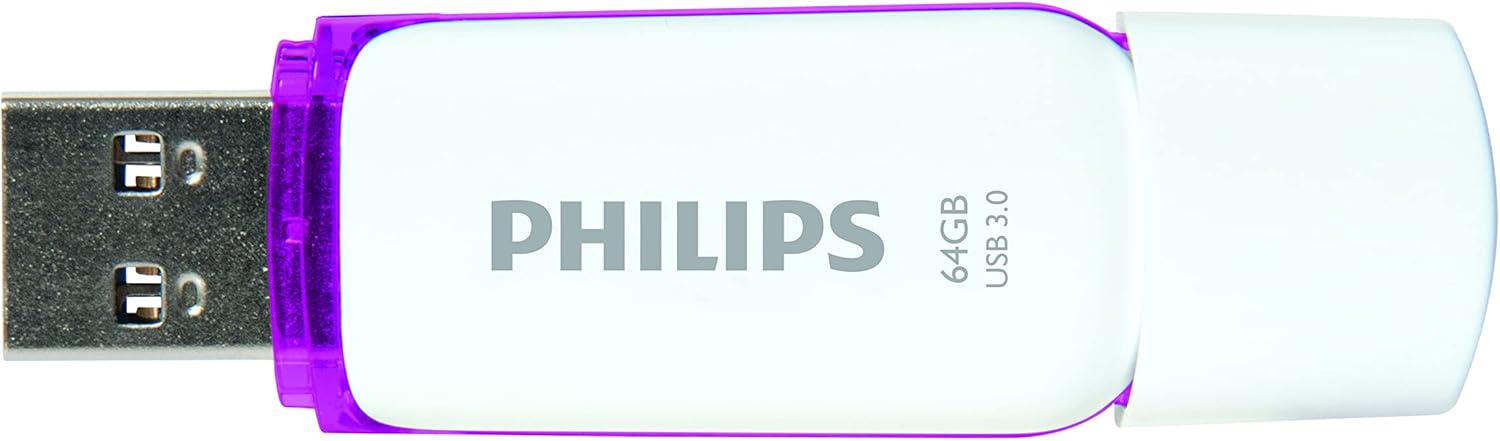
Image: Philips USB 3.0 Flash Drive with its protective cap removed, revealing the USB Type-A connector. The drive is white with purple accents.
Ibamu eto
The flash drive is compatible with the following operating systems:
- Windows XP and higher
- Mac OS 9.0 tabi ga julọ
- Linux 2.4.0 tabi ga julọ
Awọn ilana Iṣiṣẹ
Wíwọlé sí Drive náà
Once connected, your computer's operating system should automatically detect the flash drive and assign it a drive letter (e.g., "Removable Disk (E:)"). You can access the drive through "My Computer" or "This PC" on Windows, or through the Finder on Mac OS.
Gbigbe Files
Lati gbe files to or from the flash drive, simply drag and drop files or folders between your computer's storage and the flash drive's window. The LED indicator will pulsate faster during file transfer operations.

Image: The Philips USB 3.0 Flash Drive shown in a diagram connecting to various devices such as a laptop, desktop computer, car audio system, television, and printer, illustrating its versatility.

Image: The Philips USB 3.0 Flash Drive displayed alongside icons for documents, images, music, and video, indicating its use for storing various types of digital media.
Safely Removing the Drive
Always safely eject the flash drive before physically removing it from your computer. This prevents data corruption.
- Windows: Click the "Safely Remove Hardware and Eject Media" icon in the system tray, then select the flash drive.
- MacOS: Drag the flash drive icon from the desktop to the Trash, or right-click (Control-click) the drive icon and select "Eject."
Itoju ati Itọju
To ensure the longevity and optimal performance of your Philips flash drive, follow these guidelines:
- Pa ideri aabo mọ lori asopọ USB nigbati o ko ba lo lati ṣe idiwọ eruku ati idoti lati wọle.
- Avoid exposing the drive to extreme temperatures, direct sunlight, or high humidity.
- Do not drop the drive or subject it to strong impacts. While designed to be shock-proof, excessive force can cause damage.
- Clean the exterior of the drive with a soft, dry cloth. Do not use liquid cleaners or solvents.
- Always safely eject the drive before removal to prevent data loss or corruption.
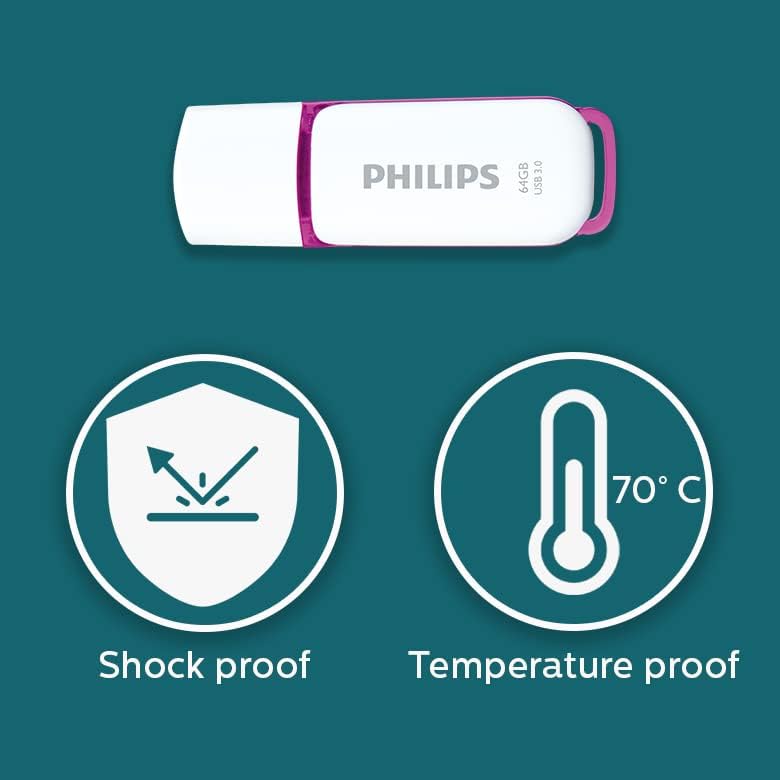
Image: Graphic illustrating the shock-proof and temperature-proof features of the Philips USB flash drive, indicating its durability.
Laasigbotitusita
If you encounter issues with your Philips flash drive, refer to the following common problems and solutions:
Wakọ Ko Ri
- Rí i dájú pé a ti fi awakọ naa sinu ibudo USB patapata.
- Gbiyanju ibudo USB ti o yatọ lori kọnputa rẹ.
- Ṣe idanwo awakọ lori kọnputa miiran lati ṣe akoso ọrọ kan pato-kọmputa kan.
- Check your computer's Device Manager (Windows) or System Information (Mac) to see if the drive is listed.
- Tun kọmputa rẹ bẹrẹ.
Awọn iyara Gbigbe lọra
- Ensure you are using a USB 3.0 or USB 3.1 port on your computer. Connecting to a USB 2.0 port will result in slower speeds.
- The actual performance can depend on the host device and the type of files being transferred (many small files transfer slower than one large file).
- Ti awọn ohun elo miiran ti o le ma nlo awọn orisun eto.
- Rí i dájú pé àwọn awakọ̀ USB ti kọ̀ǹpútà rẹ ti ṣe àtúnṣe.
Data Corruption or Errors
- Always safely eject the drive before removing it. Unplugging the drive directly can lead to data corruption.
- Run a disk check utility on the drive (e.g., Error Checking on Windows, Disk Utility on Mac) to scan for and repair errors.
- If the drive continues to show errors, it may indicate a hardware issue.
Awọn pato
| Orukọ awoṣe | SNOW USB3.0 |
| Nọmba awoṣe | FM64FD75B/10 |
| Agbara Ibi ipamọ Iranti | 64 GB |
| Ni wiwo Hardware | USB 3.0 |
| Asopọmọra Technology | USB Iru-A |
| Ka Iyara | Titi di 100 MB / s |
| Kọ Iyara | ≥60 MB/s |
| Àwọ̀ | Funfun / eleyi ti |
| Ọja Mefa | 0.79 x 0.28 x 2.36 inches (20 x 7 x 59 mm) |
| Iwọn Nkan | 0.261 iwon |
| Pataki Ẹya | Lightweight, Shock-proof, Temperature-proof |
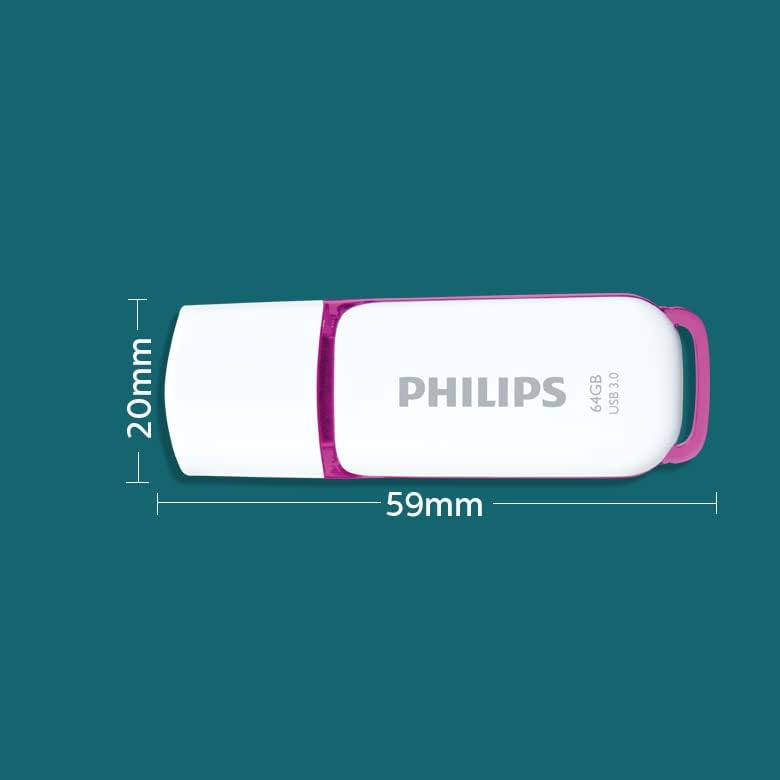
Image: A diagram illustrating the physical dimensions of the Philips USB flash drive, showing a width of 20mm and a length of 59mm.
Alaye atilẹyin ọja
This Philips USB Flash Drive comes with a 1-odun atilẹyin ọja covering parts and labor from the date of purchase. Please retain your proof of purchase for warranty claims. The warranty does not cover damage caused by misuse, accidents, unauthorized modifications, or normal wear and tear.
Atilẹyin ati Olubasọrọ
Fun iranlọwọ siwaju, atilẹyin imọ-ẹrọ, tabi awọn ibeere atilẹyin ọja, jọwọ ṣabẹwo si atilẹyin osise Philips webojula tabi kan si wọn onibara iṣẹ.
O le wa alaye diẹ sii ati awọn orisun atilẹyin nipasẹ lilo si Itaja Philips lori Amazon.


